Overview
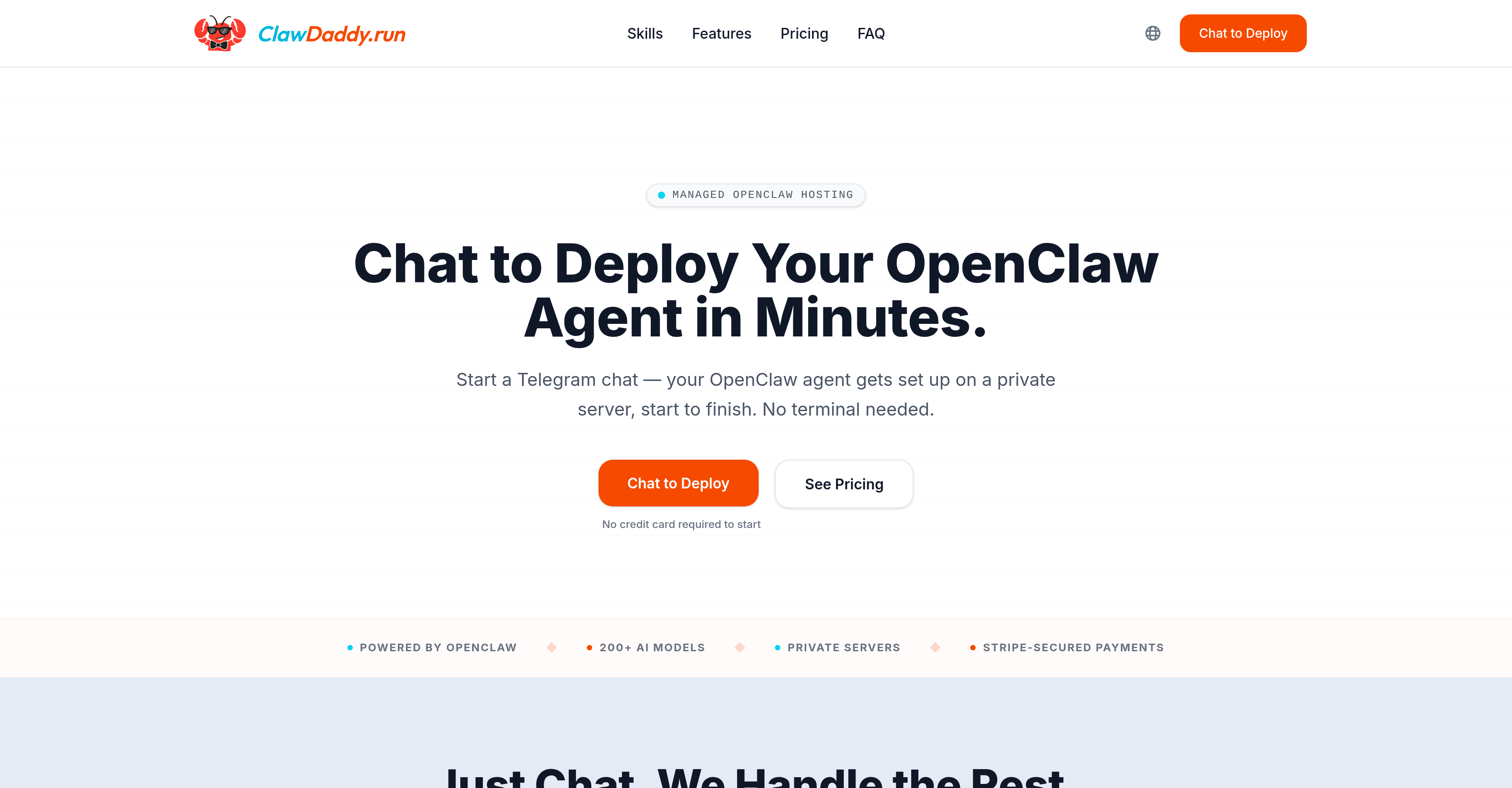
- Launch a production-ready AI agent in minutes without touching a terminal, using a simple Telegram chat to name your agent and set its personality.
- Maintain 24/7 uptime for your OpenClaw agent on a private, isolated server without managing Docker, security patches, or server monitoring.
- Instantly swap between 200+ AI models for your agent at any time through a chat command, with no deployment delays or configuration changes.
- Adjust your agent's personality, monitor usage, and handle billing through natural conversation in Telegram, eliminating all forms and dashboards.
- Deploy and manage multiple OpenClaw agents from a single account, with each running on its own dedicated server for consistent performance.
- Control your operational costs with monthly token credits included in every plan, applied directly to your agent's usage.
Pros & Cons
Pros
- Chat to deploy
- No Docker knowledge required
- Manages server setup
- Managed Hosting
- OpenClaw agent framework
- Agent runs 24/7
- Docker, security patching managed
- Model switch via chat
- Manage multiple agents
- Manages all via chat
- Token credits included
- Secure billing through Stripe
- Private server for each agent
- No self-hosting headaches
- Cost management included
- Server isolated resources
- Constant monitoring
- No terminal use needed
- Natural chat deployment
- Real time ROI data
- Setup via Telegram chat
- CRM, Email, Social, DevOps support
- Server usage checks
- Strategy decision support
- Beginner-friendly, developer power
- No noisy neighbors on server
- Chat manages configurations
- No cold starts
- Manages ongoing updates
- No SSH handling
- Fast server setup
- Ongoing server management
- No technical knowledge required
- OpenClaw agent on private server
- Form-free, dashboard-free setup
- Telegram token setup in chat
- Concierge-level service
- Helps in decision-making
- Removes terminal use
Cons
- Limited to Telegram
- No forms, no dashboard
- Lacks transparency in setup
- Billing solely through Stripe
- Relies on chat interface
- High cost on Pro plan
- No multi-platform support
- Language support unclear
Reviews
Rate this tool
Loading reviews...
❓ Frequently Asked Questions
ClawDaddy is a managed hosting solution for OpenClaw, an open-source AI agent framework. The service is designed to simplify the deployment of OpenClaw agents by integrating a chat-based UI on Telegram, eliminating the need for users to handle technical aspects like servers, Docker, or gateway pairing.
ClawDaddy simplifies the deployment of OpenClaw agents. It handles the technical aspects such as server setup, Docker configuration, and gateway pairing. By chatting with ClawDaddy on Telegram, users can set up their OpenClaw agents by just providing a name, choosing a personality, and providing a Telegram token. The OpenClaw agent is set up on a private server and ClawDaddy also manages ongoing server management.
Deployment of an OpenClaw agent using ClawDaddy is accomplished through a natural chat on Telegram. You provide a name for the agent, choose a personality, and supply a Telegram token. Using this information, ClawDaddy sets up the OpenClaw agent on a private server, with no need to deal with technical details.
ClawDaddy manages several technical aspects to make the deployment and management of OpenClaw agents seamless. It handles the setup of servers, the configuration and management of Docker, and gateway pairing. It also manages ongoing server activities such as model swapping and personality tweaking of the agent, and usage monitoring.
Interacting with ClawDaddy on Telegram is simple and intuitive. A user needs to initiate a chat with ClawDaddy, in which they can give a name to the agent, select a personality, and provide a Telegram token. There are no forms, dashboards or coding involved in this process.
To deploy an agent via ClawDaddy, you need to provide a name for the agent, choose a specific personality for the agent, and provide a Telegram token. This information is all that's needed to start the setup process on a private server.
After receiving the necessary information, ClawDaddy initiates the setup of the OpenClaw agent on a private server. ClawDaddy handles the technical aspects of this process, which include server setup, Docker configuration, and gateway pairing. After setting up the agent, ClawDaddy also takes care of ongoing server management.
ClawDaddy handles ongoing server management by facilitating aspects such as model swapping, AI agent personality tweaking, and usage monitoring. All of these management activities can be controlled simply by messaging ClawDaddy on Telegram.
Yes, you can modify the personality of your AI agent using ClawDaddy. This is facilitated through a chat with ClawDaddy on Telegram, where you can request to tweak your agent's personality. No technical knowledge is needed for this process.
ClawDaddy's billing system is secured through Stripe. The cost is based on the chosen plan, and also includes token credits. The billing is handled directly in the chat, making it a seamless part of the overall user experience.
ClawDaddy provides access to over 200 AI models that can be switched anytime via a chat interaction. This ensures that users have a broad range of choices, allowing them to choose the model best suited to their needs.
Yes, the servers managed by ClawDaddy are isolated to ensure no interference with other servers. Each OpenClaw agent is set up on its own private server to ensure consistent performance and privacy.
Yes, ClawDaddy ensures a 24/7 runtime for your AI agent. This means that your OpenClaw agent is designed to run continuously on its own server, assuring uninterrupted service.
The additional features you get depending on the chosen plan include token credits that can be used on your agents, access to over 200 AI models that can be swapped anytime via chat, server isolation, and a strong assurance of a 24/7 running agent on its server. These features differ based on whether you choose the Basic or Pro plans.
ClawDaddy's service is extremely user-friendly. It cuts out technical handling such as server setup and Docker configuration, leaving all these tasks to ClawDaddy. Users simply provide an agent name, choose an agent personality, and provide a Telegram token during a chat interaction with ClawDaddy.
Yes, while ClawDaddy's service is simple enough for new users, it also caters to the needs of experienced developers. By leveraging ClawDaddy, developers can bypass the tedious set-up and ongoing server management, and instead focus on experimentations with more than 200 interchangeable AI models.
Model swapping in ClawDaddy refers to the ability to change the AI model being used for your OpenClaw agent. This can be accomplished by messaging ClawDaddy on Telegram. You have access to over 200 AI models, providing immense flexibility for users.
You can monitor your AI agent's usage on ClawDaddy simply by messaging ClawDaddy on Telegram. It not only serves as an installation and configuration medium but also acts as a management tool for you to track and monitor your OpenClaw's activities.
'Gateway pairing' in the context of ClawDaddy refers to the process of linking OpenClaw with other systems or applications. It is a crucial step in configuring an AI agent. However, users don't have to deal with this process themselves as ClawDaddy handles gateway pairing, along with other technical elements.
'Token credits' in the ClawDaddy service refer to the credits that users receive depending on their chosen plan. These credits can be used on their agents. The Basic plan comes with a $10/mo token credit, and the Pro offers a $30/mo token credit.
After receiving the necessary information, ClawDaddy initiates the setup of the OpenClaw agent on a private server. ClawDaddy handles the technical aspects of this process, which include server setup, Docker configuration, and gateway pairing. After setting up the agent, ClawDaddy also takes care of ongoing server management.
ClawDaddy handles ongoing server management by facilitating aspects such as model swapping, AI agent personality tweaking, and usage monitoring. All of these management activities can be controlled simply by messaging ClawDaddy on Telegram.
Yes, you can modify the personality of your AI agent using ClawDaddy. This is facilitated through a chat with ClawDaddy on Telegram, where you can request to tweak your agent's personality. No technical knowledge is needed for this process.
ClawDaddy's billing system is secured through Stripe. The cost is based on the chosen plan, and also includes token credits. The billing is handled directly in the chat, making it a seamless part of the overall user experience.
ClawDaddy provides access to over 200 AI models that can be switched anytime via a chat interaction. This ensures that users have a broad range of choices, allowing them to choose the model best suited to their needs.
Yes, the servers managed by ClawDaddy are isolated to ensure no interference with other servers. Each OpenClaw agent is set up on its own private server to ensure consistent performance and privacy.
Yes, ClawDaddy ensures a 24/7 runtime for your AI agent. This means that your OpenClaw agent is designed to run continuously on its own server, assuring uninterrupted service.
The additional features you get depending on the chosen plan include token credits that can be used on your agents, access to over 200 AI models that can be swapped anytime via chat, server isolation, and a strong assurance of a 24/7 running agent on its server. These features differ based on whether you choose the Basic or Pro plans.
ClawDaddy's service is extremely user-friendly. It cuts out technical handling such as server setup and Docker configuration, leaving all these tasks to ClawDaddy. Users simply provide an agent name, choose an agent personality, and provide a Telegram token during a chat interaction with ClawDaddy.
Yes, while ClawDaddy's service is simple enough for new users, it also caters to the needs of experienced developers. By leveraging ClawDaddy, developers can bypass the tedious set-up and ongoing server management, and instead focus on experimentations with more than 200 interchangeable AI models.
Model swapping in ClawDaddy refers to the ability to change the AI model being used for your OpenClaw agent. This can be accomplished by messaging ClawDaddy on Telegram. You have access to over 200 AI models, providing immense flexibility for users.
You can monitor your AI agent's usage on ClawDaddy simply by messaging ClawDaddy on Telegram. It not only serves as an installation and configuration medium but also acts as a management tool for you to track and monitor your OpenClaw's activities.
'Gateway pairing' in the context of ClawDaddy refers to the process of linking OpenClaw with other systems or applications. It is a crucial step in configuring an AI agent. However, users don't have to deal with this process themselves as ClawDaddy handles gateway pairing, along with other technical elements.
'Token credits' in the ClawDaddy service refer to the credits that users receive depending on their chosen plan. These credits can be used on their agents. The Basic plan comes with a $10/mo token credit, and the Pro offers a $30/mo token credit.
Pricing
Pricing model
Paid
Paid options from
$79/month
Billing frequency
Monthly
Refund policy
No Refunds