
Contextify
Overview
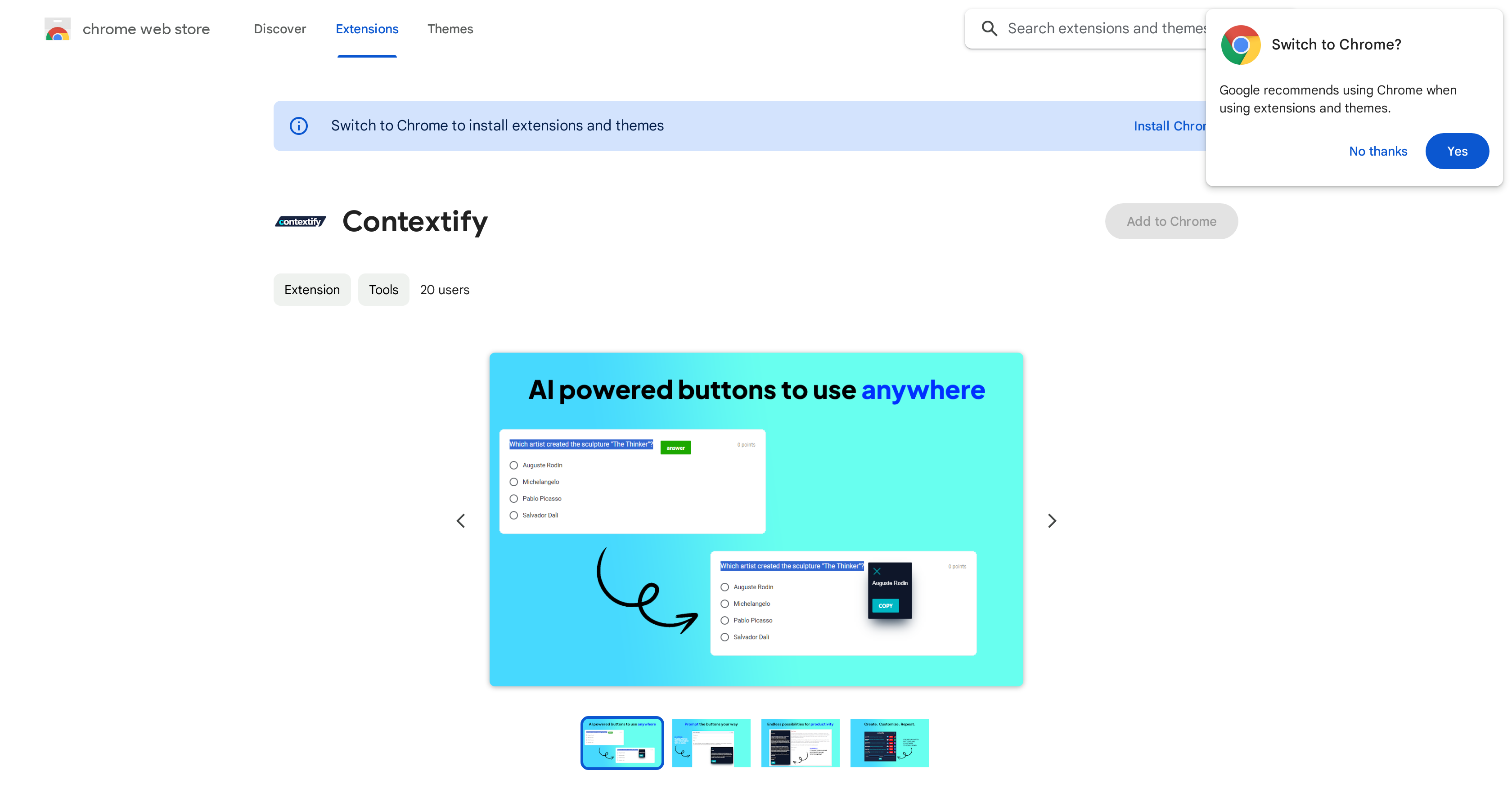
- Instantly translate foreign text on any website without leaving the page, using the custom translation action triggered by your text selection.
- Get concise summaries of long articles or reports in seconds by selecting the text and triggering the built-in summarization action.
- Rewrite selected text for clarity or a different tone directly within your browser, eliminating the need to copy-paste into another tool.
- Generate new ideas and approaches by selecting relevant text and using the brainstorming action to spark creative thinking.
- Keep your browsing data completely private, as the extension operates without collecting or using any of your personal information.
Pros & Cons
Pros
- Custom prompted actions
- Content translation
- Content summarization
- Content rewriting
- Brainstorming assistance
- Dynamic response
- Task adaptation
- User privacy commitment
- Web content interaction
- Chrome browser compatible
- Accessible via Chrome Web Store
- No user data collection
- Developed by reputable Nordfjord Limited
- Adaptable to user's prompts
- Available for any website
- Snippets selection feature
Cons
- Only available on Chrome
- Limited language support
- Reliant on text selection
- No mobile app available
- No API
- No specified browser compatibility
- No multi-user support
- Doesn't cover voice content
Reviews
Rate this tool
Loading reviews...
❓ Frequently Asked Questions
Contextify is an AI-supported tool designed to revolutionize user interaction with web content. It is available as an extension in the Chrome Web Store and has a key functionality that allows users to select snippets of text on any website and trigger custom prompted actions based on this selection.
Contextify simplifies a user's online experience by allowing them to select text snippets on any website and execute custom prompted actions based on their selection. The actions include options such as translation, summarization, rewriting, or brainstorming.
For translation assistance, Contextify allows users to select a specific snippet of text on a website. Based on this selection, they can trigger a custom prompted action for translation.
Yes, Contextify can assist with content summarization. Users can select a snippet of text on any website and trigger the summarization action to get a brief summary of the selected text.
Yes, Contextify can rewrite content. Users can select a snippet of text they wish to rewrite and Contextify will execute the rewriting action based on their selection.
Contextify aids with brainstorming by allowing users to select text snippets and trigger custom prompted responses that can generate different ideas or approaches related to the selected text.
Contextify is designed to adapt its responses based on the specific prompts of the users. So, if a user prompts a certain action such as translation or summarization, Contextify will generate a dynamic response suited to that particular task.
Contextify is developed by Nordfjord Limited, a company specialized in creating AI-assisted applications.
Contextify can be added to the Chrome browser through the Chrome Web Store. It is available as an extension that can be easily installed and used in the browser.
Contextify has a firm commitment towards user data privacy. Nordfjord Limited, the developer behind Contextify, insists it does not collect or use user data for any purpose.
Contextify redefines user interaction with web content by allowing users to select snippets of text on any website and execute custom prompted actions based on the text selected. It gives a dynamic response to every user's prompt making the user's interaction with web content easier and more task-oriented.
Contextify selects snippets of text based on the user's selection. The user can highlight any text element on a web page, which triggers the preset actions in the Contextify tool.
Contextify can trigger several types of actions based on the text selected. These actions include translation, summarization, rewriting, or brainstorming, providing users with a versatile range of functionality for their web content interaction.
Indeed, Contextify can be used to perform a wide range of tasks. By offering custom actions like translation, summarization, rewriting, and brainstorming based on text selection, it can adapt to various user needs, making it an efficient and flexible tool.
The unique offerings of Contextify include its ability to simplify user interaction with web content by enabling custom actions based on text selection. These actions include translation, summarization, rewriting, and brainstorming. Another unique feature of Contextify is its commitment to protecting user data privacy.
Contextify is developed by Nordfjord Limited, a company specialized in developing AI tools.
Contextify can be downloaded from the Chrome Web Store. It is offered there as a browser extension that can be easily installed and utilized.
No, Contextify does not collect or use user data. This has been clearly stated by Nordfjord Limited, the developer of Contextify. They emphasized their insistence not to collect or use user data for any purpose.
Contextify is a browser extension, not a standalone software. It is designed to be added to the Chrome browser and used to enhance user interaction with web content.
Contextify ensures user's data privacy by not collecting or using user data. This was clearly expressed by Nordfjord Limited, the developer of Contextify. They do not sell user data to third parties or use it for purposes unrelated to the item's core functionality.
Pricing
Pricing model
No Pricing