

CreativeMode
Turn a Minecraft mod idea into a working build in minutes without writing code, using a visual drag-and-drop editor where you pick a content type, set its properties and publish.
Listing not yet reviewed by our editors · How we check
Overview
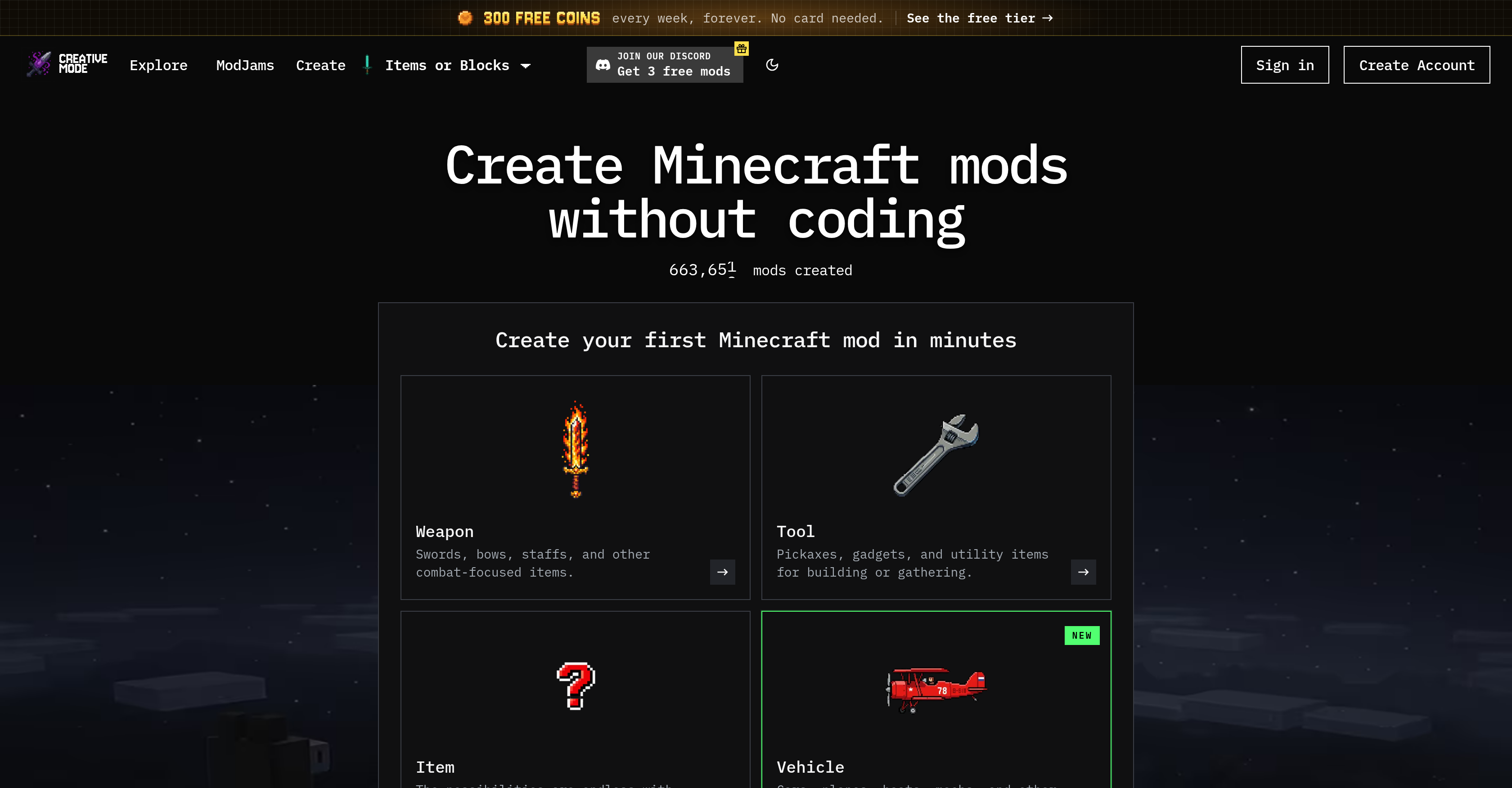
- Turn a Minecraft mod idea into a working build in minutes without writing code, using a visual drag-and-drop editor where you pick a content type, set its properties and publish.
- Fill your world with custom swords, bows, staffs, pickaxes, armor, blocks, decorations, biomes and structures, with each piece built in a dedicated no-code mod creator.
- Add rideable cars, planes, boats and mechs, along with custom mobs and bosses whose appearance, behavior and drops you define visually.
- Give your mods real gameplay depth through custom enchantments, summoned companions, injury and healing systems, magic and anime-inspired skill systems, persistent storage and time-freezing survival items.
- See every change behave in-game right away through a real-time preview that renders gameplay instantly, with no exporting.
- Give creations a look and sound that are your own by uploading custom textures and sound files to the Asset Library and assigning them to items, blocks and mobs.
- Release one creation for Minecraft Java and Minecraft Bedrock players, packaged as a Java mod or a Bedrock add-on, and keep it current by choosing the latest Minecraft version from the version dropdown.
- Experiment freely, because version history lets you restore any previous save or revert a change.
- Play your custom mod with friends in the same world by launching a multiplayer server from the dashboard and sharing its address.
- Find Minecraft mods worth playing through Explore, Staff Picks and Hot Mods, filtered by edition, game compatibility, mod version and tags such as combat, functional or decorative.
- Build a following as a mod creator with public creator profiles, play and download counts, and themed ModJams scored on a leaderboard.
- Start making mods at no cost with 300 free coins every week, no payment card required, and several free mods for new users.
Pros & Cons
From the listing; not yet checked by our editors.
Pros
- Java and Bedrock support
- Draganddrop visual scripting
- Realtime mod preview
- Weekly free coins, no card
- Inplatform mod playability
- Automatic game version matching
- Rich metadata for each mod
- Curated staff picks section
- Hotmods discovery feed
- Project tagging by content type
- Theme toggling (dark/light)
- Integrated Discord community link
- Mod jam event hosting
- Asset library with premade sprites
- Persistent storage in mods
- Player size control mechanics
- Timefreeze item implementation
- Animeinspired skill system templates
- Custom enchantment builder
- Custom biomes creation tool
- Vehicle (car, plane, mech) editor
- Boss and mob designer
- Structure and building generator
- Magic system visual editor
- Functional gameplay mechanic templates
- Versioning per Minecraft edition
- Download statistics displayed per mod
- Play count metrics visible
- Creator profile with portfolio
- Direct workflow for first mod
- No programming required onboarding
- Free tier with three starter mods
- Coinbased creation economy
- Crossedition compatibility checks
- Instant publishing to marketplace
- Automatic updates after game patches
- Usergenerated content marketplace
- Searchable catalog with screenshots
- Customizable mod icons and banners
- Live community feedback via comments
- Mod revision history tracking
- Educational tool for design prototyping
- Fast prototyping within minutes
- No external IDE needed
- Integrated asset compression
- Responsive UI for all devices
- Metadatarich listings for discovery
Cons
- No offline authoring support
- Limited to Java and Bedrock
- No Forge/Fabric compatibility
- Coin system limits large mods
- Export only platform-specific format
- No custom code editing
- Generated mods add performance overhead
- No builtin version control
- Asset library size capped
- Advanced scripting unavailable
Alternatives to CreativeMode
Tools that share the most tags with CreativeMode.
- Spaleforce
Add custom server features without writing a line of code: describe a command or mechanic in plain English and the Minecraft plugin generator writes, compiles and debugs the Java code into a ready-to-install .jar, fixing its own compile errors along the way.
Freemium · from $22.50/month
$22.50/month
Not yet checked
- Blocksona
Play as yourself in Minecraft: the selfie-to-skin converter keeps your hairstyle, hair color, skin tone, glasses, facial details, and outfit prints in a 64x64 Minecraft skin.
Free trial · from $4.99/unit
$4.99/unit
Not yet checked
- MinecraftSkin.ai
Go from character idea to wearable Minecraft skin in one step: describe your character in a text prompt, pick a classic, fantasy, sci-fi, or cozy style, and get a playable skin for 1 credit.
Free trial · from $5/unit
$5/unit
Not yet checked
- MC Build Studio
Get a complete Minecraft build without placing a single block: describe the structure or attach reference images, and the AI Minecraft builder plans and places it block by block, from shell and roof to rooms and landscape, matching your references' style, colors, proportions, and layout.
Free trial · from $9/month
$9/month
Not yet checked
- PixelSkin
Turn a character idea into a wearable Minecraft skin: describe the role, clothing, main colors, and standout details, or adapt fantasy, adventure, and cute example prompts in the AI Minecraft skin generator.
Paid · from $4.99/unit
$4.99/unit
Not yet checked
- Ludo
Cut game design time in half by generating characters, mechanics, and stories in minutes instead of days
Free trial · from $15/month
$15/month
Not yet checked
Reviews
Rate this tool
Loading reviews...
Frequently asked questions
How do I start my first mod in CreativeMode?
Sign up for a CreativeMode account, then click the “Craft first mod” button on the dashboard. The visual editor will launch, where you choose a content type, configure properties with drag‑and‑drop blocks, and publish when finished.
Does CreativeMode support both Java and Bedrock editions?
Yes. CreativeMode lists separate projects for Minecraft Java and Minecraft Bedrock, and each mod specifies which edition it targets.
Can I create custom mobs without any coding in CreativeMode?
Yes. The platform includes a visual mob creator that lets you define appearance, behavior and drops without writing code.
What are the free coins and how often do I receive them?
CreativeMode’s free tier grants 300 free coins every week, indefinitely, and no payment card is required.
Is there a limit to how many mods I can publish on CreativeMode?
IDK
How does the coin system work for creating mods?
Each mod creation consumes a certain number of coins. Free tier users receive 300 weekly coins; additional coins can be purchased. Coins act as the currency for unlocking new assets or publishing more projects.
Can I download mods from CreativeMode to use offline?
Yes. For Bedrock projects the listing provides a downloadable add‑on file, and Java projects can be downloaded as a mod package for offline use.
How do I share a mod with friends for multiplayer?
Create a Multiplayer server from the CreativeMode dashboard, publish the mod to that server, and share the server address with friends so they can join the same modded world.