

PixelSkin
Turn a character idea into a wearable Minecraft skin: describe the role, clothing, main colors, and standout details, or adapt fantasy, adventure, and cute example prompts in the AI Minecraft skin generator.
Listing not yet reviewed by our editors · How we check
Overview
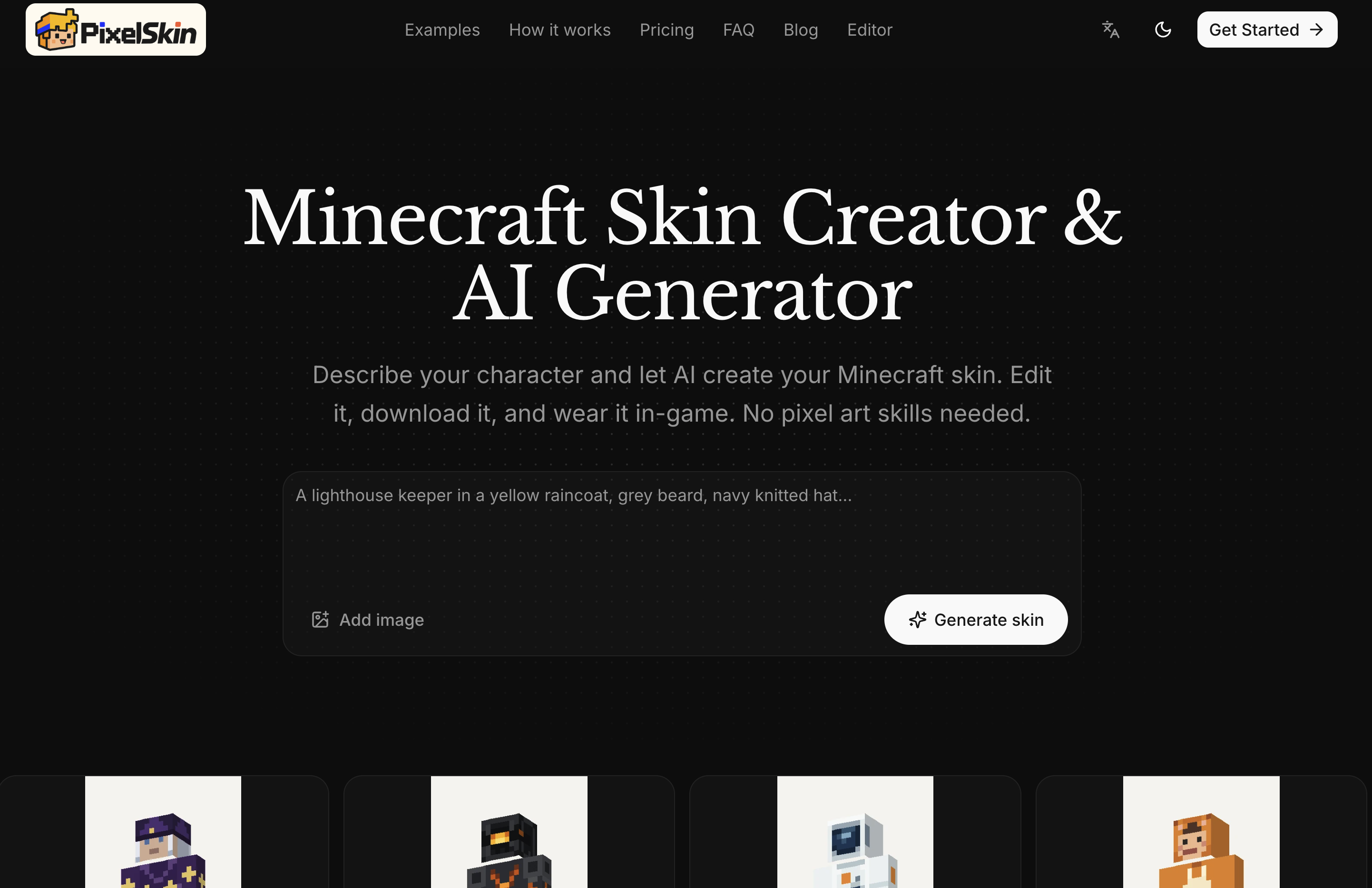
- Turn a character idea into a wearable Minecraft skin: describe the role, clothing, main colors, and standout details, or adapt fantasy, adventure, and cute example prompts in the AI Minecraft skin generator.
- Convert an outfit photo, cosplay shot, character sheet, or drawing into a matching skin: image-to-skin conversion reads colors and clothing, maps them to the front, back, and sides, and accepts PNG, JPG, and WebP uploads.
- Get a complete design from a partial reference: unseen areas are filled to match your image, and text instructions add the details the picture leaves out.
- Paint exactly where each detail will appear on your character: the 3D skin editor applies designs directly to the head, body, arms, and legs instead of a flat texture, then saves the standard skin template.
- Fix one detail without redoing the whole skin: plain-English AI edits repaint only the area you name, and every AI round and brush stroke undoes one step at a time.
- Take pixel-level control of the final look: a brush, eraser, color picker, fill tool, and arm and leg mirroring work directly on the 3D model.
- Keep hats, hair, and jackets layered correctly: details are assigned to the base or outer layer automatically, and you edit either layer on its own.
- Spot seams and awkward angles before anyone sees them in-game: rotate the 3D preview, hide the outer layer, and watch the skin walk to check how the arms and legs move.
- Give an existing Minecraft skin a makeover: import any 64×64 PNG and rework it with manual tools or AI instructions.
- Use one file across Minecraft Java and Bedrock: every skin exports as a 64×64 PNG with Classic four-pixel-wide arms, with step-by-step import through the Minecraft Launcher, minecraft.net profile, or Bedrock Dressing Room on Windows, Android, iPhone, and iPad.
- Design and download skins without signing up or paying: manual editing, importing, and PNG export are free with no account. AI generation and AI edits require an account and cost 5 credits per round.
Pros & Cons
From the listing; not yet checked by our editors.
Pros
- Paints directly onto 3D models
- Maps designs across body parts
- Avoids flat-texture pixel guessing
- Accepts outfit photos and drawings
- Supports PNG, JPG, and WebP
- Maps image references across sides
- Completes unseen areas to match
- Text can specify unseen details
- Repaints only requested areas
- Plain-English skin revisions
- Manual pixel edits on-model
- Brush, eraser, picker, and fill
- Undo individual editing steps
- Separate base and outer layers
- Show or hide either layer
- Places clothing on appropriate layers
- Mirror arms or legs
- Rotate through multiple viewing angles
- Walk preview reveals seams
- Hide outer layer for inspection
- Import existing 6464 skins
- Free manual editing and export
- No sign-in for manual editing
- Projects save in the browser
- Standard 6464 PNG export
- Exports work with Java and Bedrock
- Example prompts span multiple genres
- Adaptable example prompts
- Start from text, image, or blank
- Guided import steps for both editions
Cons
- Slim-arm skins unsupported
- Exports only 6464 PNG
- Console skin-file imports unavailable
- Purchases are not open yet
- Small faces and logos need touch-ups
- Image references work best front-facing
- Projects stay in this browser
- Unseen image areas are inferred
Alternatives to PixelSkin
Tools that share the most tags with PixelSkin.
- Blocksona
Play as yourself in Minecraft: the selfie-to-skin converter keeps your hairstyle, hair color, skin tone, glasses, facial details, and outfit prints in a 64x64 Minecraft skin.
Free trial · from $4.99/unit
$4.99/unit
Not yet checked
- MinecraftSkin.ai
Go from character idea to wearable Minecraft skin in one step: describe your character in a text prompt, pick a classic, fantasy, sci-fi, or cozy style, and get a playable skin for 1 credit.
Free trial · from $5/unit
$5/unit
Not yet checked
- CreativeMode
Turn a Minecraft mod idea into a working build in minutes without writing code, using a visual drag-and-drop editor where you pick a content type, set its properties and publish.
Free trial · from $0.50
$0.50
Not yet checked
- Spaleforce
Add custom server features without writing a line of code: describe a command or mechanic in plain English and the Minecraft plugin generator writes, compiles and debugs the Java code into a ready-to-install .jar, fixing its own compile errors along the way.
Freemium · from $22.50/month
$22.50/month
Not yet checked
- MC Build Studio
Get a complete Minecraft build without placing a single block: describe the structure or attach reference images, and the AI Minecraft builder plans and places it block by block, from shell and roof to rooms and landscape, matching your references' style, colors, proportions, and layout.
Free trial · from $9/month
$9/month
Not yet checked
- Ludo
Cut game design time in half by generating characters, mechanics, and stories in minutes instead of days
Free trial · from $15/month
$15/month
Not yet checked
Reviews
Rate this tool
Loading reviews...
Frequently asked questions
Can PixelSkin create a Minecraft skin from a written description?
Yes. Describe the character’s role, clothing, main colors, and a few distinguishing details.
Can PixelSkin turn a photo or drawing into a Minecraft skin?
Yes. PixelSkin can turn an uploaded photo, outfit image, character sheet, cosplay photo, or drawing into a skin.
What image formats can I upload to PixelSkin?
PNG, JPG, and WebP.
What kind of reference image works best with PixelSkin?
A full-body, front-facing image generally gives the cleanest result.
Can PixelSkin fill in parts of a design that my image doesn’t show?
Yes. PixelSkin fills unseen areas to match the reference, and you can use text to specify details the image doesn’t show.
How does PixelSkin’s 3D skin editor compare with editing a flat skin template?
PixelSkin paints on a 3D player model, so you can work directly on the head, body, arms, and legs instead of placing pixels on a flat texture. The exported file still follows the standard skin template.
Can I preview my PixelSkin design from different angles?
Yes. You can rotate the 3D preview and check the design from several angles.
Can PixelSkin show my skin walking so I can check for seams?
Yes. The walk preview lets you check how the skin moves and spot seams on the arms and legs.