DataSquirrel
Overview
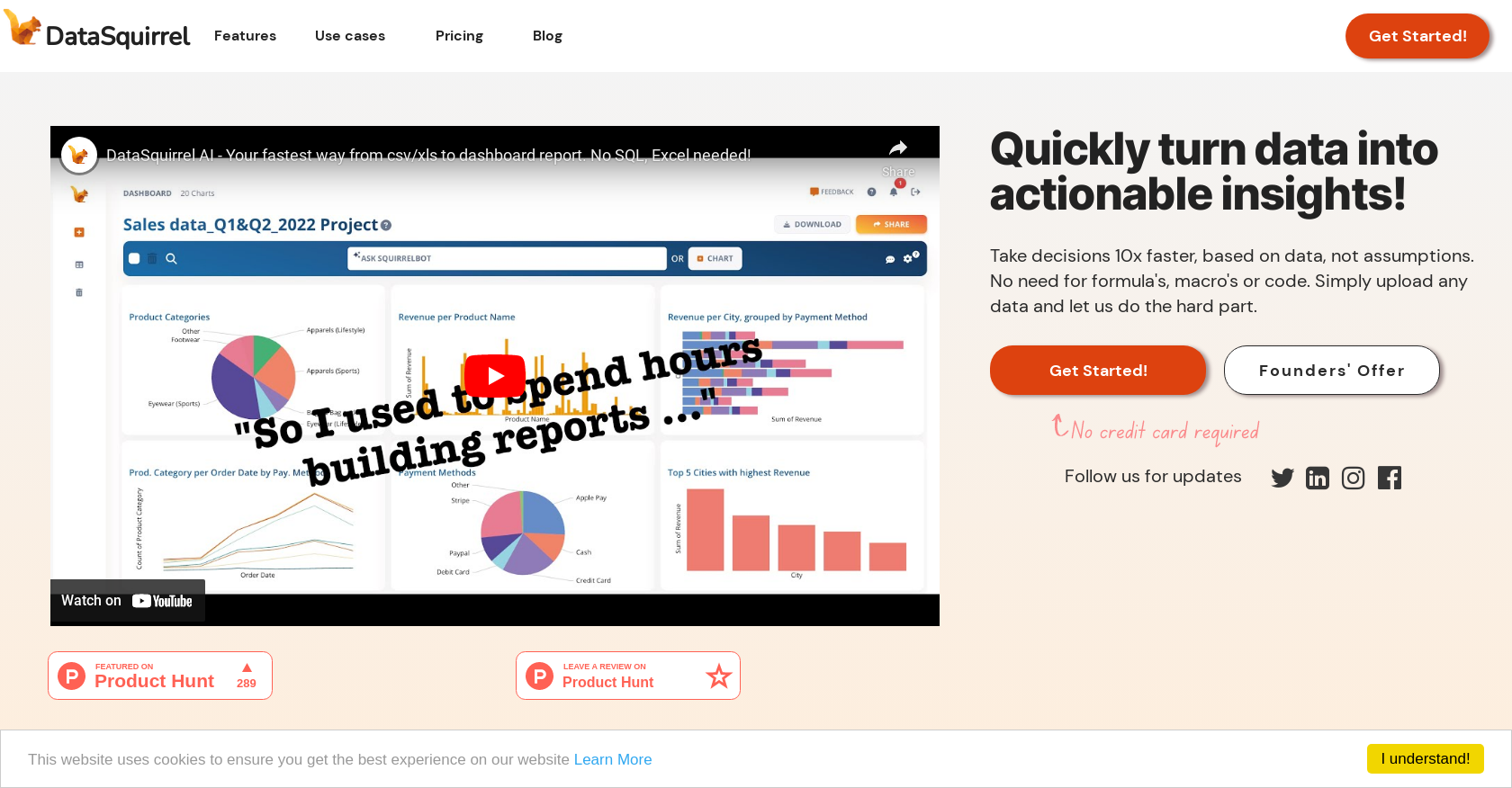
- Eliminate manual data cleaning with AI that automatically corrects errors, empty rows, and date formats
- Create compelling visualizations and insights instantly without formulas, macros, or coding expertise
- Build customized interactive dashboards with relevant charts and KPIs for different audiences in minutes
- Share secure reports as presentations, PDFs, or dashboards via one-click to email, Slack, or WhatsApp
- Maintain data privacy compliance with GDPR/PDPA standards and anonymization by default
- Collaborate effectively with team members through visual sharing, commenting, and annotation features
- Handle ad-hoc analysis efficiently with automated combining, cleaning, pivoting, and visualization
- Apply across multiple industries including eCommerce, HR, financial accounting, and survey analysis
Pros & Cons
Pros
- Automates data cleaning
- Automates data visualization
- No need for formulas
- No need for macros
- No need for code
- Supports Excel, CSV, Google Sheet
- Automatic error correction
- Automatic typo correction
- Cleans different date formats
- Anonymization by default
- Offers secure data processing
- Facilitates easy team collaboration
- Visual sharing capabilities
- Annotation capabilities
- Customizable interactive dashboards
- Customizable reports
- Multiple report sharing formats
- Industry-specific use cases
- Can handle ad-hoc analysis
- Automated combining of data
- Automated cleaning of data
- Automated pivoting of data
- Automated visualization of data
- GDPR/PDPA-compliant platform
- 100% secure data processing
- Offers visual sharing via email
- Offers visual sharing via Telegram
- Offers visual sharing via Whatsapp
- Offers visual sharing via Slack
- Supports collaborative annotations on charts
- Generates different reports for different audiences
- Simplifies data analysis
- User-friendly interface
- Saves user's time
- Eliminates manual data cleaning
- Guided data processing
- Reduces stress associated with data cleaning
- Automated data wrangling
- Supports varied report formats
- Automatic inconsistency checking
Cons
- Limited to Excel/CSV/Google Sheets
- No SQL support
- Limited customization for dashboards
- Not suitable for complex data
- No data processing other than cleaning
- Confined to GDPR/PDPA
- Limited industry use cases
- No onsite deployment
- No explicit multi-language support
- Automatic corrections may be erroneous
Reviews
Rate this tool
Loading reviews...
❓ Frequently Asked Questions
DataSquirrel is an AI-powered data analytics tool that automates data cleaning and visualization. Its key functionality includes automatically rectifying input errors, empty rows, varied date formats, and typos. The tool offers auto-analysis, customized interactive dashboards, and reports. DataSquirrel also provides secure data processing, anonymization by default, and a means for easy team collaboration with sharing, commenting, and annotation of visuals. It comes in handy in various industries like B2B eCommerce, HR, financial accounting, and survey data analysis.
DataSquirrel automates data cleaning by applying its AI system to uploaded files. It checks and corrects inconsistencies in the data file, including input errors, empty rows, typos, and different date formats.
DataSquirrel can process different types of data files like Excel, CSV, and Google Sheets.
Auto-analysis in the context of DataSquirrel refers to the AI system's ability to automatically create compelling visuals and insights from an uploaded data file, without the user needing any formulas, macros, or code.
DataSquirrel aids in generating reports and dashboards through its customizable interactive dashboards or reports feature. Users can include only the relevant charts, KPIs, or tabular data for different audiences and share them as dashboards, presentations, or PDFs.
DataSquirrel distinguishes itself from other data analysis tools with its emphasis on automated data cleaning and visualization. Its user-friendly interface and guided data processing help users turn raw data into actionable insights quickly without needing programming expertise. Furthermore, it has a feature of anonymization by default, ensuring data privacy.
Yes, your data is safe when using DataSquirrel. The platform is built around GDPR and PDPA compliance. Moreover, it provides secure data processing and by default anonymizes your data unless you choose not to do that.
DataSquirrel emphasizes the feature of anonymization by default to further ensure the privacy and security of the user's data. This feature shows its focus on complying with data protection regulations, such as GDPR and PDPA.
The collaboration feature within DataSquirrel allows users to share interactive visuals via e-mail, Telegram, Whatsapp, or Slack. Comments and annotations can also be added on the charts to discuss key findings and decisions with team members.
Yes, you can customize the visuals and reports in DataSquirrel. Once it has automatically analysed your data, you can customize your interactive dashboards or reports as per the needs of your audience.
No, DataSquirrel does not only work with business data. It offers use cases across various industries including eCommerce, HR, financial accounting, and survey analysis, therefore can work with a variety of data types.
DataSquirrel is developed to be super user-friendly. Its speed and guidance in cleaning and visualizing data allows all users to see data as both exciting and useful, irrespective of the data or its complexity.
Yes, DataSquirrel can handle ad-hoc analysis efficiently. It offers automated combining, cleaning, pivoting, and visualizing, making it equipped to handle spontaneous, immediate data analysis requirements.
Yes, generated reports from DataSquirrel can be shared. They can be shared as dashboards, presentations or PDFs in the desired format via one-click to e-mail, WhatsApp, Telegram, or Slack.
Yes, DataSquirrel can automatically correct different date formats and other input errors. The AI system checks any uploaded file for such inconsistencies and instantly rectifies them.
Yes, DataSquirrel complies with both GDPR and PDPA. These compliance rules target data protection and privacy, which DataSquirrel strictly adheres to, ensuring that all data processed within the system remains secure.
Using DataSquirrel, you can clean and visualize a data set significantly faster than with manual processes. While the exact time can vary based on the size and complexity of the dataset, DataSquirrel aims to save around 90% of your time spent on traditional data processing.
DataSquirrel has applicable use cases in various industries. These include B2B eCommerce, HR, financial accounting, and survey data analysis, among others.
DataSquirrel's auto-analysis feature involves the use of AI to automatically check the uploaded data file for inconsistencies. Once it has cleaned the data, it uses the same system to create compelling visuals and insights from it. The user doesn't have to execute any formulas, macros, or codes for this process.
SquirrelBot is a part of DataSquirrel's AI system that acts on your data file once uploaded. It performs tasks such as checking your data file for inconsistencies, creating visuals, and providing insights. The precise functionality of SquirrelBot based on the information provided by their website.
Pricing
Pricing model
Freemium
Paid options from
$15/month
Billing frequency
Monthly
Related Videos
Self Service Business Intelligence by DataSquirrel.ai launched (automatic clean, combine & analyze)
DataSquirrel_ai•315 views•Oct 12, 2023