Overview
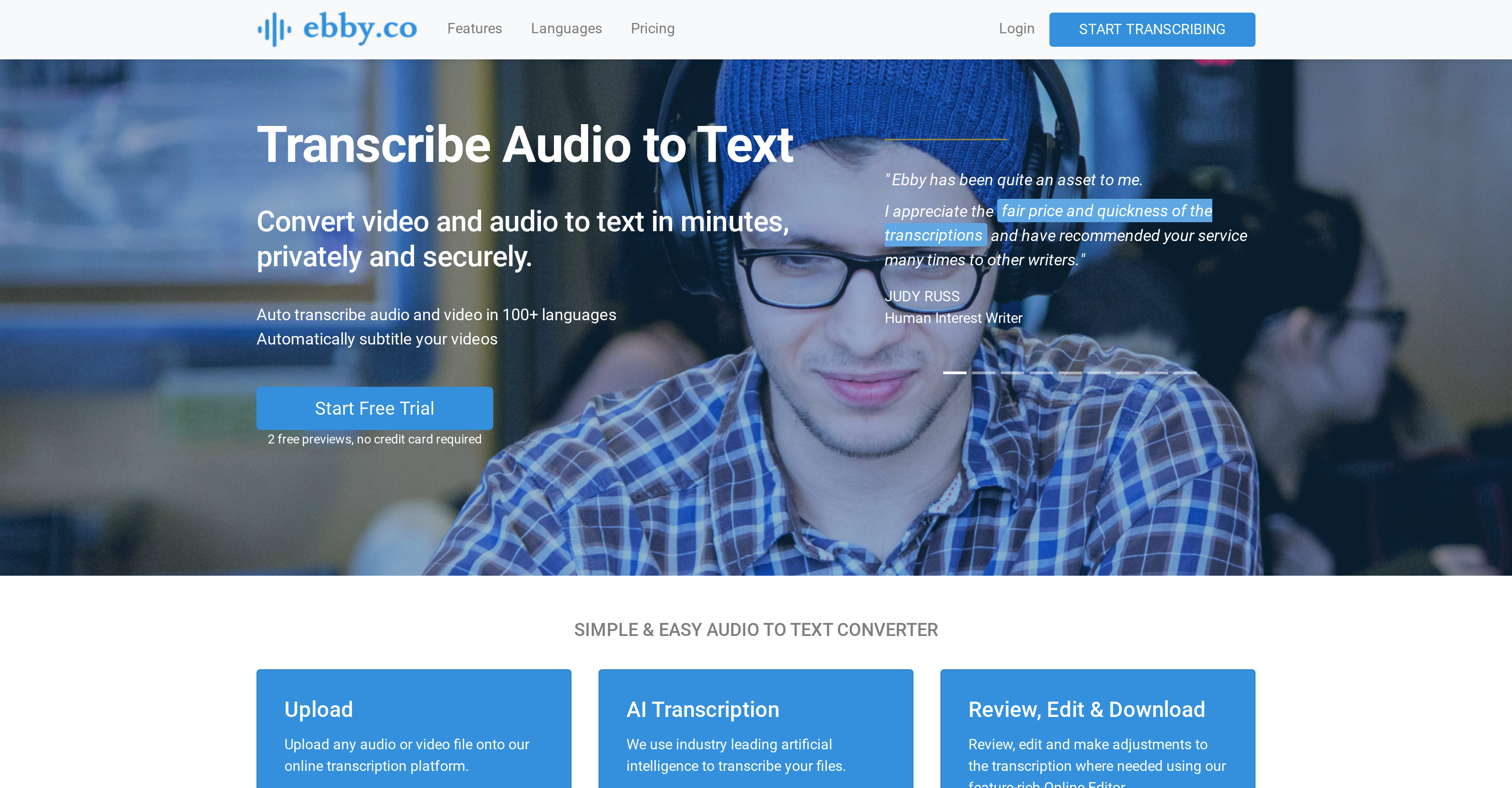
- Get accurate transcripts in half the audio time with industry-leading AI transcription that handles interviews, meetings, and podcasts
- Create video captions automatically and export to SRT, VTT formats for immediate use across media platforms and players
- Maintain complete privacy for confidential content with secure processing where only you can access your files and transcripts
- Edit and refine transcripts effortlessly using the intuitive online editor with searchable, customizable text formatting
- Collaborate seamlessly with teams by sharing transcripts with read-only or editing permissions for real-time collaboration
- Identify speakers automatically without manual input through AI-powered speaker labeling that distinguishes voices
- Access your work anywhere by storing media files and transcripts in the cloud platform available from any device
- Pay only for what you transcribe with transparent, subscription-free pricing that eliminates monthly commitments
- Process virtually any audio or video format including MP3, MP4, WAV, MOV and many more without conversion headaches
- Integrate with your existing tools through Zapier connectivity to automate workflows across 1000+ apps
Pros & Cons
Pros
- Supports 100+ languages
- Automated video captions
- User-friendly online editor
- Highly customizable transcriptions
- Supports many export formats
- Collaboration and shareability features
- Automatic speaker labelling
- Supports various audio/video file formats
- Fast processing
- High-quality transcriptions
- Transparent pricing
- Suitable for interviews, podcasts, etc.
- Private and secure
- Positive user reviews
- In-sync media playback and text
- Adjustable playback speed
- Search, edit and replace text
- Export to Word, PDF, CSV, VTT, SRT
- Share with editing permissions
- Quick proofreading with Online Editor
- Pay-as-you-go plans
- No hidden fees or subscription
- Auto subtitles for videos
- Exports to SRT, VTT, ASS captions
- Timecode-display options
- Read-only sharing option
- Top priority data security
- Supports mp3, mp4, wav, m4a, etc.
- Automatic punctuation, profanity filtering
- Bulk edit speaker names
- Integrates with 1000+ apps via Zapier
- Advanced speech to text API
- 24/7 customer support
- Unlimited storage
- Automatic Transcription Service
- Timecoding
- Speaker Detection
- Transcription for Phone calls
- Transcription for Video chats
- Transcription for Documentaries
Cons
- Lacks offline functionality
- No mobile version
- Lacks real-time transcription
- Requires file upload
- No automatic translation
- Limited file export formats
- Not for medical transcription
- Inaccuracy with heavy accents
- Pay-per-use may add up
- No integration with video platforms
Reviews
Rate this tool
Loading reviews...
❓ Frequently Asked Questions
Ebby.co is an AI-enabled transcription software designed to convert both audio and video into text. It's particularly suitable for transcribing interviews, podcasts, meetings, and phone calls.
Ebby.co can transcribe a wide range of audio and video file formats including mp3, mp4, wav, m4a, mov, 3gp, avi, aac, wma, wmv, and many more.
Yes, Ebby.co is capable of generating captions for videos automatically.
Ebby.co supports over 100 different recognized languages and dialects.
Yes, Ebby.co ensures privacy and security in its operations, thus making it suitable for confidential transcriptions. The platform insists that the media files are purely the users' and nobody but the user can view them.
Ebby.co is equipped with a user-friendly online editor that allows users to review, edit, and customize their transcriptions as needed.
Transcriptions from Ebby.co can be exported in several formats including Word, PDF, CSV, VTT, and SRT.
Yes, Ebby.co offers collaborative features allowing shareability of transcripts either as read-only or with editing permissions for team collaboration.
Yes, Ebby.co allows users to share transcripts with editing permissions. This feature aids team collaboration on the platform.
Ebby.co provides automatic speaker labelling. Each paragraph in the transcription is marked with a speaker label.
Ebby.co has simple and transparent pricing. There are no hidden fees and no monthly subscription. They offer pay-as-you-go plans where users only pay for the files they transcribe, when they transcribe them.
Ebby.co is suitable for a wide range of professions and uses including journalists, podcasters, legal firms, students, professional transcriptionists, documentary makers, and many more.
Ebby.co can transcribe audio files in half the duration of the original file. An 'Expedited' mode is also available to get transcripts in about 5 minutes.
Yes, Ebby.co allows users to upload any audio or video file onto their online transcription platform. The uploaded media files can be accessed from any device.
Yes, Ebby.co does offer a free trial to new users. You can start by uploading your files and you'll get 2 previews to try Ebby.
No, you do not need to provide your credit card information for the free trial on Ebby.co.
Ebby.co automatically generates subtitles for your videos, making them accessible and more engaging. You can export these subtitles to SRT, VTT, or ASS captions for use in various media players.
To start transcribing with Ebby.co, you need to upload any audio or video file onto their online transcription platform. The platform will then use industry-leading AI to transcribe your file into an editable, searchable and shareable transcript.
Yes, Ebby.co can be integrated with over 1000 apps thanks to a partnership with Zapier, helping to further automate your transcription workflow.
Ebby.co offers 24/7 customer support to assist users with any issues or queries about their service.
Pricing
Pricing model
Freemium
Paid options from
$0.25/unit
Billing frequency
Pay-as-you-go