

Explainium
Publish a finished promo video in about 2 minutes: the text-to-video engine converts your script or event details into a ready-to-edit draft almost instantly.
Listing not yet reviewed by our editors · How we check
Overview
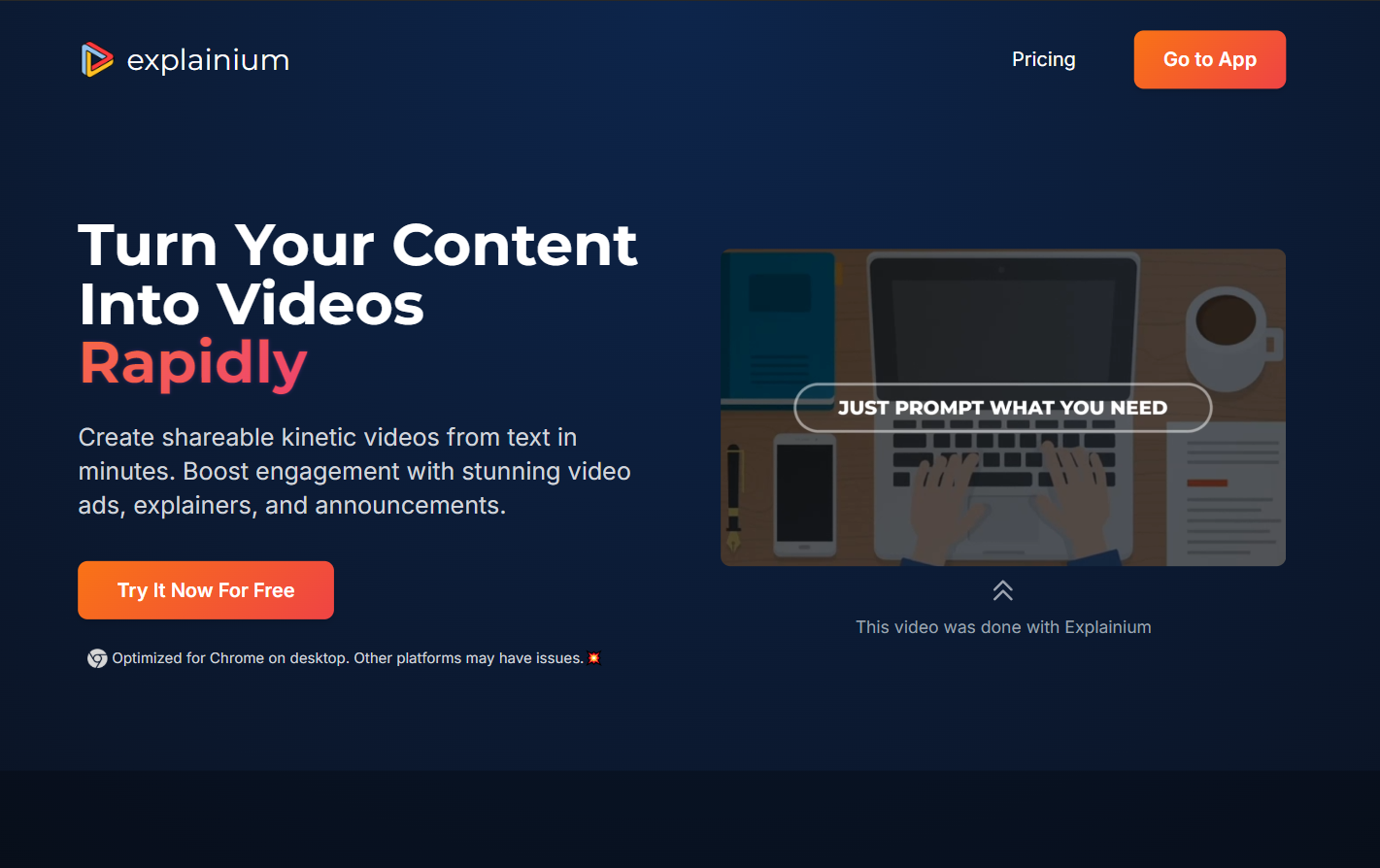
- Publish a finished promo video in about 2 minutes: the text-to-video engine converts your script or event details into a ready-to-edit draft almost instantly.
- Produce professional video ads without editing experience: automated video production handles layout, pacing, and scene assembly for you.
- Skip reformatting your content: paste text straight from a document or type event details into a chat-style input to start your video.
- Get scroll-stopping visuals with no design work: kinetic typography, smooth transitions, and smart stock media selection are applied to every video.
- Keep full creative control over the final cut: review the AI-generated draft, edit details, and add finishing touches before you export.
- Repurpose blog posts and articles into social media videos: turn long-form written content into short, engaging visual clips your audience will watch.
- Fill seats with eye-catching event invitations and announcements: convert dates, locations, and key details into an easy-to-absorb event promo video.
- Share across every channel from one file: download your finished video and post it to any social media platform or marketing campaign.
- Test video marketing at zero cost: the full creation workflow is free during early access, within usage limits.
Pros & Cons
From the listing; not yet checked by our editors.
Pros
- Rapid video creation
- Structurized data input
- Create event videos
- Add finishing touches
- Individual or group use
- Social media ready
- Sharable across platforms
- Boosts engagement
- Visually appealing videos
- Customizable drafts
- Data transformation to video
- Review before download
- Free early access
- Privacy policy included
Cons
- No specifying video length
- No voiceover option
- Limited controls for edits
- No template variety
- No bulk video creation
- Limited format options
- No video resolution choice
- Fails in complex data processing
- No offline mode
- Early access limitations
Alternatives to Explainium
Tools that share the most tags with Explainium.
- Golpo AI
Turn existing documents, scripts, audio, video, or prompts into finished explainer videos without starting from scratch—Golpo AI converts any source material into whiteboard and illustrated animations.
Free trial · from $39.99/month
$39.99/month
Not yet checked
- StrokeVideo
Skip storyboarding, sketching, and voice recording: paste a script or enter a topic, and every whiteboard board is drawn and narrated to match your exact words.
Freemium · from $19.90/month
$19.90/month
Not yet checked
- Whiteboard Animation Maker
Produce hand-drawn whiteboard explainer videos without drawing a single line yourself: upload a finished illustration and get an animation that sketches it stroke by stroke, then fills in the colors.
Free trial · from $9/month
$9/month
Not yet checked
- Guidde
Transform workflow recordings into professional video guides automatically with AI-generated step-by-step descriptions and voiceover
Freemium · from $16/month
$16/month
Not yet checked
- Clueso
Turn rough screen recordings into studio-quality product videos instantly with AI-powered video transformation
Free trial · from $120/month
$120/month
Not yet checked
- Training Videos by Coursebox
Eliminate video production costs and equipment by using AI to generate training videos instantly without filming or editing
Freemium · from $12.83/month
$12.83/month
Not yet checked
Reviews
Rate this tool
Loading reviews...
Frequently asked questions
What is Explainium?
Explainium is an AI-driven digital tool that enables creation of shareable event videos in a swift and uncomplicated manner. It is ideal for users or organizers looking to broadcast event details in an eye-catching format via social media.
What are the applications of Explainium?
Explainium finds its applications in event promotion, AI video creation, content sharing, social media marketing, visual content creation, event planning, video editing, content transformation, user engagement, digital marketing, and automated video production.
How does Explainium turn event details into videos?
Explainium converts event details into videos in three steps. Users input the event details via chat or by pasting from a document. Explainium's AI engine then rapidly processes this data, converting it into a draft video. The users can review this draft, make necessary edits and add final touches to perfect their video.
How can I input event details in Explainium?
Event details can be inputted into Explainium through a chat interface or simply by pasting the information directly from a document.
How does Explainium's AI engine process data?
Explainium's AI engine processes data by rapidly understanding the inputted event details and translating them into a draft video.
How to review and edit a video on Explainium?
Explainium offers a user-friendly interface where users are able to review the draft video produced by the AI. Here, they may make essential edits and add any final touches to make the video align perfectly with their event announcement needs.
How can I download videos from Explainium?
Once users are satisfied with their edited video on Explainium, they can download it for sharing on different platforms.
Can I use Explainium for social media marketing?
Yes, Explainium can certainly be used for social media marketing. The tool allows users to create visually appealing videos of their event details, which can then be shared across various social media platforms.