

Whiteboard Animation Maker
Produce hand-drawn whiteboard explainer videos without drawing a single line yourself: upload a finished illustration and get an animation that sketches it stroke by stroke, then fills in the colors.
Listing not yet reviewed by our editors · How we check
Overview
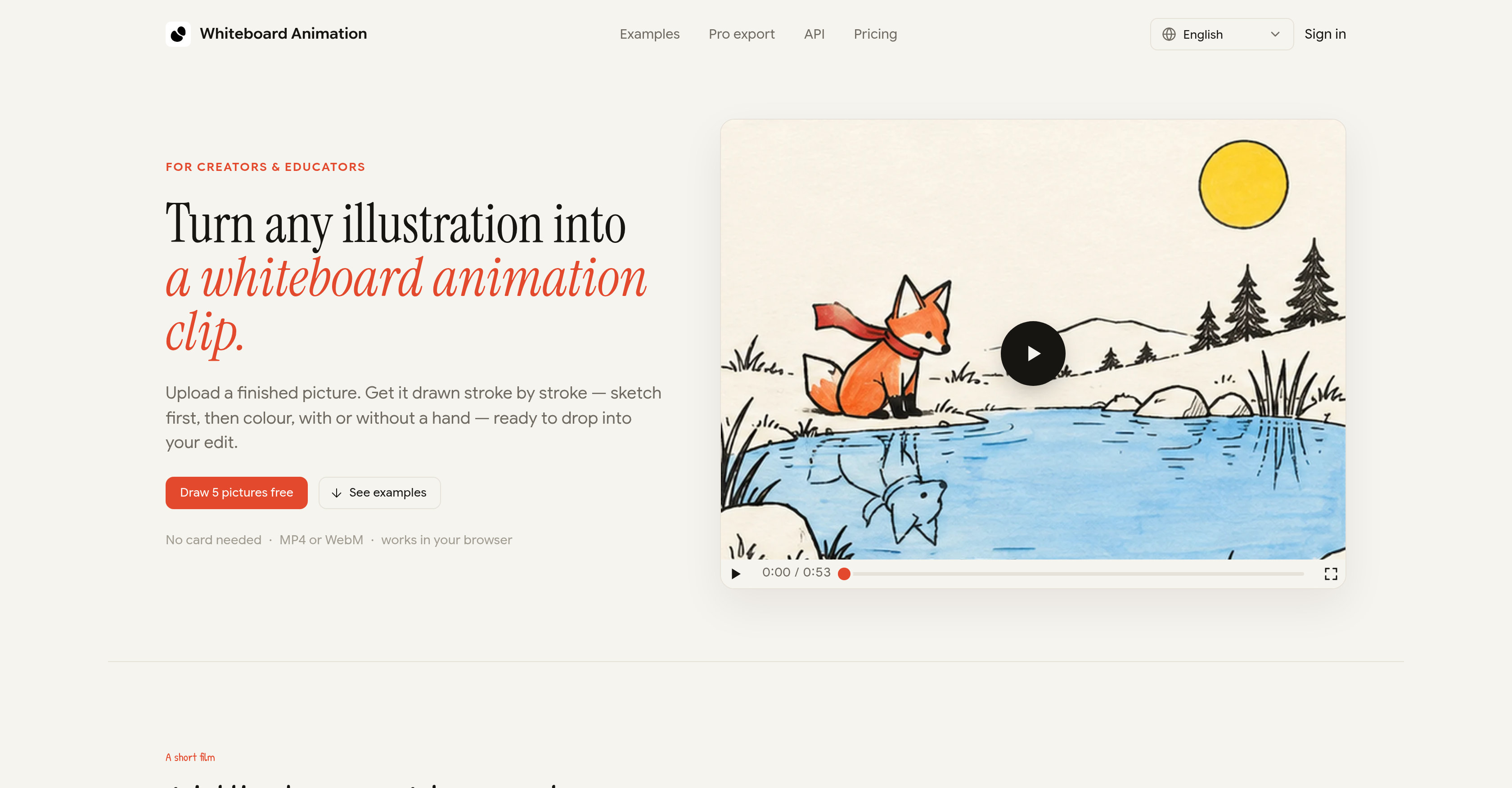
- Produce hand-drawn whiteboard explainer videos without drawing a single line yourself: upload a finished illustration and get an animation that sketches it stroke by stroke, then fills in the colors.
- Blend whiteboard drawing animations directly into your own footage: layered export places the drawing layer on a transparent background, ready to overlay in Premiere, Final Cut, DaVinci, or CapCut.
- Publish animated videos to any channel immediately: standard MP4 and WebM exports drop straight into course platforms, social feeds, and presentations.
- Convert entire image libraries into whiteboard animation videos hands-free: the API processes every image in a specified folder and saves the results to designated folders for large or recurring projects.
- Start creating in seconds with zero setup: the browser-based animation maker runs in Chrome, Edge, and Safari on desktop with no downloads, and 5 free credits let you test it before paying.
- Deliver clean, polished video content: the Starter plan unlocks watermark-free 1080p export, 150 credits per month, and permanent storage of every drawing.
- Sell and license your whiteboard animations without legal risk: the Pro commercial license covers client work, ads, and paid courses, with full ownership of the videos you produce.
Pros & Cons
From the listing; not yet checked by our editors.
Pros
- Transforms illustrations into videos
- Creates stroke-by-stroke animations
- Export in MP4, WebM
- Layered export feature
- Exports with transparent background
- Compatible with multiple editing platforms
- Comes with API
- Ideal for large projects
- Subscription plan options
- Includes commercial use rights
- No installation needed
- Browser-based tool
- Supports Chrome, Edge, Safari
- Provides video resolution options
- Option for watermarking
- Offers free trial
- Sketch to color animations
- Processes complete pictures
- Versatile for various professions
- Hand-Drawn Video Clip creation
- API supports batch processing
- Credits system for usage evaluation
- Pro export API available
- Various subscription plans
- User-friendly, clear instructions
- Supports landscape and portrait formats
- Supports 1080p export
- Commercial license availability
- Queue processing feature
- Support for different aspect ratios
- Pay per use option
- Affordable pricing plans
- Efficient execution time
- Highly customizable export options
- User-friendly interface
- Scalable solution
- Adjustable video length
- API for agents
- Clear API documentation
- High resolution exports
- Generates full size outputs
- Secure data handling
- Effective for storytelling
- Embedded payment plans
- Supports PNG, JPEG uploads
- No watermark with paid plans
- Interactive video creation process
- Quick video generation
- Animated scenes creation
Cons
- Limited browser compatibility
- Restricted to static images
- Subscription can be expensive
- Potential watermark on videos
- No mobile application
- Requires internet connection
- Doesn't support all video formats
- No offline version
- Limited number of credits
- Limited commercial use rights
Alternatives to Whiteboard Animation Maker
Tools that share the most tags with Whiteboard Animation Maker.
- Golpo AI
Turn existing documents, scripts, audio, video, or prompts into finished explainer videos without starting from scratch—Golpo AI converts any source material into whiteboard and illustrated animations.
Free trial · from $39.99/month
$39.99/month
Not yet checked
- StrokeVideo
Skip storyboarding, sketching, and voice recording: paste a script or enter a topic, and every whiteboard board is drawn and narrated to match your exact words.
Freemium · from $19.90/month
$19.90/month
Not yet checked
- Explainium
Publish a finished promo video in about 2 minutes: the text-to-video engine converts your script or event details into a ready-to-edit draft almost instantly.
Freemium · from $4.99/month
$4.99/month
Not yet checked
- Guidde
Transform workflow recordings into professional video guides automatically with AI-generated step-by-step descriptions and voiceover
Freemium · from $16/month
$16/month
Not yet checked
- Clueso
Turn rough screen recordings into studio-quality product videos instantly with AI-powered video transformation
Free trial · from $120/month
$120/month
Not yet checked
- Training Videos by Coursebox
Eliminate video production costs and equipment by using AI to generate training videos instantly without filming or editing
Freemium · from $12.83/month
$12.83/month
Not yet checked
Reviews
Rate this tool
Loading reviews...
Frequently asked questions
What is the purpose of the Whiteboard Animation Maker?
The purpose of the Whiteboard Animation Maker is to transform illustrations into animated whiteboard videos. It is designed to make static images dynamic, providing an engaging, instructional approach to video content.
How does Whiteboard Animation Maker create videos out of pictures?
The Whiteboard Animation Maker creates videos out of pictures through its AI algorithm. Once a full picture is uploaded, the AI animation tool proceeds to recreate the image by drawing it out stroke by stroke, starting with the sketch and then filling in with colors.
What options does Whiteboard Animation Maker offer for exporting videos?
Whiteboard Animation Maker offers different export options that cater to a range of user needs. You can export videos in standard formats like MP4 and WebM. On a more professional note, it allows for a layered export with a transparent background which can then be utilized on various editing platforms such as Premiere, Final Cut, DaVinci, or CapCut.
Who could benefit from using the Whiteboard Animation Maker?
The Whiteboard Animation Maker can be beneficial to a wide array of users. This includes educators looking to create animated instructional content, animators in search of a versatile tool for creating whiteboard animations, and content creators wanting to spice up their content with engaging, hand-drawn style videos.
Does the Whiteboard Animation Maker support API for automation?
Yes, the Whiteboard Animation Maker supports API for automation. This feature can be especially useful for handling large projects or for users with recurring animation needs, as it automates the process of converting numerous images into whiteboard animation videos.
How can I try the Whiteboard Animation Maker for free?
You can try the Whiteboard Animation Maker for free by simply visiting the website and starting the animation process without any financial commitment. You get 5 free credits to start and these are used to draw pictures, with the results being available for download.
What are the subscription plans for the Whiteboard Animation Maker?
Whiteboard Animation Maker offers three primary subscription plans. The 'Free' plan offers 5 initial credits and stores your drawings for 7 days. The 'Starter' plan offers 150 credits per month, watermark-free 1080p export, and saves all your drawings. The 'Pro' plan includes all 'Starter' features along with a commercial license, API access, and the ability to export transparent & layered animation.
What differentiates each subscription plan in terms of features?
Each subscription plan of the Whiteboard Animation Maker offers different features to accommodate a variety of needs. The 'Free' plan has watermarking, the 'Starter' plan removes watermarking and improves video resolution to 1080p. The 'Pro' plan extends functionality with additions such as the availability of a commercial license, access to the API, and the ability to export transparent and layered videos.