

StrokeVideo
Skip storyboarding, sketching, and voice recording: paste a script or enter a topic, and every whiteboard board is drawn and narrated to match your exact words.
Listing not yet reviewed by our editors · How we check
Overview
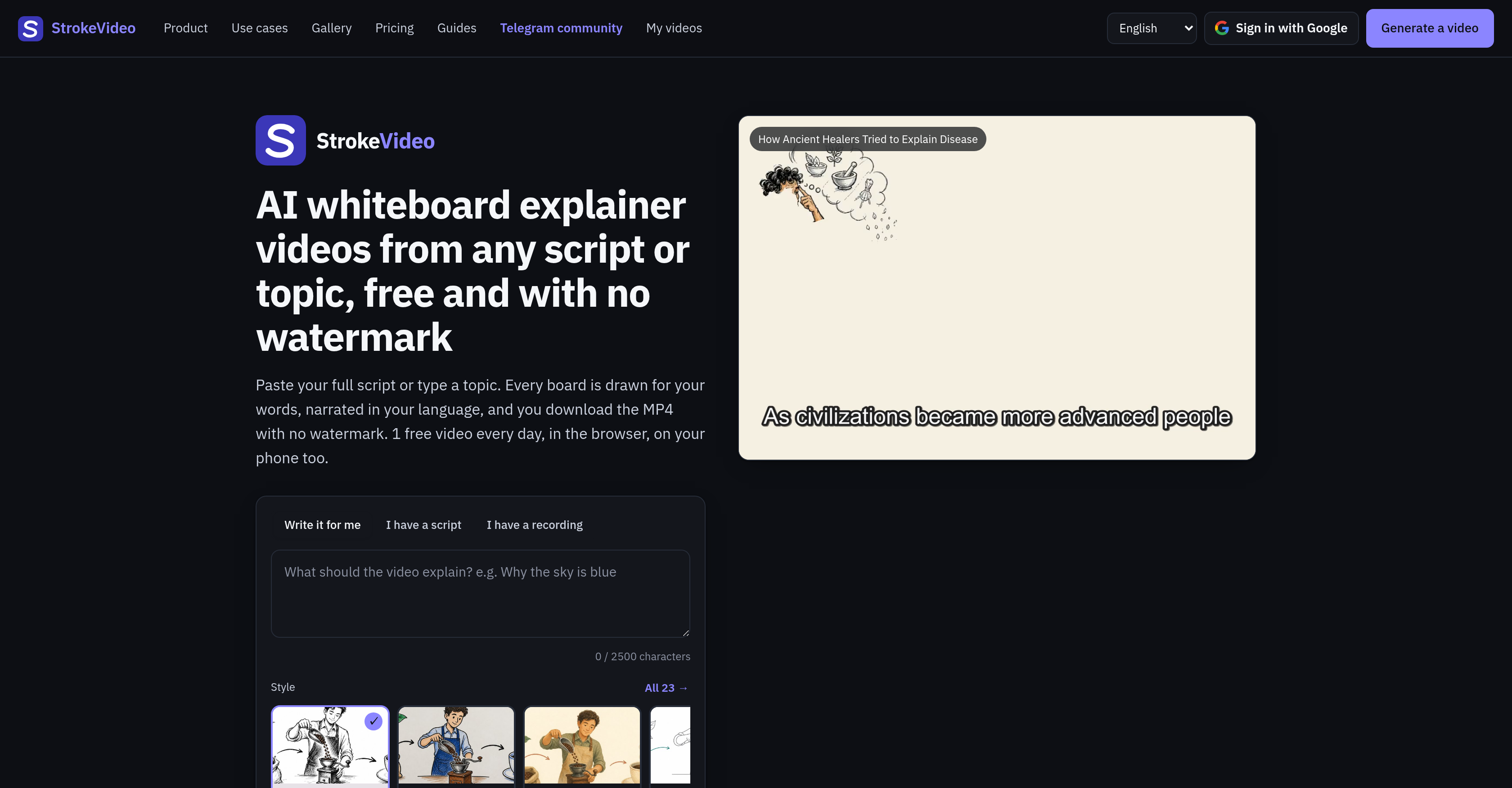
- Skip storyboarding, sketching, and voice recording: paste a script or enter a topic, and every whiteboard board is drawn and narrated to match your exact words.
- Keep your own voice on every explainer video: upload an MP3, M4A, or WAV recording, and each drawing starts the moment that word is spoken.
- Reach learners and customers in their native language: produce narrated whiteboard animations in 14 languages, including English, Spanish, Hindi, Arabic, Japanese, Chinese, Bengali, and Urdu, with optional subtitles for silent viewing and accessibility.
- Match the visual tone to each lesson, pitch, or tutorial: choose sharpie, line art, etching, chalkboard, or professional drawing styles per video, and set custom backgrounds.
- Publish to any channel without branding cleanup: every hand-drawn animation downloads as a watermark-free MP4, ready for courses, presentations, and social media.
- Test whiteboard animation at zero cost: create one free video every day up to 4 minutes long, and upgrade to a membership only when you need longer videos or more of them daily.
- Build and download teaching videos wherever you work: create them in the browser or on a mobile device.
- Get your educational content in front of new viewers: share finished whiteboard videos in a public gallery with your consent.
Pros & Cons
From the listing; not yet checked by our editors.
Pros
- Generates hand-drawn videos
- No watermark on videos
- One free video daily
- Browser and mobile access
- Voice upload for narration
- Multiple drawing style options
- Video length customization
- Topic-based video generation
- Video sharing feature
- Customizable video backgrounds
- Subtitle addition
- Multilingual support
- Public gallery for sharing
- Upgradeable membership
- Sharpie, chalkboard, line art styles
- Etching and professional styles offered
- Video download capability
- Option for personal voiceover
- Accessible via mobile devices
- Offers a wide range of styles
- Multiple language preferences
- Gallery for public sharing
- Customizable video length
- Script to video conversion
- Various background options
- Subtitle support for videos
- Multiple video styles
- User-guided narration
- Accessible via browser
- Option for daily video
- Flexible membership upgrades
- MP4 file download
- Varying video lengths
- Supports numerous languages
- Facilitates sharing through gallery
- Allows custom narration
- Numerous artistic style options
- Supports different video backgrounds
- Options for video subtitles
- Custom video from script
- Public sharing with consent
Cons
- Daily video limit
- Paid membership for additional benefits
- Doesn't animate drawings
- Limited voice recording time
- Limited video storage duration
- Rendering time varies
- No direct video editing
- No clip-art incorporation
- Limited style choices
- No freehand drawing
Alternatives to StrokeVideo
Tools that share the most tags with StrokeVideo.
- Golpo AI
Turn existing documents, scripts, audio, video, or prompts into finished explainer videos without starting from scratch—Golpo AI converts any source material into whiteboard and illustrated animations.
Free trial · from $39.99/month
$39.99/month
Not yet checked
- Whiteboard Animation Maker
Produce hand-drawn whiteboard explainer videos without drawing a single line yourself: upload a finished illustration and get an animation that sketches it stroke by stroke, then fills in the colors.
Free trial · from $9/month
$9/month
Not yet checked
- Explainium
Publish a finished promo video in about 2 minutes: the text-to-video engine converts your script or event details into a ready-to-edit draft almost instantly.
Freemium · from $4.99/month
$4.99/month
Not yet checked
- Guidde
Transform workflow recordings into professional video guides automatically with AI-generated step-by-step descriptions and voiceover
Freemium · from $16/month
$16/month
Not yet checked
- Clueso
Turn rough screen recordings into studio-quality product videos instantly with AI-powered video transformation
Free trial · from $120/month
$120/month
Not yet checked
- Training Videos by Coursebox
Eliminate video production costs and equipment by using AI to generate training videos instantly without filming or editing
Freemium · from $12.83/month
$12.83/month
Not yet checked
Reviews
Rate this tool
Loading reviews...
Frequently asked questions
What is StrokeVideo?
StrokeVideo is an AI-powered tool that enables users to generate hand-drawn whiteboard videos from scripts or topic inputs. The platform is designed to create a unique video board for every input, aligning it with the given words and narrating it in the preferred language. Users can download the resulting videos as MP4 files, free of any watermark.
How does StrokeVideo work?
StrokeVideo operates by accepting scripts or topic inputs from users. It then narrates and illustrates each board based on the given words. Depending on user preferences, the tool can also allow users to upload their own voice recordings for the narration. StrokeVideos supports customization in terms of video lengths, backgrounds, subtitles, and language preferences.
Does StrokeVideo add a watermark to the videos?
No, StrokeVideo does not add a watermark to the videos generated on its platform.
How many free videos can I generate per day with StrokeVideo?
With StrokeVideo, users can generate one free video each day with no watermark.
Can I upload my own voice recordings to StrokeVideo?
Yes, users of StrokeVideo have the option to upload their own voice recordings that will be used as narration for generated videos.
What are the different styles available in StrokeVideo?
StrokeVideo offers a range of styles, including sharpie, line art, etching, chalkboard, and professional styles.
Can I customize the video length and background in StrokeVideo?
Yes, videos generated on StrokeVideo can be customized with varying lengths and backgrounds.
Is it possible to add subtitles to my StrokeVideo?
Yes, users can add subtitles to their videos in StrokeVideo.