
FamilyPro | Unblur Images
Overview
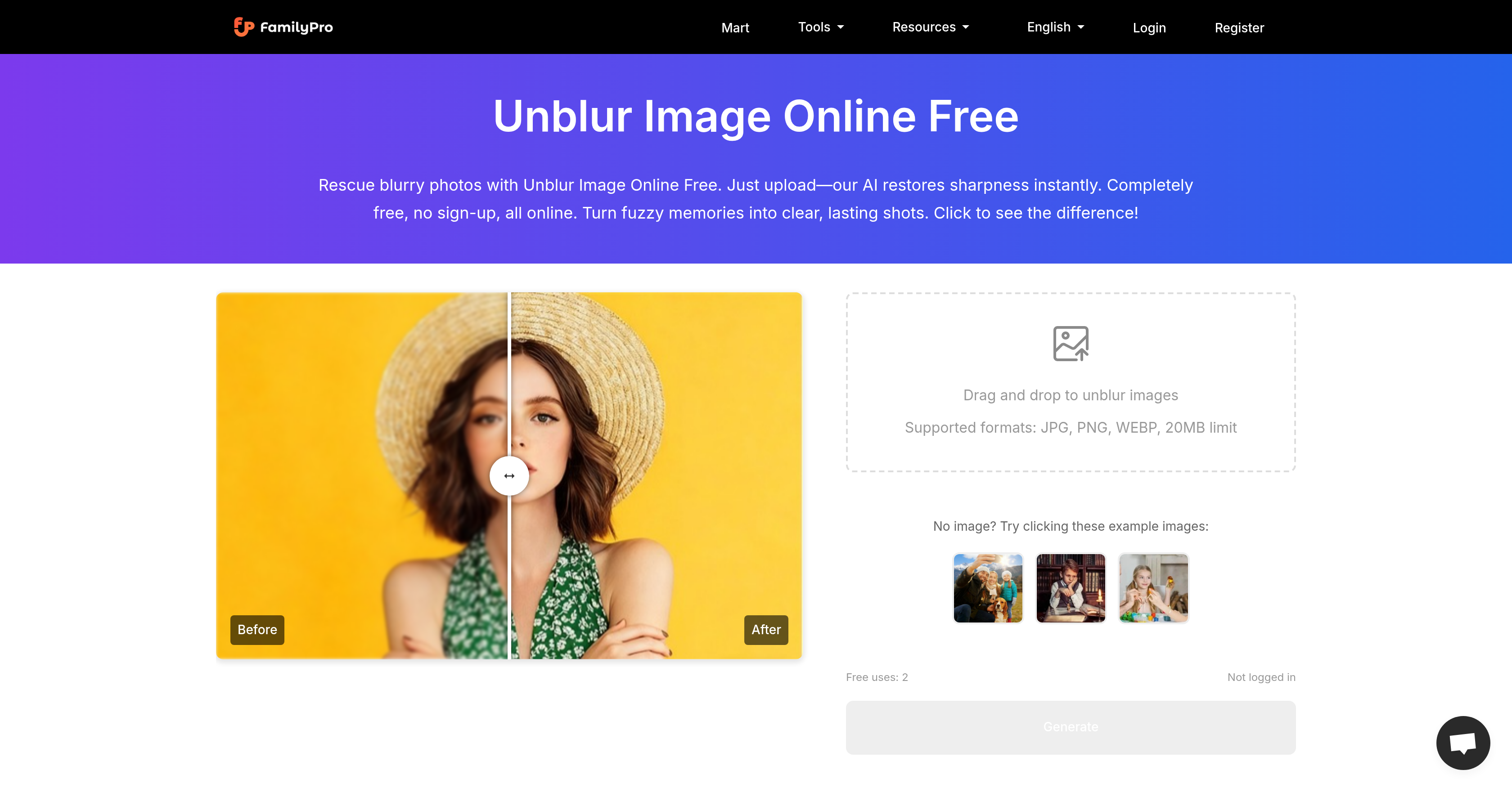
- Rescue precious memories by restoring sharpness and detail to old, faded photos with AI-driven enhancement that preserves their authentic feel.
- Transform blurry product shots into crisp, professional images ready for e-commerce listings, fixing pixel issues to attract more customers.
- Instantly clarify text in blurry documents and screenshots, making every word sharp and readable without compromising the original file quality.
- Post perfect selfies and social media photos by fixing fuzzy shots in seconds while maintaining natural skin tones for a professional profile.
- Enhance landscape photos by instantly sharpening and brightening scenes, turning ordinary shots into stunning, detailed visuals.
- Get professional-grade results without software by using a completely web-based tool that requires no downloads, sign-ups, or technical skills.
- Protect your privacy with secure processing that never stores your images or personal data, deleting everything immediately after enhancement.
- Work with high-resolution images up to 4000x4000 pixels and 20MB in formats like JPG, PNG, and WEBP for versatile, quality results.
Pros & Cons
Pros
- Free online tool
- No sign-up required
- Automatic image correction
- Accepts JPG, PNG, WEBP
- Maintains original image character
- Secure image processing
- Does not store data/images
- Restores old photos
- Enhances social media selfies
- Improves e-commerce product photos
- Clarifies text in documents
- Sharpens blurry screenshots
- Enhances landscape photos
- Quick results
- User-friendly
- Diverse image subjects handling
- Respects user privacy
- High-resolution support up to 40004000 pixels
- Restores blur while preserving authenticity
- Quick transformation from fuzzy to focused
Cons
- Requires constant internet access
- Inability to work offline
- Lacks batch-processing feature
- Maximum image size limit
- No mobile app
- Limited to JPG, PNG, WEBP
- No personal customization
- No advanced editing features
- Only 2 free uses per day
- Deletes original image after processing
Reviews
Rate this tool
Loading reviews...
❓ Frequently Asked Questions
Unblur Image Online Free works by using artificial intelligence to restore the sharpness of blurry images. You simply upload your blurred photo onto the platform, and the AI will automatically generate a clarified, detailed version of your photograph, ready for download.
Unblur Image Online Free can enhance a wide variety of images, including social media selfies, old faded photos, blurred product photos for e-commerce, blurry documents, and fuzzy screenshots. Furthermore, it helps in making landscape images sharper and more detailed.
Unblur Image Online Free supports various file formats such as JPG, PNG, and WEBP, making it versatile enough to handle files from a range of sources.
Unblur Image Online Free maintains user privacy by processing all images securely. It does not store any user images or personal data. Everything is handled entirely online, negating the need for downloads or sign-ups.
Unblur Image Online Free can enhance an image within seconds. It eliminates the need for complicating editing steps, thus offering quick results.
Potential applications of Unblur Image Online Free vary widely, from enhancing blurry selfies on social media for bloggers and content creators, restoring old faded photos, clarifying texts in blurry documents, sharpening blurry screenshots, enhancing product photos for e-commerce, to fine-tuning landscape photos by adding clarity and sharpness.
Absolutely, Unblur Image Online Free has the ability to enhance old faded photos. It can restore every detail, keeping special moments vivid for years to come.
Unblur Image Online Free improves document clarity by effectively cleaning up every blurry spot, making the text look sharper and easier to read. This feature helps users catch every important detail in a document.
Yes, Unblur Image Online Free can effectively work with screenshots. Regardless of the original quality, it can make every pixel clear, turning pixelated messes into sharp, detailed images.
Bloggers and content creators can immensely benefit from using Unblur Image Online Free. It fixes blurry photos instantly, while keeping a natural skin tone in selfies. The tool ensures that they always put their clearest face forward for their audience.
Unblur Image Online Free can vastly improve the quality of landscape photos. It instantly sharpens and brightens images, turning ordinary scenes into stunning, professional-looking landscapes.
Unblur Image Online Free is designed with a user-friendly interface. The entire enhancement process is straightforward, requiring no technical skills. Users simply upload their blurry photo and the tool does the rest, producing an enhanced image within seconds.
Unblur Image Online Free enhances social media photos by fixing fuzzy shots instantly. The AI technology sharpens images while keeping skin tones natural, perfect for selfies and professional profile photos.
Indeed, Unblur Image Online Free can enhance blurry product photos for e-commerce. It fixes blur and pixel issues to make product shots crisp, sharp, and professional, ready to capture the attention of potential buyers.
The maximum file size that can be uploaded to Unblur Image Online Free is 20MB per image.
Unblur Image Online Free restores a photo's original character by smartly removing blur while preserving the image's unique qualities. It brings out details without altering the photo's authentic feel.
Yes, Unblur Image Online Free is suitable for professional photo editors. It delivers high-quality results comparable to what one could accomplish with advanced editing software, but in a fraction of the time.
Yes, Unblur Image Online Free works seamlessly with high-resolution images. Its support includes images up to 4000×4000 pixels in various formats.
Unblur Image Online Free takes user privacy and data security very seriously. All images are processed securely and are immediately erased from the server after processing. The tool does not store any photos or personal information.
Compared to other image enhancement tools, Unblur Image Online Free offers multiple benefits: It is entirely free and does not require sign-ups, it restores the sharpness of blurred images effectively using AI, and it supports a wide variety of file formats. Additionally, it upholds user privacy by not storing any personal data or images, and it's capable of processing high-resolution images up to 4,000 x 4,000 pixels.
Unblur Image Online Free is an AI-driven tool that specifically aims to combat blurring in photos. It restores sharpness in images and eliminates blur, effectively turning unclear pictures into detailed ones. This digital tool operates entirely online and is completely free to use.
No, Unblur Image Online Free does not require user sign-ups. It is designed to provide instant access to image enhancement features with no sign-up or download required.
Unblur Image Online Free can process various types of images, ranging from social media selfies to old photos, product shots, text documents, screenshots, and landscapes.
The main features of Unblur Image Online Free include automatic image correction, AI-based sharpness enhancement, support for various image formats, respect to user privacy, and a user-friendly interface.
Unblur Image Online Free works very quickly to restore clarity in images. Typically, it takes just a few seconds to deliver the enhanced, unblurred image.
Unblur Image Online Free is beneficial for various use scenarios including enhancing social media selfies, restoring old faded photos, improving product photos for e-commerce, clarifying text in blurry documents, sharpening blurry screenshots, and enhancing landscape photos.
Unblur Image Online Free ensures user privacy by processing images securely. The tool does not store any personal data or images once the enhancement process is complete.
Unblur Image Online Free enhances image sharpness through its AI-driven technology. Upon receiving a blurry image, the AI works swiftly to restore its sharpness and enhance its details.
No, Unblur Image Online Free is a specialized tool specifically focused on the restoration of sharpness and clarity in blurry images. It does not offer additional editing functions.
Yes, Unblur Image Online Free is highly efficient in sharpening old photos. It can restore and enhance faded, old photos, breathing new life into precious memories.
Yes, there's an upload limit of 20MB per image for Unblur Image Online Free. This is large enough for the majority of high-resolution photograph files.
Yes, Unblur Image Online Free can effectively sharpen blurry screenshots and restore clarity to text in blurry documents.
Unblur Image Online Free maintains the original character of the photograph by enhancing its clarity and sharpness while preserving its natural and authentic feel. It ensures that the image's original character is not lost in the enhancement process.
Not at all. Despite clarifying images, Unblur Image Online Free does not compromise their original quality but retains the original resolution while making the images sharper and clearer.
No, there isn't a usage limit stated for Unblur Image Online Free. However, it offers 2 free uses per day.
No, you don't need to download any additional software to use Unblur Image Online Free. The tool is completely web-based and operates directly in your browser, enhancing images online in a matter of seconds.
Unblur Image Online Free can be an essential tool for e-commerce. It smartly fixes blur and pixel issues, making your product shots crisp, sharp, and professional. This helps in showcasing your products in a better light, attracting more customers and hopefully, increasing sales.
No, Unblur Image Online Free does not store your images or personal data. All images are processed securely without storing any personal data or images.
Pricing
Pricing model
Free
Paid options from
Free