Overview
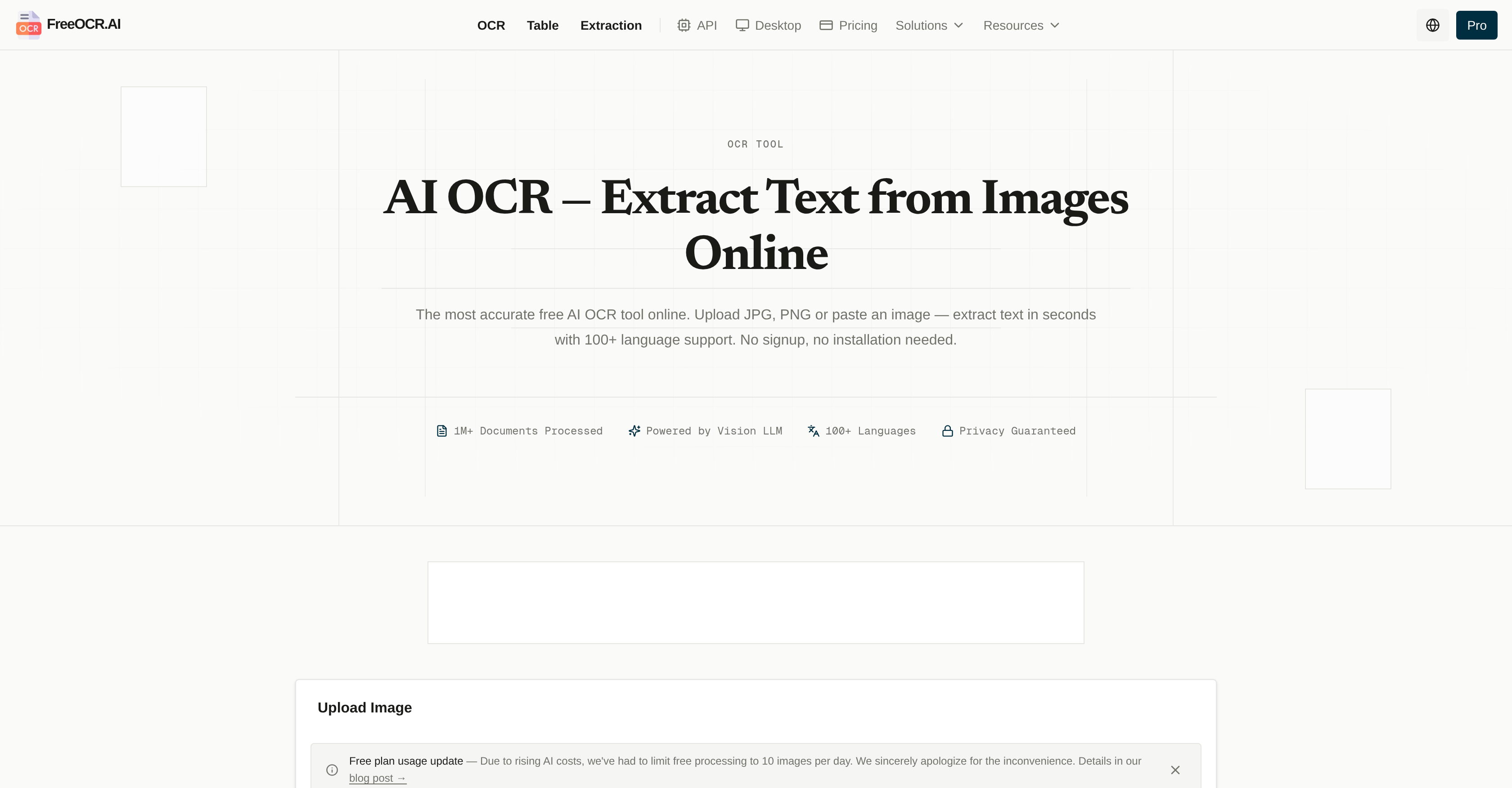
- Extract text from any image or PDF instantly with deep context understanding, powered by a proprietary Vision Large Language Model for human-like accuracy
- Convert scanned tables into structured data ready for CSV or Excel analysis using the dedicated Table OCR feature
- Pull custom fields and key-value data from documents into Excel-compatible results with Structured Data Extraction, eliminating manual data entry
- Recognize handwritten notes, mathematical formulas, and complex layouts that traditional OCR solutions fail to process accurately
- Transform entire PDF files into fully editable Word documents or plain text without losing formatting or document structure
- Access a free AI OCR tool from any browser with no sign-up or installation required, enabling text extraction anywhere, anytime
- Protect sensitive information with a strict privacy policy that never stores or sells user data, ensuring complete data security
- Integrate powerful AI text extraction into your own applications using the available AI OCR API for automated workflows
Pros & Cons
Pros
- Browser-based OCR tool
- Supports JPG and PNG
- High precision text extraction
- Supports 100+ languages
- No sign-up or installation
- Table OCR feature
- Structured Data Extraction feature
- PDF to Text & Word feature
- Vision Large Language Model
- Processes complex layouts
- Recognizes mathematical formulas
- Interprets handwritten text
- Strict data privacy policy
- Doesn't store or sell user data
- Free OCR tool
- Instant text extraction from images
- CSV or Excel-compatible results
- One-click entire PDF conversion
- Superior accuracy over traditional OCR
- Doesn't require manual language selection
- Recognizes mixed languages
- Fast processing speed
- Zero installation required
- Works entirely in your browser
- Accessible anywhere, anytime
- 1M+ documents processed
- No data storage
- Processes and forgets uploads
- Preserves complex layouts
- High precision handwriting recognition
- Automatically detects 100+ languages
- Extracts into LaTeX or Markdown
- Editable Word files conversion
- Image to LaTeX feature
- Preserves page layouts and structures
- API for app integration
- No sign-up or hidden costs
- Supports mobile devices
- Preserves formatting during extraction
- No account creation required
Cons
- Browser-based (dependent on internet connection)
- No offline usage
- No API integration
- No mobile application
- Lack of tech support
- Cannot process large files
- Limited file formats supported
- Limited customization options
- No storage for processed data
Reviews
Rate this tool
Loading reviews...
❓ Frequently Asked Questions
FreeOCR.AI is a browser-based OCR (Optical Character Recognition) solution that uses artificial intelligence to analyze and extract text from uploaded images.
FreeOCR.AI works by analyzing uploaded images with its AI technology, and then it extracts text from these images. The AI is powered by the 'Vision Large Language Model (VLM)' which helps it recognize various types of text, including complex layouts and handwritten texts.
FreeOCR.AI supports common image formats such as JPG and PNG. It can also handle PDF files.
FreeOCR.AI supports over a hundred languages for its text extraction feature.
No, visiting their website is all that is needed to use FreeOCR.AI. There is no requirement for sign up or installation.
The Table OCR feature in FreeOCR.AI works by converting tables from images or scanned documents into structured data that can be easily analyzed.
Yes, FreeOCR.AI can recognize and interpret handwritten text effectively.
The Vision Large Language Model referred to in FreeOCR.AI is a proprietary AI technology that powers the tool's ability to accurately analyze and extract text from images. This technology gives it a performance edge over traditional OCR solutions.
FreeOCR.AI handles mathematical formulas by accurately recognizing and extracting them, which is part of its advanced features that outperform standard OCR tools.
Yes, the results from FreeOCR.AI's Structured Data Extraction can be converted into CSV or Excel-compatible results.
Yes, FreeOCR.AI can transform entire PDF files into editable text or Word documents.
Yes, data security with FreeOCR.AI is strict. They maintain a stringent privacy policy and do not store or sell user data.
Structured Data Extraction in FreeOCR.AI involves pulling out custom fields and key-value data from images into CSV or Excel-compatible results.
FreeOCR.AI differs from traditional OCR solutions in its use of AI technology. Specifically, it uses the Vision Large Language Model which affords it much higher accuracy and ability to handle complex layouts and multiple languages. Plus, it can recognize mathematical formulas and even interpret handwritten text.
Yes, FreeOCR.AI can process complex layouts. Its ability to perfectly reconstruct complex tables and columns sets it apart from many other OCR tools.
Yes, FreeOCR.AI does offer an AI OCR API. Developers can integrate powerful AI text extraction into their own apps.
Although exact timings aren't mentioned on their website, FreeOCR.AI mentions that it performs text extraction from images at a lightning-fast processing speed.
FreeOCR.AI boasts of having the highest accuracy in text recognition among free solutions. It uses deep context understanding, which allows for human-like accuracy in text extraction.
Yes, FreeOCR.AI works entirely in any browser, making it accessible anywhere, anytime.
Yes, all the OCR tools and features offered by FreeOCR.AI are free. There is no mention of any hidden costs on their website.
Pricing
Pricing model
Freemium
Paid options from
$10/month
Billing frequency
Monthly