

GifGenerator
Get looping GIFs that replay without a visible jump: the text-to-GIF generator draws each frame from your prompt and joins the last frame back to the first.
Listing not yet reviewed by our editors · How we check
Overview
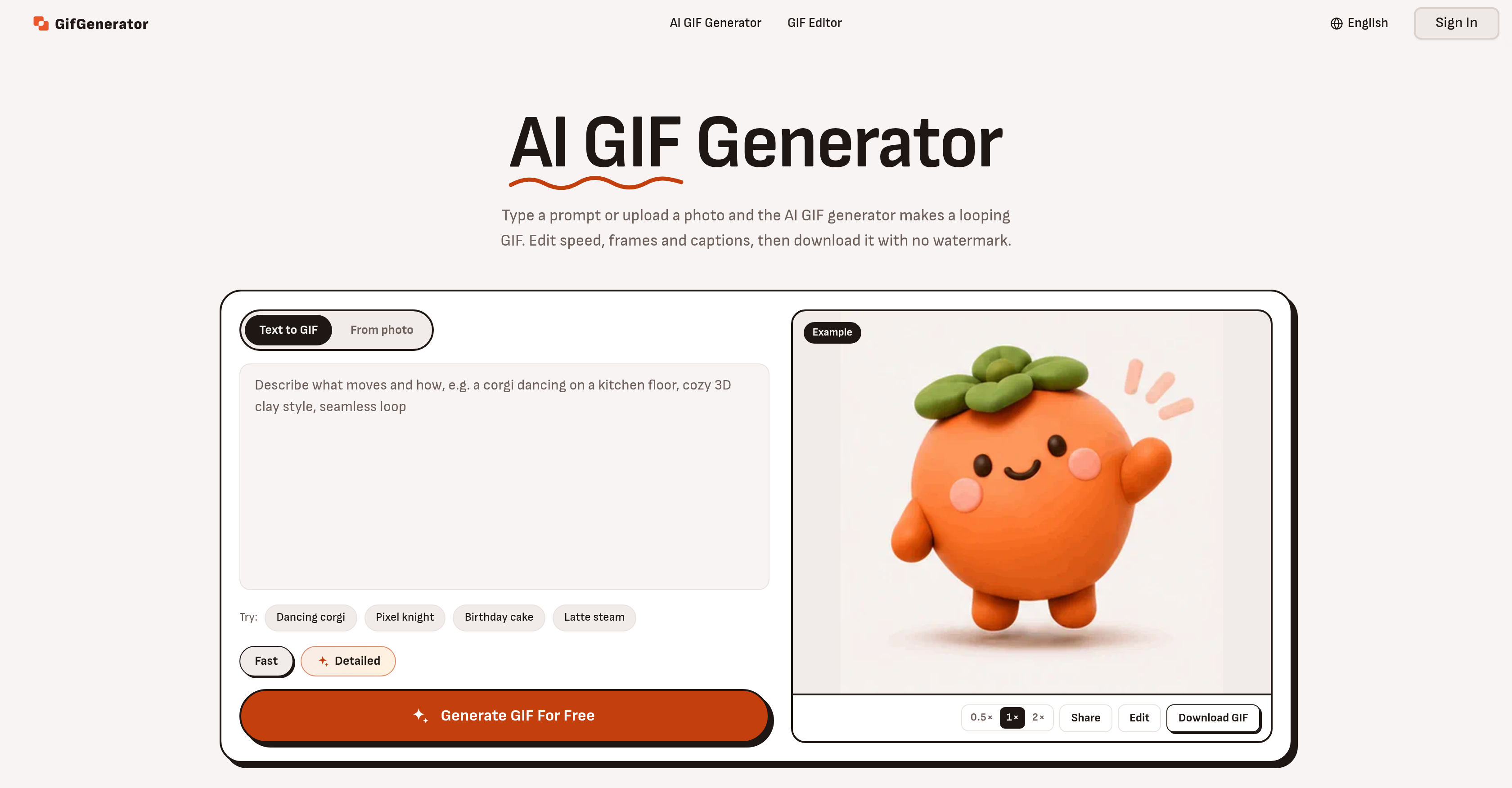
- Get looping GIFs that replay without a visible jump: the text-to-GIF generator draws each frame from your prompt and joins the last frame back to the first.
- Animate a photo, sketch, or logo and keep it recognizable: image-to-GIF animation keeps the original subject, colors, and background in every frame while adding the motion you describe, such as a wave, a head tilt, or rising steam.
- Control exactly how things move: add up to 12 reference images and call them out in your prompt with tags like @image1.
- Match the animation style to your audience: pick cartoon, pixel art, anime, 3D clay, or photo-style output for reaction GIFs, dancing pets, greeting cards, loading graphics, and characters.
- Perfect timing and messaging at no cost: the built-in GIF editor changes playback speed, reverses or ping-pongs the loop, removes or reorders frames, and adds captions that stay consistent across every frame, all instantly and for free.
- Revise an entire animation in one step: a single text instruction redraws every frame to apply your change, with no frame-by-frame rework.
- Trade speed for detail on your terms: Fast mode delivers 512 px GIFs with 2 to 16 frames, and Detailed mode renders finer 768 px animations with up to 12 frames.
- Drop animated logos, stickers, and emojis onto any background: transparent-background GIF output fits branding and custom sticker packs.
- Send animations straight into conversations: small GIF files download ready for WhatsApp, iMessage, Discord, Slack, and email.
- Start creating right away with clean results: make and download GIFs with no sign-up and no credit card, with watermark-free downloads, daily refilled credits for signed-in users, and commercial use through a paid plan or credit pack.
Pros & Cons
From the listing; not yet checked by our editors.
Pros
- Text, photo, sketch, logo inputs
- Up to 12 reference images
- @-target motion to specific images
- JPEG, PNG, WebP uploads
- 10MB per reference image
- Last frame joins first
- Configurable 216 frame output
- Same editor for both workflows
- Speed, frames, captions edit free
- Reverse or back-and-forth playback
- Remove and reorder frames
- One instruction redraws all frames
- Consistent captions across every frame
- 512px standard; 768px detailed
- Fast drafts or detailed rendering
- Source subject, colors, background retained
- Character style consistent across frames
- Cartoon, anime, pixel, clay styles
- Solid-color loading backgrounds
- Individual-frame point edits
- Chat-friendly small-file outputs
- No-watermark downloads
- Start without signup or card
- Free daily credits after sign-in
- Instant free frame editing
- Download and share GIFs
- Nothing to install
- Works in email apps
Cons
- Maximum 16 frames per GIF
- Uploads limited to 10 MB each
- Maximum 12 reference images
- Standard output tops out at 512 px
- Detailed output tops out at 768 px
- Detailed changes consume credits
- Captions apply to every frame
- Frame redraws change every frame
Alternatives to GifGenerator
Tools that share the most tags with GifGenerator.
- Text to GIF
Get reaction GIFs, animated stickers, and mascot animations without drawing a single frame: describe the character, scene, style, and motion, and the text-to-GIF generator builds the animation.
Free trial · from $10/unit
$10/unit
Not yet checked
- zzo.ai AI GIF Generator
Get a share-ready animated GIF in about half a minute: describe a reaction sticker, birthday greeting, pixel-art loop or product banner as a text prompt, and GPT Image 2.6 draws every frame into a real .gif file, ready in 17 to 34 seconds in tests.
Paid · from $9.99
$9.99
Not yet checked
- Common Sense Machines (CSM)
Transform text, images, or sketches into game-engine ready 3D worlds instantly using AI-powered conversion
Freemium · from $20/month
$20/month
Not yet checked
- MyHeritage Deep Nostalgia
See your ancestors come to life with realistic facial movements using deep learning technology
Freemium
Not listed
Not yet checked
- Rokoko
Create professional 3D animations without expensive equipment using AI that converts webcam footage into motion data
Free trial · from $20/month
$20/month
Not yet checked
- Ebsynth
Create complete animated videos from just one painted frame with automatic style propagation
Not listed
Not listed
Not yet checked
Reviews
Rate this tool
Loading reviews...
Frequently asked questions
Can I use GifGenerator to make a looping GIF from a text prompt?
Yes. GifGenerator creates looping GIFs from written prompts describing a subject, action, style, and motion; it draws frames and joins the last frame to the first to reduce a visible jump.
How do I animate a photo with GifGenerator?
Upload a photo or drawing, describe the motion you want (such as a wave, head tilt, or rising steam), choose Fast or Detailed, and generate the GIF. You can then edit it and download it.
What image file formats and upload sizes does GifGenerator support?
The upload field lists JPEG, PNG, and WebP, with a limit of 10 MB per image. The photo-animation instructions specifically mention JPG or PNG.
Can GifGenerator animate multiple reference images in one prompt?
Yes. You can add reference images and refer to them in the prompt using @, such as @image1. The upload field shows up to 12 images.
How well does GifGenerator preserve a photo’s subject, colors, and background?
GifGenerator says photo animation aims to keep the source subject, colors, and background in every frame.
What art styles can I choose in GifGenerator?
Supported styles include cartoon, pixel art, anime, and 3D clay. Photo-style output is also mentioned for pet GIFs.
How do Fast and Detailed modes compare in GifGenerator?
Fast is quicker and outputs at 512 px. Detailed takes longer, uses more credits, and offers finer detail at up to 768 px. The page describes Detailed mode as available for higher-resolution image outputs.
How many frames can I create with GifGenerator, and what affects the limit?
At 512 px, GIFs can have 2 to 16 frames. Detailed mode at 768 px supports up to 12 frames. More frames can make motion smoother and increase file size.