

zzo.ai AI GIF Generator
Get a share-ready animated GIF in about half a minute: describe a reaction sticker, birthday greeting, pixel-art loop or product banner as a text prompt, and GPT Image 2.6 draws every frame into a real .gif file, ready in 17 to 34 seconds in tests.
Listing not yet reviewed by our editors · How we check
Overview
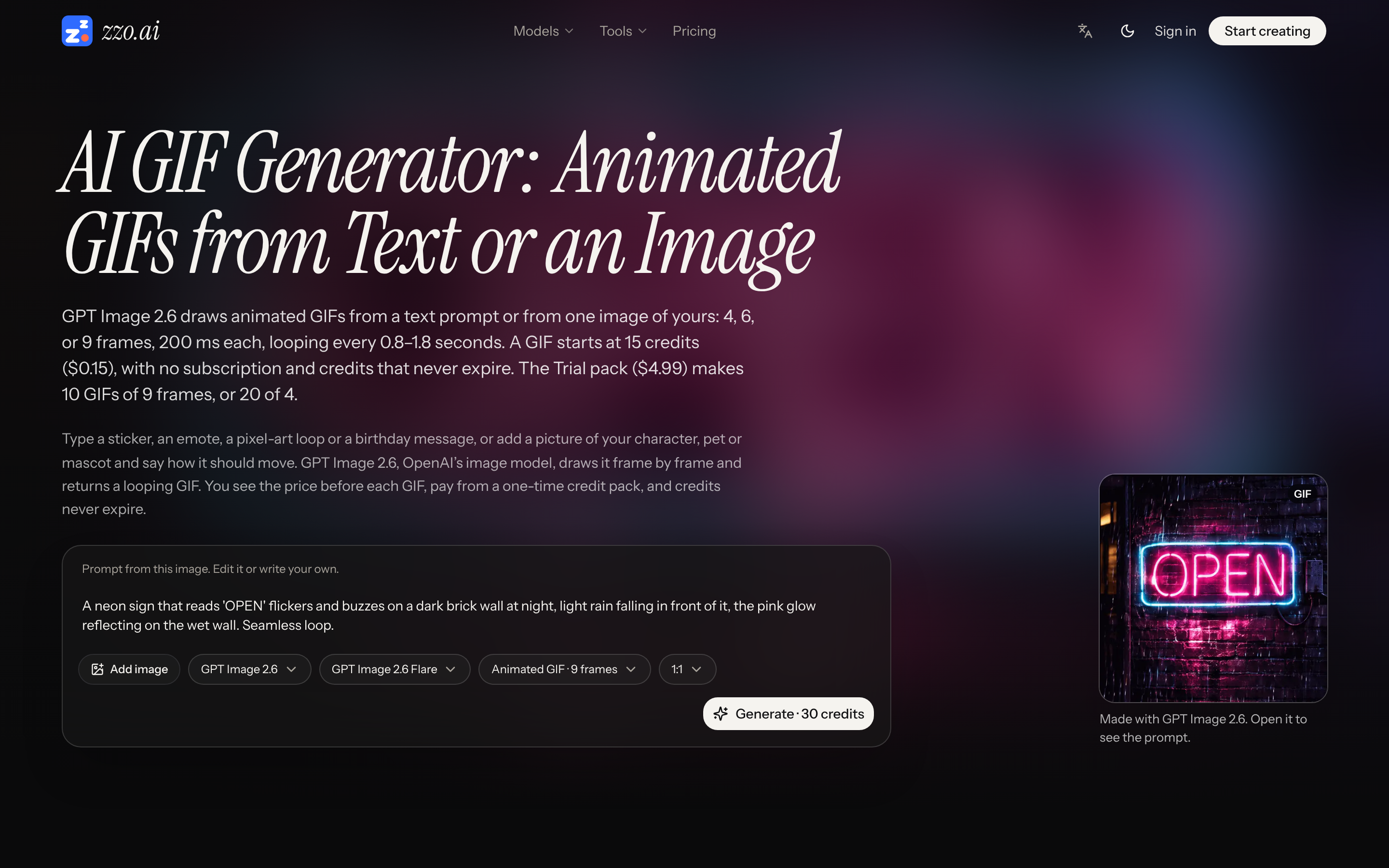
- Get a share-ready animated GIF in about half a minute: describe a reaction sticker, birthday greeting, pixel-art loop or product banner as a text prompt, and GPT Image 2.6 draws every frame into a real .gif file, ready in 17 to 34 seconds in tests.
- Animate your own pet, toy or product and keep it recognizable: photo-to-GIF from one reference image kept faces, colours and shapes across every frame in tested puppy, cat, teddy bear and sneaker loops.
- Send greeting and promo GIFs with readable lettering: short phrases like "THANK YOU", "Happy Birthday" and "NEW DROP" stayed spelled correctly in every frame of the sample GIFs.
- Fit the GIF to any feed, story or banner slot without cropping: choose from five aspect ratios (1:1, 4:3, 3:4, 16:9 and 9:16), with frames up to 1088 pixels wide.
- Match the loop to the motion: pick 4, 6 or 9 frames at 0.2 seconds each for a 0.8-second blink, a 1.2-second gesture or a smoother 1.8-second animated loop.
- Budget every GIF to the cent: the exact price appears on the Generate button, at 15, 20 or 30 credits per GIF plus 5 credits for a photo, with packs from $9.99 for 600 credits.
- Pay only for GIFs you actually get: no subscription, one-time credit packs that never expire, and failed generations refunded to your balance automatically.
- Start from a proven result instead of a blank prompt box: open ready-made prompts taken from real sample GIFs and edit them before generating.
- Keep files light enough to post and share: square GIFs at 816 x 816 pixels per frame came in between 0.2 and 3.2 MB in tests.
- Run GIFs, still images with transparent backgrounds and AI videos from one balance: the same credits work on the website, in the iOS app, and through the REST API and MCP server (beta), with the site available in English, Japanese, German, Spanish and Portuguese.
Pros & Cons
From the listing; not yet checked by our editors.
Pros
- Makes GIFs from a text prompt or from one photo
- Keeps the subject of your photo in every frame
- Short words like "THANK YOU" stay spelled right across frames
- 4, 6 or 9 frames, looping in 0.8, 1.2 or 1.8 seconds
- Five shapes, from square stickers to 16:9 banners and 9:16 stories
- Price shown on the Generate button before anything is charged
- Pay per GIF: 15 to 35 credits, no subscription
- One-time credit packs from $9.99, credits never expire
- Failed generations are refunded to your balance automatically
- A GIF is ready in about 17 to 34 seconds (our tests)
- Real .gif files that play in chats, on X, Discord, Slack and web pages
- Every sample shows its exact prompt, settings and price
- One click loads a sample's prompt into the generator
- Same account also makes still images and AI videos
- API and MCP access for developers
- Website in five languages
Cons
- No free credits: you buy a credit pack before your first GIF
- GIFs always have a background; transparency is for still images only
- Takes one reference image per GIF
- Details can shift slightly from frame to frame
- The jump from the last frame back to the first can show
- Files are too large for Discord or Slack emoji slots without resizing
- No video-to-GIF conversion
- Long captions can wobble; best with one or two short words
Alternatives to zzo.ai AI GIF Generator
Tools that share the most tags with zzo.ai AI GIF Generator.
- Text to GIF
Get reaction GIFs, animated stickers, and mascot animations without drawing a single frame: describe the character, scene, style, and motion, and the text-to-GIF generator builds the animation.
Free trial · from $10/unit
$10/unit
Not yet checked
- GifGenerator
Get looping GIFs that replay without a visible jump: the text-to-GIF generator draws each frame from your prompt and joins the last frame back to the first.
Freemium · from $14.99/month
$14.99/month
Not yet checked
- Common Sense Machines (CSM)
Transform text, images, or sketches into game-engine ready 3D worlds instantly using AI-powered conversion
Freemium · from $20/month
$20/month
Not yet checked
- MyHeritage Deep Nostalgia
See your ancestors come to life with realistic facial movements using deep learning technology
Freemium
Not listed
Not yet checked
- Rokoko
Create professional 3D animations without expensive equipment using AI that converts webcam footage into motion data
Free trial · from $20/month
$20/month
Not yet checked
- Ebsynth
Create complete animated videos from just one painted frame with automatic style propagation
Not listed
Not listed
Not yet checked
Reviews
Rate this tool
Loading reviews...
Frequently asked questions
How do I create a looping GIF with AI GIF Generator from a text prompt?
Describe the subject and one small movement, ideally including how it returns to its starting pose. Choose an animated output, select the frame count and aspect ratio, then generate. AI GIF Generator shows the price before generation.
Can AI GIF Generator animate a character or pet from an uploaded image?
Yes. Add one image of the character or pet and describe the action. AI GIF Generator uses the image as a visual reference, though small details may still change between frames.
How can I make a GIF loop smoothly in AI GIF Generator?
Describe a small repeating movement and say how it returns to its starting pose. Keep the camera still and the background simple. After generation, play the GIF and check how the last frame connects to the first.
What’s the difference between 4, 6, and 9 frames in AI GIF Generator?
Four frames make a short 0.8-second loop, suited to a blink or flash; six frames make a 1.2-second loop; nine frames make a 1.8-second loop and support smoother or more extended movement. More frames cost more. Each frame displays for 200 ms.
Which aspect ratios can I choose in AI GIF Generator?
AI GIF Generator offers 1:1, 4:3, 3:4, 16:9, and 9:16 aspect ratios.
How much does each GIF cost in AI GIF Generator?
Without an uploaded image, GIFs cost 15 credits for 4 frames, 20 for 6 frames, or 30 for 9 frames. With one image, they cost 20, 25, or 35 credits, respectively. The page lists each credit as $0.01.
Do AI GIF Generator credits expire, and do I need a subscription?
Credits do not expire, and payment is through one-time credit packs; there is no subscription.
Will AI GIF Generator charge me if a generation fails?
No. Failed generations are not charged.