

Text to GIF
Get reaction GIFs, animated stickers, and mascot animations without drawing a single frame: describe the character, scene, style, and motion, and the text-to-GIF generator builds the animation.
Listing not yet reviewed by our editors · How we check
Overview
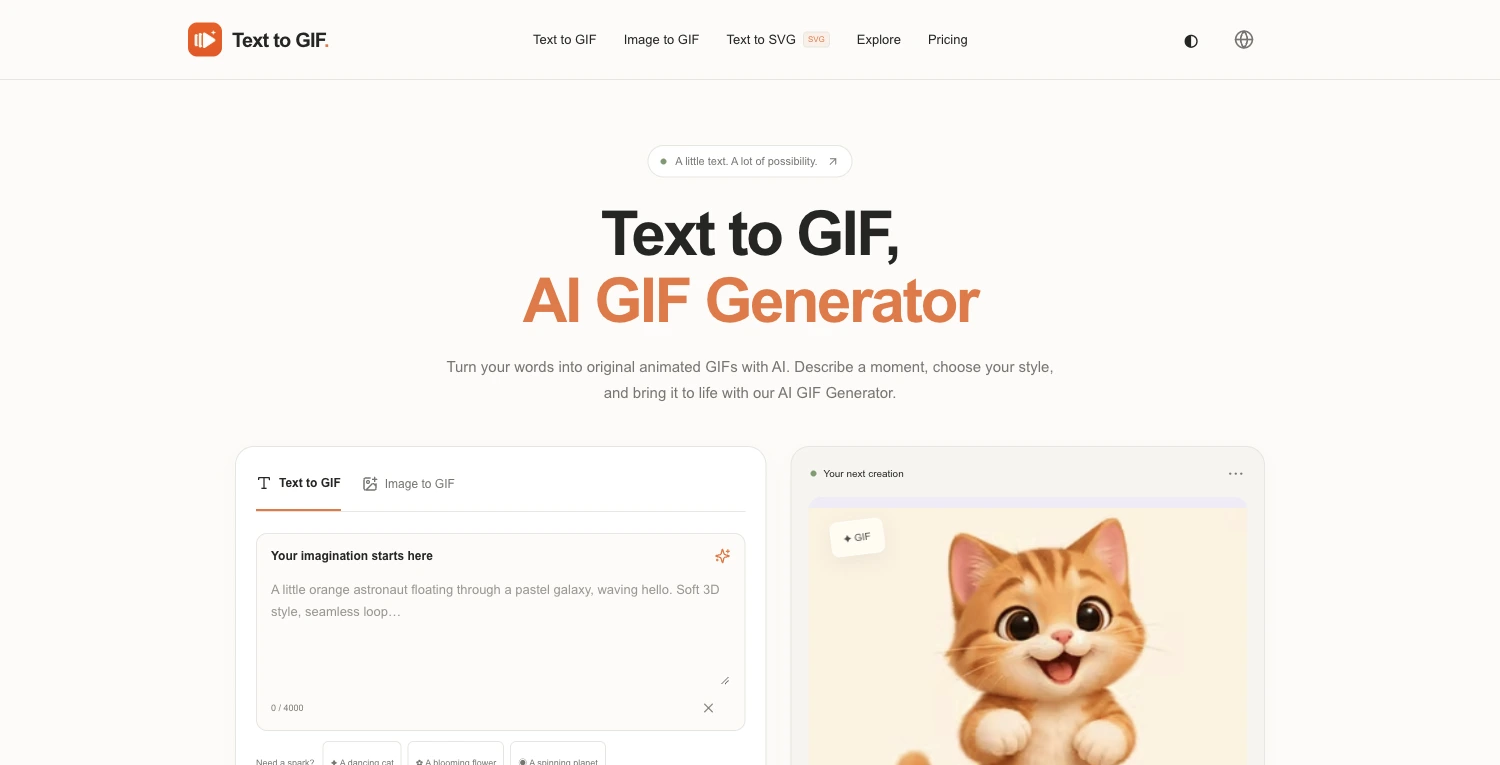
- Get reaction GIFs, animated stickers, and mascot animations without drawing a single frame: describe the character, scene, style, and motion, and the text-to-GIF generator builds the animation.
- Bring an existing picture to life by uploading it to the image-to-GIF generator and describing exactly how it should move.
- Set the exact pacing and loop of every animated GIF with 2–16 frames, frame durations from 20 to 2,000 milliseconds, and seamless loops requested in your prompt.
- Fit every social feed, story, and banner with 15 aspect ratios, from 1:1 and 4:5 to 9:16, 16:9, and 21:9, plus 1K, 2K, or 4K resolution. GIF frames share one image-size budget, so you trade frame count against per-frame size.
- Match output detail to the job with five quality levels and Simple, Balanced, or Detailed complexity presets.
- Produce logos, icons, and still graphics in the same workspace with the text-to-SVG generator for scalable vector art and PNG, WebP, and JPG export.
- Know your spend before you commit: the exact credit cost appears before every generation and adjusts to format, quality, resolution, and frame count.
- Pay only for what you create with one-time credit packs from $10 for 440 credits, up to $50 for 7,770 credits, with no subscription and no expiry.
- Experiment without losing credits on failed attempts, because credits for confirmed failed generations return to your balance automatically.
- Keep every creation within reach through generation history, previews, and original-file downloads, and pick up in-progress jobs when you return in the same browser and account.
- Skip the blank-prompt problem by loading ready-made examples that fill the generator with proven prompts and settings.
- Create GIFs on desktop or phone in the browser, in light or dark mode.
Pros & Cons
From the listing; not yet checked by our editors.
Pros
- AI GIFs from text prompts
- Animate uploaded reference images
- Generate scalable SVG graphics
- GIF, SVG, PNG, WebP and JPG output
- Control 2–16 animation frames
- Set 20–2000 ms frame duration
- 15 aspect ratio choices
- 1K, 2K and 4K resolution options
- Five quality levels and three complexity presets
- Preview and download original files
- Generation cost shown upfront
- Credits returned for confirmed failed jobs
- One-time packs; credits never expire
- Reusable example prompts and settings
- Browser-based desktop and mobile workspace
Cons
- Account and credits required to generate
- GIF animations are limited to 16 frames
- GIF frames share the total resolution budget
- Each generation produces one selected format
- Generation time varies with settings and demand
- AI output may need prompt refinement and review
Alternatives to Text to GIF
Tools that share the most tags with Text to GIF.
- GifGenerator
Get looping GIFs that replay without a visible jump: the text-to-GIF generator draws each frame from your prompt and joins the last frame back to the first.
Freemium · from $14.99/month
$14.99/month
Not yet checked
- zzo.ai AI GIF Generator
Get a share-ready animated GIF in about half a minute: describe a reaction sticker, birthday greeting, pixel-art loop or product banner as a text prompt, and GPT Image 2.6 draws every frame into a real .gif file, ready in 17 to 34 seconds in tests.
Paid · from $9.99
$9.99
Not yet checked
- Common Sense Machines (CSM)
Transform text, images, or sketches into game-engine ready 3D worlds instantly using AI-powered conversion
Freemium · from $20/month
$20/month
Not yet checked
- MyHeritage Deep Nostalgia
See your ancestors come to life with realistic facial movements using deep learning technology
Freemium
Not listed
Not yet checked
- Rokoko
Create professional 3D animations without expensive equipment using AI that converts webcam footage into motion data
Free trial · from $20/month
$20/month
Not yet checked
- Ebsynth
Create complete animated videos from just one painted frame with automatic style propagation
Not listed
Not listed
Not yet checked
Reviews
Rate this tool
Loading reviews...
Frequently asked questions
How do I create an animated GIF with Text to GIF?
Enter a prompt describing the scene, style, and movement. Select GIF, choose an aspect ratio and quality, set the frame count and timing, then generate. Sign in and have credits to download the completed GIF.
Can Text to GIF make a seamless loop from my prompt?
Yes. Describe the desired movement and ask for a seamless loop in your prompt.
How many frames can I choose in Text to GIF?
You can choose 2–16 frames.
Can I adjust frame duration in Text to GIF?
Yes. You can set each frame’s duration from 20 to 2,000 milliseconds.
Will adding more frames in Text to GIF make my GIF larger or more expensive?
More frames share a fixed image-size budget, so individual frames can be smaller. Frame count also affects generation cost.
What file formats can I create with Text to GIF?
You can create GIF, SVG, PNG, WebP, and JPG files.
Can Text to GIF animate an image I upload?
Yes. Use Image to GIF and upload the picture you want to animate.
How is Text to GIF different from its Image to GIF mode?
Text to GIF generates an animation from a written description; Image to GIF is for animating an uploaded picture.