
Glotera AI
Overview
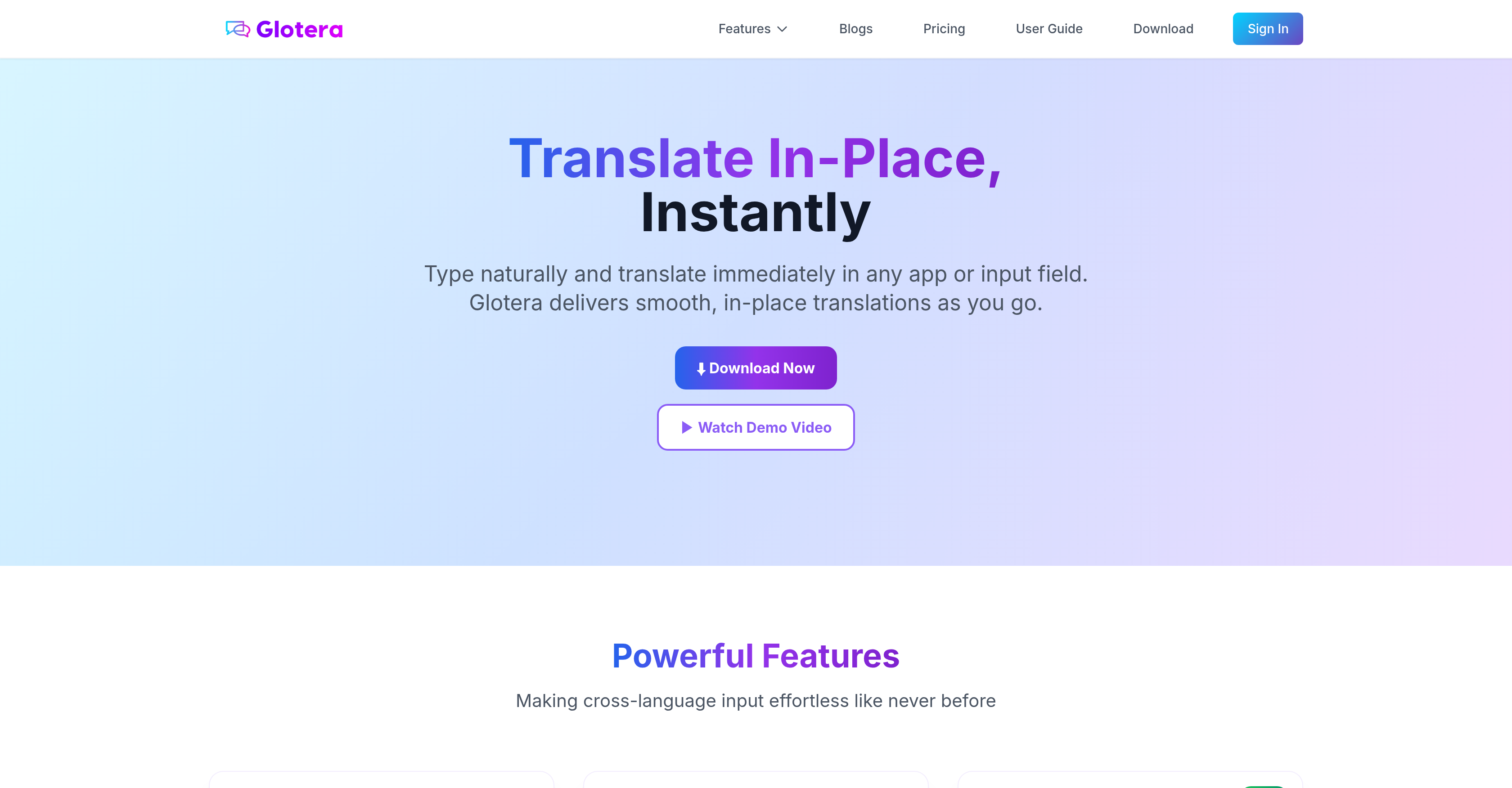
- Translate instantly as you type without leaving your current app using simple language triggers like @en or #ja
- Automatically translate entire chat conversations in apps like WhatsApp with the Translation Copilot feature
- Translate any selected text across desktop applications and web pages with the Selection Translation feature
- Maintain complete workflow focus with background operation that eliminates app switching and copy-pasting
- Communicate confidently across 100+ languages in Gmail, TikTok, and all other applications
- Keep all translation data private with local storage and encrypted transmission that never stores your content
Pros & Cons
Pros
- MacOS specific
- Real-time translations
- No app switch required
- No copy-paste required
- Language trigger @en or #ja
- Selection translation feature
- Translation Copilot feature
- WhatsApp auto-translation
- Functions across all platforms
- Works in all applications
- Supports over 100 languages
- Runs in the background
- Cloud-based translations
- Encryption during transmission
- No personal data stored
- Expanding to other platforms
- Instant in-app translations
- Customized translation rules
- Supports WhatsApp in English & Chinese
- Works in Gmail, WhatsApp, TikTok etc.
- Keeps input flow uninterrupted
- Focus on content creation
- Accuracy over 95%
- Contextually optimized translations
- Translate on any desktop app
- Browser and web page support
- Floating translation window
- Seamless cross-language communication
Cons
- Internet connection required
- Only available for macOS
- Potential language trigger clashes
- Does not store translations
- Limited app translation support
- Dependent on cloud-based technology
- Data encryption during transmission
- No offline functionality
- Questions about translation accuracy
- Limited to English & Chinese for WhatsApp
Reviews
Rate this tool
Loading reviews...
❓ Frequently Asked Questions
Glotera AI is an artificial intelligent translation tool designed specifically for macOS. It offers users the ability to get real-time translations as they type and functions across all platforms and applications. It also includes features like in-app translation without disrupting the workflow and data security measures ensuring privacy of users' data.
Glotera AI works by translating the text you type in any app or input field. This includes immediate inline translations on inserting a language trigger like @en or #ja and the ability to translate selected text across desktop applications and web pages. It requires an internet connection as it uses cloud-based AI technology to fetch translations.
The Translation Copilot feature of Glotera AI is an innovative function that automatically reads and translates incoming chat messages from applications like WhatsApp into your set language, and translates your replies into the sender's language without any language triggers.
Yes, Glotera AI does support real-time translations, allowing users to type and get instant translations in any app or input field.
A 'language trigger' in Glotera AI refers to a specially formatted directive like @en or #ja included after a message which prompts the AI to translate the message to the desired language instantly, eliminating any disruption to the workflow.
Yes, Glotera AI works across all platforms and applications, from Gmail to TikTok and functions seamlessly with any other input field.
Yes, Glotera AI can translate incoming chat messages. Its Translation Copilot feature automatically reads and translates incoming messages into your set language.
Glotera AI can offer translations in over 100 languages, leveraging advanced AI technology for accuracy.
Glotera AI requires an internet connection for operations as it uses a cloud-based AI technology to procure translations.
Data security is ensured in Glotera AI through encryption of all translation data during transmission. Personal information and translation content is not stored remotely to further safeguard user privacy.
No, Glotera AI does not store personal information or translation data. All such data is kept locally on the user's device ensuring privacy.
Glotera AI fosters a seamless workflow by running silently in the background, thereby allowing users to concentrate on content creation rather than switching between translation tools, and providing instant translations as you type in any app or input field.
Currently, Glotera AI is compatible with all applications on macOS including native apps and browsers like Chrome and Safari. It is expected to extend support to other platforms in future.
Yes, Glotera AI can translate content from web pages. It includes a Selection Translation feature that translates selected text across all desktop applications and web pages.
Yes, Glotera AI facilitates communication in both Gmail and TikTok, among various other platforms and applications.
Yes, an internet connection is necessary for Glotera AI as it uses a cloud-based AI technology to provide translation services.
No, users do not have to switch between apps while using Glotera AI. It works silently in the background and its real-time translation feature negates the need for toggling between apps.
The Selection Translation feature of Glotera AI refers to the ability of the tool to translate text that users select across all desktop applications and web pages into their preferred language.
Yes, translated data is encrypted in Glotera AI to ensure that user privacy is maintained and data security is prioritized.
Yes, future developments for Glotera AI are expected to extend its application support beyond macOS to other platforms.
Pricing
Pricing model
Freemium
Paid options from
$2.50/month
Billing frequency
Monthly