
Overview
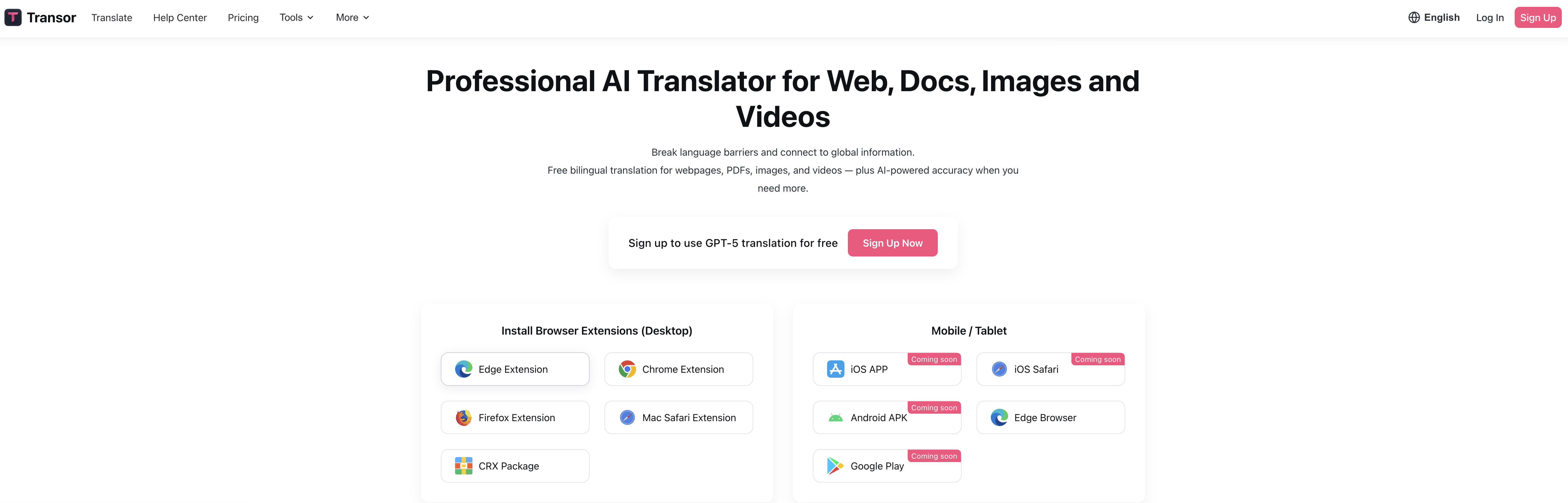
- Read any website in your language instantly with real-time translation that works across browsers and devices
- Understand foreign films and videos by translating YouTube and Netflix subtitles with a single click
- Work with international documents seamlessly through PDF translation that preserves formatting and layout
- Decipher text within images and screenshots using AI-powered optical character recognition and translation
- Access translations anywhere with universal compatibility across Windows, Mac, iOS, Android and Chrome extension
- Eliminate complex setup processes through one-click functionality that requires no technical expertise
Pros & Cons
Pros
- Multi-platform availability
- One-click translation
- Translates websites
- Translates media subtitles
- PDF document translation
- Image translation
- Available as Chrome extension
- Real-time translation feature
- Enhances productivity
- Supports professional use
- Supports personal use
- Supports academic use
- Promotes content accessibility
- Facilitates cross-cultural communication
- Universal accessibility
- JavaScript enablement for functionality
- User-friendly UI
- Supports multilingual users
- Translates Netflix subtitles
- Translates YouTube subtitles
- Comprehensive language tool
- Breaks language barriers
Cons
- Requires JavaScript enabled
- Limited for restricted environments
- Only one-click translations
- Inflexibility in translation options
- May struggle with images
- Limited subtitle platforms
- No offline mode
- No multiple translation profiles
- No translation revision history
- No version for Linux
Reviews
Rate this tool
Loading reviews...
❓ Frequently Asked Questions
Transor is a multi-platform, AI-powered tool that makes translation of various media types, including websites, subtitles, PDF documents, and images, more accessible and efficient.
Transor is available on a multitude of platforms, namely, the Web via a Chrome extension, as well as on Android, iOS, Windows, and Mac devices.
Transor leverages AI-powered translation capabilities to efficiently and accurately translate a variety of media types such as websites, subtitles, PDF documents, and images.
Yes, Transor is equipped to translate subtitles from streaming platforms like Netflix and YouTube, making it easier for users to access and comprehend this content.
Transor deploys advanced AI algorithms to recognize and translate text within images and PDF documents, thereby facilitating seamless translation of such formats.
The 'one-click action' feature of Transor simplifies the translation process by breaking down language barriers in a single click, making the tool highly user-friendly and straightforward to navigate.
Yes, for Transor to operate optimally, JavaScript must be enabled. This suggests some degree of dependence on browser settings.
Yes, Transor can potentially be limited by browser settings that disable or restrict JavaScript, impacting the tool's overall functionality.
The intended user experience with Transor revolves around simplicity and accessibility. Its design allows for a one-click translation action, presenting a user-friendly interface easily navigable irrespective of the user's device or platform preference.
Yes, Transor can definitely be utilized for professional document translation. It possesses the capability to accurately translate various formats, including PDF documents, enriching its utility in professional contexts.
Transor aids with tasks involving foreign language content by efficiently translating various types of media, helping users to effectively comprehend and engage with this content.
Transor's real-time translation service corresponds to its ability to instantly translate various media types on demand, greatly facilitating the accessibility and comprehension of foreign language content.
Yes, environments restricting JavaScript usage could potentially limit the optimal functioning of Transor, given its reliance on JavaScript to deliver its full range of services.
Transor is extremely user-friendly. Its simple one-click action feature and easy navigation across devices and platforms make it accessible and straightforward to use for users of all skill levels.
Yes, Transor is specifically designed to break down language barriers, bridging communications gaps with a single click.
Yes, Transor can be leveraged for personal entertainment purposes such as translating subtitles from platforms like Netflix and YouTube, significantly enhancing accessibility and enjoyment of media content.
AI plays a significant role in Transor, enabling it to translate multiple types of media content with speed and accuracy. This AI-related capability underscores its ability to provide real-time translations across various platforms.
Yes, Transor can be employed across devices bearing different operating systems, including Android, iOS, Windows, and Mac, making it a flexible and accessible tool for a broad range of users.
Yes, there exists a Chrome extension for Transor, contributing to its accessibility and ease of usage on the Web platform.
Transor's easy navigability comes down to its one-click action feature, coupled with its design which seamlessly transitions across devices and platforms, making it simple for users to employ the tool across various contexts.
Transor is a professional, AI-powered translation tool that supports translation of various types of media. It's designed to make the translation process more accessible and efficient, working across a wide range of platforms and media formats.
Yes, Transor is compatible with both Android and iOS, providing universal accessibility to its translation services.
Yes, for proper function of Transor, users need to enable JavaScript on their browsing devices.
Transor can translate a wide variety of media types including websites, subtitles from platforms like YouTube and Netflix, PDF documents, and images.
Yes, Transor can be used for academic purposes. Its ability to translate a diverse range of media types such as documents and video subtitles makes it a valuable tool for academic research and study.
The real-time translation feature of Transor allows for immediate comprehension of foreign language content, thereby saving time and streamlining the communication process.
According to the website description, Transor is a free AI-powered translator, suggesting that there is no payment required to use its base functions.
Yes, Transor can be used on both YouTube and Netflix. It is equipped to translate video subtitles from these platforms, thereby enhancing users' understanding and enjoyment of the content.
Yes, you can translate PDF documents using Transor. This advanced functionality makes it applicable in multiple scenarios, including professional settings.
Yes, Transor offers a Chrome extension, making it easily accessible and enhancing the user experience on the web.
Yes, Transor is suited for professional use. It allows for the translation of documents and websites, which can be useful in cross-language business communications and international professional endeavors.
Yes, alongside other media types, Transor provides a feature that aids in the translation of images.
Yes, Transor is engineered with accessibility features. Its one-click action provides a user-friendly, easily navigable experience for individuals from diverse linguistic backgrounds.
Yes, Transor is available on both Windows and Mac devices. Its multi-platform compatibility provides flexibility to users preferring different operating systems.
Yes, Transor does facilitate cross-cultural communication as it breaks language barriers by translating content, hence making it comprehensible across different languages and regions.
Yes, one of Transor's key features is the translation of websites. It assists users in understanding and interacting with web content in foreign languages.
A reported limitation of Transor is that it requires JavaScript to function optimally. This implies that restrictive browser settings or limited JavaScript environments may affect its performance.
Transor enhances productivity by providing real-time translations. This speeds up the process of understanding foreign language content and eliminates the need to use additional tools or resources, saving both time and effort.
Yes, Transor can be used for personal entertainment, particularly in situations where there is a requirement to understand foreign language content such as subtitles on streaming platforms like Netflix and YouTube.
Transor helps break down language barriers with a single click by rapidly translating content into the user's preferred language. This efficient action simplifies the process of understanding foreign language content, thus fostering global communication and understanding.
Pricing
Pricing model
Freemium
Paid options from
$5/month
Billing frequency
Monthly
Refund policy
No Refunds