
Overview
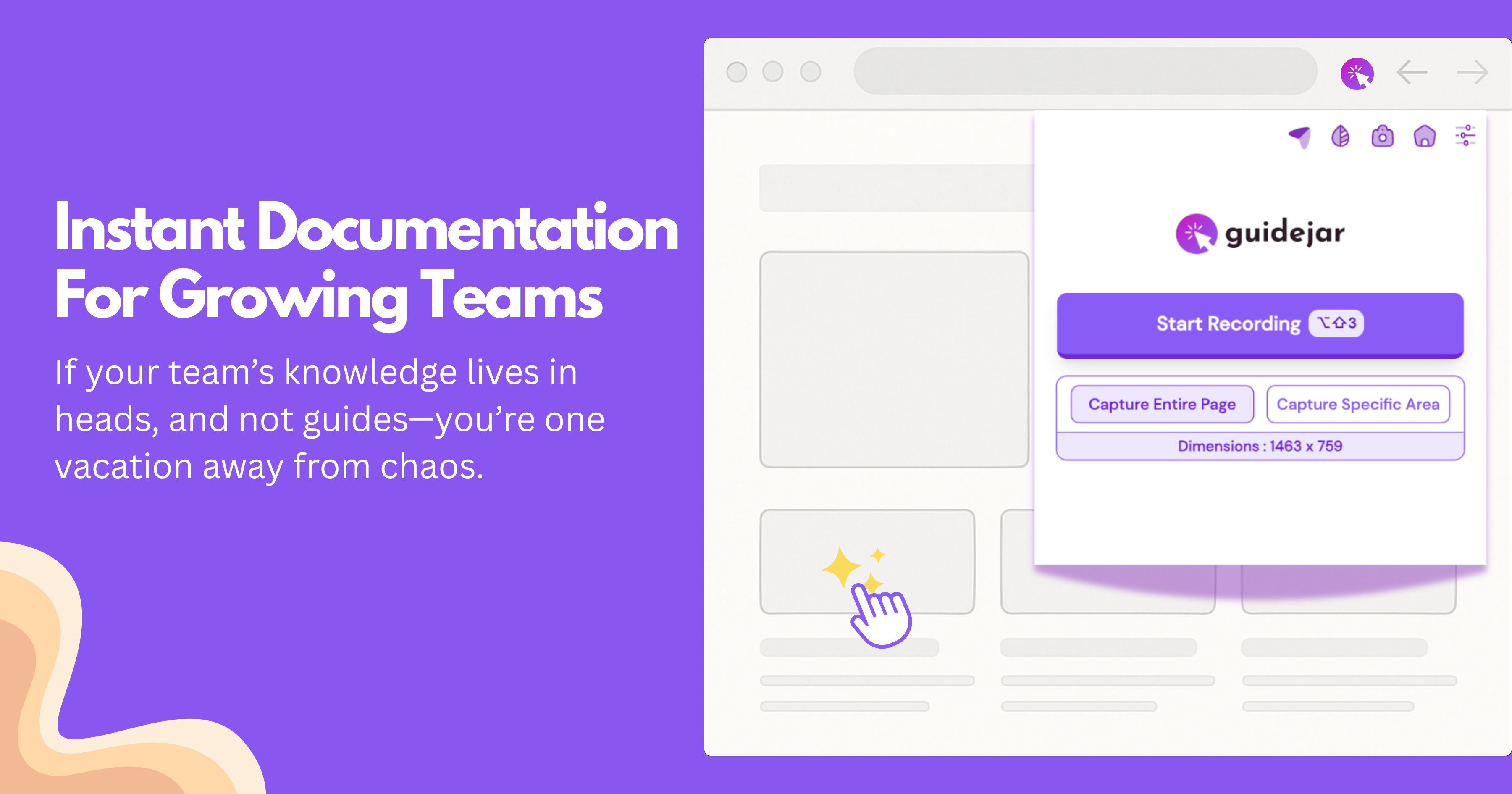
- Eliminate repetitive explanations by automatically generating step-by-step guides as you work using browser and desktop capture
- Create engaging training materials with AI voiceovers and auto-translation into 20+ languages for global teams
- Reduce support tickets by building a no-code help center that empowers users to find answers independently
- Increase conversion rates by adding customized calls-to-action that guide users toward specific goals
- Maintain brand consistency across all documentation with custom branding colors and company styling
- Optimize guide visibility with SEO-friendly tags that improve search engine discovery
- Organize all knowledge resources efficiently using an intuitive folder system for easy access
- Embed guides directly into existing platforms like Notion and Confluence without technical hurdles
Pros & Cons
Pros
- Creates interactive demos
- Improves user onboarding
- Reduces support tickets
- Potential to boost conversion rates
- Easily captures workflow steps
- Custom branding for guides
- Links and website embed options
- Multilanguage translation
- Voiceover feature
- Custom views for guides
- In-guide call-to-action integration
- SEO-friendly tagging
- Ability to share guides across platforms
- No-code help center creation
- Organizes guides in one host
- Guide feedback options
- In-tool guide organization system
- Browser extension for capture
- Options for autoplay
- Ability to add custom delays
- Embedding on various web platforms
- Offers password-protected guides
- Export options including HTML
- Feedback and analytics
- Organizational folder system
- Custom domain for help center
- MP4 video exports
- Enterprise-grade scalability
Cons
- No Mobile Application
- Limited browser compatibility
- No free unlimited guides
- SEO Optimization for premium only
- Export features limited to paid plans
- Help Center on custom domain only in higher-priced plan
- Mac-compatible desktop capture only in premium plus
- Branching available for premium users only
- Limited to 5 guides on free plans
Reviews
Rate this tool
Loading reviews...
❓ Frequently Asked Questions
Guidejar is a tool that leverages artificial intelligence to assist businesses and individuals in creating step-by-step guides and interactive demos efficiently. The primary aim is to enhance user onboarding, minimize support tickets, and potentially amplify conversion rates. Users can create complicated process guides with a few clicks, converting them into interactive product demos. Guidejar also allows users to generate a no-code help center, organizes all guides under one platform, and offers feedback options, ultimately simplifying the learning process.
Guidejar is powered by AI capabilities that help in translating guides into multiple languages, providing voiceovers, and paraphrasing sentences. These features make the guides more dynamic and adaptable to various user needs and preferences.
Creating a guide with Guidejar is a three-step process. First, you walk through your workflow using the Guidejar Chrome extension or Mac app, and hit 'Start Capture.' After going through your process, you hit 'Stop Capture.' Then, you customize the guide by moving click targets, modifying text annotations, adding more text or images, and incorporating your company's branding. Lastly, you share your guide with teammates or customers via links or embed it on your website.
Yes, Guidejar aids in reducing support tickets. It does this by enabling the creation of a no-code help center and organizing all guides under one platform, making it easier for users to find solutions independently. This empowers customers to find answers without needing to contact support, hence reducing the load on support teams.
Guidejar could potentially increase conversion rates by allowing users to add a customized call-to-action at the end of the guides. This directs users to take specific actions, making it easier to guide them towards conversion goals.
Yes, Guidejar provides various options to customize your guides. You can move click targets, modify the text annotations, add more text or images, include your company branding, and even choose from different guide views. Additional customization includes managing the steps within your guides and adding a specific call-to-action.
You can share guides created in Guidejar in various ways. The platform allows you to generate shareable links and distribute them to your teammates or customers. Alternatively, you can embed the guides directly onto any website or platform, extending your content's reach.
Guidejar allows you to add your company's branding when customizing guides. This includes the ability to set your company branding colors, ensuring a consistent and professional look throughout your guides.
Guidejar's AI capabilities can translate guides into multiple languages. However, the exact number of supported languages is not specified on their website.
Yes, Guidejar does offer a voiceover feature for guides. This functionality can bring your guides to life and create a more personal connection with your users.
Yes, Guidejar facilitates the creation of a no-code help center by organizing all your guides under one host. This helps in empowering your customers to find answers independently, lightening the load on your support team.
In Guidejar, managing guide steps involves the ability to add, remove, and sort steps within your guides as per your preference. It allows further enhancement of guides with custom images or text for better explanation of products or concepts.
Guidejar offers different guide views to cater to the variety in content and audience engagement needs. These include the Step-by-step Guide and Interactive Guide view. However, specific details of what each view entails are not provided on their website.
To add a call-to-action at the end of the guides in Guidejar, you use the platform's specific feature for this. It allows direct users to take specific actions at the end of your guide by adding a customized call-to-action. This can help in boosting conversion rates.
Guidejar helps in making guides SEO-friendly by providing options for SEO-friendly tags. These tags are designed to optimize the visibility of your guides in search engines, making them easily discoverable.
The number of guides you can create using Guidejar depends on the plan you are subscribed to. On the free plan, you can create up to 5 guides, whereas an upgrade to the premium plans offers unlimited guide creation.
The process to paraphrase sentences in Guidejar involves using the platform's AI Paraphrase feature. This feature refreshes your writing and adds more dynamism to your sentences, though specific steps are not given on their website.
Guides are organized in Guidejar with the help of an intuitive folder system. This system allows for the easy management and organization of your guides, keeping them neatly categorized and easily accessible.
Yes, Guidejar provides feedback options, as indicated on their website. However, specific details of how to provide feedback in Guidejar are not explicitly provided.
Yes, it is possible to embed guides created on Guidejar onto websites. Guidejar allows you to generate embeddable codes, which can be easily placed in the code of any web page.
Pricing
Pricing model
Freemium
Paid options from
$12/month
Billing frequency
Monthly
Refund policy
Users can request a refund within 3 days of subscribing. Refunds are not available after this period, and special terms may apply to promotional or discounted offers.
Related Videos
Guidejar Review 2024 - Best Product Demo, Guide or Tutorial Maker🔥
GAMAARZ•75 views•Dec 23, 2023