

Huelift
Get store-ready product photos and clean cutouts: AI background removal isolates a person, pet, or product, lets you refine the edges, and exports a transparent PNG or swaps in a new background.
Listing not yet reviewed by our editors · How we check
Overview
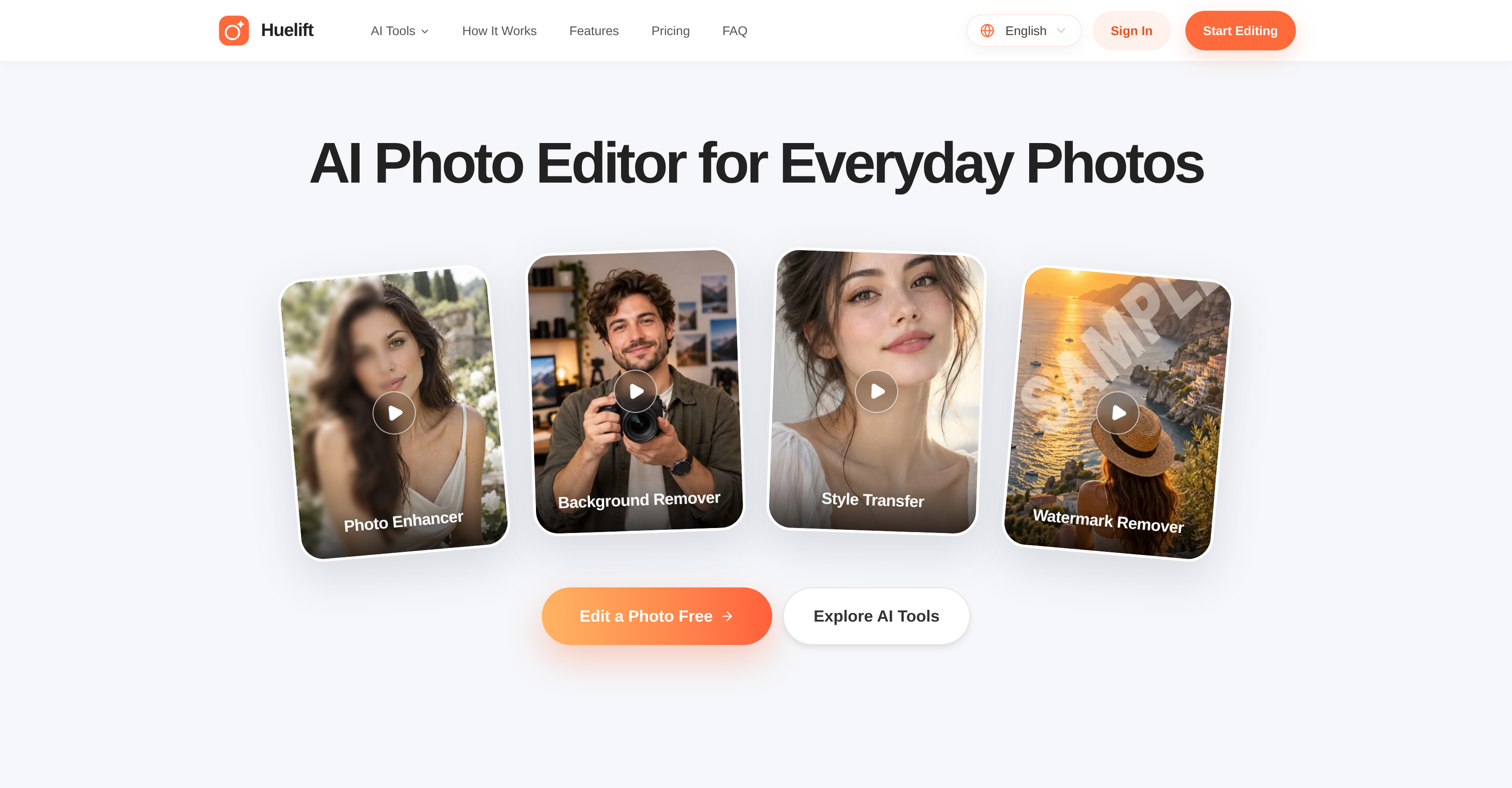
- Get store-ready product photos and clean cutouts: AI background removal isolates a person, pet, or product, lets you refine the edges, and exports a transparent PNG or swaps in a new background.
- Recover images spoiled by logos and stamps: the AI watermark remover rebuilds the selected area and keeps the surrounding image intact.
- Bring faded family photos and worn prints back to life: AI photo restoration recovers lost detail, reduces noise, cleans up compression artifacts, and upscales for sharper results.
- Turn ordinary shots into scroll-stopping social content: AI style transfer applies watercolor, oil painting, or anime looks, and custom descriptions and reference images steer the final result.
- Download only the version you want: a side-by-side comparison shows your edited photo against the original before you save anything.
- Keep control of your images: previews stay on your device, and a photo is sent out only when it needs AI processing.
- Edit your files as they are: upload JPG, PNG, or WebP images up to 20 MB without converting or compressing them first.
- Test every core edit at no cost: 3 free AI credits each day cover the basic tools, and paid plans add higher usage limits and the premium AI Magic toolset.
Pros & Cons
From the listing; not yet checked by our editors.
Pros
- Online photo editor
- Removes backgrounds
- Removes watermarks
- Enhances photo details
- Applies artistic styles
- Compare edits feature
- Supports JPG, PNG, WebP
- Processes up to 20MB
- Aligns with professional workflows
- Old image restoration
- Privacy-focused
- Detailed previews
- Free version available
- Paid subscriptions available
- Watermark & Background removal
- Photo clarity enhancement
- Compare edited and original photo
- Credits system for functionalities
- Local previews on device
- Social content creation
- Product visuals creation
- Try before you commit
- Privacy-aware preview
- Clear product limits
- Supports multiple image formats
- Can restore lost details
- Isolate subjects in photos
- Removes image distractions
- Can replace photo backgrounds
- Can improve facial features
- Restores colors and textures
- Raw and refined cutouts
- Customizable with reference image
- Noise reduction feature
- Compression cleanup feature
- Personalized customer support
- Offers cloud storage for images
- Handles images up to 64 megapixels
- No app installation required
- Works in desktop or mobile browser
- Temporary image link feature
- Projects accessible anonymously
Cons
- 20 MB photo size limit
- Limited free version functionality
- Paid access for more credits
- No image formats beyond JPG/PNG/WebP
- Limited cloud storage
- No app version available
- Potential texture alteration in output
- Cannot guarantee 4K or lossless results
- Guest projects lost with cookies cleared
Alternatives to Huelift
Tools that share the most tags with Huelift.
- EzRemove
Browser tool that removes the background from a photo and returns a transparent PNG.
Freemium
Not listed
Nov 24, 2026
- Dewatermark
Erase any watermark automatically in seconds using AI detection, even complex multi-layered or color-blended ones
Freemium · from $5/month
$5/month
Not yet checked
- Remove Background by Picsart
Eliminate manual editing and process thousands of product images automatically with AI-powered background removal that scales with your production needs
Freemium · from $10/month
$10/month
Not yet checked
- UnblurImage AI
Rescue blurry photos ruined by motion or poor focus with AI algorithms that refine each pixel for maximum sharpness
Freemium · from $3.90/month
$3.90/month
Not yet checked
- Photoleap
Transform any photo into professional quality with AI enhancement that perfects colors, lighting, and details
Free trial · from $3.99/month
$3.99/month
Not yet checked
- RemoveMark
Get watermark-free Sora videos instantly without downloading software using our web-based platform
Freemium · from $9.90/month
$9.90/month
Not yet checked
Reviews
Rate this tool
Loading reviews...
Frequently asked questions
What is Huelift?
Huelift is an online AI-based photo editor that offers various features to enhance and edit photos. It provides beneficial tools for photo editing tasks such as removing watermarks and backgrounds, enhancing details in photos, and applying various artistic styles.
How does Huelift use AI for photo editing?
Huelift employs AI technology to render high-quality photo editing features. It uses advanced algorithms to restore photo details, isolate subjects, and remove distractions from images, providing a streamlined platform for photo cleanup and innovative edits.
What are the main features of Huelift?
Key features of Huelift include removal of watermarks, replacement of photo backgrounds, enhancement of photo clarity and details, and transformation of photos with AI-generated styles. It also offers a unique feature that allows users to compare their edits with the original photo before downloading.
Is it possible to compare edited and original photos with Huelift?
Yes, Huelift allows users to compare edited photos with the original ones. This empowers users to see improvements and modifications clearly before saving and downloading.
What image formats does Huelift support?
Huelift supports several image formats including JPG, PNG, and WebP.
What is the maximum size of photos Huelift can process?
Huelift can process photos with a maximum size of up to 20 MB.
What functionality does the 'AI Magic' feature of Huelift provide?
The 'AI Magic' feature in Huelift is a premium feature that offers more advanced editing tools. However, specifics about the exact functionalities it offers aren't provided.
What is the difference between the free and paid versions of Huelift?
The fundamental difference between the free and paid versions of Huelift is the limit and range of features available. The free version provides a certain number of free AI credits daily. Paid subscriptions, on the other hand, offer more extensive usage, greater functionalities, and access to additional features like the 'AI Magic'.