ImagesArt.ai
Overview
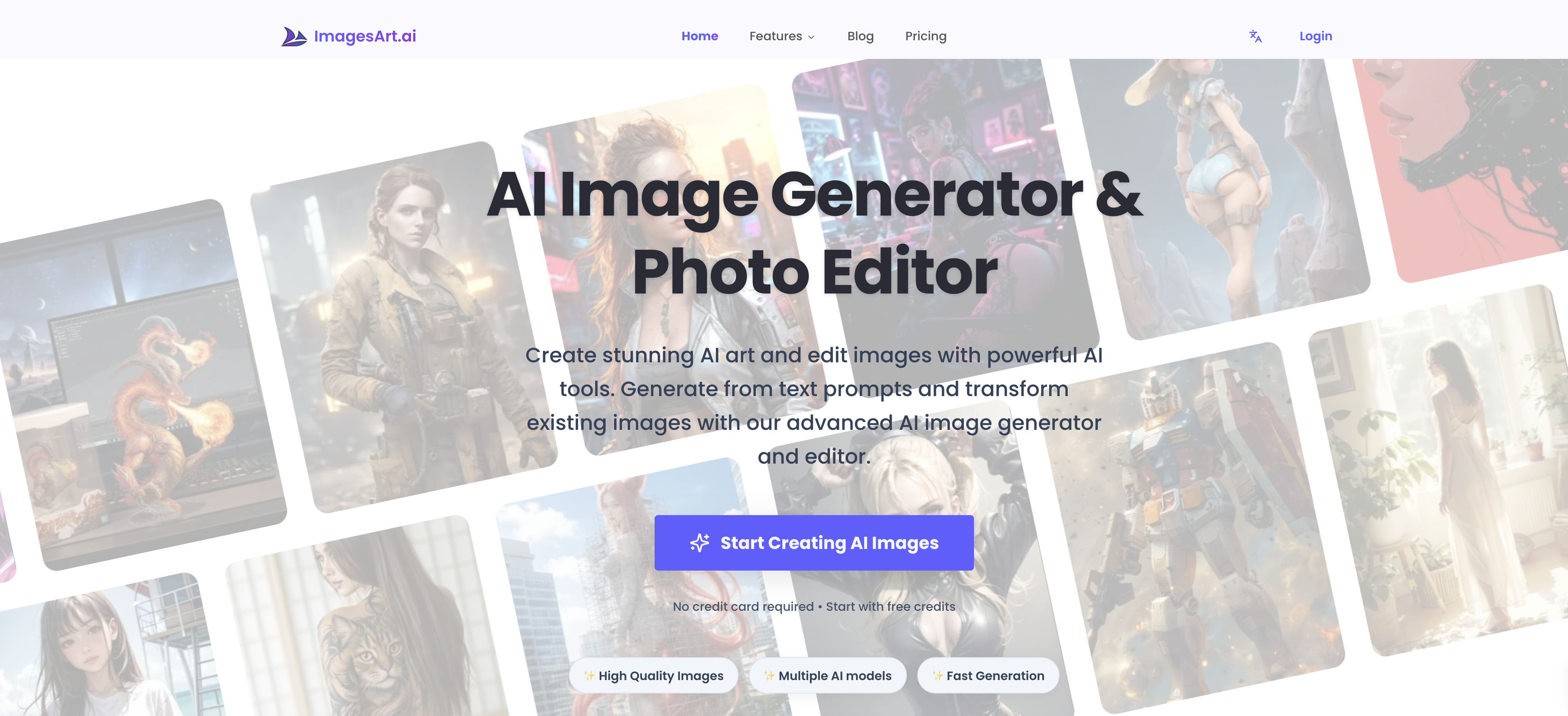
- Transform your ideas into professional, high-resolution images ready for sharing or content assets using an AI image generator with an optimized pipeline for fast results.
- Maintain precise style and subject consistency in your generated images by uploading 1-2 key reference images to guide the AI.
- Describe your vision in your own language using the smart prompt feature for clearer instructions and more controllable, detailed image outputs.
- Quickly experiment and refine your creative direction by adjusting text prompts and regenerating images in seconds for perfect results.
- Customize the final output to match your exact creative vision with adjustable styles and aspect ratios for personalized image generation.
- Convert existing photos into cartoons or anime styles instantly using dedicated AI tools like the Photo to Cartoon and Photo to Anime converters.
Pros & Cons
Pros
- User-friendly platform
- Multilingual prompt capabilities
- Fast result generation
- Style and aspect controls
- High-resolution image outputs
- Smart prompt experience
- Workflow simplification
- Natural language image description
- Multiple style reference usage
- High-quality image production
- Optimized generation pipelines
- Iterative image creation process
- Ability to upload multiple reference images
- Privacy control options
- Commercial usage of generated images
- Removal of watermarks with premium plan
- Free generation credits for new users
- Editable image prompts
Cons
- Limited to 5 reference images
- Requires credits for generation
- Privacy options may require premium
- Free generations may have watermark
- Commercial use requires rights review
- Depends on quality of prompt
- Language prompts can be ambiguous
- Style consistency relies on user
- No indicated support for animations
- No explicit batch processing capacity
Reviews
Rate this tool
Loading reviews...
❓ Frequently Asked Questions
ImagesArt.ai is an AI-powered tool designed to generate and edit images. The platform provides a user-friendly environment where users can upload reference images or describe their requirements in natural language for the AI to produce images accordingly. ImagesArt.ai also includes additional AI features such as the AI Image Editor, AI Buzz Cut Generator, AI Photo to Cartoon Converter, and the AI Photo to Anime Converter.
ImagesArt.ai generates images by leveraging the users' input, which can either be reference images or prompts written in natural language detailing what they want in the resultant image. Following the input, the AI generates images consistent with the references or the written prompts.
Yes, users can upload multiple reference images on ImagesArt.ai. The maximum number of reference images that can be uploaded in the image-to-image mode stands at 5. However, for consistent results, it's recommended to use 1-2 key reference images.
Yes, ImagesArt.ai indeed has multilingual support. Users can describe their requirements or prompts in the language they speak, making it accessible to people who speak various languages.
ImagesArt.ai is designed to generate results quickly. It has an optimized generation pipeline that allows it to generate images in seconds.
Yes, users can customize the results on ImagesArt.ai. This can be done by selecting styles and aspect ratios that match their creative direction. Thus, users have precise control over the image output.
Yes, ImagesArt.ai produces high-resolution output, making the generated images sharp and suitable for sharing, content, and product assets.
Yes, ImagesArt.ai can be used for professional purposes. The high resolution of the generated images and the versatility of the platform make it suitable for professionals in various fields, especially those in the creative industries.
The ImagesArt.ai platform includes various AI features apart from image generation. These include an AI Image Editor, an AI Buzz Cut Generator, an AI Photo to Cartoon Converter, an AI Photo to Anime Converter, and a few others.
The AI Buzz Cut Generator is one of the additional features of ImagesArt.ai. Although specific details of this feature aren't available on their website, buzz cut typically refers to a short haircut style, which suggests this feature could generate or edit images to show subjects with such a hairstyle.
Yes, with ImagesArt.ai's AI Photo to Cartoon Converter, users can convert their photos into cartoons.
Yes, ImagesArt.ai has an AI Photo to Anime Converter feature that can transform photos into Anime images.
To use ImagesArt.ai, users essentially need to follow a simple 3-step workflow. First, upload 1-2 reference images to guide the subject and style consistency. Second, describe what you want in natural language to edit details, style, and composition. Lastly, generate and download the image, which is produced within seconds.
Yes, ImagesArt.ai is designed to be user-friendly. It provides a simple, intuitive platform where users can upload reference images or describe their requirements in their own language. The 3-step workflow is simple to understand and implement, making it easy even for novices to use.
Yes, users can exercise precise control over the output of image generation on ImagesArt.ai. The smart prompt experience allows users to write in clearer prompts, leading to more controllable results. Extra control can be gained through customizable style controls and aspect ratios to match desired creative direction.
Users can guide ImagesArt.ai to match their creative direction by choosing customizable styles and aspect ratios. By writing precise and clear prompts, users are able to provide detailed instructions for image generation in terms of style, subject consistency, and composition.
While it isn't necessary to upload a reference image to use ImagesArt.ai, it is recommended for the sake of consistency and clarity. Users can upload 1-2 reference images to guide the subject and style consistency, but it's also possible to write prompts in natural language without providing any images.
The workflow of ImagesArt.ai involves three steps. First, users add references by uploading 1-2 reference images. Second, they describe what they want by writing a prompt in natural language. And third, they generate and download the resulting image.
Users can iterate the image generation process in ImagesArt.ai by adjusting the written prompt and regenerating the image. This facilitates quick experimentation and adjustments, allowing users to enhance the precision of the output.
As per their website, each generation on ImagesArt.ai costs credits based on the selected model. New users receive free credits. However, users may need to upgrade or purchase more credits when needed. Some features may also require having a premium plan.
The smart prompt experience in ImagesArt.ai allows users to describe their requirements in natural language, offering clearer prompts and enhancing controllable results. Users can specify what they want in an image and the AI will craft an image to those specifications.
Yes, ImagesArt.ai supports uploading reference images from different sources. However, the users must ensure that they have rights to the images they upload.
In ImagesArt.ai, you can upload multiple images up to 5 in the image-to-image mode. For best consistency, it is recommended to use 1-2 key reference images.
Yes, ImagesArt.ai provides high-resolution output. The images generated by ImagesArt.ai are sharp and in high quality, which makes them suitable for sharing, content, and product assets.
ImagesArt.ai supports multilingual prompts, which means it can accept prompts and create images in various languages. The specific number of languages supported isn't mentioned on their website.
ImagesArt.ai is designed to deliver fast results. It has an optimized generation pipeline that allows it to generate results in a matter of seconds.
The AI Image Editor in ImagesArt.ai is an advanced feature which allows users to edit and enhance their images with the help of AI. Specific functionality details are not available.
The AI Buzz Cut Generator in ImagesArt.ai is another feature available for users, however their website does not provide specific details about its usage.
The AI Photo to Cartoon Converter in ImagesArt.ai is designed to convert photos into a cartoon style. However, the specific functionality and process details are not mentioned on their website.
ImagesArt.ai's AI Photo to Anime Converter works by transforming user-uploaded photos into anime-styled images. The specific process and functionality details are not detailed on their website.
Yes, ImagesArt.ai can generate images without any reference. Users can describe what they want in an image using a prompt and the AI will generate an image accordingly.
Yes, ImagesArt.ai allows its users to customize the style and aspect ratio of the output image to match their creative direction.
Yes, in ImagesArt.ai, users can describe what they want in an image using their own words. This feature forms part of the smart prompt experience.
ImagesArt.ai can transform text into images as well as edit existing images. Users can upload a text prompt or an existing image as a reference and ImagesArt.ai will generate a resultant image accordingly.
Yes, ImagesArt.ai maintains style consistency in the generated images. This is ensured through the use of multiple references and in-built style controls.
Yes, images generated from ImagesArt.ai can be used for professional projects. The AI produces high-resolution outputs which are apt for professional use.
You can create a wide range of images using ImagesArt.ai. Through the use of various reference images, style controls and prompts, users can guide the type of image that is output. Specific image categories are not mentioned on their website.
Users can further enhance the generated results in ImagesArt.ai by refining the text prompt and regenerating the image. Furthermore, they can choose different styles and aspect ratios to align with their creative vision.
No specific skills are required to use ImagesArt.ai. The platform is designed to be user-friendly and intuitive, even for those without technical or design experience.
Pricing
Pricing model
Freemium
Paid options from
$12/month
Billing frequency
Monthly