
ImagineVid
Overview
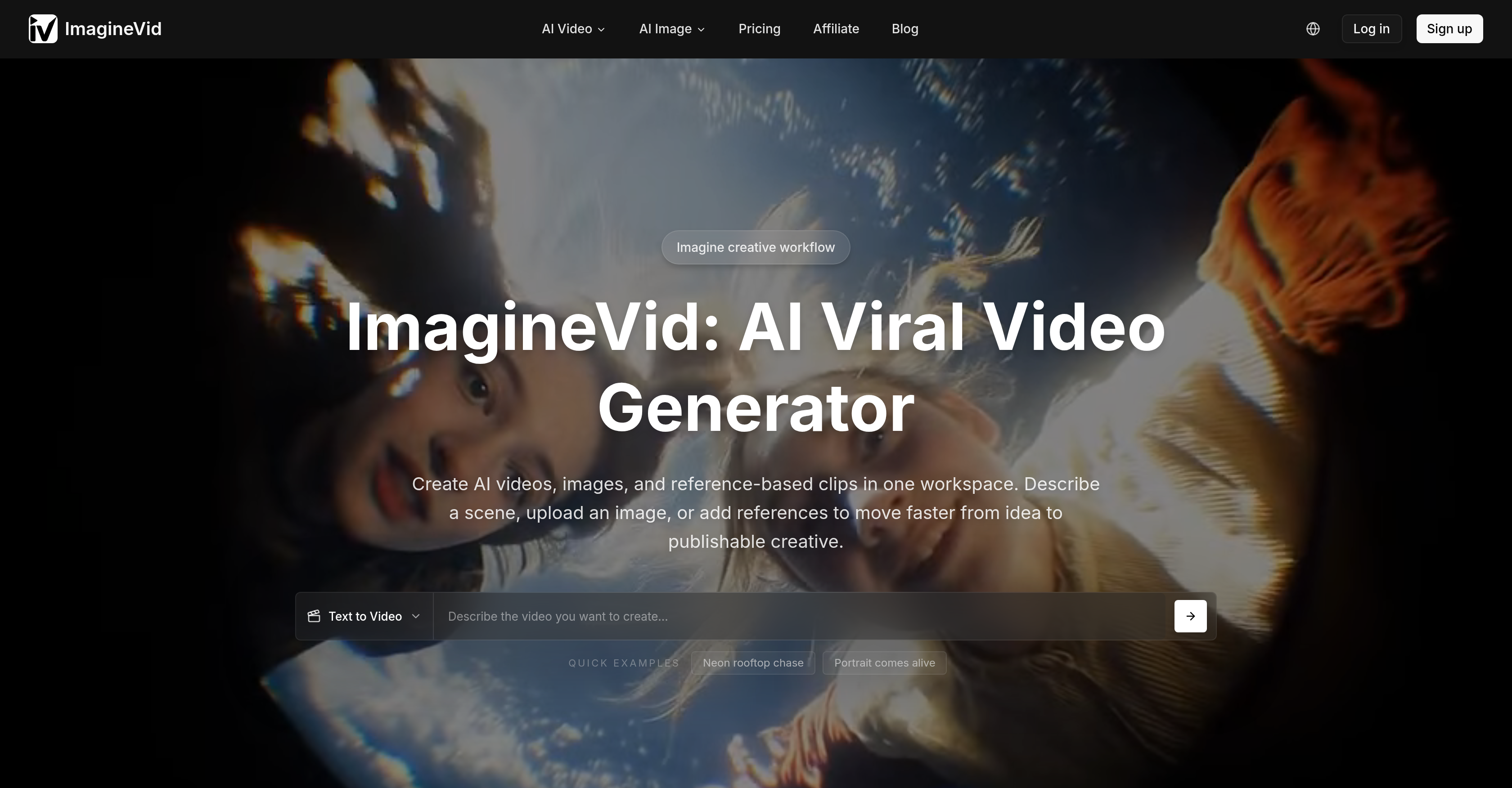
- Turn any text description into a complete video clip with synchronized audio, motion, and sound effects using the text-to-video generator.
- Animate static images into dynamic video clips with realistic motion and matching ambient sounds through the image-to-video feature.
- Achieve a polished cinematic look by fine-tuning motion dynamics, frame rates, and fixed or dynamic camera movements via advanced camera controls.
- Produce platform-ready content at multiple resolutions from 480p to 1080p and aspect ratios like 16:9, 9:16, and 1:1 to fit social media, ads, or presentations.
- Eliminate manual audio editing with automatic generation of background music, ambient sounds, and sound effects that harmonize perfectly with each scene.
- Accelerate production cycles from hours to minutes with optimized AI processing, delivering high-quality results fast for tight deadlines.
- Work seamlessly in a browser-based workspace without any downloads or third-party integrations, keeping the entire video creation workflow in one place.
Pros & Cons
Pros
- Text to video feature
- Image to video feature
- Browser-based workspace
- Creative content mode
- Camera settings control
- Multiple resolution options
- Automatic audio generation
- Fast processing speeds
- All-in-one solution
- Cinematic effects
- Synced audio
- No tool integration needed
- Inputs to video transformation
- Available for diverse content
- Dynamic motion
- Static to dynamic conversion
- Realistic motion generation
- Appropriate sound creation
- Precise frame rate adjustment
- Supports various aspect ratios
- Complimentary sound effects
- Quick video ready
- Video editing capability
- Motion graphics
- Upload image to animate
- Aspect ratio options
- Multimedia editing
- Platform specific output
- Animation
- Visual freedom
- Style control
- Video generation engine
- Audio-aware creation
- Stylized animation
- Workflow optimization
- Aesthetically appealing content
- High-quality visuals
- Real-time creative workflow
Cons
- No free trial available
- No standalone API offered
- Browser-based tool only
- Limited video resolution options
- Only user-defined camera control
- No integrated collaboration features
- Lacks pre-set editing templates
- No offline version
- Dependent on stable internet connection
Reviews
Rate this tool
Loading reviews...
❓ Frequently Asked Questions
ImagineVid is an advanced AI video generator that enables the creation of dynamic videos and images from text, images, or reference materials. It constructs complete clips with motion, audio, sound effects, and visual effects in a browser-based workspace. The tool's primary functions: text-to-video, image-to-video, and AI image generation, transform simple user inputs into video content.
In ImagineVid, the text to video feature works by allowing users to simply type a description of the video they want to create. The tool uses advanced AI algorithms to transform the description into a matching video with motion, sound effects, music, and audio that fit the described scene.
The image to video feature of ImagineVid lets users animate their images. Upon uploading an image or photo, ImagineVid adds realistic motion and appropriate sounds to turn the static visuals into a dynamic video.
AI image generation in ImagineVid is a part of its three primary functions that transform user input into video content. It refers to the tool's ability to generate images using artificial intelligence, which can be used to create videos.
ImagineVid generates automatic audio by using its advanced AI models. Every video created comes with perfectly matched audio. It automatically generates ambient sounds, background music, and sound effects that complement the video content, eliminating the need for manual audio editing.
Yes, you can control camera settings within ImagineVid. The tool includes precise camera settings allowing you to fine-tune your generated content by controlling motion dynamics, adjusting frame rates, and choosing between fixed or dynamic camera movements.
ImagineVid supports a variety of resolution options to accommodate user needs and platform requirements. You can generate videos in various quality settings from 480p to 1080p. Additionally, it offers options for different aspect ratios including 16:9, 9:16, and 1:1.
You can adjust the frame rates in ImagineVid via the advanced camera controls feature. It allows you to fine-tune the frame rates of the generated video to get the desired cinematic look.
No, ImagineVid does not require any third-party integration. It provides an all-in-one solution for video and content creation, seamlessly combining the functionalities of video generation, image generation, audio generation, and editing.
Yes, you can describe a scene to create a video on ImagineVid. By typing any description into the tool, it creates a matching video with accompanying motion, sound effects, music, and audio to fit the described scene.
ImagineVid offers fast processing speeds that can deliver high-quality video production results in minutes not hours. The actual speed can depend on the complexity and length of the video, but it is optimized for quick turnaround times, making it ideal for content creators with fast production cycles.
Yes, ImagineVid is a browser-based tool. It allows you to create and edit videos directly in your browser, meaning no software downloads or installations are necessary.
In ImagineVid, audio is harmonized with video content using AI. The tool automatically generates ambient sounds, background music, and sound effects that integrate seamlessly with and complement the generated video content. By analyzing the context of the video, the AI selects and generates audio that matches the scene.
Ambient sounds and background music in ImagineVid play a key role in enhancing the overall quality of the generated video. They add depth, richness, and emotion to the content, making it more compelling and engaging for the viewers. The tool automatically generates these sounds and music that complement the video content.
In ImagineVid, you can control various motion dynamics using the precise camera settings feature. This includes choosing between fixed or dynamic camera movements and adjusting motion dynamics to add specific desired effects and aesthetics to the generated video content.
Yes, you can use static images to generate dynamic videos on ImagineVid. With the 'Animate Your Images' feature, any uploaded photo, drawing, or graphic can become a moving clip with realistic motion and accompanying sounds.
In ImagineVid, the 'fixed' and 'dynamic' camera movements are options users can choose from to control the camera settings according to their preferences. You can select 'fixed' for stable motion or 'dynamic' for more complex and variable movement paths, enhancing the look and feel of the generated video.
ImagineVid is designed to be versatile and flexible, hence there are no specific platform requirements. You can generate videos with various resolution options and aspect ratios to fit your needs for various platforms, whether that be social media, video-sharing platforms, or corporate presentations.
You can fine-tune the content generated by ImagineVid using the advanced camera controls and resolution options. These allow you to adjust motion dynamics, control camera movements, choose different frame rates, and select the appropriate resolution and aspect ratio to create tailor-made, high-quality videos.
With ImagineVid, you can create an array of video content including but not limited to social media posts, ads, presentations, stories, and product clips. It supports the creation of realistic scenes, stylized animation, and image-based video workflows further expanding your creative horizons.
The three primary functions of ImagineVid are text to video, image to video, and AI image generation. These functions allow users to transform simple descriptions or uploaded images into aesthetically appealing video content.
ImagineVid leverages advanced AI models to generate dynamic videos from text and images. Users can describe a scene, upload an image, or add reference materials, and the AI engine will construct a complete video clip inclusive of motion, audio, sound effects, and visual effects.
With ImagineVid, users get precise camera settings. They have the freedom to control motion dynamics, choose between fixed or dynamic camera movements, and adjust frame rates to achieve the desired cinematic look.
Yes, ImagineVid provides multiple resolution options to suit different user needs and platform requirements. Users can generate videos in various quality settings ranging from 480p to 1080p. The tool offers options for different aspect ratios including 16:9, 9:16, and 1:1.
ImagineVid is equipped with an automatic audio generation function. Each video created with ImagineVid comes with perfectly matched audio. It generates ambient sounds, background music, and sound effects that complement the video content - eliminating the need for manual audio editing.
ImagineVid utilizes advanced AI models to transform inputs into high-quality visual outputs. The AI technology supports workflows such as text-to-video and image-to-video, producing outputs that are not only visually appealing but also come with synchronized audio.
Yes, ImagineVid operates in a browser-based environment. Users can create, edit, and fine-tune their video content directly in their browser. This eliminates the need for any software downloads or installations.
With the image to video function, users can upload an image and Watch ImagineVid animate it with realistic motion and appropriate sounds, turning static visuals into dynamic video content.
The specific AI models used by ImagineVid have not been disclosed explicitly on their website. However, it's clear that the platform implements sophisticated AI models to support its video and image creation workflows including text-to-video, image-to-video, and synchronized audio creation.
Yes, it is possible to fine-tune videos in ImagineVid. The tool provides advanced camera controls to fine-tune video generation. Users can adjust motion dynamics, choose between fixed and dynamic camera movements, and manipulate frame rates.
In ImagineVid, ambient sounds, background music, and sound effects are added to the video through the platform's automatic audio generation function. ImagineVid generates these audio elements automatically to complement every video - no manual audio editing is required.
No, ImagineVid does not require integration with other tools. It is designed as an all-in-one solution for creating videos with audio from text descriptions, images, and visual references in one browser-based workspace.
Yes, with ImagineVid, users can animate their images to create videos. The platform adds realistic motion and appropriate sounds to turn static visuals into dynamic videos.
In ImagineVid, texts can be transformed into videos by typing any description and watching ImagineVid create a matching video with motion, sound effects, music, and audio that fit the scene.
ImagineVid is designed for fast video production. It has optimized AI processing that delivers high-quality results in minutes, not hours, making it ideal for content creators who need quick turnaround times.
The various resolution options in ImagineVid can accommodate user needs for videos of different qualities and aspect ratios. Users can generate videos in different settings from 480p to 1080p. This makes ImagineVid suitable for a wide range of platforms and user requirements.
To create creative video content with ImagineVid, users can use the advanced generation settings that give more visual freedom and broader style control. They can describe a scene, upload an image, or add references to create aesthetically innovative videos.
In ImagineVid, motion dynamics and frame rates can be controlled with the use of precise camera settings. Users can adjust the dynamics of the motion, select between fixed or dynamic camera movements, and modify frame rates to create the perfect cinematic look.
ImagineVid is a complete package for video creation as it takes user input in the form of text or images and turns it into high-quality video content complete with audio. From controlling camera settings to adding ambient sounds and matching music, from fast processing speeds to providing different resolution options, ImagineVid provides a comprehensive solution for video content creation.
Pricing
Pricing model
Paid
Paid options from
$15.99/month
Billing frequency
Monthly
Refund policy
View Policy
Related Videos
Which Bed Would You Sleep In - Pretzels VS Oranges 📎🍊🥨 AI ASMR
imaginevideoai•393.1K views•Dec 4, 2025