
Imgezy | AI Photo Editor
Overview
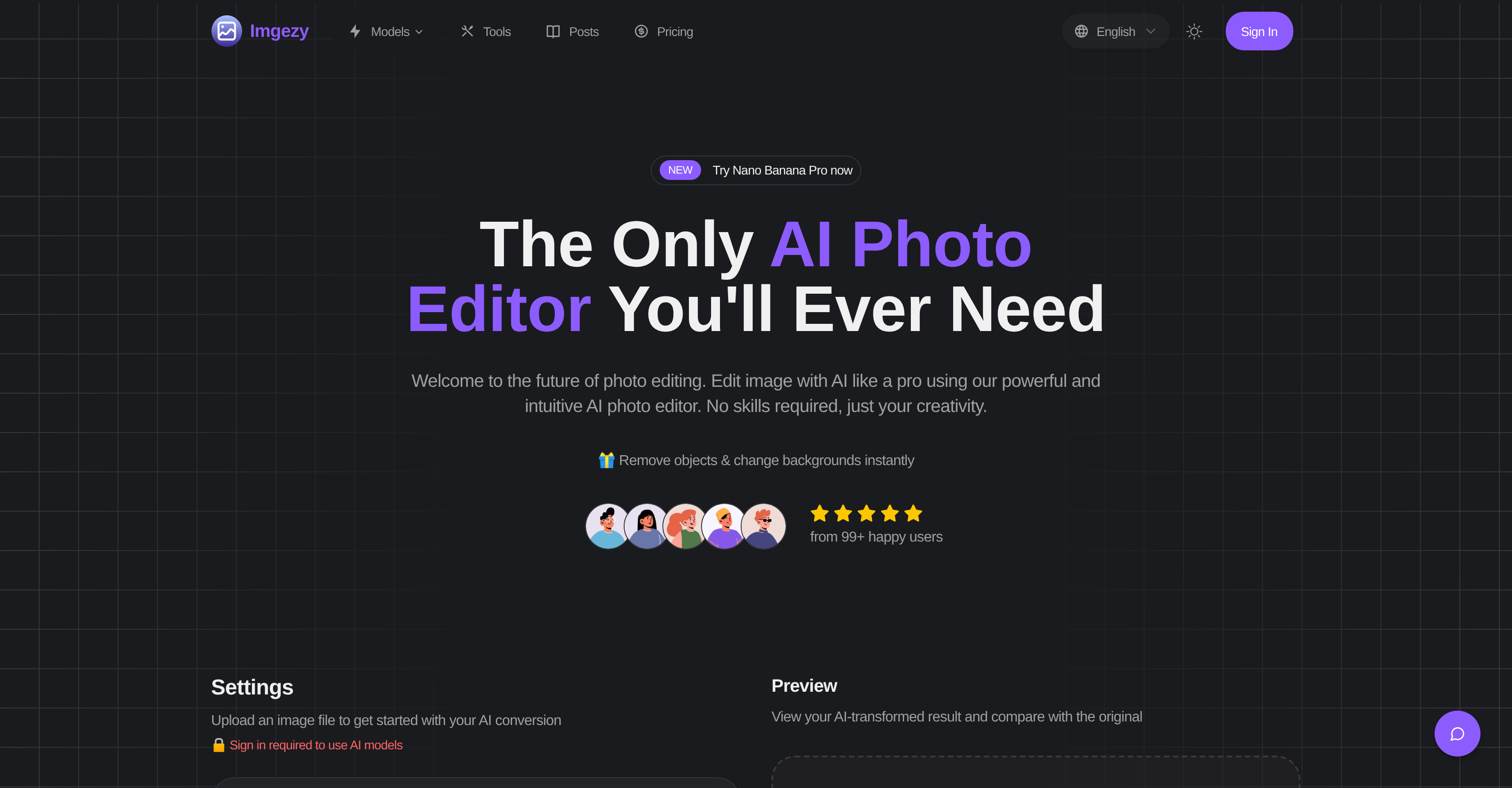
- Remove unwanted objects perfectly with AI that reconstructs backgrounds with pixel accuracy
- Change photo backgrounds instantly by simply describing what you want in plain text
- Restore damaged or blurry photos to clarity with smart repair technology that fixes ambiguous areas
- Edit multiple photos simultaneously with batch processing for large projects
- Download high-resolution edited images without any loss of quality
- Enhance colors, lighting and sharpness automatically with AI algorithms
- Complete complex edits in under 30 seconds with rapid AI processing
- Customize editing parameters by accessing specialized AI models after login
Pros & Cons
Pros
- Removes unwanted objects
- Alter backgrounds easily
- Enhance image quality
- Batch Processing
- Repairs damaged photos
- Supports major image formats
- Instant editing
- Professional-grade results
- Text-to-edit feature
- Pixel-perfect accuracy
- Automatic color enhancement
- Automatic lighting improvement
- Automatic sharpness enhancement
- Supports high-resolution downloads
- Intuitive user-interface
- No design experience required
- Descriptive text editing instructions
- Sign in for advanced models
- Smart repair feature
- Customize parameters
- Fast and efficient
- Supports JPG, PNG, WebP
- Creative partner tool
- No loss of quality
- status recognition and Trust badges
- Many features available upon login
Cons
- Requires user login
- Doesn't support all image formats
- No offline functionality
- Limited to predefined models
- Premium features behind paywall
- Uploaded files deleted after 24 hours
- No detailed model configuration
Reviews
Rate this tool
Loading reviews...
❓ Frequently Asked Questions
Imgezy is an AI-powered image editor designed to provide intuitive and efficient photo editing options. This powerful tool enables users to remove unwanted objects, change backgrounds, and elevate image quality with a simple click.
Imgezy uses advanced AI technology to provide an array of professional image editing services. Based on user-provided instructions, the tool can remove objects from an image, change its background and enhance its overall quality. Moreover, the AI models used by Imgezy are capable of performing smart repairs fixing damaged or blurry areas in an image.
Imgezy offers an array of editing options, including object removal, background change, image quality improvement, multi-photo editing, batch processing, and a smart repair feature that addresses damaged or blurry areas in photos.
Absolutely not. Imgezy is designed with a user-friendly interface and requires no specific design experience or expertise. The AI does the heavy lifting based on the editing instructions provided by the user.
In Imgezy, batch processing allows users to edit multiple images simultaneously. This feature comes in handy for larger projects where numerous images require identical modifications or enhancements.
Smart Repair is a distinctive feature offered by Imgezy that targets and rectifies damaged or blurry areas in photos, helping to restore the clarity and quality of the original image.
Imgezy supports a variety of image formats, including but not limited to JPG, PNG, and WebP.
The process involves three simple steps: Upload your image to Imgezy, provide your edit instructions, for instance: "Remove the person on the left" or "Change the background to a sunny beach", then let the AI perform its magic. Once done, you can download your newly edited, high-resolution image.
Yes. To customize the parameters for image editing in Imgezy, users do need to log in. Upon signing in, users can gain access to a variety of AI models and can modify their parameters as per their requirements.
Imgezy employs AI algorithms to automatically enhance the image quality. This includes improving the colors and lighting, adjusting sharpness, and correcting any blurriness.
Imgezy is extremely time efficient when editing photos. The AI processing time for most edits is typically between 5-10 seconds, and even complex repairs or adjustments to the image are usually completed within 30 seconds.
In Imgezy, object removal is a simple process. Users just have to provide specific instructions, such as "Remove the person on the left", and the AI technology will intelligently identify and remove the specified objects from the image.
Changing photo backgrounds in Imgezy is as easy as providing the instruction "Change the background to a sunny beach". The AI will then process the request and instantaneously replace the original background with the one specified.
Logging into Imgezy is necessary to access and customize all AI models. It also allows users to leverage extensive features such as batch processing, parameter customization, and more.
To guide Imgezy in editing a photo, users need to input their instructions in a text box after uploading their image. These instructions could vary from removing certain objects, changing the photo background, or enhancing color and lighting.
Yes, Imgezy provides instant editing results. This is particularly beneficial for users seeking professional-quality edits in a short amount of time.
In Imgezy, AI models are used to perform a variety of image editing tasks. These models, accessible upon logging in, can be customized to meet the unique editing requirements of the user.
No, Imgezy doesn't require any specific expertise from the user. Its user-friendly interface and AI-powered models handle all aspects of the photo editing process based on your provided instructions.
Yes, you can certainly enhance both color and lighting for your photos through Imgezy. Providing specific instructions like "make the grass greener and the sky brighter" allows the AI to adjust these elements to your desired effect.
Pricing
Pricing model
Free Trial
Paid options from
$8/month
Billing frequency
Monthly