Kinovi - AI Video Generator
Overview
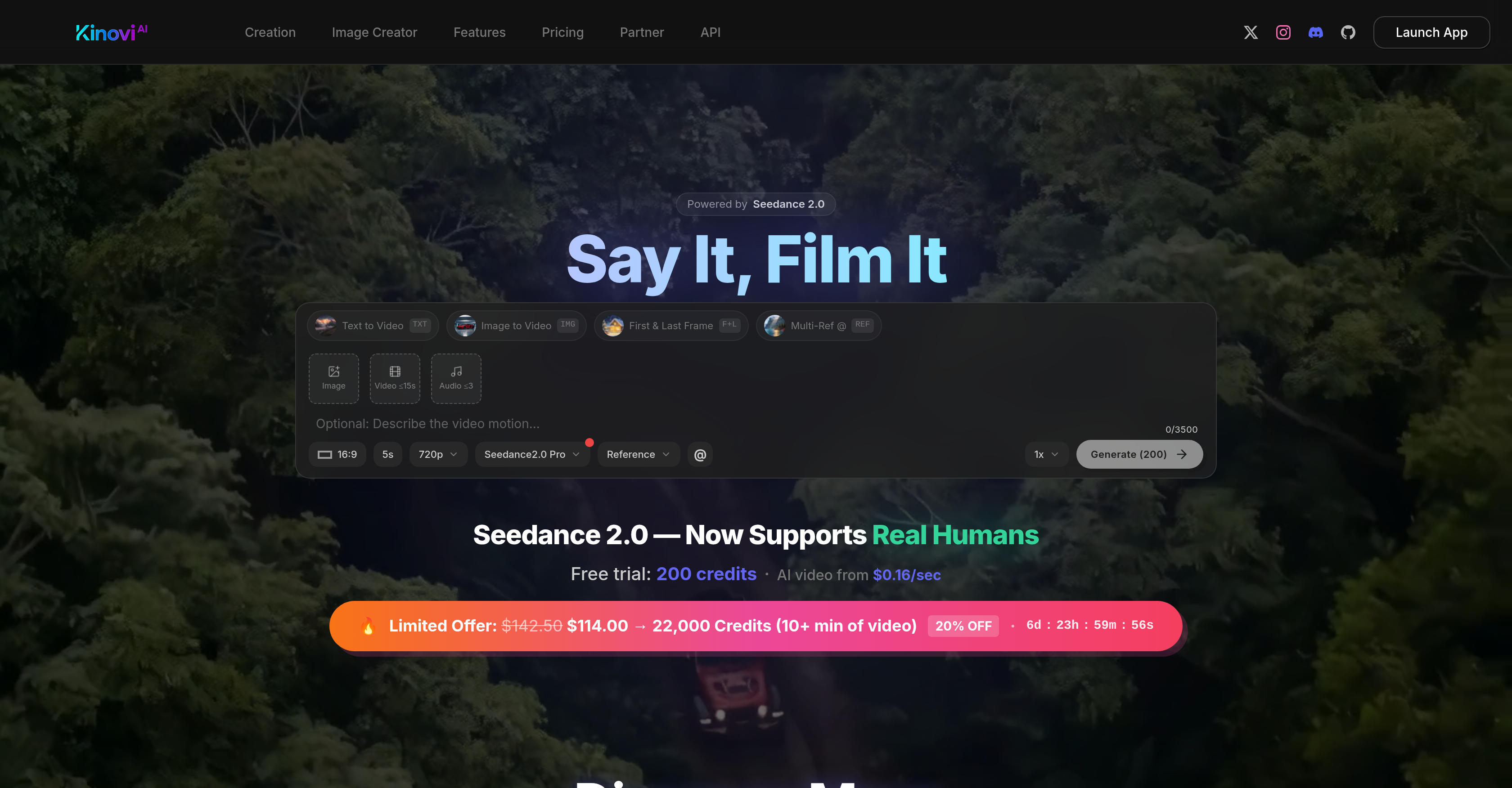
- Transform your existing images, videos, and audio clips into polished, custom video content by uploading up to 9 images, 3 videos, and 3 audio files as references
- Direct the AI's creative process precisely by assigning specific roles to each uploaded reference and specifying how they should be utilized
- Describe complex actions, camera movements, and creative intent using natural language prompts to govern the final video outcome
- Extend or refine any generated 4-15 second video clip by editing it with new text instructions for iterative, tailored creation
- Scale from personal projects to commercial production with plans supporting 4K resolution, concurrent generations, and high-volume credit packs
- Maintain creative control over audio by uploading your own clips, as the platform does not auto-generate soundtracks
Pros & Cons
Pros
- Custom interface
- Seedance 2.0 technology
- Well-polished video generation
- Supports multiple media uploads
- Supports language prompts
- Creative video direction
- Supports mixed inputs
- Customised video length
- Edit and extend capabilities
- Free to start
- Scaling plans available
- Versatile for all creators
- Great for large productions
- Prohibits explicit content
- 4-15s video generation
- Supports up to 9 images
- Supports up to 3 videos
- Supports up to 3 audio
- Accepts text to video
- Image to video feature
- Direct video creation
- <5s video Generation
- 4k resolution support
- API access
- No watermark
- Character consistency across shots
- Fast video generation
- Commercial usage permitted
- Supports real human references
- Supports MP3
- Supports multiple @file roles
- Limited offers available
- 200 free credits
- 22, 000 credits pack
- Real-time generation tracking
- Unlimited folder capabilities
- Supports natural language
- Prompt description features
- Audio generation
- Customisable duration
- Action and intent description
- Flexible input modes
- Concurrent generations
- Startup friendly
- Good for vloggers and bloggers
Cons
- Limits on uploads
- Only short videos
- Prohibits NSFW content
- Requires paid plans for scale
- Specific technology (Seedance 2.0)
- No 4K resolution in basic
- Editing limited to instructions
- No automatic audio generation
- Artificial character consistency
Reviews
Rate this tool
Loading reviews...
❓ Frequently Asked Questions
Kinovi is an AI-powered video and image creation tool, powered by Seedance 2.0 technology. It enables a custom interface for video generation, aiming to democratize video creation.
Kinovi uses Seedance 2.0 technology to power its AI-enabled video and image creation. This technology helps users create customized videos based on their inputs including references, roles, and language prompts.
In Kinovi, you can upload images, videos, and audio clips as reference files.
Yes, there is a limit. Kinovi allows you to add up to 9 images, 3 videos, and 3 audio clips per project.
In Kinovi, language prompts are utilized to describe actions, camera movements and intent. This provides a creative way for users to direct and govern the content creation process.
The generated video clips from Kinovi can range in length from 4 to 15 seconds.
Yes, in Kinovi, the initial created videos can be extended or edited with new instructions, offering flexibility in the creation process.
Kinovi facilitates AI-assisted content creation by allowing users to upload references, assign roles to these references, specify their usage, and then generate a polished video clip. With language prompts to describe actions, users can creatively channel their vision into tangible video content.
Kinovi is free to start with. Additional plans are available based on user needs and volume of usage, with costs starting from $0.16 per second of AI video.
Kinovi strictly prohibits the creation of NSFW and sexually explicit content.
Yes, Kinovi is versatile and suitable for both individual creators seeking personalized creation and large production houses aspiring for high-volume, efficient media production.
Kinovi allows users both individual creators and large production houses to upload references, assign roles, and specify how these references should be utilized, offering them a fresh take on efficient, custom, and scalable content creation process. Its feature to extend and edit video length also offers flexibility in the creation process.
Yes, Kinovi allows the usage of multi-modal input modes in a single project. Users can upload up to 12 files inclusive of images, videos, and audio files as well as include text prompts for directing the outcome.
Kinovi supports 720p resolution for projects. Higher resolution support of up to 4K is available in certain usage plans.
Kinovi does not automatically generate audio. Users have the freedom to upload up to 3 audio clips as part of their project.
Yes, Kinovi enables users to edit existing videos with natural language prompts further tailoring video outcomes to their vision.
Kinovi offers features for camera controls which include but are not limited to specifying camera movements by using natural language prompts.
The speed of video generation in Kinovi is not expressly specified on their website.
Yes, Kinovi allows the generated videos to be used for commercial projects.
Kinovi offers various plans based on user needs. A free plan with limited capabilities is available to start with. From there, they offer a Starter Pack for regular creators at $17.99 one time payment and an XL pack for power users at $114.00 one time payment, discounted from $142.50. The XL pack includes 22,000 credits and additional benefits like 4K resolution support, 5 concurrent generations, amongst other features.
Pricing
Pricing model
Free Trial
Paid options from
$17.99/unit
Billing frequency
Pay-as-you-go
Refund policy
No Refunds