Overview
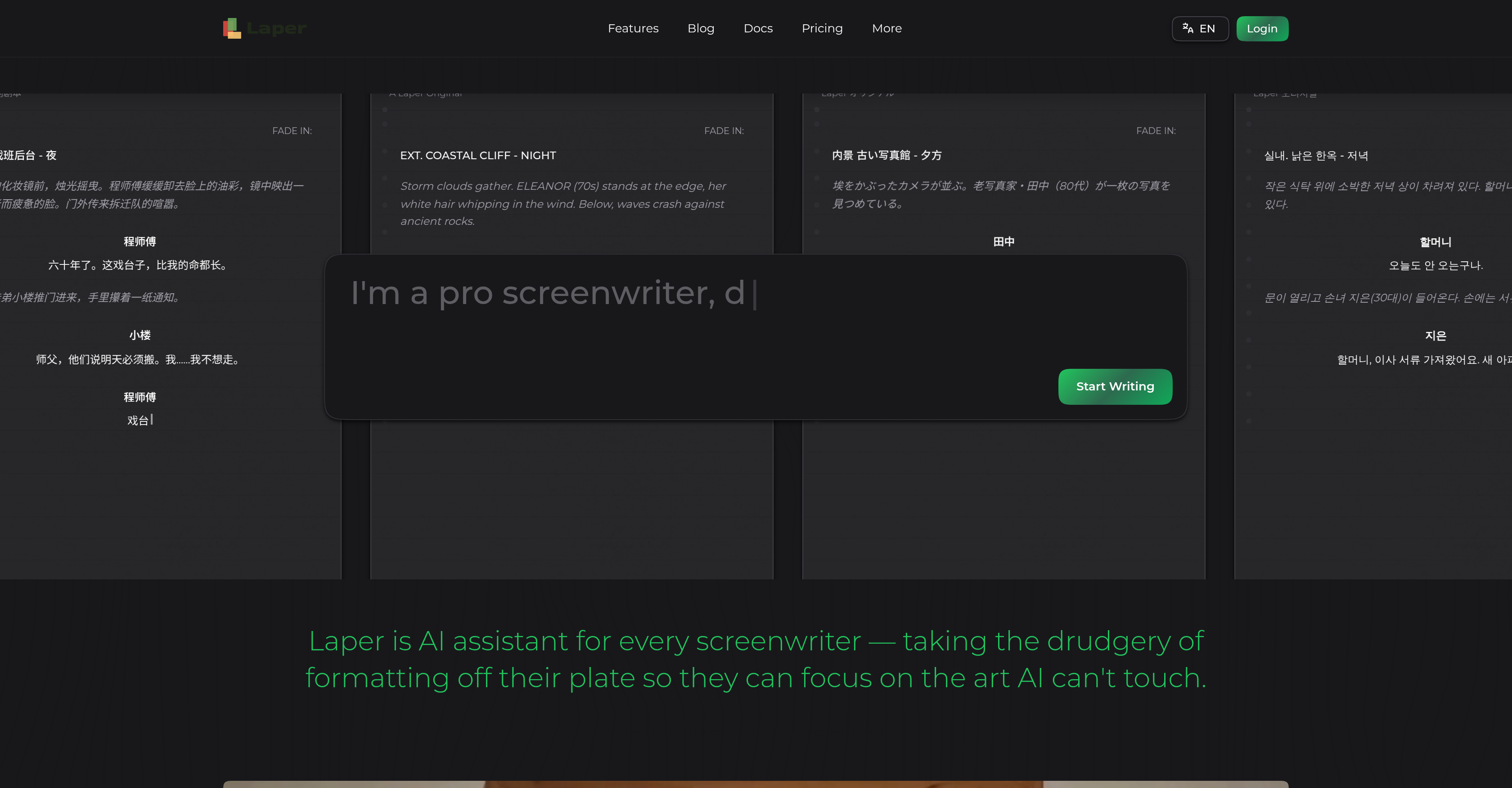
- Focus entirely on creative storytelling while Laper handles industry-standard script formatting automatically.
- Collaborate with multiple writers in real time on the same script, blending ideas seamlessly without version conflicts.
- Receive context-aware feedback on character development, plot coherence, and pacing derived from the entire script's context.
- Generate professional storyboards, character bios, and promotional posters with one click to visualize scenes instantly.
- Work on scripts in multiple languages without losing formatting or AI feedback quality, expanding your global reach.
- Access all core screenwriting features at no cost with the free tier, eliminating subscription barriers to start writing immediately.
Pros & Cons
Pros
- Real-time collaboration
- Full-script context understanding
- Automated script formatting
- Multi-language support
- Storyboard generation
- Free access tier
- Visual cue material production
- Workflow optimization
- Facilitates team work
- Supports creative writing
- Generates supplementary items
- Universal application for screenwriting
- Facilitates content development
- Emphasizes artistry and creativity
- Accessible platform
- Contextual feedback loop
- Cinematic production aid
- Enabled for theatre scripts
- Ideal for writers' rooms
Cons
- Requires JavaScript
- Limited unique features
- Limited visual cue material
- Restricted to screenwriting
- No explicit version control
- Context understanding may vary
- Feedback loop ambiguity
- No offline mode
- Over-reliance on collaboration
- Script uniqueness not guaranteed
Reviews
Rate this tool
Loading reviews...
❓ Frequently Asked Questions
Laper is a comprehensive AI screenwriting assistant designed to support every screenwriter. It offers capabilities to write, collaborate, and develop scripts with full-script context AI, relieving users from technicalities like formatting to enable them focus on the creative aspects of their craft.
Laper optimizes screenwriting workflow by comprehensively handling formatting and structure of scripts, allowing screenwriters to focus on creative writing. It also integrates real-time collaboration tools, allowing multiple writers to work simultaneously on the same script, thus increasing productivity and fostering creative synergy.
The 'full-script context AI' is a feature that enables Laper to understand the entire context of a script in development. It intelligently processes over 200,000 tokens of script context, which in humanoid terms translates to comprehending the script just like a human writer would, offering indispensable feedback as the script develops.
Yes, Laper supports real-time collaboration, allowing multiple writers to concurrently work on the same script. This feature enhances productivity and enables creative ideas to seamlessly blend during script development, fostering unity of vision in writer teams.
Laper provides a feedback loop designed to offer sensible and context-aware feedback to writers. This feedback is derived from the full-script context AI's understanding of the script, guiding writers around character development, plot coherence, pacing, and overall storytelling.
Yes, Laper's unique features extend beyond script writing. It has an in-built mechanism for generating visual support materials such as bios, posters, and storyboards with a single click. This feature aids in the visualization process, which is crucial for effective screenwriting.
Yes, Laper has multi-language support. It's designed to work with scripts in several languages, aligning with its commitment to cater to a broad global user base.
No, Laper is not only available through a subscription. It provides a free access tier for users who wish to experience the platform's features without the need for subscription.
Yes, Laper automatically takes care of script formatting. It eliminates the need for screenwriters to manually adhere to screenplay-specific formatting, allowing them to focus primarily on the story development.
Laper can generate supporting items including bios, posters, and storyboards. These materials are crucial in visualizing character traits, plot progression, and overall visual cues in a script.
Laper's storyboard generation leverages the full-script context AI to visualize the script's scenes. It turns the written descriptive cues into visual panels that help in pre-production and direction.
Yes, Laper is suitable for theatre scripts. Its innovative AI technology and multi-faceted features extend to the realm of theatre, aiding playwrights in script development, formatting, and iterative editing.
The free access tier offered by Laper is a non-subscription based feature of the platform where users can access and experience key features of the platform without having to pay for a subscription.
Yes, Laper is highly useful in movie script writing. It handles formatting, enables collaboration, gives feedback, and understands the context of the full script, which greatly enhances the process of writing movie scripts.
Laper assists in the creative writing process by taking care of non-creative aspects like formatting and script structure, leaving writers to concentrate on the storytelling. It also provides feedback to guide writers in character development, plot progression and overall storytelling, helping to refine and perfect the script.
The 'content generation' feature in Laper is linked to the AI's ability to assist in scripted content development. This includes generating novel storylines, dialogue, character development, and other creative elements that make up a compelling script.
'Workflow optimization' in the context of Laper refers to its ability to streamline and enhance the overall screenwriting process. Laper does this by relieving users of manual formatting, supporting multi-writer collaboration, providing accessible feedback, and generating supporting materials such as storyboards.
Yes, Laper provides visual cues. It has a unique feature of generating visual materials such as storyboards and posters, which act as a visual guidance and inspiration during the script development process.
Yes, Laper supports a multitude of languages. Its interface and functionality are designed with multi-language support in mind, catering to a broad global user base.
Laper can be of immense use in cinematic production. Its features such as automated formatting, collaborative writing, and storyboard generation, among others, make it a valuable tool in the pre-production phase of filmmaking, aiding in script development, conceptualization and overall narrative design.
Pricing
Pricing model
Freemium
Paid options from
$16/month
Billing frequency
Monthly