Linked Helper
Overview
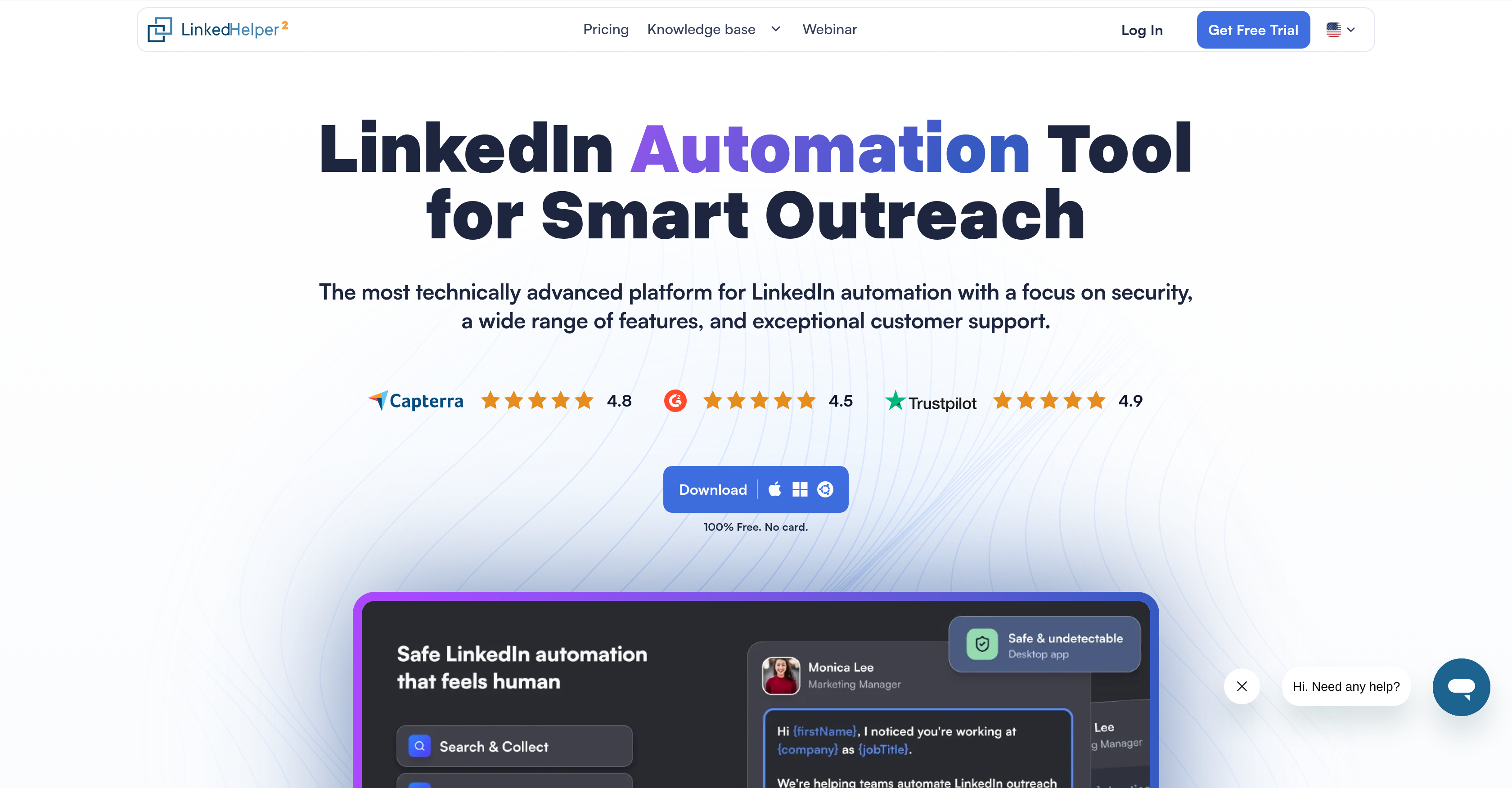
- Protect your LinkedIn account from detection with a standalone desktop application that mimics human behavior, not a risky browser extension
- Generate authentic, high-conversion outreach at scale using built-in AI to create hyper-personalized message templates based on profile data
- Automate your entire sales funnel with conditional logic for 31+ actions, from connection requests and profile visits to multi-step message chains and InMails
- Keep automated conversations feeling human with built-in reply detection that automatically pauses campaigns when a lead responds
- Discover and verify business emails from 2nd and 3rd-degree connections to expand your multi-channel outreach beyond LinkedIn
- Sync all your lead data automatically with native integrations for HubSpot, Pipedrive, and Salesforce, plus 3,000+ apps via Zapier and Webhooks
- Manage all your LinkedIn connections and campaign progress in one place with the built-in CRM for tags, notes, and lead nurturing
Pros & Cons
Pros
- LinkedIn lead generation
- Sales outreach automation
- Automates connection requests
- Advanced AI-integration for message templates
- Integrates with HubSpot, PipeDrive, Salesforce etc
- Non-Extension Architecture
- Desktop app
- Smart daily action limits
- Natural, human-like messaging
- 24/7 support
- High user ratings
- Profiles export feature
- Works for LinkedIn Basic, Sales Navigator, and Recruiter users
- Built-in proxy
Cons
- LinkedIn focused only
- Desktop-based dependency
- Advanced setup required
- Steep learning curve
- Requires proxy for safety
Reviews
Rate this tool
Loading reviews...
❓ Frequently Asked Questions
Anastasiia
🛠️ 1 tool
wrote:Linked Helper is a professional-grade LinkedIn automation tool designed for sales teams, recruiters, and lead generation agencies. Its core features include:
Unmatched Safety: A standalone desktop app (not an extension) that mimics human behavior without injecting code, keeping your account undetectable and secure.
Smart Funnels: Automate 31+ actions, including personalized invitations, profile visits, and multi-step message chains with conditional logic.
AI-Powered Outreach: Built-in AI to generate natural-sounding, hyper-personalized message templates at scale.
Built-in CRM & Reply Detection: Manage leads with tags and notes. Automation automatically stops for a lead once they reply, ensuring authentic communication.
Email Finder: Discover and verify business and personal emails of 2nd and 3rd-degree connections for multi-channel sales.
Powerful Integrations: Native sync with HubSpot, Pipedrive, and Salesforce, plus 3,000+ apps via Zapier/Webhooks.
Full Compatibility: Works seamlessly across LinkedIn Basic, Premium, Sales Navigator, and all Recruiter versions.
Linked Helper integrates with popular third-party CRM systems such as HubSpot, PipeDrive, Salesforce, and more via Webhooks, Zapier, Make, and Automatic.ai. This enables users to manage their LinkedIn connections, leads, and outreach campaigns while keeping their data synchronized across different platforms.
Yes, Linked Helper does have the capabilities to manage LinkedIn connections. Through its built-in CRM system, it allows users to manage both their LinkedIn connections and lead generation funnels. The software facilitates activities such as sending automatic responses to newly added connections and managing drip campaigns with reply detection.
Profile and post engagement features in Linked Helper include automatic post liking and commenting, and the opportunity to build message funnels. These features are designed to foster engagement and interaction on LinkedIn, increasing visibility and establishing relationships with connections.
Linked Helper can increase the conversion rate through its hyper personalization feature. This feature ensures that each interaction feels personalized and significant to the recipient, thereby improving the likelihood of responses and engagement, ultimately leading to a higher conversion rate.
Linked Helper can scrape a wide variety of data from LinkedIn profiles with its robust data scraper tool. This includes but is not limited to profile details, contact information, background details, employment and education history, recommendations, skills, and other relevant information.
Yes, Linked Helper can automate InMails. It allows users to automate InMails along with messages to first connections, group members, and event attendees. An InMail is a private message to or from a LinkedIn member who's not a connection. This feature allows users to reach out to people they are not directly connected to.
Absolutely, Linked Helper supports hyper personalization. This feature allows you to create unique, human-like messages which can effectively increase the conversion rate. With hyper personalization, users are able to tailor their messages based on the recipient's information, making each interaction highly personalized and relevant.
Yes, Linked Helper can extract emails from second or third-degree connections. Through its Email Finder tool, Linked Helper is able to capture emails from these connections and this information can be conveniently used for outreach or other marketing purposes.
Yes, Linked Helper can integrate with HubSpot, PipeDrive, Salesforce, and other third-party CRM systems. This allows businesses to maintain a consistent database across various platforms and streamline their lead management and sales outreach. The integration is carried out via Webhooks, Zapier, Make, and Automatic.ai.
Indeed, Linked Helper comes with a built-in CRM system that is designed to manage LinkedIn connections and lead generation funnels. Users can automatically respond to newly added connections and manage drip campaigns with reply detection. This CRM integration allows for a seamless lead management and nurturing process.
Webhooks, Zapier, Make, and Automatic.ai serve as integration conduits in Linked Helper, connecting it with popular third-party CRM systems. These integration tools allow users to automate the synchronization of their LinkedIn lead generation and sales outreach data with systems like HubSpot, PipeDrive, Salesforce, and others, creating a streamlined workflow for Outbound efforts.
No, Linked Helper can integrate with a wide array of popular third-party CRM systems. Alongside HubSpot, PipeDrive, and Salesforce, it also supports integration with Zoho CRM and many more via platforms like Webhooks, Zapier, Make, and Automatic.ai.
Yes, Linked Helper allows users to build message funnels. It enables individuals to create chains of messages, automating different steps of a communication funnel. This helps in guiding leads through different stages of the connection and conversion process, from the initial 'Hello' to more detailed, follow-up interactions.
Linked Helper implements several safety measures to protect the user's LinkedIn account. It operates via a desktop app, avoiding the security risks associated with Chrome extensions or code injections. Linked Helper also sets smart daily limits for actions to maintain a natural profile activity rhythm, thus preventing user accounts from appearing robotic or spam-like.
Yes, Linked Helper offers round-the-clock customer service, responding instantaneously to customer inquiries, issues, or problems. They showcase a claim of resolving any issue within 20 minutes to maintain high user satisfaction and provide better user experience.
Pricing
Pricing model
Free Trial
Paid options from
$8.25/month
Billing frequency
Monthly
Related Videos
Linked Helper Overview
Linked Helper•30.4K views•Aug 5, 2024