
Overview
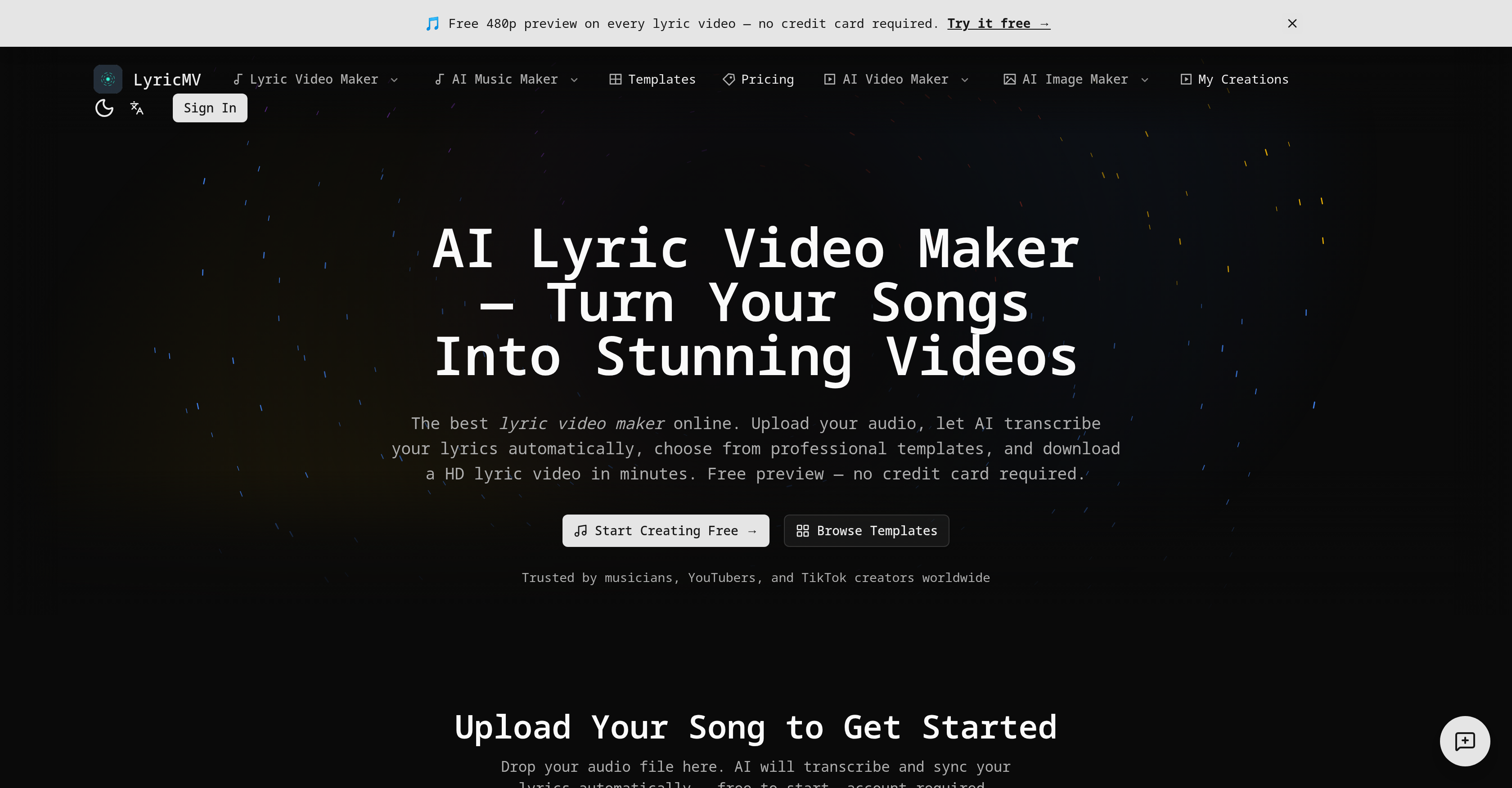
- Publish broadcast-quality lyric videos in minutes by uploading your audio and letting AI handle transcription and word-by-word synchronization
- Upload MP3, WAV, FLAC, or M4A files up to 500MB and get automatically transcribed lyrics with precise timestamps via OpenAI Whisper
- Achieve perfect lyric accuracy by fine-tuning every word and timestamp using the integrated timeline editor
- Deliver a polished, professional look with three crafted templates—Karaoke-style Deep Shadow, split-panel Classic CD, or vinyl-inspired Pro Vinyl—each rendered at broadcast quality
- Preview your lyric video at 480p before committing, then render and download in 1080p+ MP4 format ready for YouTube, TikTok, Instagram, and Spotify Canvas
- Own full commercial rights to every creation and export clean, watermark-free videos with any paid plan
Pros & Cons
Pros
- Supports multiple audio formats
- 500MB max file size
- Integrated timeline editor
- Three video templates
- Preview option at 480p
- MP4 final download format
- Broadcast quality output
- No watermarks on paid plans
- Commercial rights on creations
- Precise lyric synchronization
- User-friendly interface
- High-quality video rendering
- Efficient error correction
- Optimized for social media
- Private and secure processing
- Designed for various users
- Support for major audio formats
- User editable transcriptions
- Audio and lyrics synchronization
- Pre-established lyric video templates
- High quality video previews
- Final video in 1080p+
- No watermarks in paid plans
- Facilitates online content creation
- Karaoke-style template option
- Visual waveform editor
- 1080p+ HD video export
- Multi-language support
- Professional templates
Cons
- Only three templates available
- 500MB maximum audio upload
- Limited preview at 480p
- Limited format output to MP4
- Potential transcription inaccuracies
- No support for live editing
- No API available
- Limited to 3 template styles
- Accuracy dependent on whisper tech
- No support for bulk uploads
Reviews
Rate this tool
Loading reviews...
❓ Frequently Asked Questions
LyricMV is an online AI-powered lyric video creation tool. It is designed for both amateur and professional musicians, and other content creators interested in turning their audio content into visually engaging lyric videos.
LyricMV uses OpenAI Whisper as its fundamental technology to manage automatic detection and precise timestamping of each word in the lyrics. It transcribes the audio content and timestamps every word in the lyrics, which allows for accuracy in lyric synchronization.
Key features of LyricMV include automatic audio transcription and lyric synchronization, template selection, final video rendering, ability to upload audio in major formats, an integrated timeline editor for accuracy checking, three crafted templates for lyric video, secure and private processing of audio uploads, provision of a free preview option, and output downloads in MP4 format with broadcast quality.
LyricMV supports all major audio file formats for upload, including MP3, WAV, FLAC, and M4A.
LyricMV accommodates audio files up to the size of 500MB for upload.
LyricMV provides three tailored templates for lyric video creation, named Deep Shadow, Classic CD, and Pro Vinyl.
LyricMV ensures the privacy and security of the uploaded content by processing it in a secure and private manner. All uploaded audio files are treated with strict privacy protocols.
LyricMV provides a free preview at a resolution of 480p, allowing users to see and evaluate their video before committing to a full render.
The final output can be downloaded in MP4 format from LyricMV.
LyricMV's timeline editor allows users to accurately fine-tune the start and end times of each lyric line, facilitating corrections in any discrepancies in the automatic transcription.
LyricMV can handle various tasks automatically including audio transcription, lyric synchronization, template selection, and final video rendering.
The paid plans of LyricMV allow users to export clean and professional videos without any watermarks, as compared to the free version where watermarks might be present.
Yes, you can use your LyricMV's videos for commercial purposes. It offers full commercial rights to all creations, meaning you own the creations and can use them commercially.
Users can correct the automatic transcription and synchronization in LyricMV through an integrated timeline editor. The editor allows users to review the transcribed lyrics and make necessary corrections or adjustments to ensure accuracy.
To create a lyric video using LyricMV, users need to upload their audio file, let the AI transcribe and timestamp the lyrics, choose a template from the available options, and finally download the rendered HD lyric video.
No, LyricMV does not impose a watermark on the final videos in paid plans. Users can export clean and professional videos without any watermarks.
Yes, the output of LyricMV is of broadcast quality. Users can download the final output as broadcast quality MP4 files.
LyricMV helps content creators in the music industry by providing a platform where they can turn their audio content into lyric videos with ease. The process is simple, requiring no advanced video editing skills, and the final output is professional enough for promotion and sharing on various platforms.
Yes, LyricMV provides full commercial rights to all creations. Users own the commercial rights to everything they create with LyricMV, meaning they can use their creations for commercial purposes without infringement.
LyricMV leverages the power of OpenAI's Whisper technology for automatic transcription of the uploaded music file into lyrics. The Whisper AI detects each word in the lyrics and timestamps them with precision for synchronized lyrics display in the video. However, the AI transcription might not be a 100% accurate, and there's provision for users to manually correct any discrepancies in the lyrics.
LyricMV provides three professional templates specifically crafted for lyric videos. The templates include 'Deep Shadow', a Karaoke-style layout, 'Classic CD' featuring a split-panel layout with a rotating CD disc, and 'Pro Vinyl' that gives an audio visualization in the form of a vinyl record. Each template is fully rendered at a high broadcast quality for the best professional look.
LyricMV supports all major audio formats, and users are allowed to upload music files in MP3, WAV, FLAC, and M4A formats.
Users can upload audio files to LyricMV up to a maximum size of 500MB.
Users can correct discrepancies in the automatic transcriptions made by the Whisper AI on LyricMV with the help of an integrated timeline editor. This feature allows users to review, edit and fine-tune every word and timestamp to ensure the lyrics are correct.
LyricMV allows users to preview their lyric video in 480p before committing to a full render. It helps in making informed decisions before rendering the video in higher resolution.
Yes, after the video is rendered to the user's satisfaction, LyricMV allows users to download the final output of their lyric video as a high-quality MP4 file.
LyricMV does not place watermarks on the final videos in the paid plans to ensure clean and professional outputs.
The paid plans on LyricMV let users export high-quality videos without any watermarks, thus offering full commercial rights to all creations. This ensures professionals can use their lyric videos anywhere commercially without any attribution to LyricMV.
Yes, LyricMV is designed to handle various tasks such as audio transcription, lyric synchronization, template selection, and final video rendering. It largely automates these tasks using AI technology, reducing manual effort and offering precision.
All the data uploaded to LyricMV are processed in a secure and private manner. It ensures individual user data privacy and security.
Yes, LyricMV has a selection of templates that users can choose from when creating their lyric video. This includes the Deep Shadow, Classic CD, and Pro Vinyl templates.
LyricMV provides the final video output in broadcast quality, which implies a resolution at 1080p or higher.
LyricMV uses OpenAI Whisper for transcription of the lyrics from the uploaded audio files. The Whisper AI technology allows the tool to automatically detect and timestamp every word in the music, providing highly accurate, albeit not flawless, transcriptions.
Yes, LyricMV is a tool that both amateurs and professional musicians and content creators can use for professional-grade lyric video creation. It handles multiple tasks required in this process, from transcription to lyric syncing and high-quality rendering.
LyricMV supports a wide range of music file formats, including MP3, WAV, FLAC, and M4A.
Yes, LyricMV facilitates the creation of Karaoke-style videos. The Deep Shadow template provides a karaoke-style layout with word-by-word highlighting, offering a perfect base for creating karaoke videos.
Yes, the final video produced by LyricMV can be downloaded as an MP4 file, which is ready to be uploaded on various social media and content platforms including YouTube, TikTok, Instagram, Spotify Canvas and more.
Yes, LyricMV offers complete commercial rights for all creations, meaning users can commercially use their creations anywhere without providing any credit to LyricMV.
Pricing
Pricing model
Paid
Paid options from
$9.90/unit
Billing frequency
Pay-as-you-go
Related Videos
【LyricMV】 Text From Mom - korean_hamin (Lyric Video) 🎧 Text to Song #music #lyrics #song
LyricMV Officia•43 views•May 9, 2026