Overview
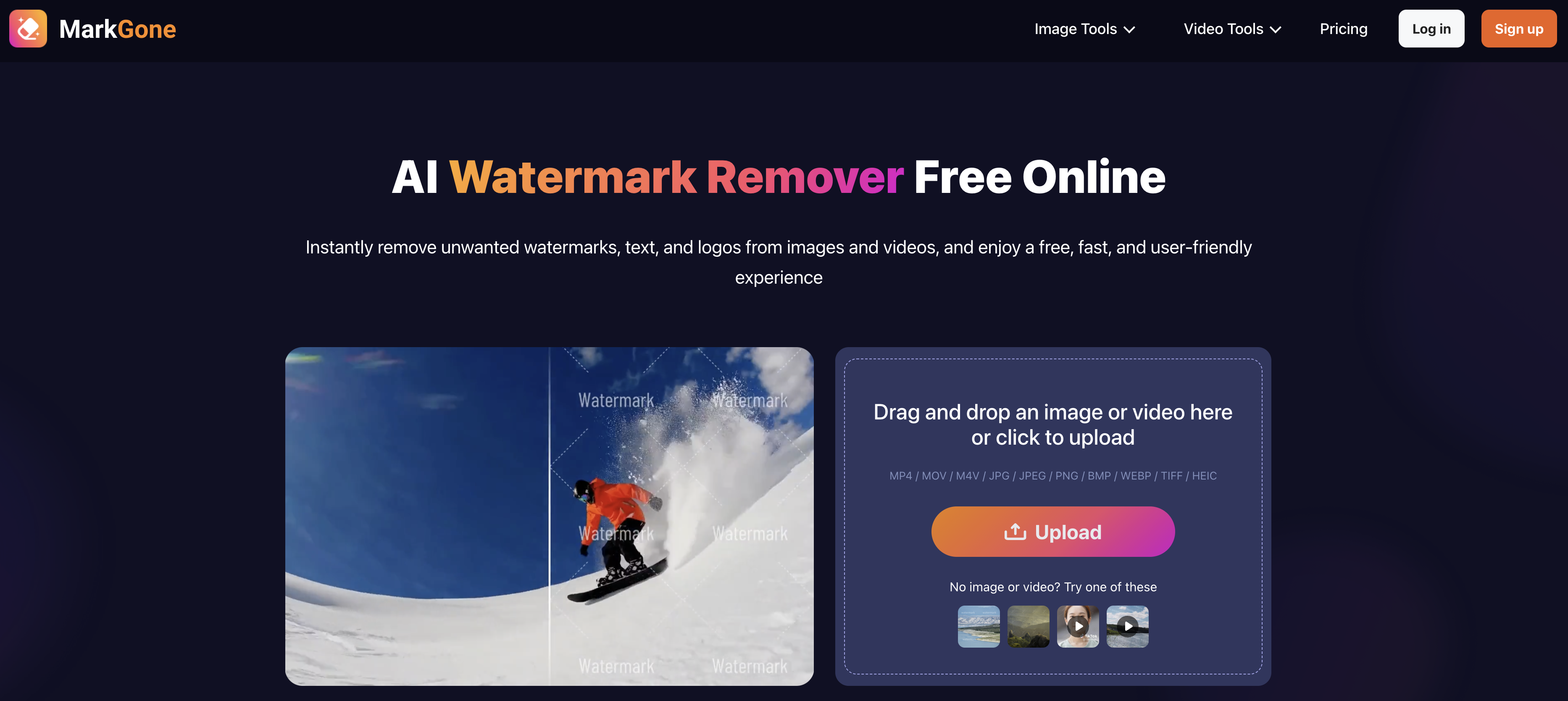
- Get clean, professional media instantly with AI-powered one-click processing that removes watermarks in seconds, eliminating tedious manual editing
- Preserve every detail of your original photos and videos, maintaining colors, edges, and clarity without distortion after watermark removal
- Remove on-screen text and complex logos from videos by intelligently reconstructing the background, leaving a crisp result ready for editing
- Process a wide range of file formats including MP4, MOV, JPG, PNG, and HEIC for versatile watermark removal from any media type
- Keep your files secure with strict data protection protocols that safeguard all uploaded media throughout the processing and download stages
Pros & Cons
Pros
- Removes watermarks from photos
- Removes watermarks from videos
- Preserves original quality
- Handles logos, text, stamps
- Works in seconds
- Automatic watermark detection
- User-friendly workflow
- One-click processing
- Emphasizes data security
- Supports wide variety of formats
- Free limited daily use
- Upgradeable for more access
- Maintains natural and distortion-free visuals
- Reconstructs background in video
- All content types handled
- Maintain video frame clarity
- Operates without manual edits
- Supports high video quality
- Robust and specialized tool
- Effectively restores old images
- Supports professional use
- Fast and smooth operation
- Strict security processing
- Optional additional credits purchase
- Performs pixel-perfect precision removal
- Supports large file sizes
- Common formats supported
- High-quality visuals post-cleanup
- High user satisfaction rate
Cons
- Limited daily free uses
- Requires PRO upgrade for unlimited usage
- Files size restrictions
- Video length maximum 10 minutes
- No API for third-party integrations
- Limited file formats support
- Dependent on upload/download internet speed
- No offline functionality
Reviews
Rate this tool
Loading reviews...
❓ Frequently Asked Questions
MarkGone is an AI-powered online tool that specializes in the removal of watermarks from a variety of media files, including photos and videos, without compromising on the original quality of the files.
MarkGone identifies and removes watermarks automatically. Once a user uploads a media file, the AI technology behind MarkGone works to locate and eliminate these watermarks within seconds. This is done while ensuring that the file retains its original information, such as colors, edges, and visual details.
MarkGone supports a wide array of file formats including MP4, MOV, M4V, JPG, JPEG, PNG, BMP, WEBP, TIFF, and HEIC.
MarkGone prioritizes data security by implementing strict security protocols for all uploaded files. This ensures that all user data remains protected throughout the watermark removal process.
MarkGone is designed to work at an impressive speed, removing watermarks from uploaded media files within seconds.
No, MarkGone does not alter the original quality of files during watermark removal. It preserves the original details of files, ensuring that all key elements such as colors, edges, and visual details remain natural and distortion-free.
MarkGone’s workflow is user-friendly. The tool is designed for straightforward and fast one-click processing, which minimizes the need for tedious manual editing.
MarkGone can handle different types of watermarks, including text, logos, and stamps, across a wide range of content.
Yes, MarkGone offers a PRO account as an upgrade, which grants users more access to its services beyond the limited free usage.
The credit-based access to MarkGone involves purchasing additional credits, which allows users to utilize more of its services beyond the free access limit.
Yes, MarkGone can be used for free, although the usage is limited to a certain number of times per day.
Yes, the use of MarkGone's services is limited to a certain number of times per day for free usage. To access more uses, users would need to either upgrade to a PRO account or buy additional credits.
The maximum file size that MarkGone can handle is 20MB for image files and 300MB for video files. The length of the video files should not exceed 10 minutes.
MarkGone revolutionizes the watermark editing process by automating the removal of watermarks with the help of AI, whereas manual editing would require tedious and experienced manual effort. Its one-click processing method saves users from having to apply cumbersome procedures such as masking, cropping, or frame-by-frame clean-up.
Yes, MarkGone is versatile enough to handle watermark removal from any type of media files, including photos and videos.
Users can upload their media files to MarkGone simply by dragging and dropping the file or clicking to upload the file onto the platform.
Yes, MarkGone works with any theme or subject of media files since it focuses on identifying and removing watermarks and not the content of the media files.
The process of removing watermarks with MarkGone is simple and straightforward. Users upload their media file onto the platform. The AI then locates and removes the watermark automatically within seconds. This is done while ensuring the original details of the files remain intact.
All media files uploaded on MarkGone go through the watermark removal process after which the cleaned files can be downloaded. They employ strict data security measures to protect these files at all stages.
Yes, MarkGone handles watermark removal from videos the same way it does from photos. Both involve the user uploading the file, after which the AI automatically removes the watermark without compromising the original quality of the media file.
The main function of MarkGone is to remove watermarks from photos and videos, including logos, text, and stamps, while preserving the original quality of the files.
MarkGone is capable of removing watermarks from media files in seconds.
MarkGone automatically locates and removes watermarks after the users upload their media files, without requiring any manual input from the user.
No, MarkGone does not affect the original quality of media while removing watermarks. It maintains the colors, edges, and visual details of the cleaned images and videos to ensure they remain natural and distortion-free.
MarkGone ensures data security by strictly processing all uploaded files under rigorous security protocols to make sure user data remains protected at all stages.
The one-click processing feature in MarkGone works by allowing users to easily clean their media files. Users just need to upload their file and the tool automatically processes the watermark removal.
MarkGone supports a variety of file formats including MP4, MOV, M4V, JPG, JPEG, PNG, BMP, WEBP, TIFF, and HEIC.
Yes, there is a usage limit for free accounts on MarkGone. The service provides a limited number of uses for free each day.
Users can gain more access to MarkGone by upgrading to a PRO account or by purchasing additional credits.
No, there is no significant difference. Whether for video or photo watermark removal, MarkGone consistently delivers high-quality results, maintaining colors, edges, and visual details.
To ensure the clarity of every frame in video watermark removal, MarkGone leverages its AI technology to carefully remove watermarks without compromising the video's clarity and professionalism.
MarkGone is highly effective at removing on-screen text from videos. It intelligently reconstructs the background to leave a clean video ready for further editing.
MarkGone handles logo removal from images or videos efficiently, irrespective of the logo's complexity or placement. The AI-powered tool works to ensure seamless logo removal while maintaining the original quality of the media file.
The limitations on file size for uploads in MarkGone are up to 20MB for image files and up to 300MB and 10 minutes in length for video files.
When it says MarkGone preserves original details of files, it means the tool ensures that all original aspects of the media file, such as colors, edges, and visual details, remain intact and distortion-free even after the watermark removal.
The uploaded files undergo watermark removal and are then available for download. All files undergo strict security processing to ensure user data protection.
Testimonials and reviews for MarkGone can be found on their website.
MarkGone offers free limited daily access with an option to upgrade for additional usage.
Upgrading to a PRO account on MarkGone allows users to enjoy more access, offering more watermark removals per day compared to the limited number of free uses offered to non-PRO users.
Pricing
Pricing model
Freemium
Paid options from
$9.99/month
Billing frequency
Monthly