Overview
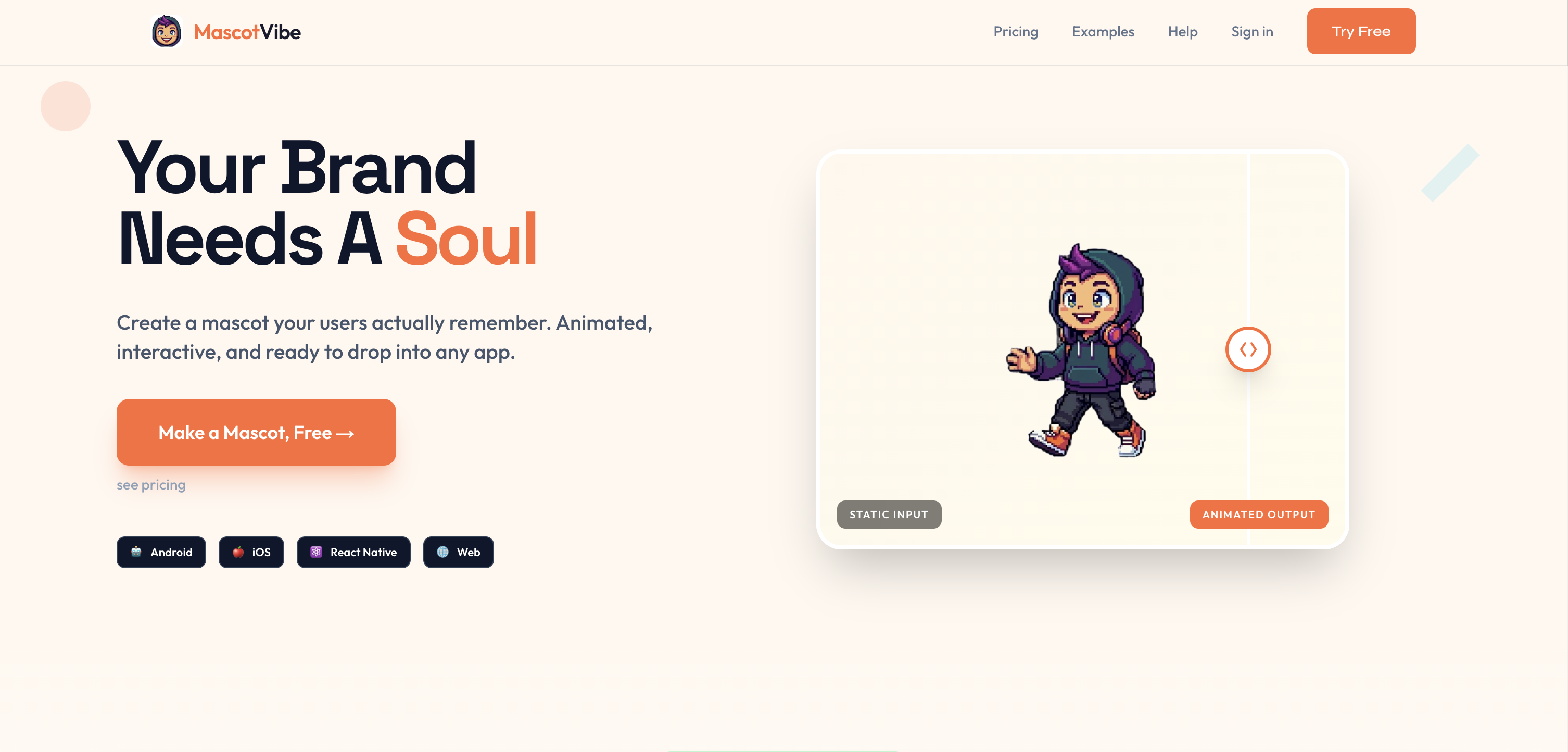
- Get a professional brand mascot in under 5 minutes without hiring a designer, using AI that generates four unique concepts from your description or website URL.
- Animate your character instantly for apps or games with one-click presets for waving, dancing, and celebrating, or describe a custom action.
- Export your animated mascot ready for any project in WebM, MP4, MOV, APNG, or spritesheet formats, ensuring compatibility across platforms.
- Refine your mascot design instantly without back-and-forth revisions, achieving a perfect fit for your brand identity.
- Animate an existing logo or image you upload, turning static artwork into a lively character with preset or custom animations.
Pros & Cons
Pros
- Custom animated mascots
- Scans and reads websites
- Detects brand colors
- Identifies industry from URL
- Generates unique mascot characters
- Offers 12 animation presets
- Allows custom animation prompts
- Exports in multiple formats
- Kawaii, cartoon, 3D, pixel art styles
- One click to animate
- No design skills required
- Significant cost reduction
- Significant time reduction
- No designer needed
- Preset or custom animations
- No subscription, pay-per-use
- Can animate existing logos
- Output in WebM format
- Output in APNG format
- Output in MOV format
- Output in ProRes format
- Output in Spritesheets format
- Fast generation of mascots
- Interactive mascots for apps
- Suitable for various platforms
- Allows style selection
- Generates four mascot concepts
- Custom mascot description
- Multiple language support
- User-friendly interface
- Free version available
- High-quality graphic output
- Generation from scratch or uploaded image
- Refinements available for mascots
- Generates multiple formats simultaneously
- No signup required for trial
- Quick animation feature
- Animated outputs from static inputs
- Credits-based pricing
- Email and priority support available
- API access for advanced usage
- Transparent mascot background
- Industry-specific mascot generation
Cons
- Limited styling options
- No real-time animation
- Quality depends on description accuracy
- No collaborative design option
- Single use pay model
- Limited export format options
- No 2D style options
- Custom descriptions may lack accuracy
Reviews
Rate this tool
Loading reviews...
❓ Frequently Asked Questions
MascotVibe is an AI-powered mascot generation and animation tool designed for apps, games, and brands.
MascotVibe can generate mascots in a variety of styles, including Kawaii, Cartoon, 3D, Flat, Pixel, and Hand-drawn.
MascotVibe allows users to animate the mascot with 12 animation presets, such as waving, dancing, or celebrating.
Yes, users do have the option to describe a custom prompt for their mascots' animation in MascotVibe.
MascotVibe supports a broad range of formats for producing mascots, including WebM, APNG, MP4, MOV ProRes, and spritesheets.
MascotVibe's interface is user-friendly and designed with non-designers in mind, offering an easy-to-use platform and quick setup.
Yes, MascotVibe allows for instant refinements on mascot design.
MascotVibe is more cost-effective compared to traditional mascot design and animation services, balancing affordability with quality.
Yes, you can create animated mascots from any image using MascotVibe.
MascotVibe uses AI prompts to generate mascot concepts. Users describe their brand and the AI produces four mascot concepts in various styles.
Yes, your website URL can be used as input and MascotVibe will create an animated mascot in response to the information it gathers from the URL.
MascotVibe caters to non-designers by providing an intuitive and easy-to-use interface, quick setup, and the ability to create and refine mascots instantly.
The quality of mascots generated by MascotVibe is high. It uses AI to create mascots, which can be customized and animated to tailor to specific brand requirements.
Yes, MascotVibe is suitable for branding purposes in game and app development. It is designed to create mascots that users can embed in apps, games, and brands.
MascotVibe balances affordability and quality by using AI to generate high-quality mascots at a fraction of the cost of traditional design services.
Yes, the mascots created by MascotVibe can be used across different platforms. It provides mascots in formats like WebM, APNG, MP4, MOV ProRes, and spritesheets, covering most platform needs.
The inputs that can be used for mascot creation in MascotVibe are a description or the user's website URL. Users can also input an image for animation.
MascotVibe has a quick setup and start time. Users can describe their mascot or paste their website URL and get mascot concepts back in minutes.
Yes, MascotVibe caters to pixel and hand drawn mascot styles, along with other styles like Kawaii, Cartoon, 3D, and Flat.
The key differences between MascotVibe and traditional mascot design services include the time, costs, and process involved. Traditional services often require weeks of work, and costs can exceed $5,000 for design and animation, while MascotVibe can create concepts within minutes at significantly lower costs. Moreover, traditional services may not support instant refinements and a range of output formats which MascotVibe does.
MascotVibe generates mascots by scanning a given website or by reading a text description provided by the user. The AI analyses your brand colours and industry to create a mascot character. Four different concepts of mascots are generated based on the brand description provided, allowing the users to pick a style that best suits their needs.
Yes, MascotVibe allows users to customise animation presets to suit their needs. After choosing from the provided 12 animation presets, you can use your own prompts to describe the animation you want.
MascotVibe supports diverse range of output formats. You can download your mascot in WebM, APNG, MOV, ProRes, or spritesheet format.
All kinds of businesses can benefit from using MascotVibe, especially those that want a unique, recognisable character to represent their brand. Its applications are potentially unlimited, but it can be particularly beneficial to apps, games, restaurants, streamers, and any brand that wants a distinct mascot without having to pay a hefty designer price tag.
MascotVibe supports a variety of design styles including Kawaii, cartoon, 3D, pixel art, and more. The aim is to create a style that fits best for your brand and the particular platform you are targeting.
Absolutely, users do not need to have design skills to use MascotVibe. It offers a user-friendly interface that allows anyone to generate and animate unique mascots in just a few clicks.
Creating mascots on MascotVibe involves either uploading an existing image or describing your brand for the AI to generate a mascot from scratch. Then you pick an animation from the 12 presets provided or describe your own, and finally, download your animated mascot in the format that suits you.
Yes, MascotVibe does offer a free version. This version comes with limited capabilities including the creation and animation of one mascot, one free refinement, and the ability to animate and preview the mascot.
MascotVibe offers various pricing tiers. The free tier offers limited capabilities. The 'Pro' plan costs $14.99 a month and includes 200 credits per month. The 'Studio' plan costs $39.99 per month and offers 800 credits per month along with API access and priority support.
MascotVibe streamlines the mascot design and animation process, eliminating the need for hiring illustrators and animators, cutting down costs, and reducing creation time significantly. While traditional processes require back-and-forth revisions, MascotVibe provides instantaneous refinement. The first mascot can be produced in under 5 minutes at a fraction of the cost of traditional design and animation.
Yes, API access is available in MascotVibe's Studio plan, offering unlimited API calls and integration with five REST endpoints.
You can create a wide array of mascots on MascotVibe; from friendly kitchen companions for a recipe app, adventure guides for a travel platform, retro gaming mascots for an indie studio, space explorers for a kids science app, to a debug buddy for a developer tools startup.
Animating a mascot on MascotVibe involves picking an animation preset or describing your own custom animation prompt. With the one-click animation feature, the animation is instantly applied to your mascot.
The one-click animation feature of MascotVibe allows you to animate your mascot with just a single click. Once you choose from the preserved 12 animation presets or describe your own animation prompt, clicking the 'animate' button will apply the animation to your mascot instantly.
MascotVibe uses AI to generate mascots by analysing the user-provided website URL or brand description. It considers the brand colours and the nature of the industry to create unique mascot concepts, which users can then finalise.
MascotVibe can be used in app and game design to create unique mascots that can be integrated into the app interface or game graphics. The mascots provide a unique identity to the app or game and enhance user engagement by providing a visually appealing and interactive element in the design.
Yes, if you already have a mascot, you can bring it to MascotVibe for animation. You just need to upload your mascot and then animate it using the animation presets and download it in your preferred format.
You can generate and animate a mascot with MascotVibe in a matter of minutes. It's as easy and quick as describing your brand, picking a mascot style, choosing an animation, and finally downloading your animated mascot.
MascotVibe offers support to its users depending on the pricing tier. While email support is available for the 'Pro' users, the 'Studio' users are given priority support. Users can also refer to the platform's Help Centre for additional assistance.
Pricing
Pricing model
Free Trial
Paid options from
$14.99/month
Billing frequency
Monthly
Refund policy
7 day refund on purchased credits if entirely unused