MotionGen
Overview
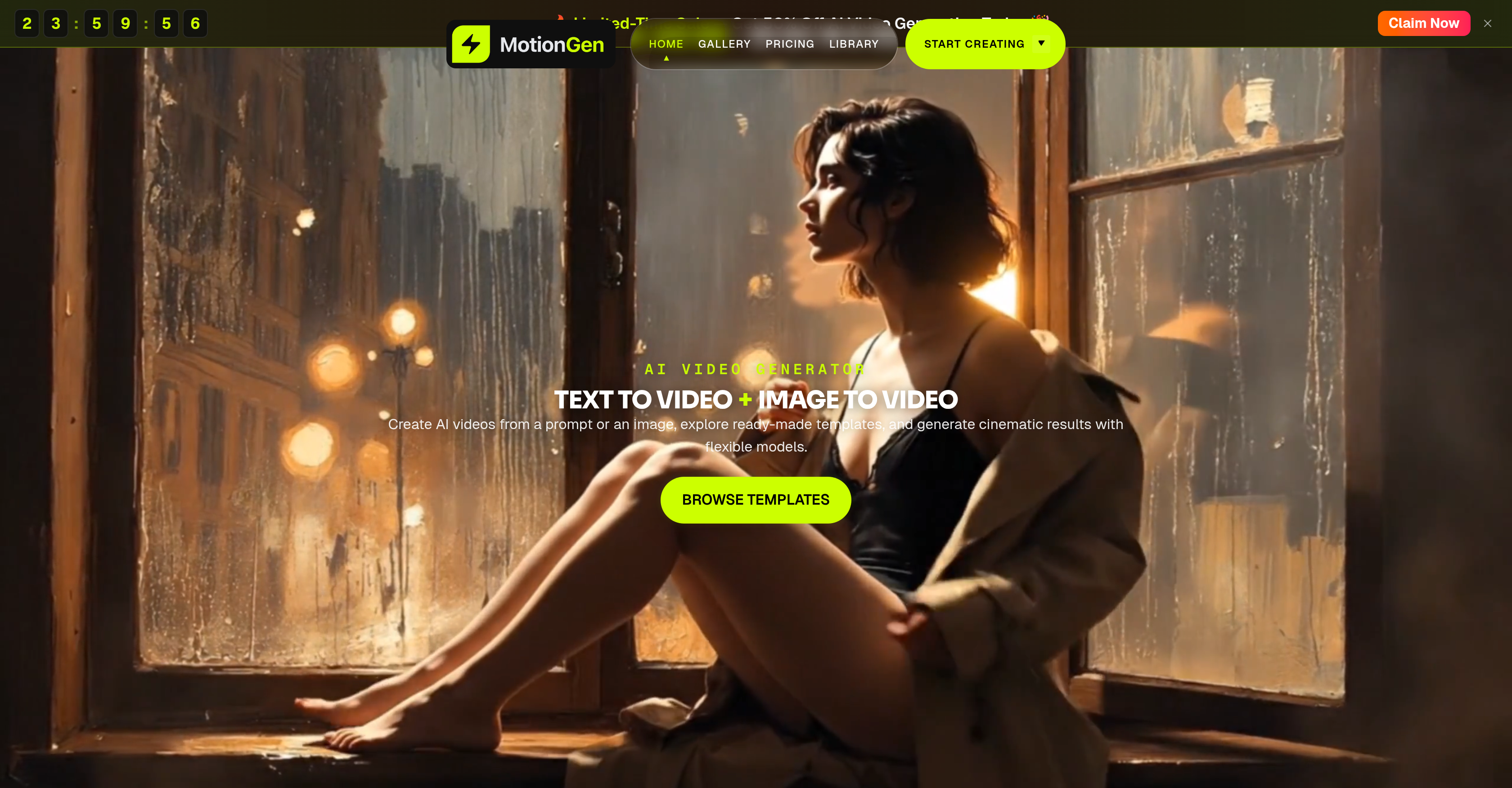
- Turn written prompts into cinematic clips and social media content instantly using MotionGen's text-to-video AI generator.
- Animate still portraits, product shots, and illustrations into natural motion videos with the image-to-video feature.
- Direct multi-scene narratives by chaining consecutive clips into a seamless story sequence using story mode.
- Launch projects faster by customizing ready-made templates from the gallery instead of starting from scratch.
- Choose the right balance of speed, style, and fidelity for each project by selecting among multiple AI video models like Seedance 2.0 and Kling 3.0.
- Generate commercial-ready clips for product launches, campaigns, and brand storytelling without ongoing subscription costs.
- Produce feed-ready short-form vertical videos for brand channels and creator accounts on social media platforms.
- Create personalized birthday greetings, anime-style visuals, and real estate promotional videos from property photos.
- Pay only when you generate with credits that never expire, eliminating the pressure of monthly subscription fees.
Pros & Cons
Pros
- Generates motion videos
- Converts images into videos
- Provides text to video content
- Produces ads from text
- Generates social media content
- Animates still images
- Includes motion effects
- Supports various video models
- Flexible style, speed and fidelity
- Different project needs catered
- No subscription needed
- Pay-per-generation pricing model
- Credits do not expire
- Generates promotional content
- Generates commercial content
- Features a story mode
- Commercial-ready video creation
- Offers speed and realism levels
- Image models for references
- Preprogrammed use-case models
- Tools to create narrative stories
- Provides ready-made templates
- Creates anime-style visuals
- Real-estate promotional videos
- Generates greeting videos
- Option to chain consecutive clips
- Gallery examples for inspiration
- Flexibility in video generation workflows
- Reusable structures for fast creation
- Camera movement feature in animation
- Scene energy in animation
- Templates for marketing videos
- Seedance 2.0 model
- WAN 2.7 model
- Kling 3.0 model
- Start from a ready-made template
- Build a narrative story scene
- Direct multi-scene narratives
Cons
- Online-only operation
- No offline mode
- Lack of advanced editing
- May require multiple iterations
- No subscription model
Reviews
Rate this tool
Loading reviews...
❓ Frequently Asked Questions
MotionGen is an online tool that employs artificial intelligence to generate motion videos. It enables users to convert text or images into cinematic videos using a variety of AI models. The platform is engineered to facilitate a wide range of AI video creation options.
MotionGen's main features include text to video, image to video, video editing, story mode, and a flexible pricing system based on credits. It provides a suite of video models with differing styles, speeds and fidelity. Users can create promotional and commercial content, product videos, and social media content. It also offers a variety of ready-made templates for various projects.
MotionGen uses artificial intelligence models to transform text or images into videos. In the case of text, the written prompts are turned into cinematic clips or social media content. As for images, users can animate still images such as portraits, product shots, and illustrations with natural motion effects.
Yes, you can create text to video content in MotionGen. This feature turns written prompts into short cinematic clips, ads, and different types of social media content.
The image to video feature of MotionGen allows users to animate still images, such as portraits, product shots, and illustrations. Using special AI-generated motion effects, static images come to life in a captivating video format.
With MotionGen, you can undertake a wide variety of projects. These include creating text to video content, animating still images, customizing pre-made templates, and directing multi-scene narratives through the platform's story mode.
Yes, MotionGen is well-suited for marketers and creators. The tool supports the generation of promotional and commercial content, product videos, and social media content. It serves as a powerful platform for content marketing and storytelling.
In the story mode of MotionGen, users can direct multiple scenes, creating a sequence of clips that form a cohesive narrative. This can be used to create movie-like narrative videos, promotional content with a story arc, or other longer form content.
MotionGen's pay-per-generation pricing works on the basis of credits. The charges are incurred only when a video is generated. The credits purchased do not have an expiration date, providing flexible pricing options without necessitating a subscription.
There are numerous video models available on MotionGen that vary in style, speed and fidelity. This variety allows users to choose the most appropriate model based on their project needs.
Indeed, MotionGen can be utilized to generate a wide range of social media content. Whether it is transforming text into short clips or animating images, MotionGen can create compelling content suitable for various social media platforms.
To animate still images using MotionGen, simply upload your image, choose a video model that suits your desired effect and MotionGen's AI will animate the image, creating a video with natural motion effects.
To customize ready-made templates in MotionGen, you just have to select a template from the platform's gallery and adapt it to your specific project needs. Changes can be made to the text, image or other elements within the template, to match your stylistic preferences and content requirements.
MotionGen provides a variety of AI models that offer flexible options for video creation, which is beneficial in tailoring the output to your needs. These flexible options enable users to choose models based on their project’s scope, style, and quality requirements. With this level of customization, users can achieve specific content goals more effectively.
Yes, you can generate commercial content using MotionGen. The platform is designed to assist in the creation of commercial-ready clips for launches, campaigns, and digital promotions.
MotionGen offers numerous features that aid in promotional content creation such as the ability to turn written prompts into AI-generated video clips, animate still images into motion videos, and use ready-made templates. These features, alongside the story mode for creating more complex narrative content, make it ideal for creating various forms of promotional content.
Yes, MotionGen allows the creation of product videos. One can turn product shots, stills, and references into short motion assets perfect for showcasing product features and benefits.
'MotionGen supports broad scope of AI video creation' indicates that the platform can be used for a wide range of video creation purposes. This includes everything from generating short clips from text prompts to animating static images, adapting ready-made templates to crafting detailed multi-scene narratives.
Yes, MotionGen can be used to turn prompts into short cinematic clips. The platform uses AI to convert written prompts into short video clips suitable for ads, social media content, or other forms of short-form distribution.
The feature of MotionGen's credits not expiring provides a major advantage. It allows users to buy credits and use them at their own pace without worrying about any time constraints. This contributes to making the platform's pricing model more flexible and user-friendly.
MotionGen animates written prompts into short cinematic clips, ads, or other forms of social media content. This is done through an AI-powered text-to-video feature that turns user-provided text into engaging videos.
MotionGen employs a variety of AI models for video generation. These include Seedance 2.0, WAN 2.7, Kling 3.0, Veo 3.1 Pro, and more. These models differ in speed, style, and fidelity, offering the users an array of options to create motion videos fitting their needs.
Yes, users can animate static images using MotionGen. The AI tool has an image-to-video feature that can animate still photos including portraits, product shots, and illustrations with natural motion effects.
Users can utilize the story mode in MotionGen to direct multiple scenes and chain consecutive clips for a seamless narrative. It empowers users to act as creative directors by crafting a storyline with full control over pacing, style, and continuity.
MotionGen supports the generation of a wide range of content types. This includes promotional and commercial content, product or real estate videos, greeting videos, and social media contents. Moreover, the AI tool also helps in crafting personalised birthday videos, anime-style visuals, and cinematic clips.
Yes, MotionGen can facilitate the generation of social media content. The AI tool allows users to make short-form vertical and feed-ready videos for brand channels and creator accounts.
The pay-per-generation model in MotionGen operates through credits. Users purchase credit packs and use them to generate videos. These credits never expire allowing flexibility in usage and relieving users from adhering to a subscription model.
Yes, MotionGen offers a library of ready-made templates that users can adapt for their own project and style. These templates help users kick-start their video creation, saving time, and promoting efficient workflow.
MotionGen provides an array of Video Models to choose from. These models, including Seedance 2.0, WAN 2.7, Kling 3.0, Veo 3.1 Pro among others, vary in style, speed, and fidelity, allowing users to generate motion videos based on their specific project requirements.
Yes, MotionGen supports the creation of anime-style visuals. By using the AI models and tools available, users can create anime-style clips, stylized motion scenes, and character-driven visuals from text prompts or images.
Yes, MotionGen is highly suitable for generating commercial videos. It supports the creation of promotional and commercial content, product showcasing videos, brand storytelling content, real estate videos, birthday or greeting videos, and others.
The image-to-video feature in MotionGen works by animating static images provided by the user. Whether they are portraits, illustrations, or product images, the AI tool introduces natural motion to these images, transforming them into engaging video clips.
Yes, MotionGen can be used for brand storytelling. Users can create and chain multiple successive scenes to craft a narrative that aligns with their brand's story, thus supporting ongoing branded storytelling with flexible video generation workflows.
Yes, MotionGen offers options for different motion qualities. With a variety of video models like Seedance 2.0, WAN 2.7, Kling 3.0, Veo 3.1 Pro among others, users have the freedom to choose the level of motion quality, speed, and realism they need for their projects.
MotionGen can be utilized effectively in real estate marketing. The tool helps in turning property photos, listing visuals, and promotional concepts into short, engaging promotional videos for agents and teams, thus enhancing the marketing approach in real estate.
Users can create videos from ready-made templates in MotionGen by exploring the gallery and selecting templates that align with their project needs. These templates can then be modified or adapted to fit the user's style, leading to faster video generation.
Yes, users can generate personalized birthday or greeting videos using MotionGen. By adopting strong prompts, referencing images, or employing gallery templates, the tool helps in crafting personalized content for celebrations and social sharing.
MotionGen has various pricing options. Users start free with 20 credits on signup and then can purchase packs of credits as needed. These packs range from a Starter pack priced at $9.99 for 900 credits, an Enhanced pack for $35.99 with 4,300 credits, to an Ultimate pack for professionals and agencies offering 13,000 credits for $89.99. All credits purchased do not expire.
No, credits in MotionGen's pay-per-credit scheme never expire. This allows users flexibility in utilizing their purchased credits for video generation without any time constraints.
Pricing
Pricing model
Free Trial
Paid options from
$9.99/unit
Billing frequency
Pay-as-you-go