MP3 to Text.org
Overview
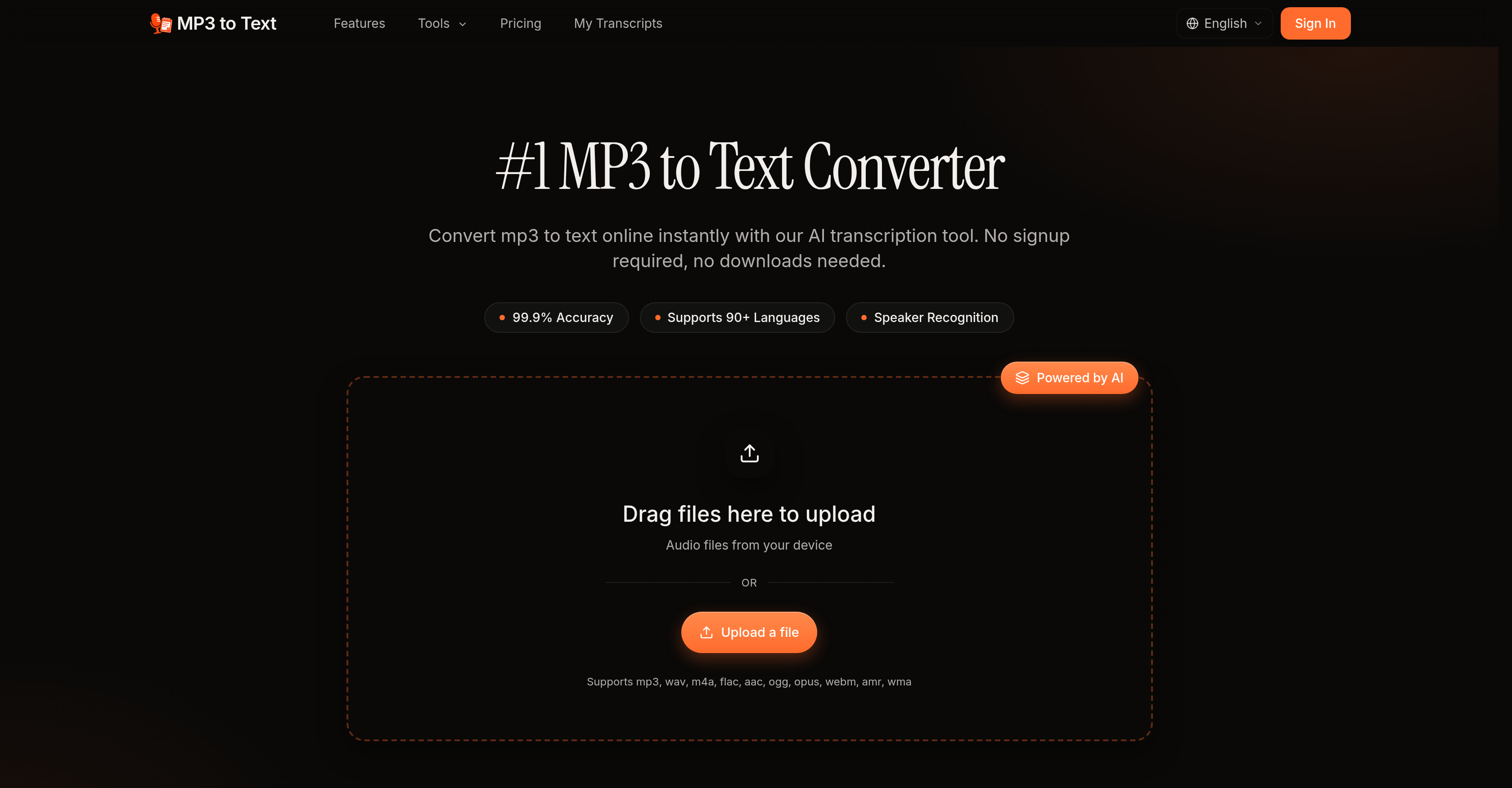
- Get accurate transcripts in minutes instead of hours with AI that handles accents and background noise without compromising precision.
- Keep conversations perfectly organized with automatic speaker detection and labeling, ideal for meetings, interviews, and podcasts.
- Transcribe entire batches of audio files simultaneously to cut project turnaround time dramatically.
- Export polished transcripts as TXT, DOCX, SRT, or VTT files ready for subtitles, research notes, or reports.
- Work in over 90 languages without switching tools, supporting global teams and multilingual content.
- Start transcribing instantly with zero sign-up or download required—just upload and go.
Pros & Cons
Pros
- Supports 90+ languages
- Multiple audio formats
- No sign-ups required
- No downloads needed
- Handles accents
- Handles background noise
- Multi-speaker recognition
- Batch processing
- Multiple export formats
- Suits professionals and students
- Online service
- Instant transcription
- User-friendly interface
- Supports various use cases
- Advanced audio challenges handling
- Simultaneous multi-audio processing
- Compatibility with MP3 files
- Drop file functionality
- Market competitive transcription accuracy
- Designed for various professions
- Multi-speaker automatic labelling
- Flexible transcript export
- Broad usage range
- Supports note-taking
- Supports report creation
- Utility for video subtitling
- No signup bias
- Ideal for podcasters
- Ideal for broadcasters
- Perfect for researchers
- Suitable for academics
- Optimized for journalists
- Versatile for trainers
- Affordable pricing
- Support for long format files
- Transcript export with timestamps
- Wide regional dialects support
- No cancellation fee
- No daily transcriptions limit
- Suitable for consultants
- Useful for sales teams
- Useful for HR
- Ideal for SEO articles
- Perfect for interviews
- Up to 5 GB uploads
- Transcript library creation
Cons
- Limited file size (5GB)
- Subscription based
- No offline functionality
- Confusion with regional dialects
- Limited File Length (10 hours)
- Execution speed depends on file size
- No free unlimited usage
- No mention of security measures
- Annual subscription only
- No live transcription mentioned
Reviews
Rate this tool
Loading reviews...
❓ Frequently Asked Questions
MP3 to Text Converter is an AI-powered transcription tool that accurately translates MP3 audio into textual data.
MP3 to Text Converter supports over 90 languages.
MP3 to Text Converter can handle multiple audio formats including mp3, wav, m4a, flac, aac, ogg, opus, webm, amr, and wma.
No, there is no need for signing up or downloading anything to use the MP3 to Text Converter.
MP3 to Text Converter can transcribe audio files with complex elements, like accents and background noise, with industry-leading accuracy.
Yes, the MP3 to Text Converter supports multi-speaker recognition. It can automatically detect and label individual speakers; perfect for transcribing meetings, interviews, and podcasts.
The advantage of the MP3 to Text Converter's batch processing feature is that it allows multiple MP3 files to be transcribed simultaneously, saving the users' time.
You can export your transcripts from the MP3 to Text Converter in multiple formats such as TXT, DOCX, SRT, and VTT.
Potential users of the MP3 to Text Converter include podcasters, broadcasters, researchers, academics, journalists, educators, teams, and students.
Yes, you can use the MP3 to Text Converter tool for free.
Yes, MP3 to Text Converter can handle accents and background noise, providing industry-leading transcription accuracy.
No, MP3 to Text Converter doesn't require any signup or download for its operation.
With its AI technology, MP3 to Text Converter can process audio in a matter of minutes, not hours.
Yes, using the batch processing feature, you can transcribe multiple MP3 files at once with MP3 to Text Converter.
Yes, MP3 to Text Converter can automatically detect and label speakers in an audio file.
The different export formats available with MP3 to Text Converter are TXT, DOCX, SRT, and VTT.
Yes, MP3 to Text Converter can effectively be used for academic research, by converting long interview recordings and lecture audios into accurate transcripts.
MP3 to Text Converter can fulfil various use cases such as creating report notes, subtitles, and conducting research.
The 'Transcribe' button is used to start the process of converting an uploaded MP3 file into text format.
The methodology to use the MP3 to Text Converter involves three steps - Upload an MP3 file, click 'Transcribe' to convert the file into text, and then export the transcript in your preferred format.
The MP3 to Text Converter uses AI to transcribe the audio, managing accents, background noise, and other complex audio elements with top-notch precision. It employs AI models for automatic detection and labeling of various speakers as well.
MP3 to Text Converter supports a variety of audio formats including, but not limited to mp3, wav, m4a, flac, aac, ogg, opus, webm, amr, and wma.
No, there is no requirement to sign-up to use the MP3 to Text Converter, making it instantly accessible for all users.
The MP3 to Text Converter deals with accents and background noise using its advanced AI. The tool is designed to handle these audio challenges with an industry-leading degree of accuracy.
The multi-speaker recognition in MP3 to Text Converter is an AI-powered feature that automatically identifies and labels individual speakers in the audio. This feature is highly useful for transcribing interviews, meetings, panels, and podcasts with multiple speakers.
Yes, the MP3 to Text Converter supports batch processing, which allows users to transcribe multiple MP3 files simultaneously.
MP3 to Text Converter supports several export formats. The exported transcripts can be downloaded as TXT, DOCX, SRT, or VTT files.
The MP3 to Text Converter can benefit a diverse range of professionals and students, including but not limited to podcasters, broadcasters, researchers, academics, journalists, educators, trainers, professionals, and students.
The MP3 to Text Converter promises industry-leading accuracy, claiming to handle accents, background noise, and other complex audio elements with high precision.
The MP3 to Text Converter is versatile and caters to several use cases like creating subtitles, conducting research, creating report notes from audio data, and more. It's ideal for transcribing meetings, interviews, panels, podcasts, and lectures.
Compared to manual transcription, the MP3 to Text Converter is much faster. The tool uses artificial intelligence to process audio in minutes, saving hours that otherwise would be spent on transcription.
Yes, the MP3 to Text Converter supports more than 90 languages, providing a broad range of usage not just for English but for many other major global languages.
Multiprocessing abilities of the MP3 to Text Converter include transcribing multiple MP3 files simultaneously, automatic detection and labeling of individual speakers, and exporting the transcribed text into several formats like TXT, DOCX, SRT, and VTT.
MP3 to Text Converter utilizes artificial intelligence to do speaker diarization, an intelligent process that identifies and labels individual speakers in an audio file. This feature is handy for transcribing meetings, interviews, panels, and podcasts where multiple speakers are involved.
Yes, the MP3 to Text Converter is an excellent tool for transcribing podcasts. It offers speaker recognition and works with high accuracy and speed, turning podcast episodes into clean transcripts.
Yes, the MP3 to Text Converter is suitable for academic research. It can transcribe long interview recordings and lectures accurately, making it easier for researchers and academics to conduct qualitative analysis, citation, and coding.
Educators may find the MP3 to Text Converter highly useful. They can transform classroom recordings, webinars, or training audios into accessible captions or lesson handouts, making the material more accessible and understandable for all students.
Yes, the MP3 to Text Converter offers student-friendly features. Students can transcribe lecture recordings and study group audios into searchable textual notes, providing them a more efficient way to review long classes and prepare for exams.
MP3 to Text Converter offers various pricing plans, including a Basic Annual plan at $5.00 per month, a Pro Annual plan at $8.00 per month, and an Ultimate Annual plan at $20.00 per month. These plans include different features like a limit on transcription minutes per month, file sizes, language support, and priority email support.
Pricing
Pricing model
Freemium
Paid options from
$5/month
Billing frequency
Monthly