
Norton Neo Browser
Overview
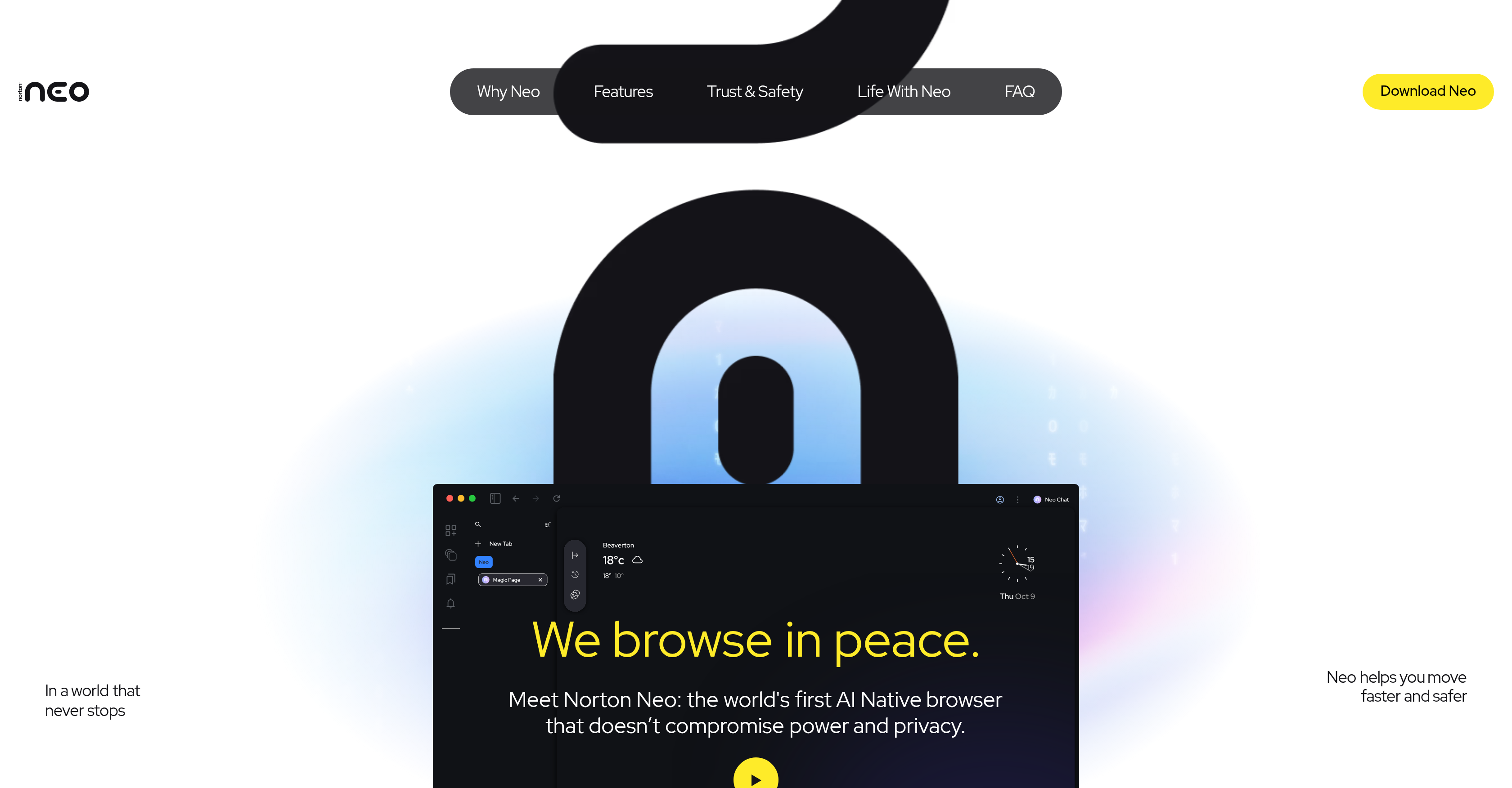
- Keep your chats and browsing history completely private with local data storage that never sends your information to external servers.
- Block phishing sites and harmful links automatically before you click, using the integrated Norton Web Shield for proactive protection.
- Reduce tab clutter and distractions with AI-organized browsing that prioritizes your important tasks and streamlines navigation.
- Get answers and complete actions faster through conversational AI and intelligent search that reduces digital friction.
- Discover content that inspires you with a personalized web feed tailored to your interests and browsing behavior.
- Control exactly what the browser remembers and forgets, customizing your privacy rules for each website and session.
Pros & Cons
Pros
- Focuses on Users' Safety
- Improves Productivity
- Intelligent Navigation
- Search Functionality
- Privacy and User Control
- Information Memory Control
- Data Stored Locally
- Web Shield Utility
- Blocks Harmful Sites
- Phishing Defense
- Organizes Tabs
- Prioritizes Important Tabs
- Produces Fluid User Experience
- Personalized Discovery
- Tailored Feed
- Data Security
- Reduces Digital Friction
- Boosts Productivity
- Clarity and Focus in Browsing
- Effective Search Turning to Answers
- User retains control
- Calms Browsing Chaos
- Reimagines Web Experience
- Privacy by Design
- Streamlines Browsing Experience
- Focuses on Important Matters
- Encourages Action from Answers
- Shapes User Experience
- Adapts for Best Performance
- Inspires with Feed
- Increases Browsing Speed
- People-First Design
- Helps with Research
- Optimizes Tab Management
- Optimized for Devices with Neural Processors
- Leads Searches to Previews
- Smooth Multitasking
- Enhanced UX for Non-Tech Users
- Helpful Browser for Project Management
- Protected by Norton
- Designed for Fast Information Gathering
- Browsing Reborn - Flow, Control, Discovery
Cons
- No extension support mentioned
- Local data storage limits
- Requires manual privacy settings
- Unclear cross-device capabilities
- Single utility integration (Web Shield)
- Restricted personal feed control
- Limited proactive protection scope
- Potential tab organizing inflexibility
Reviews
Rate this tool
Loading reviews...
❓ Frequently Asked Questions
Norton Neo is described as an 'AI-native browser' because it incorporates artificial intelligence (AI) at its core, integrating it seamlessly into its functionality. Features influenced by AI include intelligent navigation, which helps streamline online browsing, and conversational AI, which improves the search functionality. Furthermore, the personalization aspect of the user's browsing experience is tailored by AI, differentiating it from traditional browsers.
Norton Neo enhances user privacy by allowing users to control what information is stored and what is disregarded. This means users can determine what personal data the browser remembers, promoting transparency and giving users more control over their online privacy. Furthermore, all chats and browsing history are stored locally, meaning this data remains on the user's device rather than being stored on the server, keeping it private and secure.
Norton Web Shield is a utility that provides proactive protection for users while browsing online. It's integrated within Norton Neo to block potentially harmful websites and phishing attempts before users can interact with them. This feature strengthens the browser's safety measures by protecting against online threats.
Norton Neo organizes tabs and prioritizes browsing tasks by reducing distractions and bringing forward the most important aspects. This leads to organized browsing, allowing users to navigate and focus on their tasks more efficiently.
Yes, one of the key features of Norton Neo is that it gives users the ability to determine what information is remembered and what gets forgotten. This user-specific memory feature allows for a degree of control and privacy that is customisable to each individual's browsing habits and preferences.
'Conversational AI' in Norton Neo refers to the application of artificial intelligence in making the browsing experience more interactive and intuitive. This could involve natural language processing capabilities or similar technologies which enhance functionalities such as search, making them more user-friendly and efficient.
Norton Neo offers proactive protection against harmful sites and phishing attempts by integrating the Norton Web Shield utility. This utility blocks suspect sites before a user can interact with them, thereby providing a safer, more secure browsing experience.
Norton Neo tailors a browsing feed based on the interests of each user, making the browsing experience more engaging and personalized. It learns from the user's actions to present relevant, interesting content, which makes the online experience more tailored to each user's preferences.
Norton Neo creates a 'fluid user experience' by streamlining the digital navigation process. The browser is designed to ensure that search queries led effectively to answers and actions, reducing the friction often experienced in browsing. This smooth, seamless user experience is touted as a key benefit of Norton Neo.
Norton Neo stores user data safely by opting for local storage. All chats and browsing history are stored locally on the user's own device. This ensures that the data remains private and secure, as it is not transmitted to or stored on the company's servers or any other external systems.
Norton Neo offers 'intelligent navigation', an AI-powered feature that streamlines the browsing experience by guiding users effectively through online content. Although specific functionalities are not detailed, generally, these systems use AI algorithms to better predict and respond to user behaviour, boosting performance and efficiency.
Norton Neo is different from traditional browsers in many ways, primarily due to its incorporation of AI-native features. It improves safety by including proactive protection against harmful sites and phishing attempts, customizable privacy options, and local storage of personal data. It uses AI to enhance navigation and personalizing user experience. By balancing power and privacy, Norton Neo provides a browsing experience that puts user control, productivity, and engagement at the forefront.
'Personalized discovery' on Norton Neo refers to the browser's ability to tailor content based on user preferences and interests. This makes for a more engaging, customized browsing experience. The browser's AI capabilities learn from the user's actions over time, enabling it to present a discovery feed that aligns with individual user preferences.
Norton Neo improves browsing productivity by integrating AI to streamline navigation, organise tabs efficiently, and prioritise tasks to reduce distractions. This ensures that the user stays focused, with fewer distractions or unnecessary steps. Furthermore, the browser is built to ensure each click propels users forward and enhances flow, thus stimulating productivity.
Using Norton's Web Shield utility within Norton Neo provides a proactive protective layer against potential digital threats. It actively scans for and blocks potentially harmful sites and phishing attempts before they can hazard the user, thereby reducing risk and enhancing the safety of the user's browsing experience.
Norton Neo streamlines the browsing experience through the use of artificial intelligence. This allows for intelligent navigation, which simplifies the user journey by making it more linear and fluid. It also allows for improving search functionality, ensuring that searches effectively lead to answers.
Norton Neo is designed to reduce digital friction through a number of means. Its UI is designed for ease of use, and it features intelligent navigation that streamlines the browsing process, reducing unnecessary steps or operations. It also has mechanisms in place for organising tabs efficiently and prioritising tasks, reducing the workload of the user and making the browsing experience smoother.
'Controlling web rules' as expressed by Norton Neo users alludes to the ability of users to decide what the browser remembers, what it forgets, and what are their rules of privacy. This added control is coupled with local storage of data, giving users more sovereignty over their online privacy and browsing behaviour.
Norton Neo's AI capabilities enable the browser to adapt your web feed according to what inspires you. By observing your preferences and activity, the browser creates a customized feed of content that aligns with your interests. This makes for a more relevant, engaging, and personalized browsing experience.
Pricing
Pricing model
Free
Paid options from
Free