
Overview
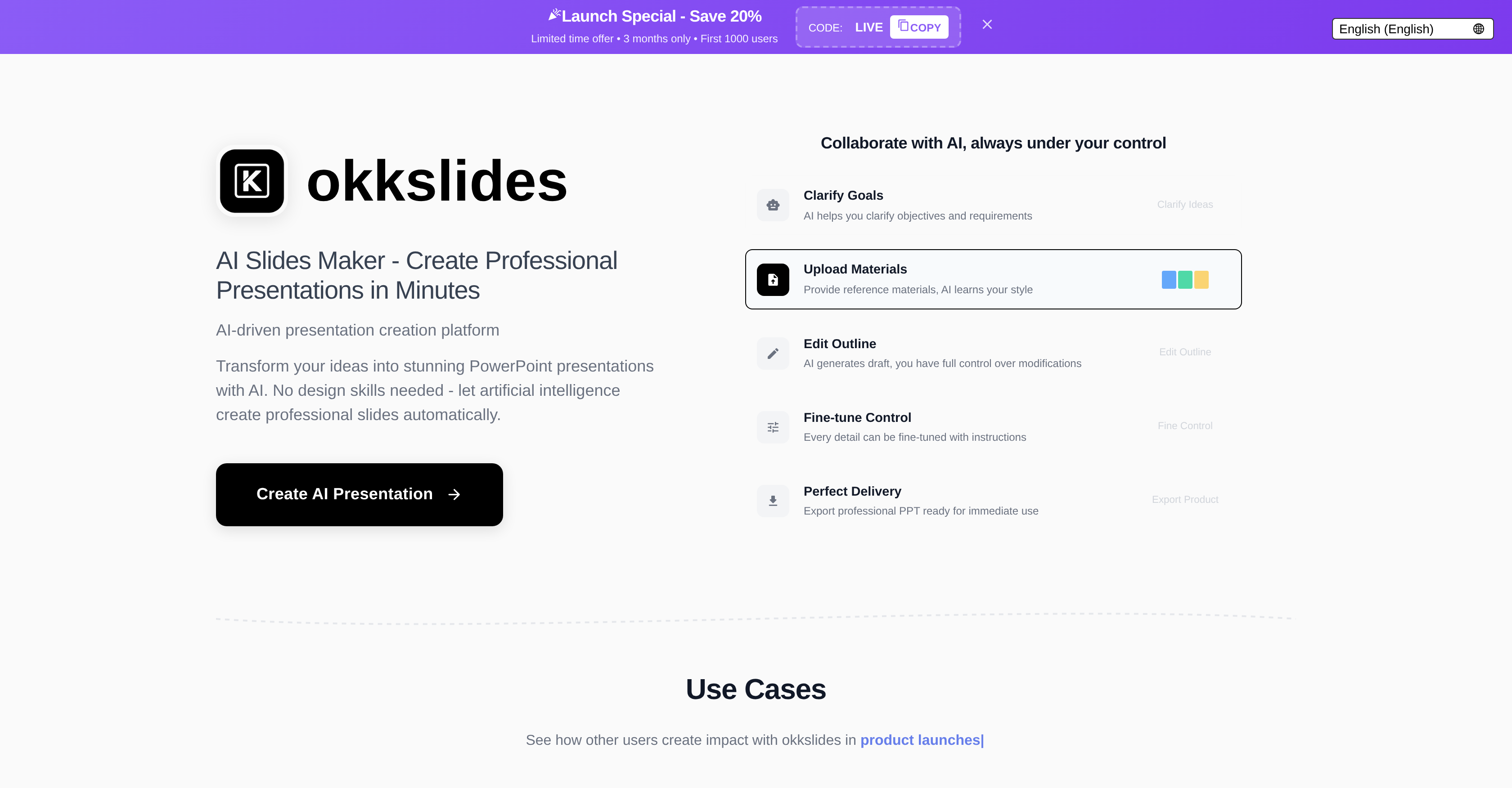
- Transform raw ideas into complete presentations in minutes using AI that structures your narrative and designs each slide
- Create visually compelling slides that communicate your specific message with appropriate visuals and data visualizations
- Build professional presentations without design skills through an intuitive interface that requires no technical knowledge
- Convert documents and chat conversations directly into presentation slides using file upload and chat-to-edit features
- Focus on your content and storytelling while AI handles slide design, layout, and visual element arrangement
Pros & Cons
Pros
- User-friendly interface
- Doesn't require design skills
- Quick slide creation
- Aesthetically appealing outputs
- Business and professional focus
- Blends creativity, professional appeal
- Automates presentation design
- Time-saving tool
- Accessible to many
- Requires minimal tech knowledge
- Visually communicative
- Educational use
- Offers trial for free
- Wide range of uses
- Effective for complex ideas
Cons
- No collaborative feature mentioned
- Limited to PowerPoint presentations
- Lack of customization options
- No mention of integration capabilities
- Potentially subjected to feature changes
- No apparent mobile compatibility
- Could lack advanced design capabilities
- No API mentioned
Reviews
Rate this tool
Loading reviews...
❓ Frequently Asked Questions
okkslides is an AI tool designed to simplify the creation of professional presentations. It aids in transforming ideas into organized and aesthetically appealing PowerPoint slides within a few minutes.
okkslides uses AI to automate and streamline the design process. It helps users convert their ideas into a clear and organized format suitable for PowerPoint slides, thus enhancing the presentation's visual appeal.
No, you do not need any design skills to use okkslides. Its user-friendly interface is designed to be easily understandable even by individuals with minimal tech knowledge.
okkslides is useful in business and professional contexts because it can quickly and efficiently turn ideas into professional, aesthetically pleasing slides. This is particularly handy in situations where complex ideas need to be presented clearly and compellingly.
okkslides offers functionalities such as AI-assisted design, automatic slide creation, and creativity enhancement. It is aimed at reducing the time and effort needed to create professional presentations.
Yes, okkslides can save time in creating presentations. It is designed to streamline the process and automate tasks such as the arrangement of content and design elements, reducing the time spent in crafting slides.
Anyone can use the okkslides tool. It is especially beneficial for those in business or professional fields but can also be handy for any individuals seeking to create organized and artistically appealing PowerPoint presentations.
Yes, okkslides is suitable for those with minimal tech knowledge. The AI tool's interface is user-friendly and non-demanding, which makes it quick and easy to become proficient at using.
Yes, okkslides does create professional and aesthetically appealing slides. It combines creativity and professional appeal effectively, which ensures the output is visually pleasing and has a clean, professional appearance.
okkslides uses its AI capabilities to assist in the automatic creation of slides. Users simply input their ideas, and okkslides organizes them into a coherent structure, formats the content, and applies design elements to create polished slides.
Yes, okkslides supports tech adoption. Its user-friendly mechanism and functionalities allow users with little to no tech skills to utilize the software effectively.
okkslides is described as user-friendly because it has a straightforward, intuitive interface that doesn't require deep technical or design knowledge to navigate. Users can quickly understand and use its features and tools.
okkslides enhances creativity in presentations by providing a wide range of design components and automatic slide creation features. This allows users to focus more on the content and creative side of the presentation, resulting in more inventive and engaging slides.
Yes, okkslides is an AI-assisted design tool. Its technologically advanced features work to automate many of the tedious steps in slide creation, making the task quicker and less complex.
okkslides transforms ideas into slides within a short period, generally within minutes. However, the exact time can vary depending on the complexity and volume of the content.
You can expect high-quality, professional presentations from okkslides. The combination of AI-assisted design and automatic slide creation ensures a polished and visually pleasing end product.
okkslides being a 'Powerpoint Assistant' implies that the tool supports and eases the process of creating PowerPoint presentations. From formatting content to organizing ideas and applying design elements, it essentially does much of the heavy lifting normally associated with slide creation.
okkslides simplifies the process of making professional presentations by providing AI-assisted designs and automated slide creation functionalities. By doing so, it reduces the time and effort users typically have to spend crafting these presentations, making the process more streamlined and efficient.
okkslides uses AI technology to automate the process of slide creation. This includes conceptualization of ideas, designing, and finalizing the PowerPoint slides in a quick span of time. The AI element discerns the user's needs and preferences, thereby creating visually stunning and relevant presentations.
okkslides targets a broad spectrum of users ranging from business professionals, educators to learners, and essentially anyone requiring assistance in creating professional-level presentations efficiently.
No, pre-existing design skills are not requisite to utilize okkslides. Its simplified, user-friendly interface and automated system make slide creation an effortless process, even for those with limited technical knowledge or design capabilities.
Yes, okkslides can be used for educational purposes. In fact, it is designed to be versatile, catering not just to business and professional contexts, but also educational environments where the creation of presentations is often required.
There isn't a concrete figure available regarding the exact time you can save using okkslides. However, it's designed to dramatically cut down the time traditionally spent on manual designing, so users can expect a substantial time-saving benefit.
okkslides boasts an intuitive user interface that's easily navigable, even by users with minimal tech knowledge. The tool's mechanisms and functionalities are straightforward and user-friendly, facilitating easy adoption and usage.
Yes, potential users are invited to try okkslides for free. This allows them to assess its functionality and the value it can deliver to their presentation creation process before deciding to continue with the service.
With okkslides, you can create a wide range of presentations tailored to various contexts. This includes business presentations, educational slides, professional presentations, and any other scenario that requires the conveying of complex ideas through powerful visuals.
okkslides automates the slide creation process by leveraging artificial intelligence. The AI discerns and structures your ideas innovatively into professionally designed PowerPoint slides, thereby saving time and effort usually associated with manual design.
okkslides effectively aids in visual communication by seamlessly transforming complex ideas into visually stunning and easily understandable presentations. The AI-generated slides are aesthetically designed to convey information in an engaging and lucid manner.
okkslides finds specific applications in professional contexts where seamless communication of complex ideas is paramount. Its AI-generated slides make presentations more appealing and effective, lending them an edge in business meetings, project pitches, report explanations, and more.
Pricing
Pricing model
Freemium
Paid options from
$25/month
Billing frequency
Monthly
Refund policy
No Refunds