
Overview
- Eliminate blank-page anxiety by generating well-structured emails, blog posts, or formal paragraphs from a single core idea—powered by the Intelligent Writing Workshop.
- Achieve culturally nuanced, real-time translations that preserve professional terminology and stylistic features—delivered by the Precision Translation Engine.
- Deliver error-free documents every time with a deep scan that identifies spelling, grammar, and expression issues, then provides precise correction suggestions and polishing plans.
- Extract text and tables from images and PDFs instantly, turning static formats into structured, editable data for your next workflow step.
- Make faster, better decisions by running dual AI models side by side to compare content quality, creative angles, and logical differences in real time.
- Get instant answers, explanations, and summaries on any webpage using the Smart Toolbar and Search Assistant—no tab switching required.
- Write code and generate images faster by accessing GPT-5, Claude 4.5 Sonnet, Gemini 3 Pro, and other top models from a single chat center.
- Support multitasking without context loss by chatting with multiple AI models simultaneously, comparing their insights to find the most comprehensive answer.
Pros & Cons
Pros
- Available as browser extension
- Desktop application availability
- Dual-track decision engine
- Intelligent writing tool
- Real-time precision translation engine
- Grammar proofreading tool
- Image text recognition
- Smart Toolbar features
- Instant Q&A option
- Workflow integration
- All-in-one chat center
- Integration with GPT-5 and Claude 4.5 Sonnet
- Image generation support
- Platform Switching convenience
- Supports parallel processing of tasks
- Preserves stylistic features in translation
- Extracts structured information from images
- Multi-language support
- Text and tables extraction from PDFs
- Embedded in workflows
- Instant summary feature
- Smart writing assistance
- Text explanation
- Quick information search
- Grammar and spelling error detection
- Text summarization
- Efficient workflow
- Information extraction from images
Cons
- No mobile application
- Limited to Edge and Chrome
- Translate major languages only
- No offline use
- Limited file formats support
- Single User interface
- Relies heavily on internet connectivity
Reviews
Rate this tool
Loading reviews...
❓ Frequently Asked Questions
OmniSide is an AI-powered productivity application designed to bolster productivity with an array of smart tools. It integrates a multitude of AI models to provide features such as a chat center that allows conversation with multiple AI models, a dual-track decision engine for parallel processing of tasks, an intelligent writing tool for creating well-structured and appropriately styled text, a precision translation engine for real-time language translations, a thorough grammar proofreading tool, and an image text recognition feature.
OmniSide integrates with your workflow by being available as a browser extension for Chrome and Edge, and also as a standalone desktop application. It is embedded in the workflow providing a one-click access to a comprehensive AI assistant. It also offers features like the Smart Toolbar and Search Assistant, which enable instant text explanation, translation, summary, and instant Q&A.
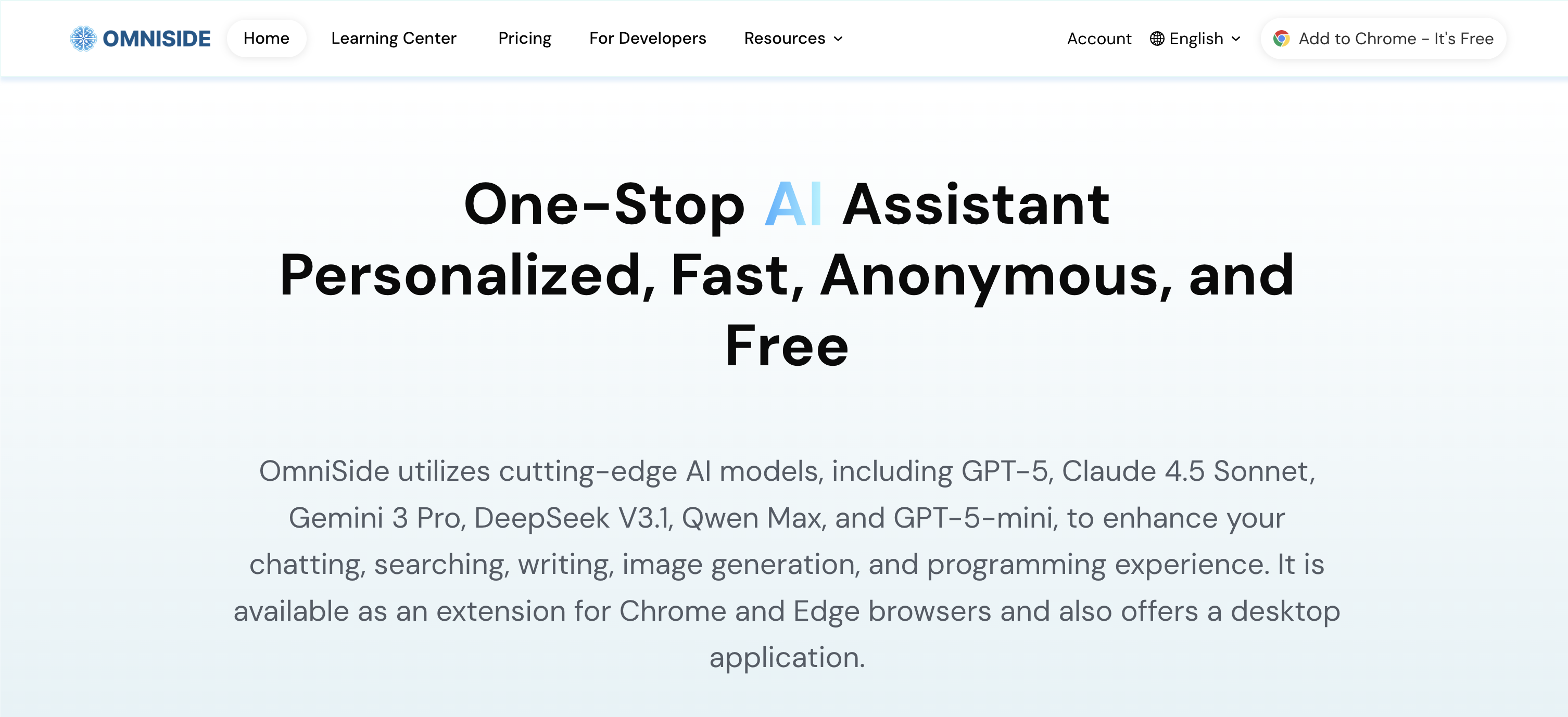
OmniSide utilizes several cutting-edge AI models including GPT-5, Claude 4.5 Sonnet, Gemini 3 Pro, DeepSeek V3.1, Qwen Max, GPT-5-mini, and others. This wide variety of AI models helps enhance various functionalities such as chatting, searching, writing, image generation, and programming.
OmniSide's unique dual-track decision engine supports the simultaneous processing of tasks through dual AI. This enables comparison of content quality, creative angles, and logical differences in real-time. As a result, every decision you make is based on the most optimal solutions provided by dual AI analysis.
OmniSide's Intelligent Writing Tool is designed to combat 'blank page anxiety'. You simply input your core idea and select the desired format (be it an email, blog post, social media comment, or formal paragraph), and the tool generates a well-structured, appropriately styled piece of text at a click. This makes writing more efficient, providing pre-built high-quality text.
Yes, OmniSide supports real-time translation between major global languages. This functionality helps in seamless cross-language communication.
OmniSide's precision translation engine is quite nuanced in conveying cultural subtleties and professional terminologies. It not only accurately conveys meanings, but also preserves the specific cultural connotations and stylistic features of the original text, thus facilitating a more precise and culturally informed translation.
OmniSide's grammar proofreading tool provides a comprehensive review of text. It deeply scans text, identifying spelling errors, grammar issues, and expression problems. It then provides precise correction suggestions and polishing plans to ensure that every document sustains professional standards.
OmniSide's Image Text Recognition feature is a sophisticated tool designed to convert images into structured information. It accurately extracts text and tables from images and PDFs, transforming them into an efficient starting point for the entire intelligent workflow. It allows your creativity and processing to go beyond the constraints of format.
OmniSide's Smart Toolbar is designed to substantially enhance productivity by providing instant text explanation, translation, and summarization features at your fingertips. All these features are geared towards improving efficiency and speed in dealing with text.
OmniSide's Search Assistant enhances your searches by providing an instant Q&A option. This feature delivers immediate answers, making your information search more efficient and effective.
The purpose of the instant Q&A option within the Search Assistant is to provide immediate and precise answers to queried information. It significantly accelerates your search process and provides efficient access to required data.
Yes, OmniSide can function both as a browser extension and as a desktop application. It is available as an extension for Chrome and Edge browsers, as well as a standalone desktop application for deeper integration into your workflow.
OmniSide contributes to work efficiency by integrating a multitude of AI functions that ease and accelerate various tasks. With features such as real-time translation, grammar proofreading, image text recognition, intelligent writing, instant text summarization and a dual-track decision engine, OmniSide can substantially streamline work processes, reduce time consumption, and increase productivity.
You can use OmniSide to boost your productivity by leveraging its varied AI models to enhance your chatting, searching, writing, image generation, and programming tasks. It helps with language translation, textual proofreading, image text extraction, content creation and decision making. The tool is designed to make multi-tasking easier, with simultaneous task processing and real-time comparison and analysis.
Yes, OmniSide's precision translation engine supports professional terminologies. It not only accurately translates the literal meanings but also preserves the professional terminology, cultural connotations, and stylistic features of the original text.
OmniSide's dual-track decision engine supports parallel task processing by simultaneously launching dual AI. It facilitates real-time comparison of content quality, creative angles, and logical differences, enabling you to make decisions based on optimal solutions.
OmniSide offers several features to make AI accessible and useful for work. It provides a one-stop AI assistant that can be launched with a single click, an all-in-one chat center, a dual-track decision engine that supports parallel processing of tasks, an Intelligent Writing Workshop, a Precision Translation Engine, a Grammar Proofreading tool, and an Image Text Recognition feature. It also comes integrated with a Smart Toolbar and a Search Assistant, both designed to provide instant access to various functionalities.
OmniSide's chat center integrates multiple AI models, allowing simultaneous conversation. This means that you can chat with several of the world's top AI models simultaneously, compare their insights, and obtain the most comprehensive and in-depth answers.
OmniSide's Smart Toolbar caters to an array of functions aimed at enhancing productivity. It supports instant text explanation, translation, and summary, making these functionalities available at your fingertips.
OmniSide utilizes different cutting-edge AI models including GPT-5, Claude 4.5 Sonnet, Gemini 3 Pro, DeepSeek V3.1, Qwen Max, and GPT-5-mini. These models help to enhance user experiences in chatting, searching, writing, image generation, and programming.
Yes, OmniSide is available as a desktop application which makes it accessible in various working scenarios. It also comes as a browser extension for Chrome and Edge.
OmniSide's chat center lets users hold simultaneous conversations with multiple AI models. This allows users to compare insights from various AI models, getting them the most comprehensive and in-depth answers.
The dual-track decision engine in OmniSide supports parallel processing of tasks. It helps to go beyond single answer limitations by launching dual AI for any task, comparing content quality, creative angles, and logical differences in real time. This allows a user's decisions to be based on the optimal solution.
OmniSide's intelligent writing tool assists users in developing well-structured, appropriately styled quality text. Users simply input their core idea and select the desired format to get their well-structured and quality text with one click, thereby making writing twice as efficient.
OmniSide's precision translation engine works by providing real-time translation between major global languages accurately conveying meanings while also preserving the professional terminology, cultural connotations, and stylistic features of the original text.
OmniSide's grammar proofreading tool provides a deep scan of text for spelling errors, grammar issues, and expression problems. It provides precise correction suggestions and polishing plans ensuring every document maintains professional standards.
OmniSide's image text recognition feature works by accurately extracting text and tables from images and PDFs. This function serves as an efficient starting point for an entire intelligent workflow, allowing creativity and processing to no longer be constrained by format.
The Smart Toolbar in OmniSide offers features like instant text explanation, translation, and summary. It provides users with an instant Q&A option within the Search Assistant.
With OmniSide's Search Assistant, you can ask any question for quick information search. These can span a wide range of topics providing comprehensive and accurate responses using the AI models integrated into OmniSide.
Yes, OmniSide can be integrated into any workflow. It's designed to make AI capabilities easily reachable by embedding the AI lightly into workflows.
Yes, OmniSide does support programming and image generation. It uses advanced AI models to enhance user experiences in such areas, aiding productivity and creativity.
You can install the OmniSide browser extension on Chrome and Edge browsers. It is available as a free download from their respective web stores.
OmniSide enhances your productivity and creativity by offering intelligent tools that seamlessly integrate into your work process. These tools assist with chatting, searching, writing, image generation, and programming through the use of advanced AI technologies, thereby improving your efficiency and the quality of your work.
The Intelligent Writing Workshop in OmniSide can help you with different forms of text whether it's an email, blog post, social media comment, or a formal paragraph. It aids in structuring and styling user text inputs for efficient writing.
In the Precision Translation Engine, OmniSide maintains cultural connotations by not only accurately conveying meaning but also preserving the professional terminology, cultural connotations, and stylistic features of the original text.
In OmniSide, you can extract text and tables from images and PDFs using the Image Text Recognition feature. This feature works by accurately extracting such structured information, thus serving as an efficient starting point for your intelligent workflow.
The Intelligent Writing Workshop in OmniSide makes writing more efficient by aiding the user to structure and style their input text. Its advanced AI can generate well-structured, appropriately styled quality text based on a user's input, thus reducing the stress of writing from scratch.
Yes, OmniSide can detect and correct grammar errors in your text. Its Grammar Proofreading feature can deeply scan text for potential errors and offers correction suggestions, ensuring every document maintains professional standards.
Pricing
Pricing model
Freemium
Paid options from
$7.90/month
Billing frequency
Monthly
Related Videos
Image Generation--OmniSide
Omniside AI Siderbar•12 views•Jan 29, 2026