
Overview
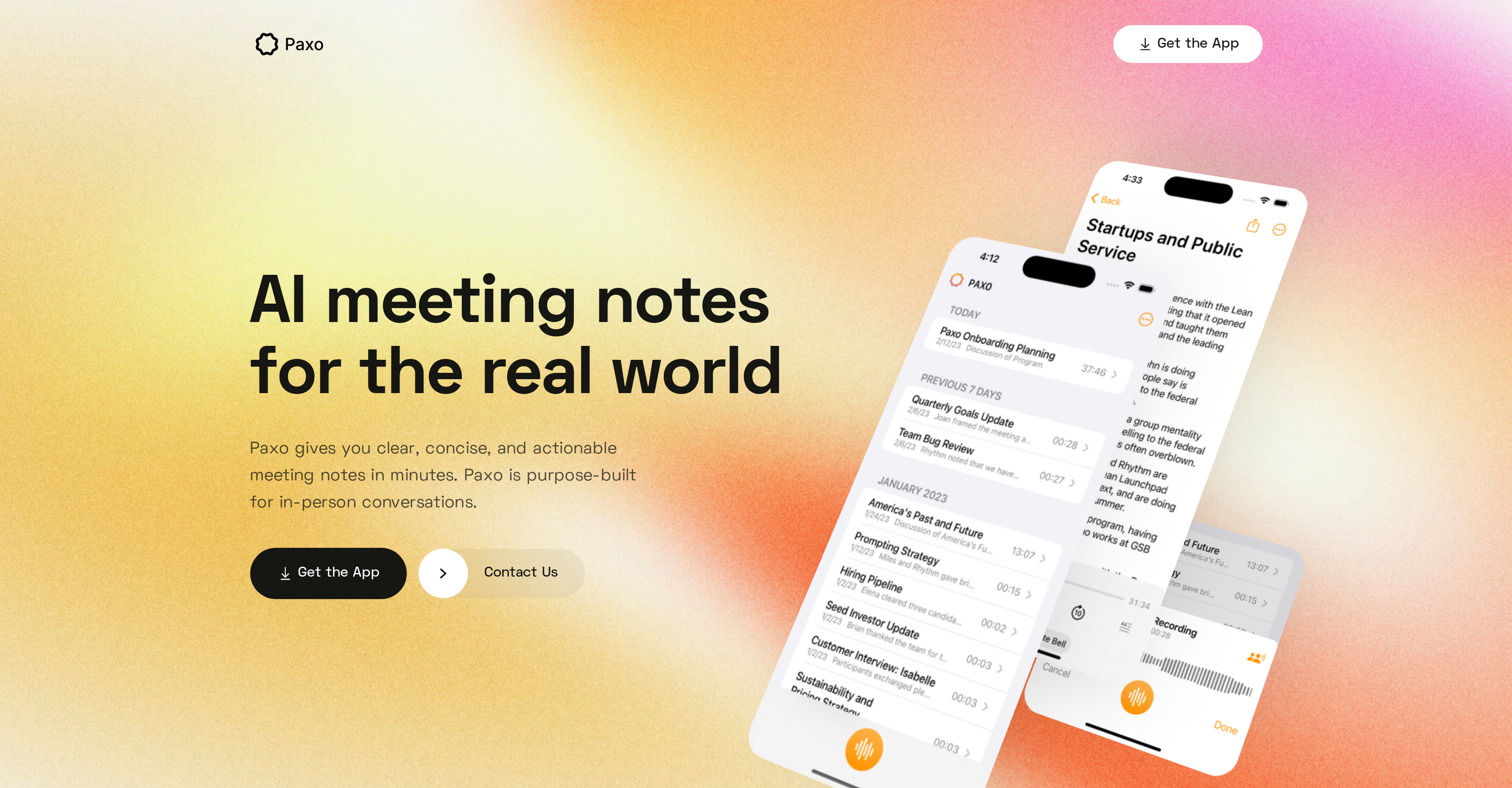
- Never miss key decisions or action points with automatic recording and AI-generated notes that capture exactly what matters
- Identify who said what with voice recognition that learns your team members' voices and assigns speakers automatically
- Keep confidential meetings secure with device-only storage that deletes recordings from servers immediately after processing
- Record meetings anywhere without internet access using mobile-friendly offline functionality for complete flexibility
- Find any conversation instantly with organized, searchable recordings that maintain clarity across all your discussions
- Eliminate data lock-in by easily importing and exporting notes to Notion, Obsidian, and Google Docs for seamless workflow integration
- Access your recordings across all devices through iCloud sync while maintaining complete privacy and data security
Pros & Cons
Pros
- In-person conversation focused
- Available on any device
- Innovative voice identification
- Speaker assignment in recordings
- Privacy-centric approach
- Local storage of recordings
- Post-processing deletion of recordings
- Data import/export capabilities
- No data lock-in
- Syncs recordings across devices
- Organized and searchable recordings
- Continuous software updates
- Customer-centric support
- Effective for various contexts
- Generates concise, actionable notes
- Automates recording and note-taking
- Confidentiality of meetings
- Works offline
- Efficient task management
- Mobile-friendly interface
- Can be used anywhere
- Promotes work collaboration
- Shares into apps like Notion
- Personalized user support
- Constantly improving tool
- Optimized for virtual meetings
- Actions recorded, not missed
- Privacy-first architecture
- Portable and sharable notes
Cons
- Dependent on iCloud for syncing
- Limited to in-person conversations
- Inefficient for large meetings
- Limited app integrations
- Updates may introduce bugs
- Potential inaccuracy in voice identification
- Dependent on device storage
- No web version
- No Android version
- No on-cloud storage option
Reviews
Rate this tool
Loading reviews...
❓ Frequently Asked Questions
Paxo is an AI-based meeting notes tool, designed to streamline the process of capturing precise and actionable notes from meetings. It can recognize distinct voices, allowing for speaker identification in future recordings. It stores recordings on the device itself and wipes them off its servers once processed, prioritizing user privacy. Paxo also provides an easy way to import and export notes and recordings. It synchronizes users' recordings across all of their devices using iCloud.
Paxo sets itself apart by leveraging AI technology in the note-taking process, recognizing speakers' voices for future reference. Moreover, Paxo focuses strongly on user privacy, promising to store recordings on users' devices and delete them from its servers after processing. Additionally, Paxo's mobile compatibility allows users to use it anywhere and anytime, and its data import/export capability prevents data lock-in.
Paxo uses advanced voice identification technology to recognize different speakers in a meeting. After a meeting, users can assign the speakers using their contacts and Paxo will learn the voices of every individual in the team. Going forward, it will recommend speaker assignments for future recordings, essentially learning and remembering who’s who over time.
Paxo is designed with privacy in mind, storing your meeting recordings on your device itself. The tool does not store your recordings in a cloud-based server.
Paxo values user privacy by storing recordings on the user's device and deleting them from its servers immediately after processing. It's developed with a privacy-first mentality, minimizing access to personal information.
Paxo is a mobile-friendly application, which means it can be used on any device, offering flexibility to use anywhere and anytime.
Yes, one of Paxo's key features is providing users the option to easily import and export their notes and recordings.
Paxo uses iCloud to sync your recordings across all of your devices. This makes sure your data is always secure, even if a device is lost.
Paxo is appreciated across various fields including student research, journalism, user interviews, customer discovery, and startup meetings.
Yes, Paxo is equipped for both in-person and virtual meetings. Its design and functionalities make it suitable for all kinds of conversational settings.
Yes, Paxo is designed with a privacy-first approach making it secure for confidential meetings. It stores the meeting recordings on users' device and deletes them from its servers immediately after processing.
Paxo enhances team collaboration by organizing and making recordings searchable. It allows users to easily import and export their data to and from apps like Notion, Obsidian, and Google Docs.
Paxo constantly updates its software to refine its capabilities and provide new features. There's no specific time-frame mentioned for these updates, but users can regularly anticipate new improvements.
Paxo does not require an internet connection to function. It offers the ability to record offline, delivering flexibility and convenience.
Paxo offers unconditional support to its users. In case of any problem, users can reach the Paxo team via text message.
The Paxo app can be downloaded from the Apple App Store using the link present on their website.
While there's no specific mention of task management features in descriptions provided on their website, Paxo delivers clear, concise, and actionable notes that can contribute to better task management.
Paxo adopts a privacy-first approach towards data privacy. They minimize access to personal information, and store recordings on the user's device itself. Post-processing, these recordings are immediately deleted from Paxo’s servers.
Yes, Paxo organizes all your recordings making them easily searchable. This feature ensures recurring clarity in conversations.
Paxo helps avoid data lock-in by providing features for easy import and export. Users can effortlessly transition their notes and recordings, making their data sharable and portable.
Pricing
Pricing model
Freemium
Paid options from
$8.99
Billing frequency
One-time