

PicVideo
Bring old family photos, portraits and pet pictures back to life: upload a still image, describe the action and camera movement, and photo to video AI turns it into a short moving clip.
Listing not yet reviewed by our editors · How we check
Overview
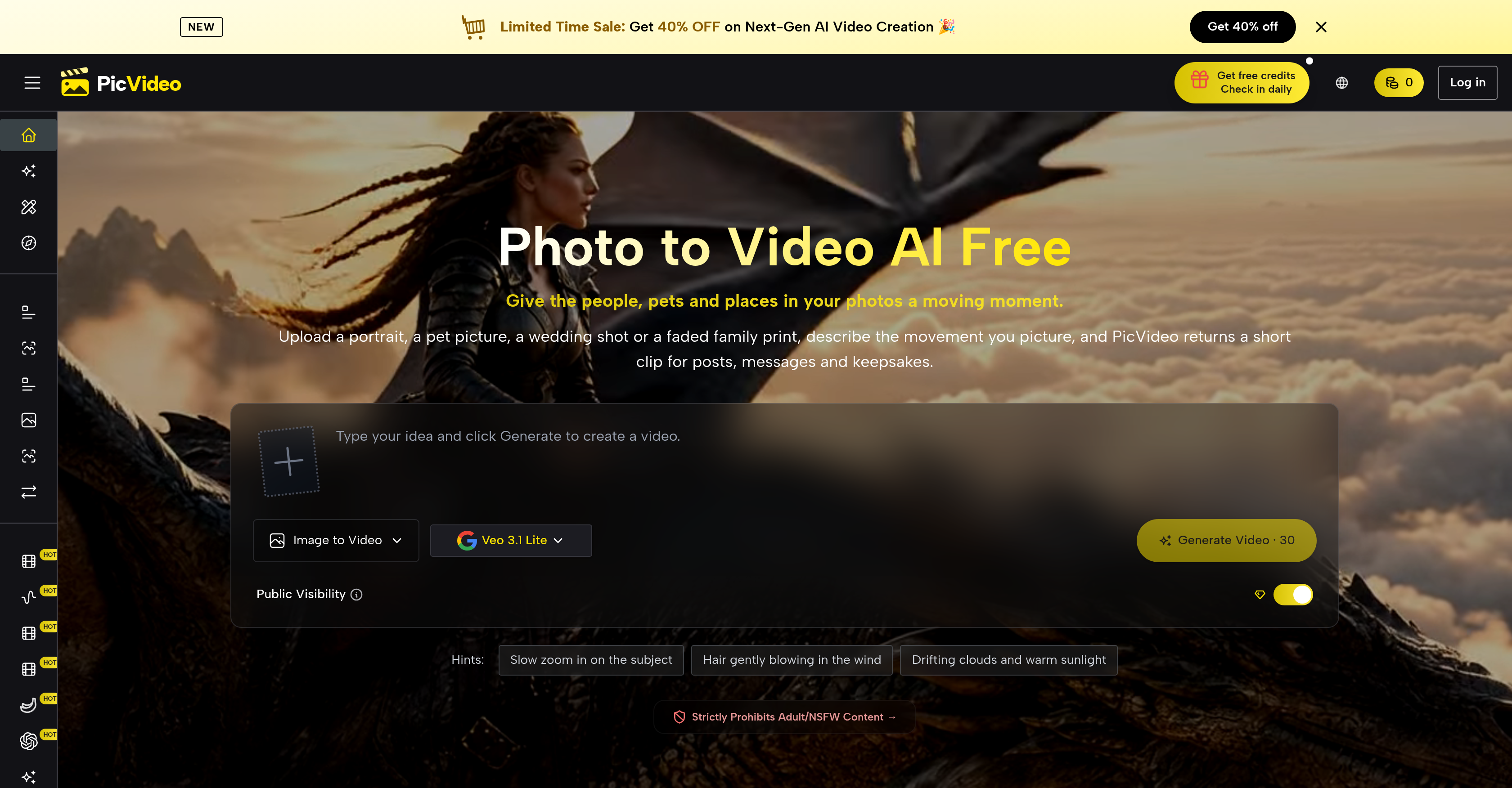
- Bring old family photos, portraits and pet pictures back to life: upload a still image, describe the action and camera movement, and photo to video AI turns it into a short moving clip.
- Turn product photos into scroll-stopping marketing clips without a video shoot: Image to Video animates product images, and your prompt sets how the product and camera move.
- Land the exact opening and closing shot you planned: start and end frames plus reference-based video creation lock in the visual direction of every AI-generated video.
- Fit each clip to its destination: MiniMax H3 produces 4- to 15-second clips at 768p or 2K, while Seedance 2.5 extends image to video and text to video output up to 30 seconds.
- Decide how your clip sounds: Seedance 2.5's Generate audio setting delivers silent clips for your own soundtrack, while MiniMax H3 always delivers synced sound with the picture.
- Create composite visuals such as product sets or matching portraits from a single prompt: Seedream 5.0 Pro blends up to 10 reference photos into one new image at 1K or 2K resolution.
- Perfect a still image before you animate it: GPT Images 2.5 Sunburst edits and generates images guided by up to 16 reference pictures, and the result goes straight into Image to Video.
- Start a video or image with no source photo at all: text to video and AI image generation build character ideas, scene concepts and social clips from a written description.
- Get a styled animation without writing a detailed prompt: ready-made effects shape the motion and look of your photo animation in one selection.
- Control your spending before you generate: the credit cost appears up front, free sign-up credits and daily check-in rewards cover trial runs, and subscriptions or one-time credit packs unlock paid models and settings.
- Keep every project in one place: the Asset Library stores your uploads and finished videos and images together, ready to reuse in your next generation.
Pros & Cons
From the listing; not yet checked by our editors.
Pros
- Photo-to-video generation from still images
- Text-to-video, reference and start/end-frame workflows
- AI image generation and image editing
- Multiple image and video models in one workspace
- Up to 4K output on supported models
- Audio generation options on supported video models
- Portrait, pet, family-photo and product animation
- Ready-made photo and video effects
- Asset Library for uploads and finished work
- Free signup credits and daily check-in rewards
Cons
- Results vary with your photo and prompt
Alternatives to PicVideo
Tools that share the most tags with PicVideo.
- VidFlux - Image to Video AI
Create professional-grade videos from images without switching between multiple tools using our all-in-one platform with integrated AI models
Paid · from $9/month
$9/month
Not yet checked
- Image to Video AI
Bring static images to life with dynamic motion, transforming JPG, PNG, or WEBP files into engaging videos
Free trial · from $13.90/month
$13.90/month
Not yet checked
- Img2Video AI
Create professional animated videos from any image instantly with AI-powered image to video conversion
Freemium · from $5.99/month
$5.99/month
Not yet checked
- MindVideo
Transform static content into vibrant videos instantly using text prompts or uploaded images
Freemium · from $7.90/month
$7.90/month
Not yet checked
- Grok Imagine
Transform abstract ideas into unique visual concepts instantly with AI image generation based on your text prompts
Freemium · from $30/month
$30/month
Not yet checked
- AIVideoMaker - Free AI Video Maker
Bring static photos to life with motion by simply uploading JPG or PNG images and describing the animation you want
Freemium · from $19.96/month
$19.96/month
Not yet checked
Reviews
Rate this tool
Loading reviews...
Frequently asked questions
How does PicVideo turn images into videos?
PicVideo uses AI technology to animate still images. Users upload a picture and describe the desired movement. The platform then applies its AI models to generate a short video based on that description, essentially bringing the static image to life.
Can I upload all types of pictures on PicVideo?
Users can upload multiple types of pictures on PicVideo including portraits, photos of pets, and snapshots of places. However, the clarity and quality of the final video are often dependent on the quality of the original photo uploaded.
What is the 'MiniMax H3' model on PicVideo?
'MiniMax H3' is one of the specialized models offered by PicVideo. This model is unique because it always delivers sound with the picture. It reads the first and last frames or mixed references to generate video clips that are 4- to 15-seconds long. The resolution of the output can be either 768p or 2K.
How does Seedance 2.5 work in PicVideo?
Charles Grant 🛠️ 1 tool wrote:Seedance 2.5 creates videos of up to 30 seconds from a prompt, a photo, start and end frames, or supported reference media. Describe the action and camera movement, choose the available resolution and duration, and use the Generate audio setting to choose whether to generate sound. Review the displayed credit cost before generating.
What functionalities does 'Seedream 5.0 Pro' offer in PicVideo?
'Seedream 5.0 Pro' weaves together up to 10 reference photos to create a new image. This model provided by ByteDance, is handy for creating composite visuals, such as product sets or matching portraits. The output image's resolution can be 1K or 2K.
How do Grok Imagine and GPT Images 2.5 Sunburst differ in PicVideo?
Charles Grant 🛠️ 1 tool wrote:Grok Imagine video models create moving clips from supported prompts and images. GPT Images 2.5 Sunburst generates and edits still images, including edits guided by reference pictures. To animate a Sunburst image, use the finished image as input to a separate video model.
How can PicVideo be used for social media content creation?
PicVideo is a versatile tool for social media content creation. Users can upload an image, describe the desired movement, and generate a brief video suitable for social media posts. The platform offers flexibility in producing varied content, from silent clips for independent soundtracks to blended images for creating completely new visuals.
How is PicVideo beneficial for producing product photography animations?
PicVideo can animate a product photo to create a dynamic video suitable for showcasing product features or garnering attention in marketing campaigns. Users can guide the direction of the animationusing the first and last frames, reference clips or audio cues.