
Overview
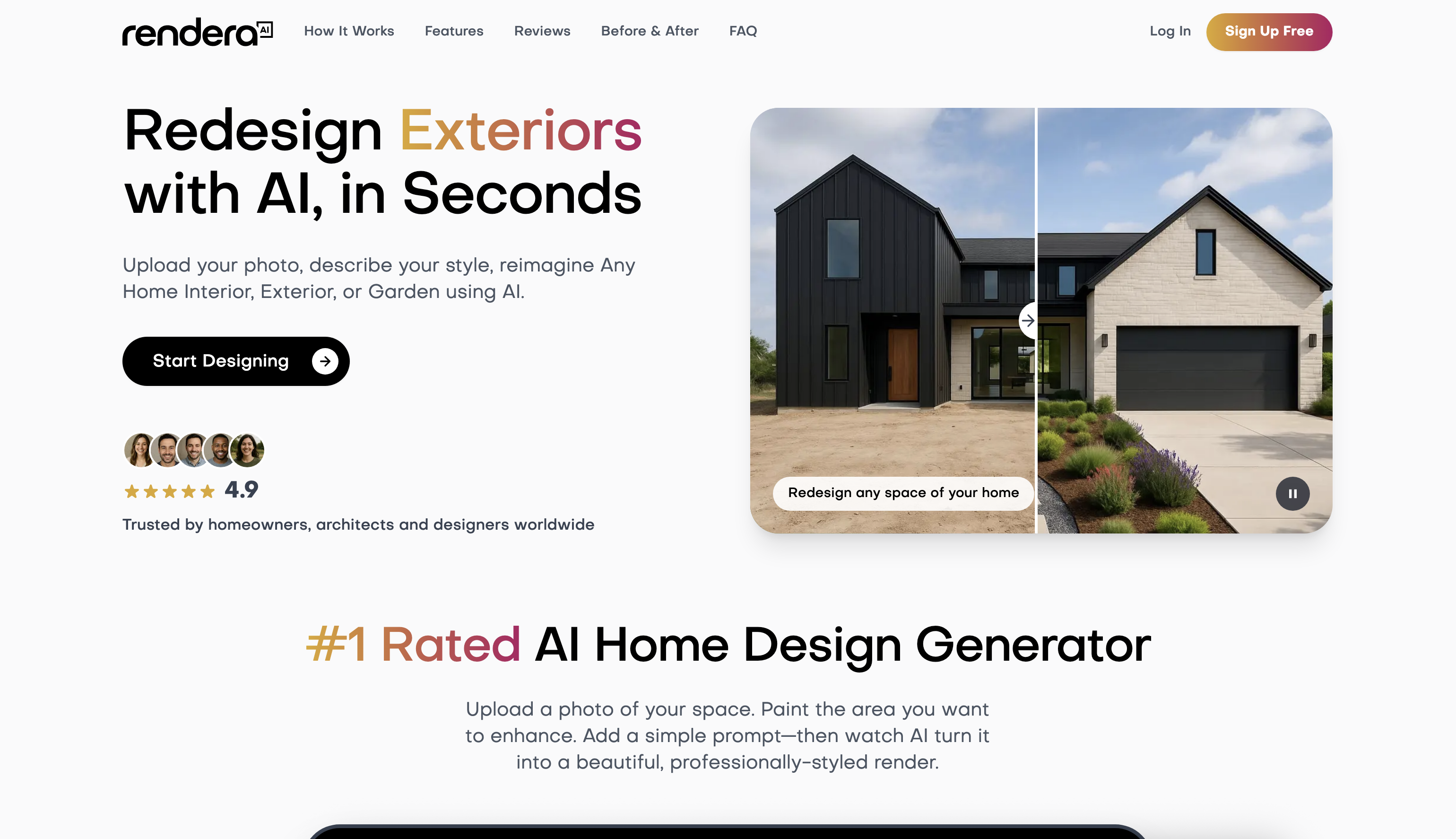
- See renovation ideas before committing with instant AI-generated renders from your photos
- Transform rough sketches into client-ready visuals by uploading PNG, JPG, or WebP images
- Get designs adapted to your local climate and architecture for contextually accurate results
- Avoid subscription fees with flexible pay-per-use pricing for personal and professional projects
- Generate high-fidelity landscape designs tailored to your specific style preferences in under 30 seconds
Pros & Cons
Pros
- Fast render generation
- Pay-per-use pricing
- No subscription required
- High-quality visual output
- Localized design adaptation
- Works with sketches and CAD files
- Suitable for interiors, exteriors, and gardens
- Easy to use for professionals and homeowners
- Realistic and detailed results
- Supports multiple file formats
- Works for both residential and commercial projects
Cons
- Requires clear image uploads for best results
- No built-in project management features
- Dependent on credit-based usage
- Limited control over ultra-specific design details
- Internet connection required
Reviews
Rate this tool
Loading reviews...
❓ Frequently Asked Questions
No. You only pay for the images you generate, with no monthly fees or commitments.
Yes. The AI can factor in local architectural styles and climate details if you include them in your prompt.
Absolutely. You can upload sketches or basic CAD outputs and Rendera AI will transform them into high-fidelity renders.
Most renders are generated in less than 30 seconds.
You can upload PNG, JPG, or WebP images for transformation.
Pricing
Pricing model
Free Trial
Paid options from
$19.99
Billing frequency
One-time