
Riverside - YouTube Transcript Generator
Overview
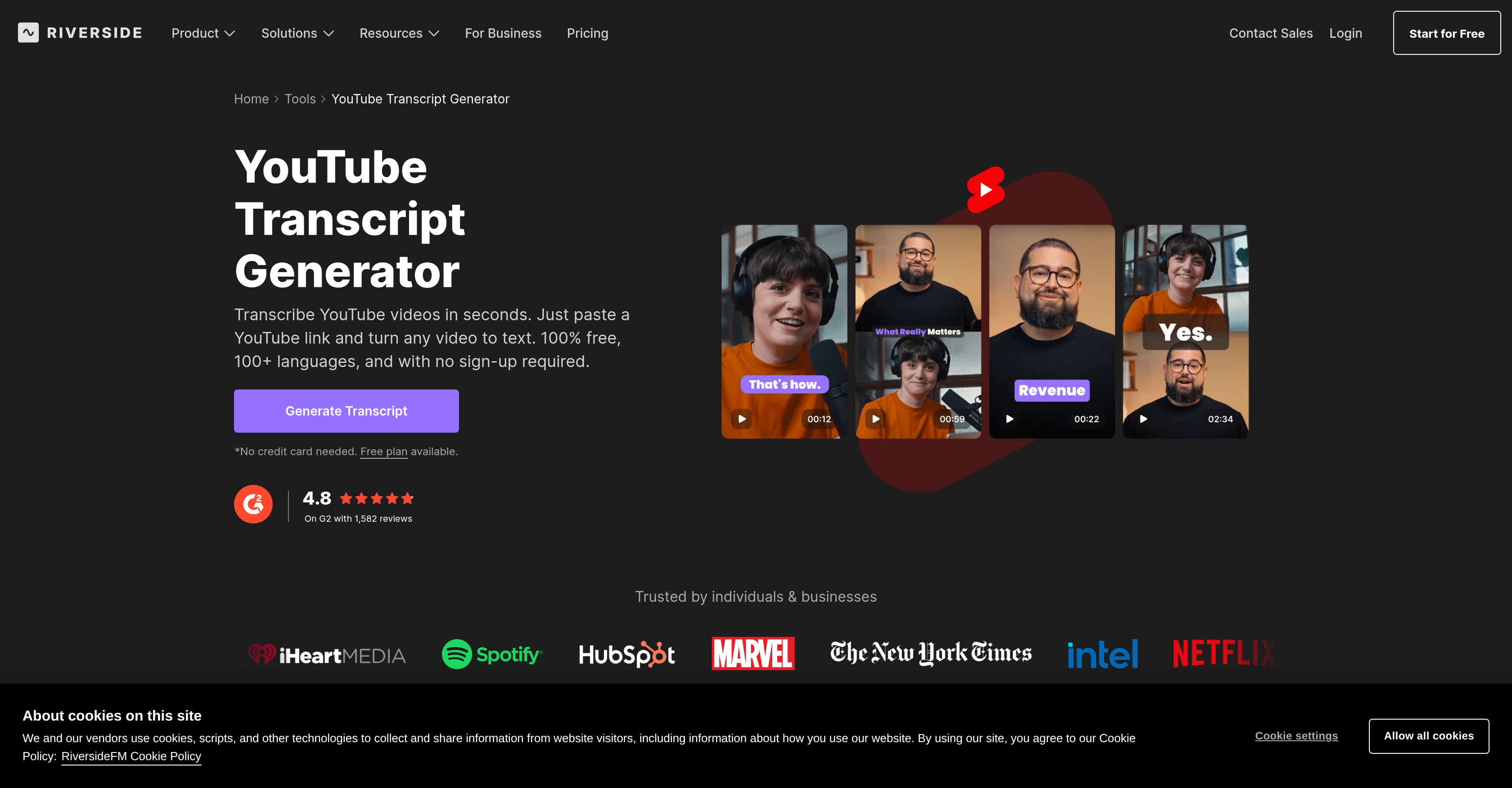
- Get a 99% accurate transcript for any YouTube video instantly with AI-powered transcription that captures every word and nuance.
- Repurpose video content into blog posts, summaries, and FAQs by downloading transcripts as ready-to-use text documents.
- Enhance YouTube video accessibility and reach by generating precise subtitle files for captions from your transcript.
- Create automatic post summaries, chapter breakdowns, and key takeaways from your video content to extend its utility.
- Transcribe videos in over 100 languages with high-resolution audio support for clear, accurate results in any dialect.
- Start transcribing immediately with no downloads, uploads, or sign-ups—just paste a YouTube link directly in your browser.
Pros & Cons
Pros
- Converts YouTube videos to text
- Supports upload or recording
- Transcriptions in multiple formats
- Text document or subtitle file
- No downloads or sign-ups needed
- Transcribe via browser
- Supports transcription in 100+ languages
- High levels of transcription accuracy
- Captures nearly every word
- High-resolution audio support
- Automatic post-summary generation
- Automatic chapter-wise summaries
- Key takeaways extraction
- All-in-one content studio experience
- Supports YouTube content repurposing
- Subtitle generation
- Automatic summary generation
- Content creation and editing
- No sign-up required
- SEO optimization
- Post-editing tool for transcriptions
- Content marketing tools
- Transcript download in text form
- Transcript download as subtitle file
- Automatic post summaries, descriptions, and titles
- 4K video recording
- Offers YouTube video to text conversion
- Blogging tool
- Link-friendly transcription
- Free tool
- Catches every syllable and jest
- Creates automatic post summaries
- Generates automatic descriptions and titles
- No need for uploads
- Functions in a browser
- No credit card needed
- Capable of video editing by transcript text
- Transcripts into blogs, newsletters conversion
- Automatic captions, summaries, and clips
- Export and import in various formats
- Time-saving tool
- Eases content accessibility and discoverability
- Supports 44kHz audio
- Single tool for record, transcribe, edit, and publish
- Turn a single video into blogs, quotes, newsletters, social posts
- Dependable, easy-to-use, high-quality remote recording
- High-speed, high-accuracy transcription
Cons
- No offline functionality
- No integration with other platforms
- Lacks auto-save feature
- Transcription limited to 100 languages
- No audio file support
- Doesn't allow real-time editing
- No multi-user collaboration
- Lacks transcription customization options
- No built-in video player
- No transcription version control
Reviews
Rate this tool
Loading reviews...
❓ Frequently Asked Questions
The YouTube Transcript Generator by Riverside is a tool powered by artificial intelligence, specifically designed to convert YouTube videos into text. It is intended for those who wish to transcribe their video content for various purposes, be it repurposing the content into different formats or improving the accessibility of their videos with enhanced captions.
The YouTube Transcript Generator functions by leveraging artificial intelligence to transcribe video content. Once a user uploads or records a YouTube video using the tool, the AI transcriber begins converting the audio content into text. The transcription process includes capturing nearly every word, syllable, jest and supporting over 100 different languages.
The YouTube Transcript Generator by Riverside allows transcriptions to be downloaded in various formats. These include a simple text document for repurposing video content, and a subtitle file designed for enhancing the captions on YouTube videos.
Benefits of using the YouTube Transcript Generator by Riverside include high accuracy of transcription (99%), support for over 100 languages, high-resolution audio support, ease of use, and speed. Additionally, it helps in creating automatic post summaries and chapter-wise summaries, enhancing YouTube captions, and repurposing video content. Furthermore, it doesn't require downloads or sign-ups, and it can convert any video to text directly in a user's browser.
To start using the YouTube Transcript Generator by Riverside, all that is needed is a YouTube video. Users can either record a new YouTube video or upload an existing one to the tool. There are no downloads or sign-ups required to use this tool.
The YouTube Transcript Generator by Riverside can transcribe YouTube videos in over 100 languages. This makes it accessible and useful for a very diverse range of users worldwide.
The YouTube Transcript Generator by Riverside boasts an impressive accuracy rate of 99%. This tool's high accuracy means that it can transcribe videos with near-perfect precision, capturing almost every word, syllable, or jest accurately.
Yes, the YouTube Transcript Generator by Riverside does support high-resolution audio. By leveraging high quality audio, the tool is capable of better transcription results.
The transcript generated by Riverside can be used to create a variety of content. This includes automatic post summaries, chapter-wise summaries, and content with key takeaways. Furthermore, the transcript can be used to repurpose video content into blog posts, answers for FAQs, or summaries.
Yes, the YouTube Transcript Generator by Riverside can convert any YouTube video to text as long as the user has a link to the YouTube video. By pasting this link into the Generator, the video will be transcribed into a detailed text document.
Riverside offers options to repurpose video content creatively. The transcripts generated can be downloaded in text format and then transformed into a blog post, summary, or FAQ section. Furthermore, Riverside produces subtitle files that can be used to enhance YouTube captions.
The YouTube Transcript Generator by Riverside is a feature of a more extensive platform. Riverside provides an all-in-one content studio experience focusing on simplifying and streamlining the creation and management of YouTube content. So, in addition to transcription services, Riverside offers recording, editing, and hosting of video and audio content.
Yes, it's accurate to say that the YouTube Transcript Generator by Riverside is more than a transcription service. While it does transcribe videos with high levels of accuracy, the tool also supports the creation of post video summaries, and chapter summaries, as well as the generation of subtitle files for videos, making it a comprehensive content creation tool.
Riverside allows users to generate automatic post summaries from their video transcript. Once a user has a transcript of their YouTube video in text form, they can create summaries which include key takeaways and main points discussed in the video.
Users can generate a subtitle file with the YouTube Transcript Generator by Riverside after transcribing their video. The Generator captures nearly every word, syllable, or jest and thus can be used to generate an accurate subtitle file, enhancing the captions for their YouTube videos.
No, there are no downloads or sign-ups required to use the YouTube Transcript Generator by Riverside. It is designed with a focus on ease of access and speed, allowing users to convert any video to text directly from their browser.
Yes, the YouTube Transcript Generator by Riverside allows the generation of transcripts directly in the user's browser. All that users need to do is paste the YouTube video link into the tool, and it will handle the rest automatically.
Higher resolution audio provides the YouTube Transcript Generator by Riverside with clearer and more defined audio information to work with. This results in more precise transcriptions because the AI has more data to interpret and convert into text.
Yes, users can indeed repurpose their videos into a blog post using the YouTube Transcript Generator by Riverside. After recording or uploading their YouTube video, they can download the transcript in text format and transform this into a blog post or a summary.
The user can enhance their YouTube captions using the YouTube Transcript Generator by Riverside by transcribing the video and then downloading the transcription as a subtitle file. This file can then be uploaded to their YouTube video to enhance the video's captions.
No, there's no sign-up or download requirement. The YouTube Transcript Generator by Riverside operates directly from a user's browser, ensuring a seamless user experience.
The YouTube Transcript Generator by Riverside supports transcription in over 100 different languages, making it a versatile tool for international content.
While details about the specific approach towards high-resolution audio are not provided on their website, it's mentioned that the tool supports high-resolution audio, which likely enhances the quality and accuracy of transcriptions.
The YouTube Transcript Generator allows download of transcripts in various formats. For instance, as a simple text document for the purpose of repurposing a video into a blog post or as a subtitle file for YouTube captions.
Yes, with the YouTube Transcript Generator by Riverside users have the option to create automatic post summaries. This feature provides key takeaways from the video, which can be utilized for generating a brief synopsis or summary for post-production processes.
Yes, the YouTube Transcript Generator by Riverside allows the creation of subtitles. It offers the option to download the transcript as a subtitle file, which can be used to enhance YouTube captions.
Yes, the Riverside YouTube Transcript Generator can be used for both content creation and video editing. It offers an all-in-one content studio experience thus streamlining the creation and management of YouTube content.
Yes, by simply pasting the YouTube link into the YouTube Transcript Generator by Riverside, any video content can be converted into text right within the browser.
The YouTube Transcript Generator allows users to repurpose their YouTube content into different formats. The transcripts could be used as a basis for blogs, summaries, or as subtitle files for YouTube captions. It also allows users to download automatic post summaries or descriptions with titles, chapters, and key takeaways.
Yes, the Riverside YouTube Transcript Generator is a free tool that provides high levels of accuracy in transcriptions.
Though it is not explicitly mentioned on their website, given the nature of the tool, it is safe to infer that it could aid in SEO optimization by providing high-quality, accurate transcripts that can be utilized for SEO-friendly content.
The YouTube Transcript Generator can be used for blog creation by transforming the transcriptions of YouTube videos into text format. This text can then be modified and repurposed into blog posts.
Yes, the YouTube Transcript Generator supports over 100 languages, which implies that language translation is a feature of this tool. It can transcribe content from these languages with a high degree of accuracy.
Through the YouTube Transcript Generator by Riverside, users can generate key takeaways from the video transcript. Users have the option to download automatic post summaries which provides key takeaways from the video, which can be utilized for various purposes.
There isn't sufficient information on their website to confirm whether the tool supports post-editing of video content. It does provide high accuracy transcriptions, blog post and summary creation, and subtitling services.
Yes, the YouTube Transcript Generator by Riverside is part of Riverside's broader suite of video content tools, which includes 4K video recording and AI text-based video editing.
Beyond transcriptions, YouTube Transcript Generator by Riverside also supports the creation of automatic post summaries, descriptions, titles, and key takeaways. Moreover, it functions as a comprehensive solution for YouTube content creation and is positioned as an all-in-one content studio experience with a suite of the broader range of video content tools offered by Riverside.
Pricing
Pricing model
Free Trial
Paid options from
$24/month
Billing frequency
Monthly
Refund policy
Users can request a full refund for monthly subscriptions if canceled within 48 hours of purchase, or for yearly subscriptions if canceled within 14 days. Credit purchases are non-refundable
Related Videos
Get Unlimited Transcriptions with Riverside
Riverside•3.4K views•Sep 2, 2022