ScamCheck Grok
Overview
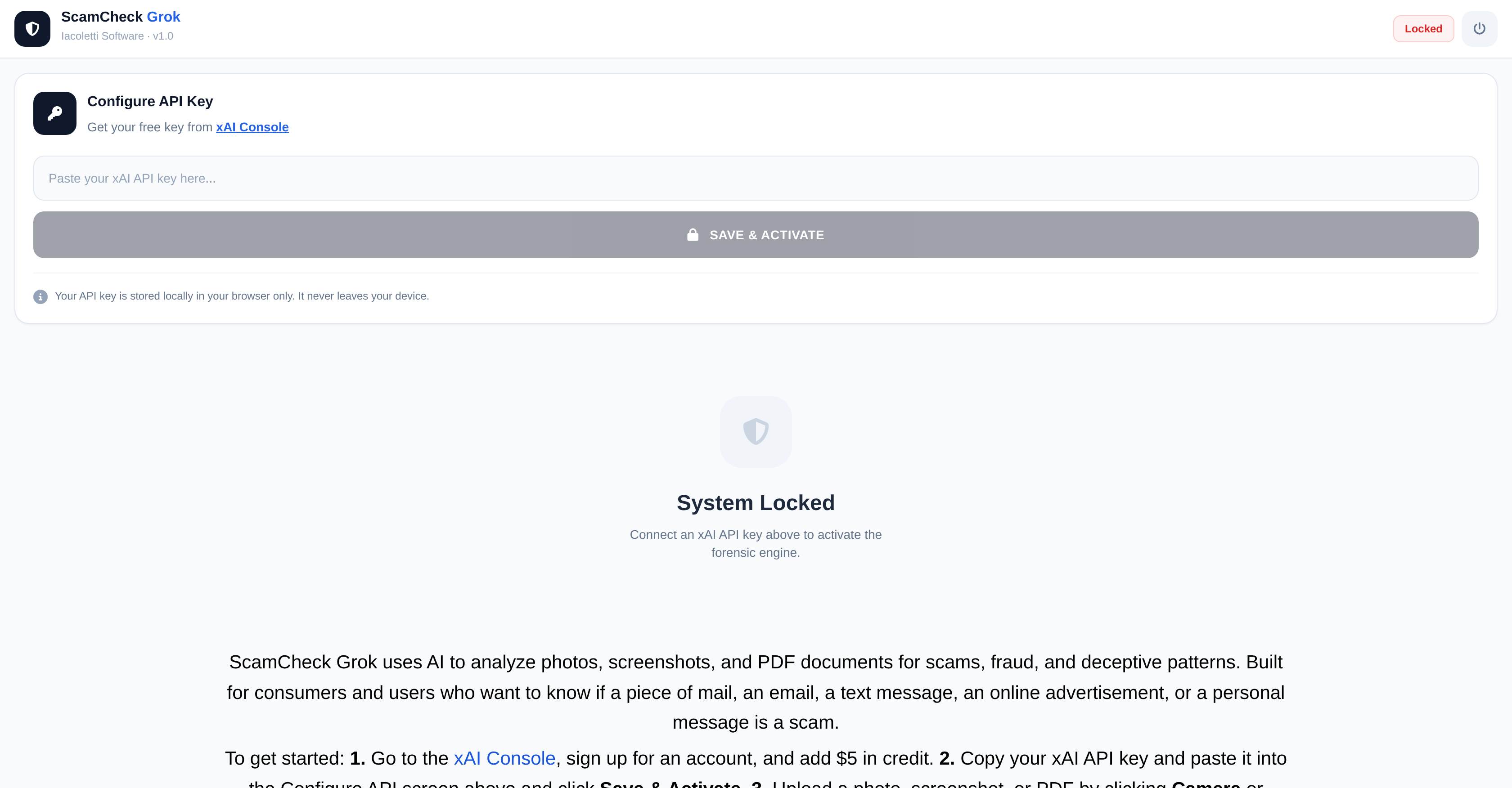
- Get an instant, AI-powered verdict on suspicious communications with a detailed Scam Analysis Report featuring a clear Risk Score and identified Fraud Indicators.
- Protect your privacy completely as the BYOK (Bring Your Own Key) architecture ensures your API credentials and analyzed content are never stored or accessed by the tool.
- Create a permanent audit trail by saving each Scam Analysis Report as a text or PDF file for your records or to share with authorities.
- Analyze a wide range of digital evidence directly by uploading photos of physical mail, screenshots of texts or ads, and PDF documents for a unified fraud assessment.
Pros & Cons
Pros
- Analyzes images and documents
- Identifies scam patterns
- Works with photos, screenshots, PDFs
- Useful for consumers and businesses
- Generates Scam Analysis Report
- Provides Risk Score
- Offers Verdict
- Identifies Fraud Indicators
- Option to save reports
- Supports text and PDF formats
- Bring Your Own Key architecture
- Guarantees user privacy
- High data security
- No access to user content
- Identifies deceptive patterns
- Protection from fraudulent materials
- Easy to use interface
- User data encrypted in transit
- Helps in verifying validity
- Online advertising risk assessment
- Supports bulk analysis
- Detects fraudulent personal messages
- Acceleration of fraud prevention
- Securely handles API credentials
- Featured on prominent platform
- Conforms to licensing agreements
- Fully encrypted data transmission
- Protects consumer from scams
- Offers identity verification service
Cons
- Requires account setup
- Credit addition needed
- Doesn't support all file formats
- BYOK may be complex
- Manual report saving
- Relies on user API key
- No direct API credentials
- Requires agreement to EULA, TOS
- Requires manual scanning initiation
- Encryption only in transit
Reviews
Rate this tool
Loading reviews...
❓ Frequently Asked Questions
ScamCheck Grok is an AI-powered tool developed by Iacoletti Software. It is designed to analyze images and documents, searching for deceptive patterns indicative of scams or fraud.
ScamCheck Grok works by allowing users to upload photos, screenshots, and PDF files on its platform. It then conducts an analysis, looking for possible fraudulent patterns. After the analysis, a Scam Analysis Report is generated featuring a Risk Score, Verdict, and Fraud Indicators.
ScamCheck Grok can analyze photos, screenshots, and PDF files.
ScamCheck Grok is available for both consumers and users who want to confirm the authenticity of various materials such as mail, emails, text messages, online advertisements, or personal messages.
To sign up for ScamCheck Grok, users need to create an account at the xAI Console and add some credit.
A Scam Analysis Report is the result of ScamCheck Grok's analysis. It includes a Risk Score, Verdict, and Fraud Indicators, which help to determine the validity of the content being analyzed and the risk of it being a scam or fraud.
ScamCheck Grok ensures user privacy and data security by operating on a Bring Your Own Key (BYOK) architecture. It doesn't hold, transmit, or accesses user API credentials or analyzed content. Furthermore, all user data is encrypted in transit.
No, ScamCheck Grok neither holds, transmits, nor has access to user API credentials or the content analyzed by users.
User data in ScamCheck Grok is encrypted in transit using the user's API key in the Bring Your Own Key (BYOK) architecture of the system.
Users of ScamCheck Grok must agree to the End User License Agreement, Terms of Service, and Privacy Policy.
The purpose of the BYOK architecture in ScamCheck Grok is to protect user privacy by ensuring that the app doesn't hold, transmit, or have access to user API credentials or the content being analyzed. It allows users to control their security by using their own keys.
Yes, users of ScamCheck Grok can save their Scam Analysis Report as text or PDF files.
ScamCheck Grok uses artificial intelligence to analyze images, screenshots, and PDF files, looking for deceptive patterns indicative of scams or fraud.
The Risk Score provided by ScamCheck Grok is part of the Scam Analysis Report. It is a numerical measurement indicating the level of risk associated with the analyzed content being a scam or fraudulent.
ScamCheck Grok looks for deceptive patterns that would be indicative of scams or fraud in the photos, screenshots, or PDF files that users upload for analysis.
ScamCheck Grok supports consumer protection and online security by providing an AI-powered solution that analyzes and detects potential scams or fraud in images, screenshots, and PDF documents.
To upload a file for analysis in ScamCheck Grok, users need to click on the option for 'Camera' or 'Import' after saving and activating their API key. They can then upload a photo, screenshot, or PDF for analysis.
Yes, ScamCheck Grok can be used to verify the validity of emails and text messages aside from other materials like mail, online advertisements, or personal messages.
To add credit to an xAI Console account for using ScamCheck Grok, users have to first sign up for an account at the xAI Console and then add some credit.
The 'Verdict' in the Scam Analysis Report indicates ScamCheck Grok's conclusive result on whether the analyzed content is potentially a scam or fraudulent based on the detected patterns.
ScamCheck Grok was developed by Iacoletti Software.
ScamCheck Grok identifies scams or fraud by analyzing uploaded files, looking for deceptive patterns that are indicative of scams or fraudulent activities. It then generates a Scam Analysis Report with a Risk Score, Verdict, and highlighted Fraud Indicators.
To use ScamCheck Grok, you must firstly sign up for an account in the xAI Console and add some credit. Then, you copy your xAI API key and paste it into the Configure API screen, click Save & Activate. You then upload a photo, screenshot, or PDF for analysis by clicking either the Camera or Import option. Once the analysis is complete, you can review the generated Scam Analysis Report.
The Scam Analysis Report generated by ScamCheck Grok comprises three components: a Risk Score indicating the likelihood of a scam, a Verdict based on the analysis, and a list of identified Fraud Indicators that signify deceptive patterns.
Yes, the Scam Analysis Report generated by ScamCheck Grok can be saved for future reference. Users have the option of saving the report as either a text or PDF file.
The BYOK (Bring Your Own Key) architecture in ScamCheck Grok is a data security measure that ensures users' privacy. It allows users to provide their own encryption keys for securing their data, ensuring that only they have access.
No, ScamCheck Grok does not store user API credentials or the content analyzed. This is part of the BYOK architecture ensuring enhanced user privacy and data security.
The conditions for using ScamCheck Grok are agreement to the End User License Agreement, Terms of Service, and the Privacy Policy.
ScamCheck Grok analyzes photos and screenshots by scanning them for deceptive patterns that may indicate scams or fraud.
ScamCheck Grok scans PDF files for deceptive patterns that may signify scams or fraudulent activity. These patterns are then presented in the generated Scam Analysis Report.
ScamCheck Grok scans for a variety of deceptive patterns that might indicate scams or fraud. While specific patterns are not detailed, they would typically be characteristics often associated with scams, fraudulent materials, or deceptive tactics.
Yes, ScamCheck Grok can be used to analyze online advertisements for potential fraud. It identifies and analyzes deceptive patterns that indicate scams.
Yes, users must sign up for an account in the xAI Console to use ScamCheck Grok.
ScamCheck Grok securely handles user data in transit by encrypting it using the user's own key as per the BYOK architecture principle. The data travels only between the user's browser and ScamCheck Grok, ensuring it remains private and secure.
To use ScamCheck Grok, users will need to have an account on the xAI Console and obtain an xAI API key.
While not specified, given its ability to analyze deceptive patterns in documents, photos, and screenshots, ScamCheck Grok could assist with identity verification by identifying fraudulent patterns often associated with counterfeit documents or identity theft schemes.
Yes, ScamCheck Grok is designed for document analysis and fraud prevention. It works by scanning images and documents for deceptive patterns indicative of scams or fraud, helping to safeguard users from potential fraudulent activities.
Pricing
Pricing model
Free
Paid options from
Free