Appblit Scribe
Overview
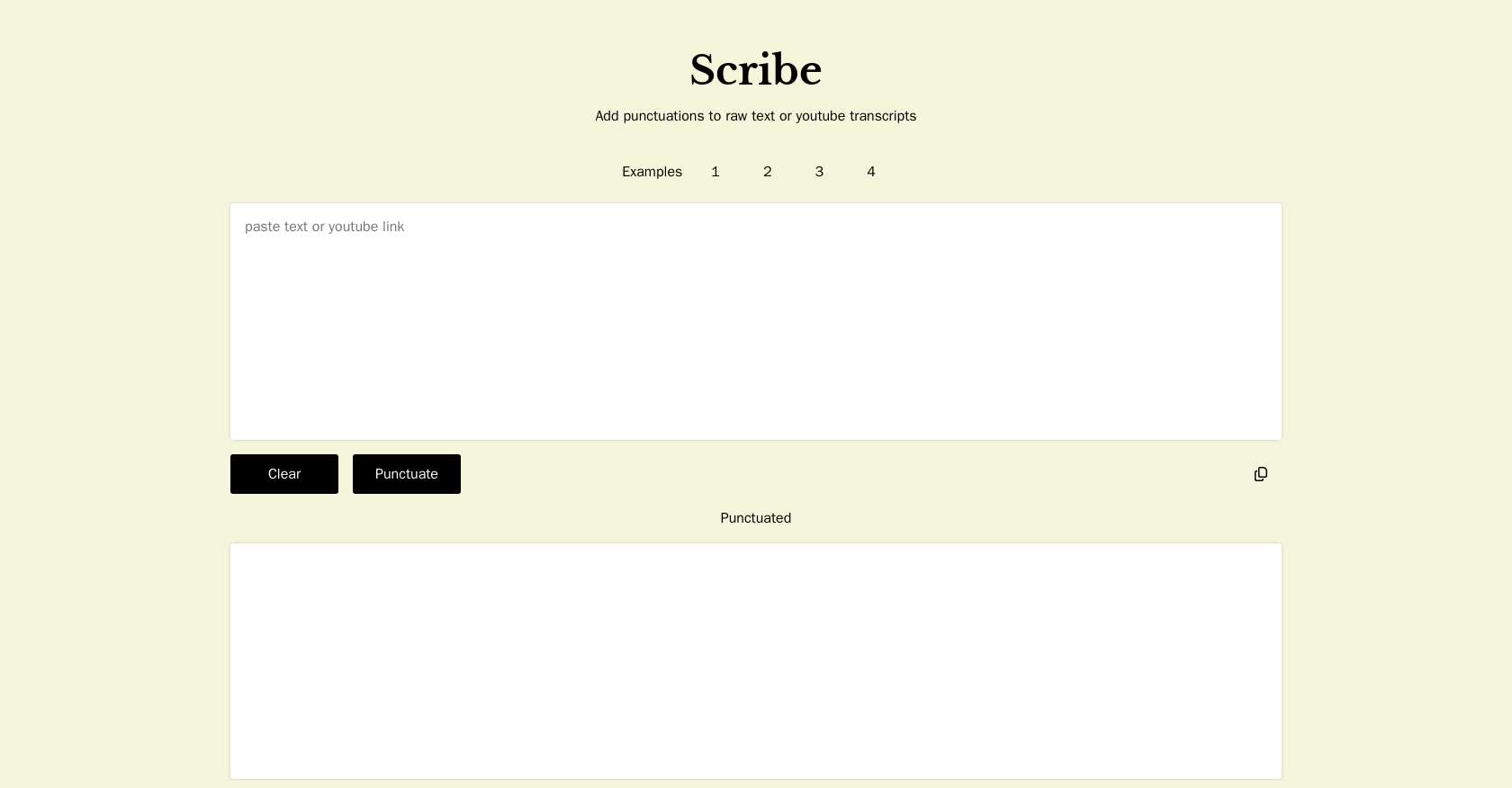
- Instantly find specific information without watching entire videos by scanning perfectly punctuated transcripts with paragraph breaks
- Quickly understand long videos by navigating content organized into clear, logical chapters
- Create accessible content for all audiences by generating readable transcripts from raw YouTube captions
- Accelerate language learning with properly structured text that clarifies sentence construction and language dynamics
- Boost your content's search visibility with well-structured transcripts that search engines can easily index and rank
- Extract key insights from video content efficiently by transforming audio into searchable, scannable text documents
Pros & Cons
Pros
- Adds punctuation to raw text
- Enhances text accuracy
- Improves text coherence
- Efficient punctuation placement
- Saves time for content creators
- Acknowledges authorship
- Optimizes readability
- Reduces manual editing time
- Provides instant YouTube transcripts
- Improves YouTube caption readability
- Organizes transcripts into chapters
- Facilitates easier navigation
- Supports content analysis
- Enhances language learning
- Useful for research
- Transforms video to text
- Supports accessibility
- Enables text searching
- Tool for education
- Boosts e-learning
- Promotes digital transformation
- Supports SEO strategy
- Helps in content curation
- Offers auto transcription
- Useful for video analytics
- Supports video to text conversion
Cons
- Limited to YouTube transcripts
- No multi-language support
- No offline functionality
- Lacks customization options
- No API for integration
- No PDF export option
- No real-time transcription
- Authorship recognition limited
- No support for audio files
Reviews
Rate this tool
Loading reviews...
❓ Frequently Asked Questions
Appblit Scribe is a tool designed to enhance the readability and structure of raw text or YouTube transcripts by incorporating appropriate punctuations. It efficiently inserts necessary punctuation marks into plain text documents or YouTube transcripts, thereby optimizing their clarity and coherence without the need for manual editing.
Scribe enhances the readability of text by automatically inserting appropriate punctuation marks. This automated process improves accuracy, structure, and coherence, making the text more understandable and easier to read.
Scribe can automatically insert various punctuation marks such as periods, commas, question marks, and exclamation points.
Scribe is beneficial for content creators, writers, and anyone who regularly deals with large volumes of text data that need to be correctly punctuated.
While Scribe's primary function is to punctuate raw text, its capabilities can certainly aid in proofreading by accurately placing punctuation where needed, potentially saving time involved in manual editing.
Scribe supports content creators by providing a more efficient way to punctuate and structure their content, enhancing its readability and coherence. This can result in increased engagement and comprehension among their audience.
Scribe acknowledges the author of a text by indicating associated mentions or identifiers such as a Twitter handle, thereby recognizing and highlighting content creators' contributions.
Yes, Scribe has been explicitly designed to punctuate YouTube transcripts, aiding in clarity and structuring the transcription more effectively.
Scribe can be used for content and text analysis, enhancing accessibility, aiding in language learning, providing research tools, and transforming video content into readable, well-structured text.
Scribe creates transcripts for YouTube by taking the raw closed captions and enhancing them with punctuation and paragraphs. This processing makes the transcripts more readable and similar to a traditional text document.
Yes, Scribe can organize the transcripts into chapters, providing an improved structure for longer videos or ones with distinct sections.
In terms of language learning, Scribe can assist by providing well-structured, punctuated text. This facilitates a better understanding of the language dynamics and sentence construction, thereby aiding in learning the language more effectively.
With its automated punctuation and structuring capabilities, Scribe can be used for research purposes to effectively analyze content, highlight key information, and digest large volumes of textual data more conveniently.
Scribe transforms video content into readable text by transcribing the audio content, structuring it into paragraphs, and accurately inserting the necessary punctuation marks.
For SEO and content strategy, Scribe provides well-punctuated and structured transcriptions, which can be indexed and ranked by search engines. This can lead to improved visibility of the content, and its structured format can contribute to a more thorough content strategy.
'Chapterization' in the context of Scribe refers to the organization of YouTube transcripts into chapters. It helps to section off parts of the content for easier navigation and understanding, particularly useful for longer videos or those with distinct parts.
Scribe adds value to video content by transforming it into a structured, punctuated, and readable form. This enables users to scan, search, and leverage the content in entirely new ways.
The 'auto transcription' feature of Scribe involves the automatic generation of transcripts from YouTube videos. These transcripts are enhanced with appropriate punctuation and paragraph breaks to resemble a traditional text document.
Scribe enhances the accessibility of YouTube videos by transforming the audio content into well-structured and punctuated transcripts. This allows users who prefer or need text over video, such as hard-of-hearing individuals, to access and understand the content more easily.
The standard YouTube closed captions are raw and generally lack punctuation and proper structuring. In contrast, Scribe's transcripts enhance these with punctuation, paragraphs, and chapters, resembling a more traditional and readable text document.
Pricing
Pricing model
Freemium
Paid options from
$3.99
Billing frequency
One-time
Related Videos
Scribe Instant YouTube Transcripts
Laurent Denoue•758 views•May 16, 2024