
Overview
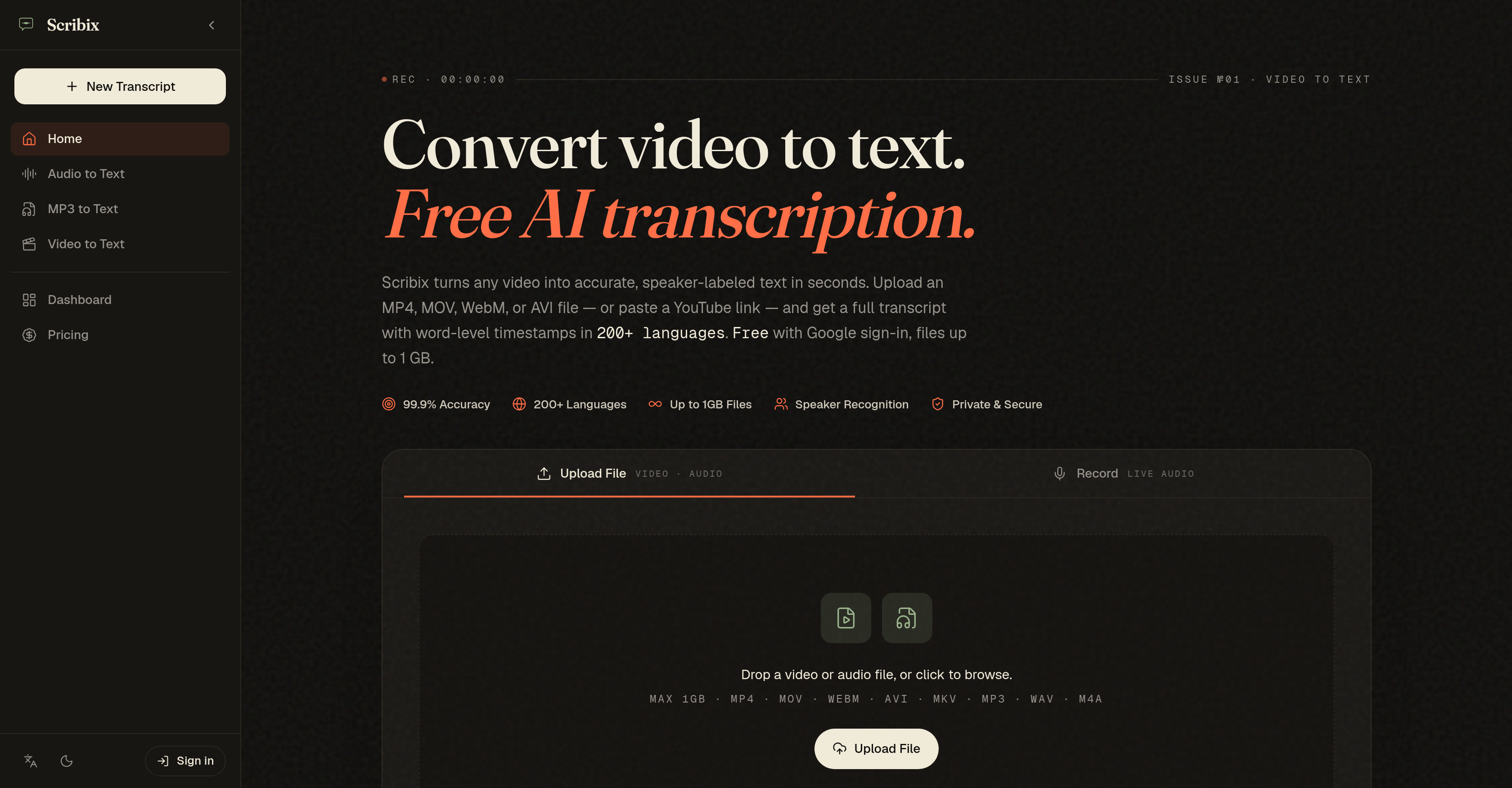
- Get searchable, editable transcripts from any video file or YouTube link in minutes using AI-powered video to text transcription with automatic speaker labeling.
- Jump straight to any spoken word in your recording by clicking timestamped text, eliminating hours of manual scrubbing through video content.
- Separate up to eight speakers automatically with voice-fingerprinting technology, making interview and podcast transcription ready for review without manual tagging.
- Work across 200+ languages without setup—the AI detects and adapts to language switches mid-recording for seamless multilingual transcription.
- Export finished transcripts as SRT captions, DOCX documents, CSV spreadsheets, or VTT files to fit any publishing or editing workflow.
- Edit transcripts online with inline corrections while hearing the exact audio moment, then download the polished version in your preferred format.
- Keep sensitive content secure with TLS 1.3 and AES-256 encryption, plus automatic file deletion after 24 hours and zero use of your audio for model training.
Pros & Cons
Pros
- Transcribes 200+ languages
- Supports multiple file types
- Accurate speaker-separated text
- Word-level timestamps
- Supports YouTube links
- Transcription for audio environments
- Supports language switches
- User data security
- Allows inline editing
- Offers various export formats
- Generates speaker labels
- Automatic language detection
- Supports online editing
- Click word to replay moment
- Highly user-friendly
- Files deleted after 24 hours
- No training on user audio
- Can handle up to 8 voices
- Caters to various user needs
- Privacy and security guaranteed
- Youtube link transcription
- 99.9% Transcription accuracy
- Support for multiple video formats
- Supports 1GB file size
- Automatic voice separation
- Transcripts editable post transcription
- Data transit with TLS 1.3
- Supports Google sign-in
- Studio-grade accuracy
- Encrypted in-memory processing
- Voice-fingerprinting for speaker recognition
- Supports code-switching in languages
- Offers transcription for varied use-cases
- Subtitle export with timestamps
- Works for podcasters, researchers
- Works for students, legal professionals
- Multiple pricing options
- Audio and video show conversion
- Investigative reporting support
- Focus group qualitative coding
- Export without extra conversion
- Provides auditable processing chain
- Handles multiple audio environments
- Detects code-switched languages
- Allows drag and drop upload
- Supports Instagram, TikTok URL
- Compliant with GDPR
- Extractable and searchable timestamps
- Supports encrypted memory processing
- Transcribes large files quickly
- Exportable to Dovetail or Notion
Cons
- Limited to 8 voices
- Not intended for audio-only
- Files deleted after 24 hours
- Lacks self-host pricing
- 1 GB max file size
- No free ongoing use
- Need Google sign-in for free trial
- No export options for audio
Reviews
Rate this tool
Loading reviews...
❓ Frequently Asked Questions
Scribix is an AI-powered tool that transcribes audio from video files into text. It offers precise speaker-labeled transcripts in over 200 languages. The tool caters to various demands like video creators, podcasters, journalists, and creators who need to convert their video or audio content into written text.
Scribix transcribes audio to text by using advanced AI speech models. These models identify words, separate speakers, and attach timestamps, providing reliable transcription results quickly. The AI model can also adapt to different audio environments and even handle language switches within the same recording.
Scribix supports several file types, including MP4, MOV, WebM, and AVI. Users can also paste a YouTube link directly into the tool for transcription.
Scribix offers five export formats to accommodate various needs. These formats are TXT, DOCX, SRT, VTT, and CSV.
Yes, Scribix offers speaker recognition as one of its key features. The tool uses voice-fingerprinting technology to separate and label speech from various speakers.
Scribix handles language auto-detection by using an AI-powered model that can identify over 200 languages automatically. It can even adapt mid-recording when speakers switch languages.
Yes, Scribix is designed to cater to the needs of video content production, podcasting, and journalism. The tool offers features like word-level timestamps, speaker recognition, and the ability to handle language switches which are highly beneficial for these content creators.
Scribix ensures data security with features like TLS 1.3 in transit and AES-256 at rest encryption. It also does not use user audio data to train its models, adding an extra layer of security.
Yes, Scribix can handle language switches within a recording. The AI model used by Scribix can adapt when speakers switch languages mid-recording.
Yes, Scribix does support online editing of transcripts. Users can click any word to play the corresponding moment from the recording, make inline edits, and then download the content in one of the available formats.
Scribix is not listed as offering translation services for audio. Scribix is primarily a tool for transcribing audio from video files into text.
Scribix uses advanced AI speech models for transcription. These models identify words, separate speakers, and attach timestamps. This leads to accurate, quick and reliable transcription results. The same models can handle different audio environments and language switches within the recording.
Yes, Scribix can work with YouTube links for transcription. Users can paste a YouTube link into the tool, and it will deliver a full transcript with accurate, speaker-separated text and word-level timestamps.
Scribix makes use of advanced AI speech models to transcribe audio into text. These models are capable of recognizing and accurately transcribing words, separating speakers, and attaching timestamps to the transcripts.
To use Scribix, users need to upload a video or paste a link. The AI system transcribes the audio with speaker labels. Users can then edit, copy, or export the content in one of the available formats.
Yes, Scribix is a user-friendly tool. It only requires users to upload a video or paste a link. After the AI processes and transcribes the content, users can simply edit, copy or export the text.
Yes, Scribix supports transcriptions in over 200 languages. Its AI model is capable of automatic language detection and can even adapt to language switches within the same recording.
Scribix produces transcripts with 99.9% accuracy on clear audio in primary languages. Accuracy may slightly reduce when dealing with heavy accents, background music, or low-bitrate audio.
Yes, Scribix attaches timestamps to transcripts. Each word in the transcript is linked to the specific time it occurs in the audio, allowing users to click any word and play back that exact moment.
Scribix manages speaker separation in transcriptions with its advanced speaker recognition feature. Voice-fingerprinting technology is used to distinguish and label each speaker's contributions, which is particularly useful for interviews, podcasts, and discussions with multiple participants.
Pricing
Pricing model
Free Trial
Paid options from
$9/month
Billing frequency
Monthly
Refund policy
Scribix allows refund requests for subscription purchases, including renewals, if submitted within 14 days of the purchase or renewal date.