
Overview
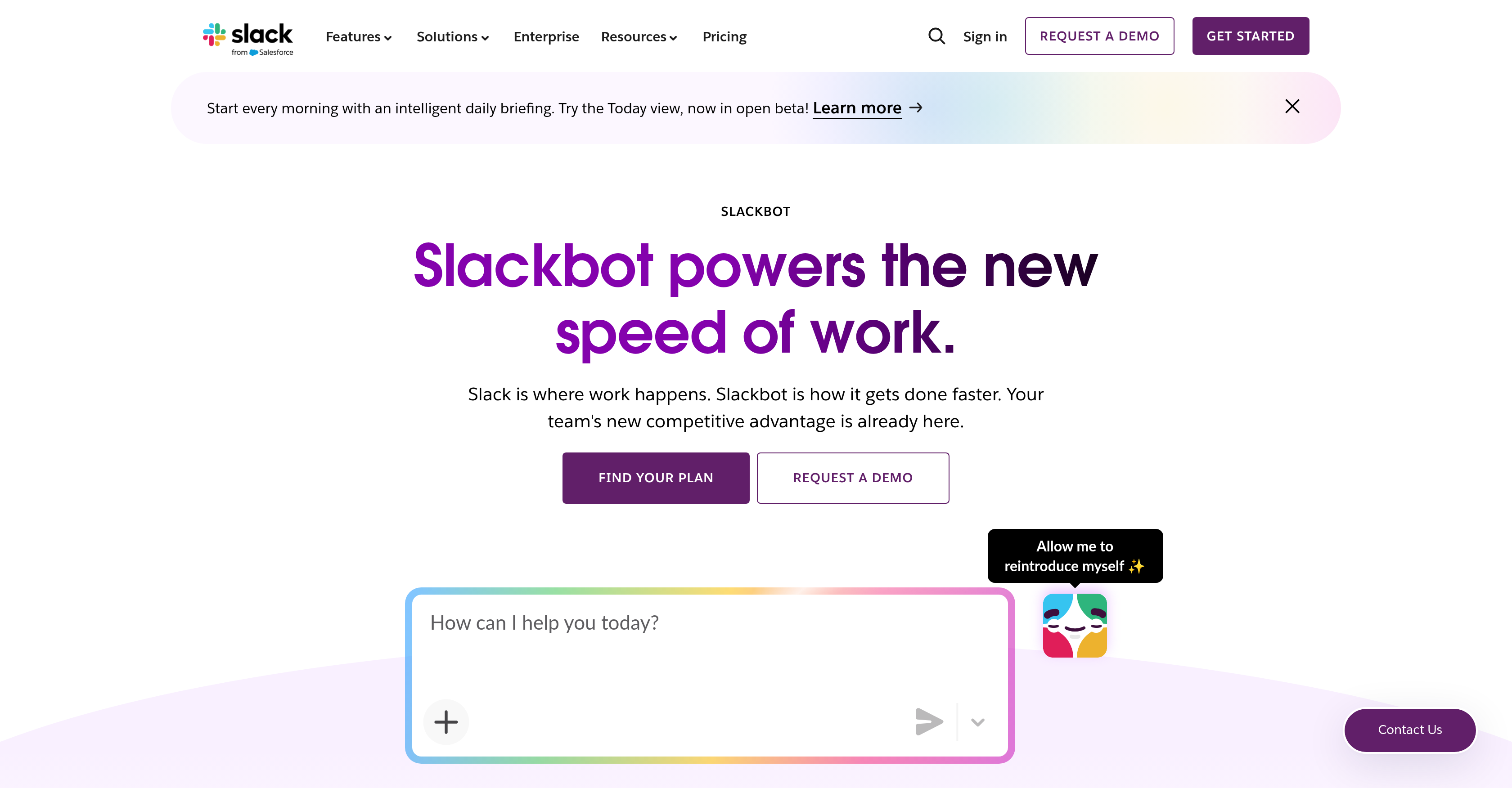
- Walk into every meeting fully prepared with a channel activity summary that pulls context from messages, files, and calendar updates
- Get automatic meeting scheduling suggestions by scanning Google or Outlook calendars for everyone's availability, then create and send invites instantly
- Find any answer across messages, channels, files, and connected apps without leaving your workflow
- Analyze documents on the spot—summarize PDFs, interpret charts, extract action points from slides, and review spreadsheets
- Automate routine task execution by simply describing what needs to be done, while Slackbot determines the optimal path and coordinates with all connected apps and AI agents
- Maintain enterprise-grade security with operations that respect existing permissions, access controls, and never use customer data for training large language models
Pros & Cons
Pros
- Integrated in Slack
- Enhances productivity
- Enhances collaboration
- Full context understanding
- Automatic meeting suggestions
- Analyzes documents
- Connects with various apps
- Eliminates tool distinction
- Increases team efficiency
- Summarizes channel activity
- Information retrieval across platforms
- Performs tasks, doesn't just respond
- Informed by linked data
- Drafts briefs
- Context-rich meeting preparation
- Automates scheduling
- Harmonizes various agents and apps
- Reduces tool-switching
- Solves IT issues
- Creates CRM accounts
- Logs CRM calls and notes
- Automates documentation
- Harmonic work routing
- Real-time intelligent search
- Combines internal and public data
- Extensible desktop interaction
- Enterprise-grade security
- User permissions control
- Voice-controlled on the move
- Information privacy assurance
- Trainable for user-specific tasks
Cons
- Requires Slack platform
- Lack of clear attributions
- Dependent on user inputs
- Potential privacy issues
- Interactions not universally visible
- Limited offline functionalities
- Adapting to personal tone uncertain
- Cross apps/actions limitations
- Vague error corrections
- Unidimensional use-case
Reviews
Rate this tool
Loading reviews...
❓ Frequently Asked Questions
Slackbot is a personal AI agent integrated directly into Slack. This powerful tool possesses a full understanding of your business operations, aided by the context of your conversations, files, decisions, and linked data. Unlike other AI agents, it goes beyond just answering your queries, it takes actionable steps towards tasks solving that are assigned to it, striving to increase efficiency in your business workflow.
Slackbot eases the task management process by discerning the optimal path to complete a task as communicated to it. It then executes this task, saving team members the burden of figuring out the process to attain the desired result. Be it summarizing channel activities, scheduling meetings, or fishing out suitable meeting slots, Slackbot is designed to execute task management plans that support cooperation and work productivity.
Slackbot is capable of analyzing various types of data, including documents, relevant files, and connected apps. It leverages these data sources to answer queries, provide information, and take actionable steps to solve tasks. It can summarize PDFs, interpret charts, extract action points from slides, as well as analyze spreadsheets. By doing so, it helps in creating a comprehensive understanding of your important documents and data.
Slackbot prepares for meetings by summarizing the corresponding channel's activity. It obtains context-rich content from messages, calendar updates, files and more to provide a comprehensive summary. This enables team members to enter meetings with a clear understanding of the context, helping to make meetings more efficient and productive.
Yes, Slackbot can work in harmony with every application and AI assistant connected to the Slack workspace. This feature makes it unnecessary for users to determine which tool does which job. You simply instruct Slackbot about what needs to be done, and it discerns the optimal path and completes the task.
The key feature of Slackbot that considerably enhances team productivity is its ability to determine the optimal path to complete any given task, and then execute the task. This ability reduces the workload on team members and accelerates task completion, enabling the team to work at a higher speed, and fostering efficiency in the workflow.
Slackbot understands your business operations effectively by having full context of your conversations, files, decisions, and linked data. This comprehensive understanding, beyond the confines of mere task execution, enables Slackbot to assist you with higher proficiency in your everyday tasks, based on the understanding of how your business operates.
Slackbot is designed with a high degree of security. Its operations are within the trusted boundary of Slack, following the same security practices and compliance standards that customers have come to expect from Slack itself. It respects the permissions and access controls of an organization, and only surfaces information that a user is allowed to see. Moreover, customer data is never used to train large language models.
Yes, Slackbot can schedule meetings. Based on the availability in everyone's Google or Outlook calendars, it provides automatic suggestions for suitable meeting slots. Once a suitable slot is found, it can create a meeting invite and send it to all the relevant team members.
Slackbot summarizes channel activity by pulling context-rich content from your messages, calendar updates, files, and more. This comprehensive summary provides a clear snapshot of everything happening on the channel, making it easier for team members to keep pace with discussions and ongoing projects.
Yes, Slackbot is capable of retrieving answers across messages, channels, files, and connected apps. Its robust search and knowledge-base harnessing capabilities allow it to find the information you need when you need it, facilitating efficient information retrieval within the Slack ecosystem.
Yes, Slackbot can operate on your smartphone. As an AI assistant, Slackbot is designed to be platform-agnostic - capable of operating across multiple devices and platforms, including smartphones, ensuring that you have access to your personal AI assistant irrespective of your device or location.
Slackbot enhances collaboration among team members by automating routine tasks and answering questions, allowing teams to focus on the tasks that require their expertise. It streamlines workflows by working with all the apps and AI agents connected to Slack, thus fostering clear communication, effective coordination, and efficient task completion.
Slackbot suggests suitable meeting slots by examining the calendars of all the participants of a respective meeting. It scans through Google or Outlook calendars of team members to identify open slots that would suit everyone. Upon identifying such a slot, it suggests this as the most appropriate time slot for the meeting.
What makes Slackbot different from other AI tools is its integral positioning within Slack, allowing it to have complete context of the conversations, files, decisions, and linked data on the platform. It doesn't just answer questions, but takes actionable steps, working across every app and AI agent connected to Slack. This context makes Slackbot fully aware of your business and its operations, enabling it to provide relevant and efficient interactions.
Slackbot effectively understands the context of your conversations given its direct integration with Slack. This integration allows it to have complete context of your conversations, files, decisions, and linked data. This full context not only enables it to answer queries more accurately, but also allows it to make actionable decisions that enhance productivity.
Yes, one of the core strengths of Slackbot is its ability to work seamlessly with other specialized AI agents within Slack. This ability implies that users do not have to distinguish between different tools for different tasks. They just need to tell Slackbot what needs to be done, and it coordinates with the necessary AI agents to get the task accomplished.
Slackbot facilitates workflow automation in Slack by taking actionable steps towards task completion. It understands the tasks that are required, discerns the best path to achieve them, and proceeds to execute. By automating everyday tasks and coordinating with other apps and AI agents, Slackbot reduces the repetitive manual labour and makes way for a smooth, automatic workflow in Slack.
No, using Slackbot does not require any coding experience. It is designed to be intuitive and user-friendly, maximizing accessibility for all users, irrespective of their technical proficiency level. Slackbot's operations are regulated by simple instructions and commands which do not require any understanding of coding or programming.
Slackbot plays an integral role in document management within Slack. It is capable of analyzing various types of documents including PDFs, spreadsheets, and presentations, extracting important points, interpreting charts, and summarizing key information. Therefore, it aids in the creation of a well-organized, efficient document management system which is crucial in maintaining effective operations within Slack.
Pricing
Pricing model
Freemium
Paid options from
$7.25/month
Billing frequency
Monthly
Related Videos
Slackbot isn't just AI. It's a teammate.
Slack•26.2K views•Mar 17, 2026