
Overview
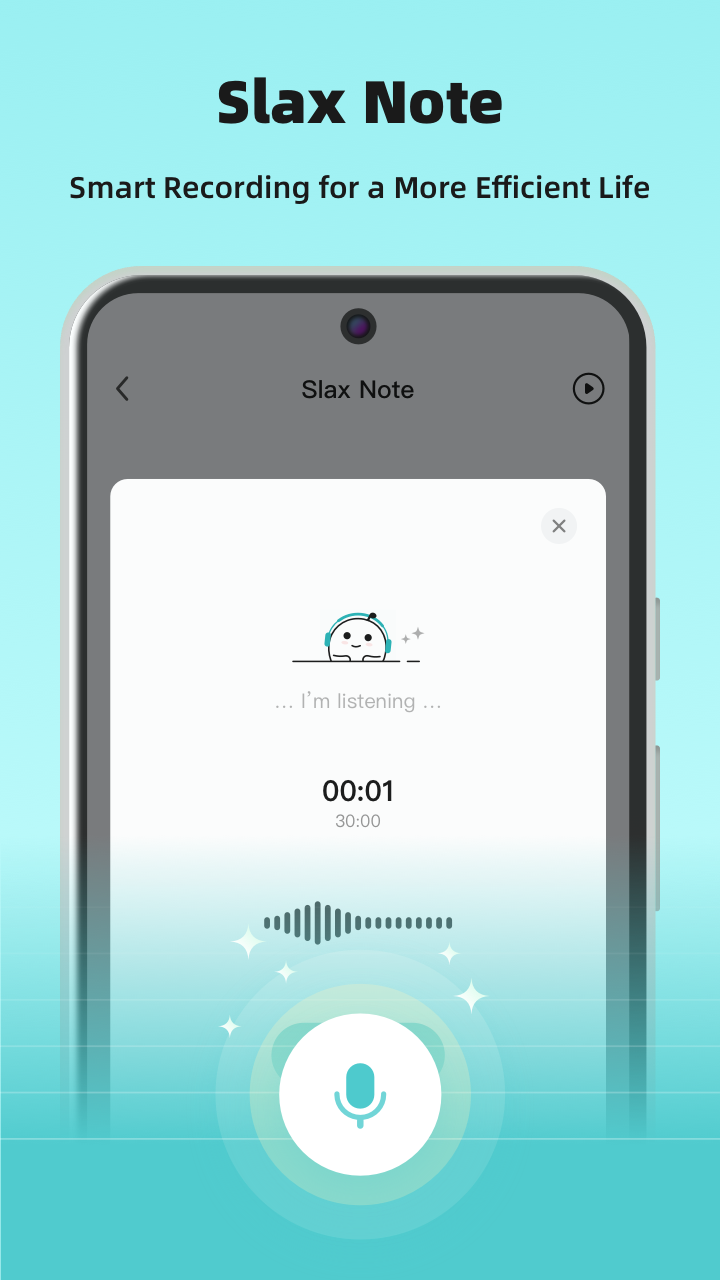
- Capture ideas instantly with 95% accurate AI transcription that works even when recording offline
- Transform raw thoughts into polished content using AI that automatically optimizes text and punctuation
- Create professional notes faster with ready-made text styles for summarizing, tweets, and compliments
- Maintain your unique voice tone with AI that adds punctuation and refines language to match your expressions
- Share ideas seamlessly by copying text or exporting notes as images to any platform
- Organize schedules effortlessly by voicing to-dos that get transcribed into clear, actionable notes
- Customize output precisely with personalized prompts tailored to your specific workflow needs
- Keep recordings completely private with all audio files stored locally on your device
Pros & Cons
Pros
- Swift voice-to-text conversion
- Variety of text styles
- Remarkable transcription accuracy
- Auto punctuation addition
- Intelligent 'Ghostwriting' functionality
- Customizable prompts
- Versatile use-cases
- Instant verbal ideas transcript
- Notes sharing as text/image
- Offline voice recording available
- Auto text optimization
- Ready-made styles for scenarios
- Versatile in schedule organizing
- Fleeting thoughts capturing
- No typing content creation
- Easily integrates with workflows
- One-click recording option
- High transcription accuracy
- Personalized prompts for needs
- Generates polished text
- Supports major languages
- Auto-refines speech drafts
- Clear, logical output
- Removes filler words
- Handles disfluencies in speech
- Optimizes shared notes everywhere
- Automatic content refinement
- Refines spoken content
- Helps consistent thought recording
- 30 minutes recording limit
- Editable converted text
- Supports different text styles
- Local audio file storage
- Secure user privacy
- Easy note exporting
- Improved communication management
- Early-bird pricing option
- Clear audio input support
Cons
- Requires internet for conversion
- No audio file uploads
- 30 minutes recording limit
- Limited languages supported
- Local storage of recordings
Reviews
Rate this tool
Loading reviews...
❓ Frequently Asked Questions
Slax Note leverages advanced AI technology to offer remarkably accurate speech-to-text conversion. For clear audio input, the accuracy can reach over 95%.
Slax Note works offline for voice recording. However, its text conversion feature requires an internet connection to function.
Yes, Slax Note allows users to share their notes on other platforms. Notes can be shared as either copied text or images, seamlessly integrating with various workflows.
The 'Ghostwriting' feature in Slax Note is an intelligent function that empowers users with ready-made text styles for different scenarios including but not limited to summarizing, composing tweets, and generating compliments. This feature enhances productivity by quickly transforming the voice records into stylized text.
Yes, Slax Note offers the feature of customizable prompts, allowing users to personalize prompts according to their unique requirements and workflows.
Slax Note's advanced AI technology not only transcribes voice, but also refines the transcribed text and adds punctuation to match the speaker's tones. This helps in maintaining the originality of the speaker's expressions in the final transcribed text.
Slax Note can be used in a variety of scenarios. Whether it's recording personal voice memos, content creation, schedule organization, taking meeting minutes, or generating learning notes, Slax Note can cater to them all.
Yes, Slax Note can be used to generate written content from verbal ideas swiftly. Users can talk their ideas out, and Slax Note will convert their speech into text with remarkable accuracy and presentation.
Yes, Slax Note does require an internet connection for its text conversion feature. However, its voice recording function can work offline without any need for internet connectivity.
During a meeting, Slax Note can act as an AI assistant, diligently recording and transcribing meeting summaries. It can quickly and efficiently generate meeting minutes, enabling users to focus more on the discussions and less on note-taking.
Yes, Slax Note can certainly aid in schedule organization. By voicing out your to-dos to Slax Note, it can help organize your schedule effortlessly and accurately.
Yes, Slax Note allows users to share their notes as images. This feature further enhances the versatility of the app, enabling seamless integration of Slax Note into various workflows.
Slax Note does allow for voice recording offline. This enables users to record their thoughts anytime, even when they do not have access to an internet connection.
Slax Note uses AI technology to refine transcribed text. After accurately transcribing the voice, it further polishes the text adding punctuation and refining language to match the speaker's tone.
Yes, Slax Note can serve as an AI assistant. For instance, during a meeting, Slax Note can act as an AI assistant, recording and transcribing meeting summaries thus freeing users to focus more on the discussion.
Yes, converted text in Slax Note is fully editable. This feature ensures that users can adjust and refine the output as needed.
Slax Note offers a variety of ready-made styles for different scenarios, including summarizing, generating tweets, and compliments. These styles are designed to cater to various text requirements, enhancing productivity and ease of use.
Users can accomplish a multitude of tasks with Slax Note. These include recording personal voice memos, creating content, organizing schedules, capturing meeting minutes, and generating learning notes.
The security of audio files in Slax Note is highly prioritized. All the audio recordings are stored locally on the device to ensure user privacy and security.
Slax Note supports multiple major languages likes English, Chinese, German and Japanese for speech recognition, and plans to include more languages in the future.
Pricing
Pricing model
Freemium
Paid options from
$4.99/month
Billing frequency
Monthly
Related Videos
Slax Note—easily capture & transform your ideas (how-to)
vladcampos•362 views•Jul 4, 2025