Overview
- Write emails and social media posts in seconds using built-in prompt templates that provide instant inspiration
- Craft personalized messages that sound like you with AI that learns your unique writing style over time
- Maintain complete privacy while typing with guaranteed data protection that never shares information with third parties
- Switch seamlessly between keyboard layouts without interrupting your workflow across different apps
- Get smarter writing assistance over time as the AI continuously adapts to become more helpful and personalized
Pros & Cons
Pros
- Built-in prompt templates
- Personalized writing assistance
- Data not shared with third parties
- No data collected
- Regularly updated for data security
- Available on Google Play
- Suitable for all ages
- Cross platform functionality
- UI enhancements
- Adapts to user's writing style
- Alternates between keyboard layouts
- Potential future speech to text
- Future addition of QWERTY...
- Regular bug fixes updates
- Built for email drafting
- Ideal for social media
- Crafts creative pickup lines
- Integrated digital writing support
- Ratings and reviews verified
- Keeps user information private
Cons
- Lacks QWERTY layout
- No speech-to-text feature
- Switching between keyboards necessary
- Confusing keyboard layout
- Unimpressive GPT API hookup
- Requires extensive permissions
- Unstable script generation
- Resetting permissions unclear
- Vague on required permissions
- Billing issues for users
Reviews
Rate this tool
Loading reviews...
❓ Frequently Asked Questions
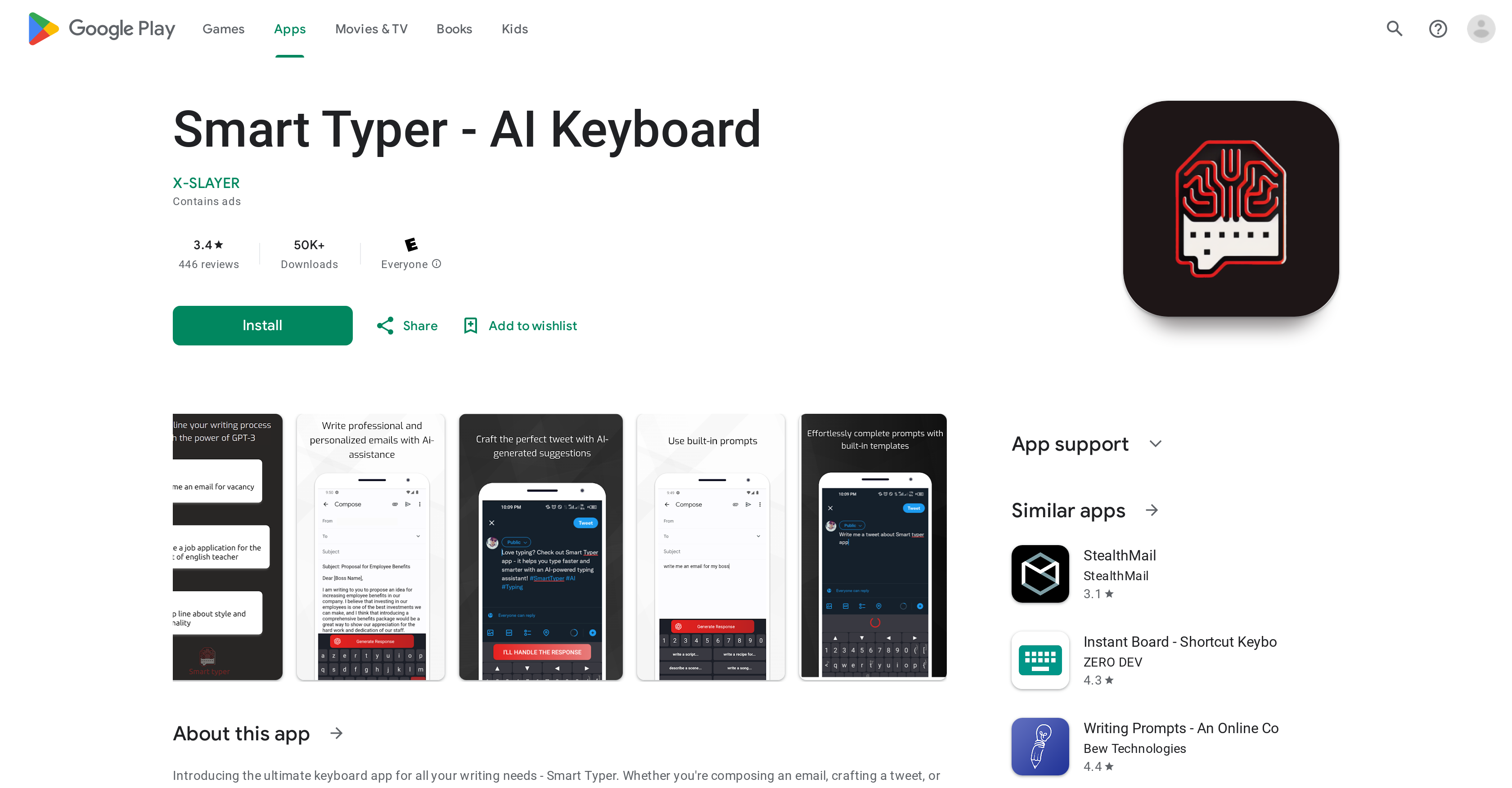
Smart Typer is an AI-powered keyboard app that enhances the user's writing process. It offers built-in prompt templates for inspiration, and AI-generated, relevant, and coherent suggestions to complete a user's prompts, making the writing experience faster and more efficient. The app also provides a personalized experience by adapting to the user's writing style over time.
Smart Typer is currently available on the Google Play store. The platform availability information does not specify whether the app is compatible with other platforms.
Smart Typer utilizes artificial intelligence technology. Its underlying AI is not stated, but it generates intelligible and related suggestions to complete user prompts, aiming for efficiency and speed.
Smart Typer can assist with various types of writing from composing emails, crafting social media posts to drafting pickup lines. Basically, it assists with any digital writing need.
No, Smart Typer does not share or collect any personal data. The app prioritizes user privacy and data safety. Specifically, it does not share data with third parties and does not collect data without the user's consent.
Smart Typer protects user data privacy by collecting no data unless explicitly allowed by the user. It also ensures that data is not shared with third parties.
What makes Smart Typer unique is its AI-driven ability to adapt to the user's writing style over time. This means it becomes more efficient and personalized as the user continues to use it. Furthermore, it supports seamless alternation between different keyboard layouts, maintains stringent data privacy and safety measures and continually updates for user experience enhancements.
Smart Typer is updated regularly. The exact frequency of updates is not specified on the website but the aim is to fix bugs, enhance data privacy and security, and improve the overall user experience.
Smart Typer assists in email drafting by providing built-in prompt templates and generating relevant and coherent suggestions to complete user's prompts. This not only speeds up the writing process but also helps to create more concise and effective emails.
Yes, Smart Typer can be used for crafting social media content. It provides inspiration with its built-in templates, making writing posts and updates easier and more efficient.
Yes, Smart Typer does provide pickup line suggestions among its various writing assistance features. Its built-in prompt templates include ones for composing pickup lines.
Yes, Smart Typer has the ability to customize its assistance to match your writing style. Its AI technology implements learning algorithms that adapt to your writing style over time, thus providing increasingly tailored assistance.
Yes, Smart Typer supports different keyboard layouts. Although the specific layout details are not mentioned, the ability to seamlessly alternate between different layouts is stated on their website.
Yes, there are planned features for future updates of Smart Typer. Included is the prospect of adding features like speech to text and a QWERTY keyboard layout.
Yes, Smart Typer is suitable for children. The Google Play Store specifies that the content rating is 'Everyone', implying that it can be used by users of all ages.
The specific UI enhancements of Smart Typer are not explicitly disclosed on their website. However, continuous updates to improve user experience, which likely include User Interface improvements, are confirmed.
No information is presented indicating that Smart Typer currently supports a speech-to-text feature. However, a customer review comments on its prospective addition in the future.
As per the user review, Smart Typer does not currently support a QWERTY keyboard layout. However, this feature is planned for inclusion in future updates according to the developer's response.
To install Smart Typer on your device, navigate to its listing on the Google Play Store and click the 'Install' button. Since it's listed on Google Play, it follows that the installation process would fit the standard for all apps on that platform.
As per their website, Smart Typer is designed to enhance the user's writing process across various platforms and contexts. However, it's not specified if the app supports synchronization across different devices. Currently, the app is available on Google Play, which implies it can be used on any device supported by this platform.
Pricing
Pricing model
Free
Paid options from
Free