Overview
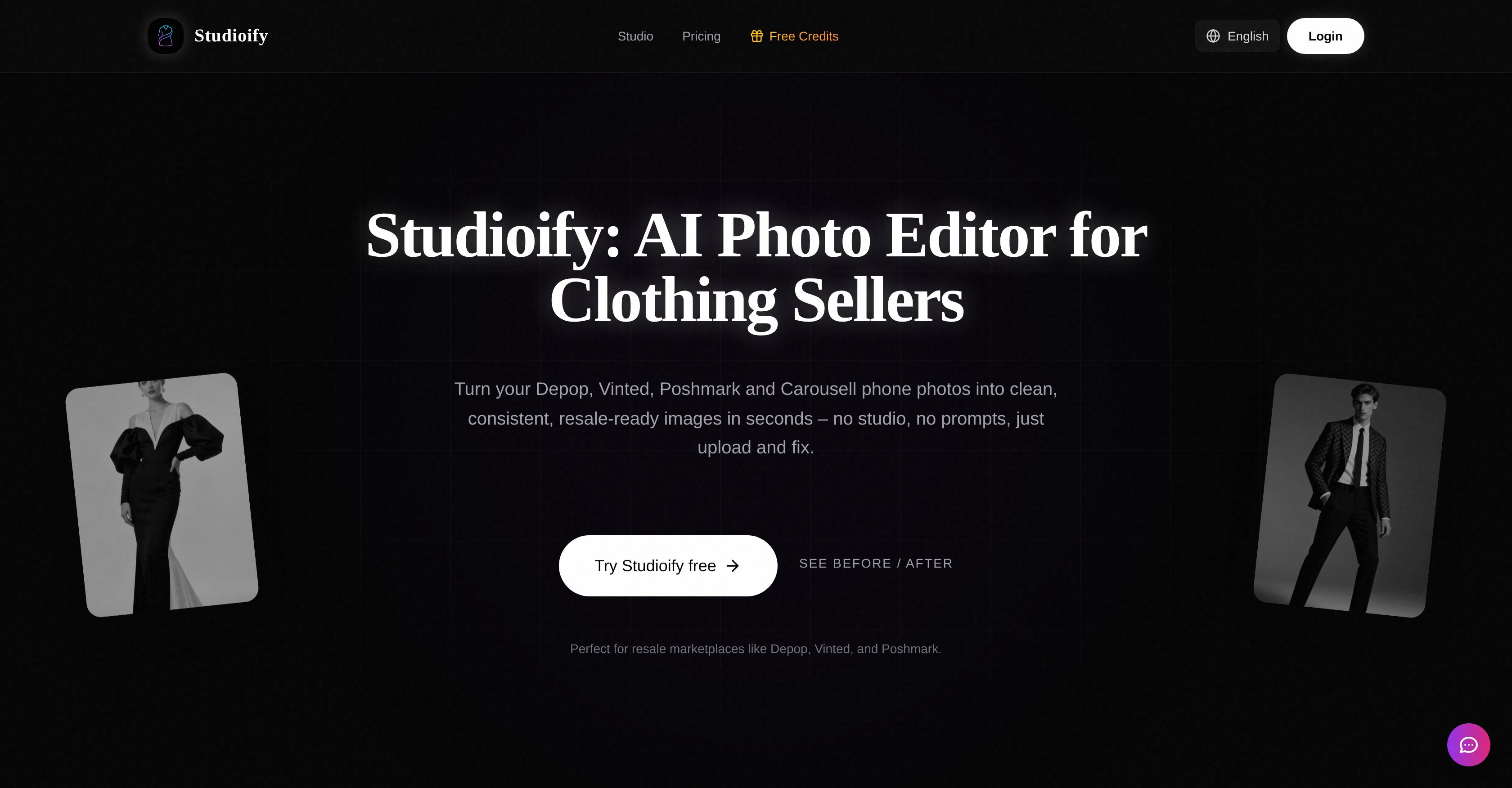
- List clothing faster by automating photo editing, with AI that cleans backgrounds and optimizes lighting in seconds instead of manual editing.
- Build a trusted, brand-like profile with a consistent aesthetic across all listings, using uniform backgrounds and display styles.
- Showcase fit without a photoshoot by generating professional on-body shots with AI models to visualize how clothing looks when worn.
- Meet every platform's photo rules automatically, with AI that formats images to the specific requirements of Depop, Vinted, Poshmark, and others.
- Provide a complete buyer view by auto-generating multiple angles and detailed shots from a single upload, covering expected listing views.
Pros & Cons
Pros
- Turns phone photos professional
- Targets resale platform sellers
- Generates uniform angles
- Auto-detail shots
- Allows background selection
- Offers style selection
- On-body item demonstration
- Compliant with platform regulations
- Provides instant downloads
- Option to emulate small brands
- Drives click to items
- Facilitates image optimization
- Ensures background consistency
- Designed for clothing sellers
- Eliminates need of physical studio
- Automates reshoot needs
- Professional on-body shots
- Requires simple upload and select
- Supports multiple platforms
- Streamlines listing process
- Increases listing clicks
- Saves significant listing time
- Follows marketplace photo guidelines
- Clean, consistent aesthetic
- Elevates seller profile
- Brightens main images
- Bypasses need for photo studios
- Enables quick comparisons on resale apps
- Optimizes lighting
- Removes distracting backgrounds
- Saves on hiring models
- Creates more appealing listings
- Improves buyer experience
- Saves on extensive photo editing
Cons
- Limited to specific platforms
- Targeting limited audience (sellers)
- May not support all clothing types
- Requires detailed user inputs
- Costs vs. individual free editing
- Regulation compliance ambiguity
- No inbuilt photo capture
- Could oversimplify unique brand aesthetics
Reviews
Rate this tool
Loading reviews...
❓ Frequently Asked Questions
Studioify is optimized for multiple resale platforms including Depop, Vinted, Poshmark, Mercari, and eBay.
Studioify uses Artificial Intelligence to enhance standard phone photos by automatically cleaning the background, optimizing lighting, and creating marketplace-ready images.
Studioify provides features like auto-generation of multiple uniform angles and detailed shots, selection of clean backgrounds and display styles (e.g., flat-lay, hanging, or on-model), and creation of on-body shots with AI models.
Studioify offers a variety of display styles that match a brand's aesthetic, allowing sellers to choose between flat-lay, hanging, or on-model displays.
Studioify uses artificial intelligence to create professional on-body shots. It does this by superimposing the sellers' clothing items onto AI models, thereby simulating how the item would look when worn.
Studioify ensures compliance with each resale platform's requirements and best practices by formatting photos to meet the specific guidelines of each platform like Depop, Vinted, Poshmark, and others.
Studioify enhances the visual appeal of your product listings by creating bright, eye-catching main images, providing clean backgrounds that fit your brand aesthetic, and allowing the auto-generation of multiple angles and detailed shots.
Studioify serves as a cost-effective solution by eliminating the cost of professional photography and time-consuming manual photo editing. It automates the photo editing process and creates on-body shots using AI models.
Yes, you can use Studioify to edit photos for your Depop, Vinted, Poshmark, and Carousell listings.
Studioify's AI feature is designed to auto-generate multiple uniform angles and detailed shots of product images without any extra effort required from the seller. This provides a comprehensive view of the products to the prospective buyer.
Studioify helps establish a consistent and professional profile by enabling you to choose from clean, consistent backgrounds that match your brand aesthetic. It enhances your profile's visual appeal by creating bright, eye-catching images and auto-generating uniform angles and detailed shots.
Yes, Studioify can turn your standard phone images into professional-looking images for resale. It achieves this by using AI to clean up photos, optimize lighting, and create professional, resale-ready images.
Studioify's AI photo editing feature works by processing an uploaded product photo and enhancing it to become bright, clean, consistent, and resale-ready. This process encompasses aspects such as background removal, lighting optimization, and angle generation.
Studioify provides the option to select from different clean backgrounds that match your brand aesthetic, thereby ensuring a consistent look across all product images.
Yes, Studioify allows the generation of on-body shots with AI models. These models show how clothing items look when worn, eliminating the need for expensive photoshoots or hiring models.
Studioify helps optimize sales on top resale platforms by enhancing listing photos to attract more clicks and saves, generating professional on-body shots with AI models to visualize fit and style, and ensuring photo best practices for each platform, amongst other features.
Studioify allows you to match your brand's aesthetic by enabling you to select a display style and background that suits your brand. This way, every product image presents a consistent look and feel.
Studioify saves time when listing products by automating the photo editing process. This cuts down on the time typically used for manual editing, background cleaning, lighting adjustment, and creation of various angles and detailed shots.
Yes, Studioify helps with sales optimization on resale platforms. It achieves this by improving listing pictures to attract more viewers, providing a consistent brand aesthetic, and aligning images with each platform's best practices.
Studioify works as a professional photography alternative by transforming standard phone photos into clean, consistent and resale-ready images that look professional. The AI does this by enhancing the quality of images, creating on-body shots with AI models, and auto-generating multiple angles and detailed shots for comprehensive product visualization.
Studioify is an AI-powered photo editor designed specifically for sellers on resale platforms like Depop, Vinted, Poshmark, and Carousell.
Studioify enhances the aesthetics of seller's product listings by helping turn phone photos into professional, clean, consistent, resale-ready images. This software provides various display styles and background options, assists in the creation of uniform product shots from multiple angles and detailed views, offers AI model visualization for on-body product shots, and optimizes photos to uphold brand consistency and visual appeal. Studioify improves the quality of listings, potentially saving sellers time and helping optimize sales.
Studioify utilizes AI technology to process the phone photos uploaded by sellers. It automatically cleans the background, adjusts the lighting, and creates marketplace-ready images in the selected size. Additionally, Studioify auto-generates various angles and detailed views commonly expected on resale platforms. Feature also includes the production of on-body shots using AI models.
Studioify is specifically designed for editing photos of clothing for resale. It caters to the needs of secondhand clothing sellers using platforms like Depop, Vinted, Poshmark, and Carousell.
Studioify's AI model visualization allows sellers to display their clothing items on AI models. After uploading flat-lay or hanging photos, sellers have the option to add AI models. This gives buyers a more realistic idea of how the clothes would look when worn, without the need for costly photoshoots or hiring models.
Studioify provides sellers flexibility by offering various clean background options and display styles. Sellers can choose between flat-lay, hanging, or on-model displays and select a background that matches their brand aesthetic.
Yes, Studioify provides options to represent products in a flat-lay, hanging, or on-model style, giving sellers the control to choose the style that most accurately reflects their brand aesthetic.
With Studioify, sellers can turn phone photos into professional, clean and consistent images for resale, thus eliminating the need for professional photography. Exposure to advanced editing tools or a physical studio is not required as Studioify works with non-studio photos. It also allows sellers to create on-body shots with AI models, removing the need for expensive photoshoots or hiring models.
Yes, Studioify is built according to the photo regulations and best practices of each platform it serves including Depop, Vinted, Poshmark, and Carousell. It offers platform-specific optimization to create images that adhere strictly to the said guidelines.
Studioify increases the visual appeal of a seller's profile by providing clean, uniform, and professional-looking photos, which are key to attracting and retaining shoppers. A consistent look across all product photos helps emulate the aesthetic of a small brand rather than appearing as a random seller, thereby enhancing the credibility and trustworthiness of the seller's profile.
A 'resale-ready' image refers to a photo that is clean, professional, and suitable for uploading directly onto resale platforms. These images are created by Studioify using phone shots uploaded by the seller. The AI technology enhances the image by cleaning the background, optimizing lighting, and creating multiple angles and detailed shots, ready to be listed on resale platforms.
By providing consistent, clean, and professional-looking photos across all product listings, Studioify helps sellers emulate the aesthetics of a small brand. This helps in making their profiles more professional and trustworthy, thus driving more clicks to items and potentially increasing sales.
Using Studioify involves three simple steps. First, sellers upload a product photo and specify what they are selling. They then choose a display style and background that fits their brand aesthetics. Finally, Studioify's AI autocleans the background, optimizes the lighting, and creates marketplace-ready images in the chosen size, that can be downloaded instantly.
Studioify enhances image quality by automatically cleaning up the background, optimizing the lighting, and creating clear, bright and consistent images that adhere to the aesthetic guidelines of various resale platforms.
Yes, once the AI has processed and enhanced the images, sellers can instantly download the optimized photos.
Yes, Studioify can make images brighter and cleaner. Its AI technology optimizes the lighting in uploaded photos, ensuring they stand out in resale platform feeds.
Yes, Studioify can be used even if sellers lack advanced editing skills. The AI tool automatically enhances images based on the details provided by the sellers, requiring only a few simple inputs on the photos, product type, platform, and preferred style.
Studioify enhances a professional and trustworthy profile by producing clean, consistent, and professional-looking photos. It enables sellers to emulate the aesthetics of a small brand, which in turn promotes more credibility and drives more clicks to items, developing buyer trust and distinguishing the seller's listings in crowded marketplace feeds.
Studioify can greatly increase efficiency for sellers. Sellers traditionally spend 10-15 minutes manually editing each listing photo, but with Studioify multiple images can be processed in seconds. This time-saving tool, coupled with its ability to enhance image quality, consistency, and professionalism, can optimize sales on resale platforms.
Pricing
Pricing model
Free Trial
Paid options from
$9.90/month
Billing frequency
Monthly
Refund policy
No Refunds