SuperMaker
Overview
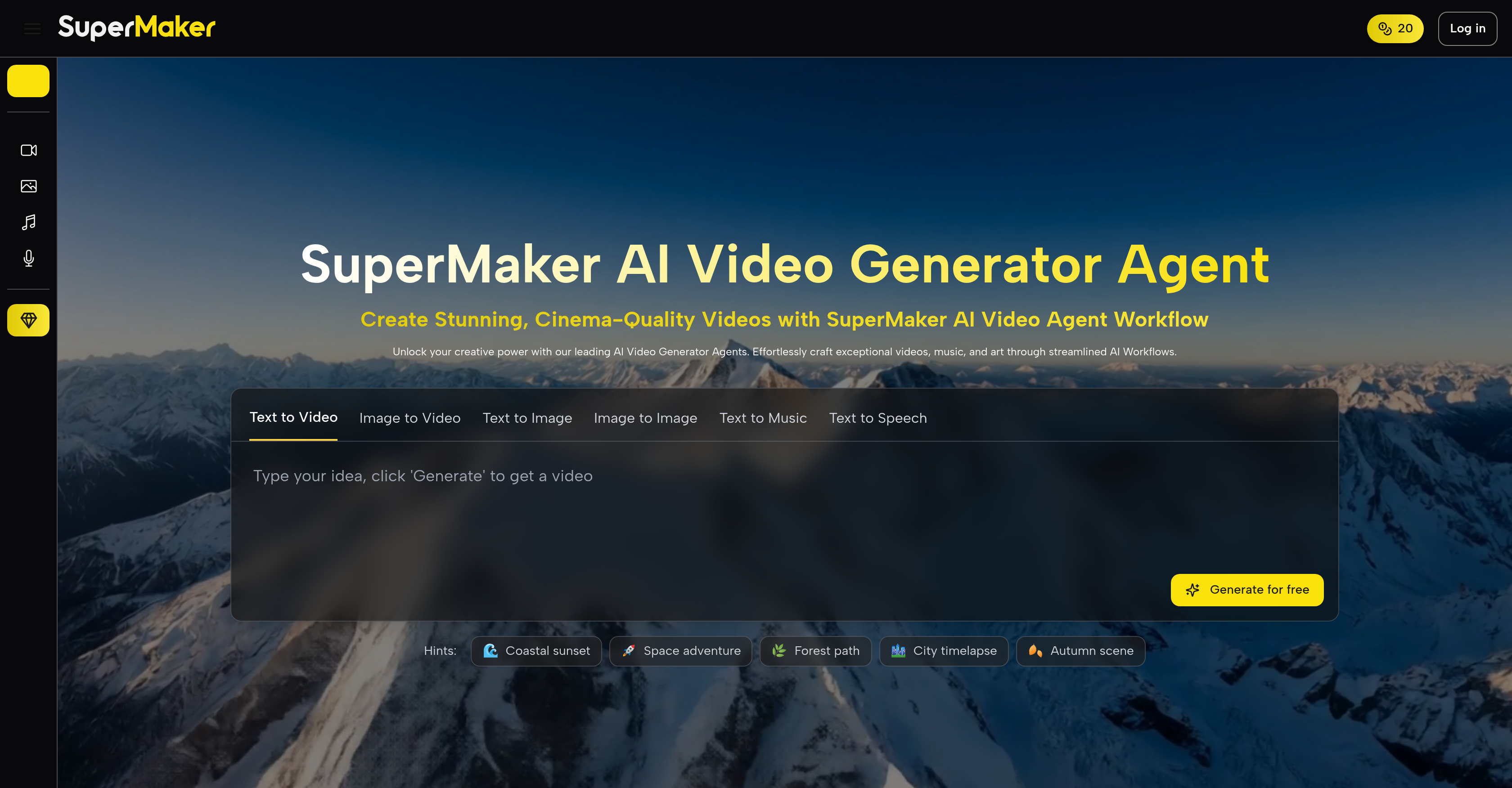
- Transform text prompts into complete narrative scripts automatically, eliminating the need for manual scriptwriting
- Generate cinema-grade videos with high-resolution frames and smooth visual fidelity, ensuring professional output quality
- Create perfectly synchronized voiceovers with precision lip-sync that matches spoken phrases exactly
- Produce custom background music and dynamic sound effects tailored to your video's mood and genre
- Edit videos intuitively with built-in tools that streamline the entire production to post-production workflow
- Generate complete storyboards automatically to visually plan and organize your video projects before production
- Create custom images, illustrations, and graphics from text descriptions for seamless integration into videos
- Brainstorm and refine every detail through conversational AI chat that guides scene generation and creative decisions
Pros & Cons
Pros
- Cinema-quality video generation
- Script creation from text prompts
- Narrative animation
- Custom background music
- Sound effects generation
- Flexible project editing
- High-resolution frames
- Smooth visual experience
- Complete video workflow
- Storyboard generation
- Precision in lip-sync
- Convenient video editor
- Immersive audio capabilities
- Covers post-production tasks
- Efficient video generation process
- Multifunctional creative toolkit
- Narrative scripting abilities
- Superior character consistency
- Effortless video creation
- Impressive visual fidelity
- Supports multiple languages in voiceovers
- Professional level audio synchronization
- Natural language idea brainstorming
- Visionary ideas transformation
- Visuals and audio fine-tuning
- Supports text/email-based material conversion
- Conversion of scripts into visuals
- Text to video/image/music generation
- Image to video/image generation
- Speech to text generation
- Streamlining of complex creative processes
- Pre-designed sequences of creative tasks
- Visual effects, filters, and comprehensive editing functionalities
- Smart uncrop, photo restoration, and image-to-video conversion
- Superior asset management and versioning
- Combination of various assets to build complex creations
- Professional and creator-friendly
- Multi-industry use cases
- Animations from complex topics
- Transform blog posts into dynamic videos
- Development of scripts, storyboards, and visual scenes
- Comprehensive tutorials and responsive customer support
Cons
- No offline use
- Multi-tool complexity
- Potential script translation issues
- No precise video length control
- Limited storyboard customization
- Restricted high-resolution capabilities
- Limited audio sound effects
- No multi-language support
- Limited ideation capabilities
Reviews
Rate this tool
Loading reviews...
❓ Frequently Asked Questions
SuperMaker AI Video Generator is an AI-powered creative platform, designed to facilitate an integrated process for creating cinema-grade videos. The platform is equipped to translate text prompts into detailed scripts, animate narratives, generate AI-produced voiceovers, custom background music, and sound effects. It also offers abilities to edit video projects, and it features a complete workflow functionality to support users from concept to final cuts. Additionally, SuperMaker caters to diverse creative needs with the suite of AI tools it offers, including AI Image Maker, AI Voice Maker, AI Music Maker, and an AI Chat Interface.
SuperMaker is plated with an advanced tool that translates text prompts into detailed scripts. It doesn't just covert, but it actively interprets the prompts into narrative backbones suitable for professional video production.
Yes, the SuperMaker AI Video Generator is equipped with the capability to create AI-produced voiceovers. It automates the process, dynamically integrating it into the video creation workflow.
SuperMaker AI Video Generator provides intuitive editing features which give users the ability to tweak their video projects. These features enhance the video creation process, allowing precision in video modification.
The quality of the video output from SuperMaker is cinema-grade. The AI Video Generator can aggregate high-resolution frames into a smooth visual experience, ensuring unparalleled visual fidelity and superior character consistency.
Yes, SuperMaker does offer complete video workflow function. This includes the transformation of abstract concepts into final cuts, as well as an integrated storyboard generator, precision in lip-sync, dynamic sound effects, and an intuitive video editor.
Yes, SuperMaker comes with an integrated storyboard generator. This forms part of its complete video workflow functionality, assisting users to visually organize and plan their video projects.
The lip-sync feature in SuperMaker is adeptly precision-oriented. It ensures lip movements align perfectly with the spoken phrases in voiceovers, contributing to the immersive reality of the videos created.
Yes, SuperMaker does incorporate dynamic sound effects. These sound elements enhance the auditory experience, ensuring every produced video is accompanied by a vivid soundtrack that complements the visual narrative.
The SuperMaker package houses a suite of AI tools including an AI Video Generator, AI Image Maker, AI Voice Maker, AI Music Maker, and an AI Chat Interface. These serve as a creative toolkit to accommodate diverse project requirements, supporting everything from video generation to post-production tasks.
The SuperMaker's AI Image Maker, a part of the suite of AI tools, generates unique visuals, concept art, illustrations, or custom graphics from simple text descriptions. The images created can be seamlessly integrated into your video projects or used as standalone artwork.
The AI Voice Maker tool in SuperMaker is designed to produce natural-sounding voiceovers in various languages and styles. Its function is to seamlessly transform written scripts into engaging audio narrations for videos, podcasts, or presentations.
The AI Music Maker in SuperMaker operates to create original, royalty-free background music and soundtracks. It allows for the customization of mood, genre, and tempo to complement the video content or other creative projects.
Yes, SuperMaker does offer an AI Chat Interface. It allows users to brainstorm ideas, guide the generation of video scenes, voiceovers, or music, and refine every detail across all tools in a conversational manner with the AI.
SuperMaker supports the post-production process through its video editing tools and the ability to generate AI-produced voiceovers, custom background music, and sound effects. It therefore enhances the overall experience of video creation and ensures a smooth transition from the production phase to final output.
SuperMaker can convert user-specified text prompts into detailed narrative scripts. The technology interprets the prompts to form a cohesive narrative, furnishing the backbone for any video production.
Yes, SuperMaker does have an impressive immersive audio capability. It perfectly synchronizes and meticulously aligns every sound element in produced videos. This integration enriches the auditory experience, contributing completely to the cinematic feel of the output.
SuperMaker allows users to create a variety of videos with exceptional quality. These can range from short social media clips to detailed cinematic projects. The application lends itself to the creation of marketing videos, promotional films, animations, instructional videos, and more.
Yes, SuperMaker AI Video Generator is capable of piecing together high-resolution frames. This ensues in a smooth visual experience that is of impressive fidelity.
SuperMaker facilitates video generation tasks with its suite of AI tools and integrated video workflow function. Users can generate detailed scripts, animate narratives, produce and incorporate AI voiceovers, create custom background music and sound effects, and finally edit their projects to perfection.
Pricing
Pricing model
Free Trial
Paid options from
$8.30/month
Billing frequency
Monthly
Refund policy
Users can request a refund within 10 days of purchase if the product is unused (if applicable).
Related Videos
How I Make AI ASMR Videos Without Google Veo 3 (Easy Tutorial)
SuperMakerAI•3.2K views•Jun 24, 2025