
TubeNofy AI
Overview
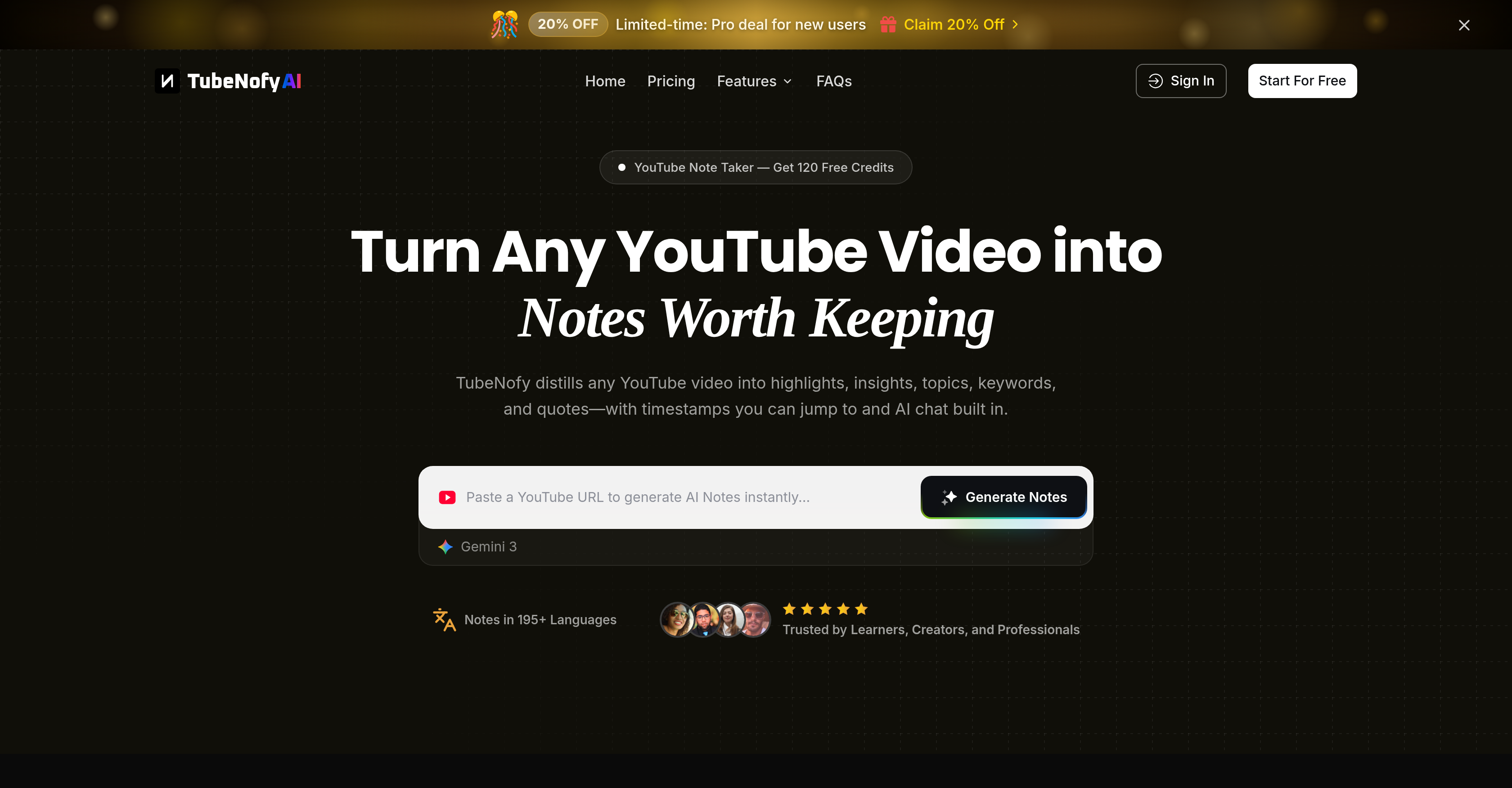
- Instantly transform any YouTube video into searchable, structured notes without watching it fully, using AI-generated Note Insights, Highlights, and Key Topics.
- Jump directly to the most important moments with clickable timestamps on every highlight and key quote, eliminating manual video scrubbing.
- Ask specific questions and get answers sourced directly from the video's content using the built-in AI chat, for deeper understanding without rewatching.
- Visualize how key ideas connect with an automatically generated mind map, helping you grasp complex topics and video structure at a glance.
- Locate any concept instantly by searching across the full transcript and structured notes, with results linked to exact timestamps in the video.
- Export your structured notes directly to Notion or as Markdown, and download subtitles as TXT, Word, PDF, SRT, or VTT for editing and reuse.
- Process videos in minutes and handle multiple videos at once, with batch support for up to 20 videos, playlists, or channels for efficient research.
Pros & Cons
Pros
- Turns YouTube video into notes
- Extracts highlights from video
- Insights extraction
- Topic extraction
- Keyword extraction from video
- Extraction of direct quotes
- Timestamps for exact referencing
- Instant contextual answers
- Video search functionality
- Topic/term search inside video
- Seamless note exportation
- Export notes to Notion
- Markdown format support
- Accommodates different use cases
- Supports YouTube video, Shorts
- Focused on maintainability
- Structured notes ready for search
- Extracts key elements
- Creates structured and reusable notes
- Integration into workflow
- Highlights, quotes with timestamps
- Prevents manual scrubbing of videos
- Preserves usability in different contexts
- Get 120 Free Credits
- Functionality in 195+ languages
- Transcription-based chat responses
- Eliminates need for rewatching video
- Keyword based video search
- Supports research, learning, long-term note-taking
- Timestamps on every highlight
- Jump to particular video moment
- Original quotes preserved
- Chat for quick understanding of complex topics
- No dragging through timeline for search
- One-click export to Notion
- Export structured notes, highlights, timestamps
Cons
- No mobile app available
- Only supports YouTube videos
- Limited export options
- No multilingual support
- No offline functionality
- No integration with other video platforms
- Subscription-based usage
- Doesn't work with private videos
- No ability to import/export custom timestamps
Reviews
Rate this tool
Loading reviews...
❓ Frequently Asked Questions
Nland Tan
🛠️ 1 tool
wrote:TubeNofy is a YouTube AI Note Taker that turns any YouTube video into structured notes worth keeping. Paste a link and TubeNofy instantly generates Note Insights, Note Highlights, Key Topics, Keywords, and Key Quotes — with clickable timestamps on highlights and quotes so you can jump to the moments that matter. Built-in AI chat lets you ask questions and get answers directly from the video. A built-in YouTube Summarizer identifies the 3–5 minutes worth watching and generates visual mind maps to show how key ideas connect. TubeNofy also includes a YouTube Subtitle Downloader, which lets you export subtitles as TXT, Word, PDF, SRT, or VTT — with batch support for up to 20 videos, playlists, and channels. Export your notes to Notion or Markdown in one click. Start free with 120 credits — no credit card required.
Nland Tan
🛠️ 1 tool
wrote:Paste any YouTube link into TubeNofy and it instantly generates five types of structured notes: Note Insights for a quick overview of the main ideas, Note Highlights for the strongest moments with exact timestamps, Key Topics to map the video's themes and structure, Keywords to help you locate specific concepts, and Key Quotes to preserve the original lines worth keeping. Highlights and quotes come with clickable timestamps so you can jump back to the source. You can also chat with the video using built-in AI, and export everything to Notion or Markdown in one click.
Nland Tan
🛠️ 1 tool
wrote:TubeNofy goes well beyond summarizing. It generates five types of structured notes from any YouTube video — Note Insights, Note Highlights, Key Topics, Keywords, and Key Quotes — with clickable timestamps on highlights and quotes so you can jump to the exact moment in the video. Built-in AI chat lets you ask questions and get answers directly from the video. A YouTube Summarizer identifies the 3–5 minutes worth watching and generates visual mind maps to show how key ideas connect. TubeNofy also includes a Subtitle Downloader to export captions as TXT, Word, PDF, SRT, or VTT. Everything can be exported to Notion or Markdown in one click.
Nland Tan
🛠️ 1 tool
wrote:TubeNofy organizes every video into five types of structured notes. Note Insights give you a fast overview of the video's main ideas and takeaways. Note Highlights pull out the strongest moments with exact timestamps you can click to jump back to the source. Key Topics map the themes and structure of the video so you can understand what it covers at a glance. Keywords help you locate specific concepts and jump to the exact moment they appear. Key Quotes preserve the original lines worth keeping, each tied to a timestamp for easy reference and citation. Together, these five note types give you a complete, structured view of any YouTube video — without having to watch it from start to finish.
Nland Tan
🛠️ 1 tool
wrote:Yes. TubeNofy includes built-in AI chat that lets you ask questions about any part of the video and get answers directly from the video — not from general AI knowledge. You can ask about specific ideas, request clarification on a complex topic, or go deeper on anything covered in the video without rewatching it. Use the timestamps and Key Quotes alongside your conversation to verify answers and trace them back to the exact moment in the video.
Nland Tan
🛠️ 1 tool
wrote:Type any keyword or concept into TubeNofy and it instantly locates every matching moment across the video. Each result is linked to an exact timestamp — click it and you jump straight to that point in the video, no scrubbing required. This works across your structured notes and inside the full subtitle text, so you can locate a specific idea, verify a quote, or find exactly what was said and when — without rewatching any part of the video.
Nland Tan
🛠️ 1 tool
wrote:TubeNofy supports two types of export depending on what you need. For structured notes, you can export directly to Notion or as Markdown in one click — with highlights, quotes, and timestamps preserved. For subtitles and captions, TubeNofy's Subtitle Downloader lets you export as TXT, Word (.docx), or PDF for free on all plans, or as SRT and VTT with accurate timestamps on Lite, Pro, and Team plans. SRT and VTT files are compatible with most video editing tools and media players including VLC and Adobe Premiere Pro.
Nland Tan
🛠️ 1 tool
wrote:TubeNofy works with a wide range of YouTube content — including long-form lectures, interviews, podcasts, documentaries, tutorials, and YouTube Shorts. Paste any YouTube link and TubeNofy will generate structured notes as long as the video has captions or auto-generated subtitles available. It also supports videos in multiple languages, so you're not limited to English-only content. The one requirement is that the video has subtitles enabled — if captions are available, TubeNofy can work with it.
Nland Tan
🛠️ 1 tool
wrote:TubeNofy is built for anyone who learns, researches, or creates with YouTube videos. Students and researchers use it to turn lectures, interviews, and documentaries into structured notes they can search, cite, and export. Content creators use it to extract quotes, highlights, and key ideas for scripts, newsletters, and social posts. Professionals use it to get up to speed on long industry videos, interviews, or webinars quickly — pulling out the moments that matter without watching everything from start to finish. If you watch YouTube videos to learn or get things done, TubeNofy is built for you. Start free with 120 credits — no credit card required.
Nland Tan
🛠️ 1 tool
wrote:TubeNofy generates notes in English by default. Translation into 195+ languages is available on paid plans — if you're on a Lite, Pro, or Team plan, you can translate your notes into any supported language and export them in your preferred format. This makes TubeNofy a practical fit for non-English speakers and global research workflows where notes need to be shared or reused across different languages.
Nland Tan
🛠️ 1 tool
wrote:TubeNofy processes most videos within minutes — paste a YouTube link and your structured notes are ready shortly after. Processing time depends on video length, but for most videos you won't be waiting long. Once generated, your Note Insights, Note Highlights, Key Topics, Keywords, and Key Quotes are all ready at once — no need to wait for each note type separately.
Pricing
Pricing model
Freemium
Paid options from
$9.90/month
Billing frequency
Monthly