VectoSolve
Overview
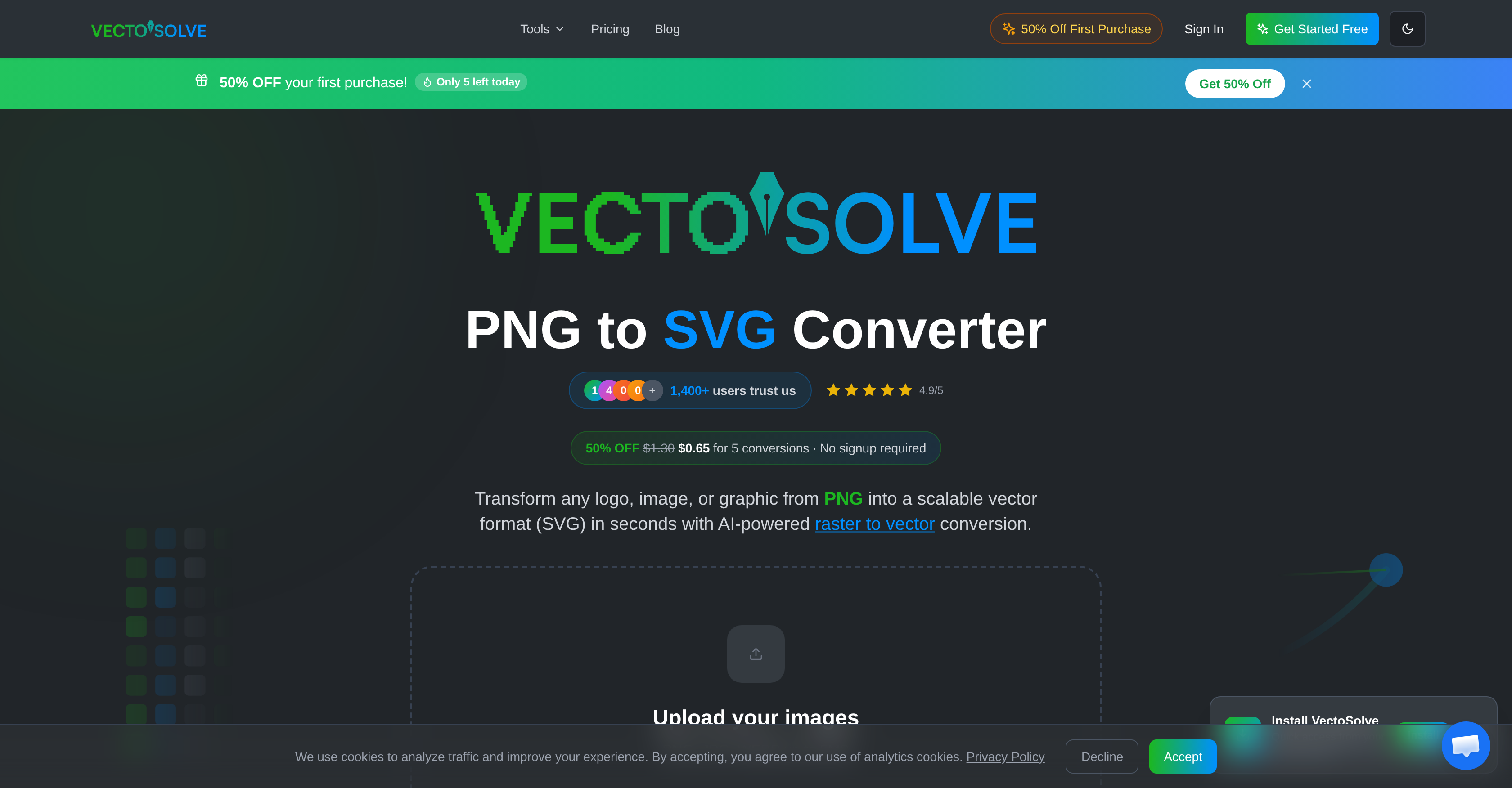
- Create infinitely scalable logos and graphics from any PNG or JPG with AI-powered raster to vector conversion.
- Produce high-resolution marketing materials from low-quality originals using AI upscaling that preserves detail.
- Instantly isolate subjects for product photos or designs with one-click background removal.
- Generate unique logos and patterns for branding projects without starting from scratch.
- Start editing immediately from any device with an internet connection—no software installs or account sign-ups required.
- Complete professional design tasks at no cost, making advanced image editing accessible for any budget.
Pros & Cons
Pros
- All-inclusive image toolkit
- Integration of diverse functionalities
- PNG/JPG to SVG conversion
- Image upscaling
- Background removal feature
- Generates logos and patterns
- Online-based
- No signup required
- Completely free service
- High user ratings
- Raster to vector conversion
- No installation needed
- Accessible anywhere with internet
- Quality preservation in upscaling
- Assists branding and designing
- User-friendly interface
- Promotes creative design processes
- Supports various image formats
- Ease of image manipulation
- Functional for different professions
- Helps in web designing
- Optimized for product designing
- Aids in digital marketing
- Enables efficient workflow
- Wide design possibilities
- High-performance tool
- Streamlined design process
- Image Resolution Enhancement
- Universal compatibility
Cons
- No offline availability
- Dependent on internet speed
- No installation option
- Incompatible with other formats
- Limited image editing tools
- No sign up could limit personalization
- Lack of user support structure
- Less ideal for complex designs
- No API
- No mobile application
Reviews
Rate this tool
Loading reviews...
❓ Frequently Asked Questions
VectoSolve is an all-inclusive AI image toolkit designed to streamline image editing and manipulation.
Primary features of VectoSolve include the conversion of PNG/JPG formats into SVG, upscaling of images, removal of backgrounds, logo and pattern generation.
Yes, VectoSolve enables users to convert PNG/JPG formats into SVG.
Yes, VectoSolve provides a feature for upscaling images.
Yes, users can utilize VectoSolve for the removal of backgrounds from images.
VectoSolve offers a wide spectrum of creative possibilities such as converting images, upscaling images, removing backgrounds, and generating logos and patterns.
Yes, VectoSolve is entirely online-based allowing users to complete projects from any location with internet access.
No, VectoSolve is a hassle-free tool and does not require sign-ups for accessing its features.
Yes, VectoSolve offers its services for free, suitable for users with varying budgets.
Yes, VectoSolve facilitates the generation of logos and patterns.
VectoSolve fosters user accessibility and convenience by being fully online-based; users can access its services from any location with internet access. Besides, its services do not require user registration.
VectoSolve is highly reliable as evidenced by its high user rating; it has received 4.9 stars rated by over 1,200+ users.
Yes, VectoSolve, being online-based, allows users to use the tool across various devices anywhere with internet access.
VectoSolve differentiates itself with a commitment to user convenience and accessibility. It eliminates location and device constraints, does not require sign-ups, and provides versatile image manipulation and creation capabilities.
Yes, as VectoSolve is an online-based tool, having an internet connection is necessary to utilize its features.
VectoSolve's toolset supports the creative process by offering a broad range of functionalities that include conversion of image formats, upscaling of images, background removal and the generation of logos and patterns.
VectoSolve caters to users with varying budgets by offering all its services free of charge.
VectoSolve offers features like conversion of PNG/JPG formats into SVG, upscale of images, background removal, and generation of logos and patterns. These features provide a wide array of design possibilities and are valuable for tasks ranging from branding to product design.
Yes, VectoSolve allows users to convert PNG/JPG formats into SVG. This feature can be particularly beneficial for users who require scalable graphics.
VectoSolve allows for the upscale of all types of images, improving resolution without any quality loss. This is achieved utilizing advanced AI technology, fulfilling the need for high-resolution images in numerous fields like web design and digital marketing.
Yes, VectoSolve provides a feature for image background removal. This can be useful when users aim to create clean, focused imagery.
VectoSolve lets users generate logos, facilitating branding efforts. However, specific details about the logo creation process aren't specified on their website.
Though VectoSolve does offer pattern generation, the precise process isn't explicitly laid out on their website.
Yes, VectoSolve is an online-based tool. This ensures users can access its functionalities anywhere, as long as they have an internet connection.
No, you don't need to sign up to use VectoSolve. This hands-on accessibility enhances its convenience for users and fast-tracks their image-editing process.
Yes, as an online tool, VectoSolve is accessible from any location as long as the user has an active internet connection.
VectoSolve offers its services for free. This makes it a favorable choice for users with varying budgets.
VectoSolve has received a positive response from users, as indicated by high ratings; it has garnered a rating of 4.9 stars from over 1,200 users.
Yes, VectoSolve is suitable for users with different budget ranges, particularly due to its free cost.
VectoSolve's typical users consist of graphic designers, digital marketers, and web designers in addition to other professionals and enthusiasts who partake in image processing and editing.
Yes, with its range of features, VectoSolve can efficiently manage tasks ranging from branding to product design.
Yes, VectoSolve, with its diverse capabilities, is an ideal choice for graphic designers, digital marketers, and web designers.
Vectosolve appears to be a reliable tool, as suggested by a high rating of 4.9 given by over 1200 users.
Yes, VectoSolve employs Artificial Intelligence, enabling capabilities such as image upscaling and conversion of raster images to vector format without compromising on quality.
No, when images are upscaled using VectoSolve, there is no loss of quality. This is possible due to the use of advanced AI which assures an increase in resolution whilst maintaining quality.
Yes, VectoSolve can convert raster images into a vector format. This is particularly useful for users requiring scalable graphics.
Pricing
Pricing model
Free Trial
Paid options from
$1.30/month
Billing frequency
Monthly
Refund policy
No Refunds