
Overview
- Access AI assistance anywhere without internet connectivity through full offline functionality that works even in airplane mode
- Keep your conversations completely private with on-device processing that collects zero data and never transmits to external servers
- Get immediate responses without cloud latency through local processing on your Apple device for faster task completion
- Use the same AI assistant across all your Apple devices with seamless integration between iPhone, iPad, and Mac
- Share one affordable purchase with up to six family members through Family Sharing support for collaborative productivity
Pros & Cons
Pros
- Available across Apple devices
- User reviews for reference
- Functional insights from screenshots
- Seamless cross-platform usage
- Detailed App Store listing
- Access to developer support
- Visible customer ratings
- Personal convenience focus
- Promotes productivity
- Eligible for Family Sharing
- Operational in airplane mode
- Direct download from App Store
- Protected by App Store policies
- App data not collected
- Enhanced privacy practices
- Developer's website link available
- Available in English
- Potential usage in offline mode
- Offered at affordable price
Cons
- Only available on Apple devices
- Features not extensively discussed
- App performance based on user reviews
- Requires iOS 17.0 or later
- Not free
- Sessions not in offline mode
- Requires iPadOS 17.0 or later
- Limited to English language
- Needs macOS 14.0 or later
- No data collected for personalization
Reviews
Rate this tool
Loading reviews...
❓ Frequently Asked Questions
uLlama is a state-of-the-art personal AI assistant that is private and can be used on Apple devices. It is specifically designed to provide aid and convenience on these devices. It's noted for its ability to function even in airplane mode.
Yes, uLlama is available for Mac. However, it requires macOS 14.0 or later and a Mac with an Apple M1 chip or later.
uLlama primarily supports the English language, allowing a broad range of users around the world to interact with it effortlessly.
Yes, one of the key features of uLlama is that it can be consulted even in airplane mode. This suggests that the AI assistant can function without internet connectivity.
uLlama is compatible with iPhone, iPad, and Mac. For iPhone and iPad, it requires iOS 17.0 or later and iPadOS 17.0 or later respectively. On the other hand, for Mac, it demands macOS 14.0 or later and specifically a Mac that carries an Apple M1 chip or later.
uLlama is available for download on the Apple App Store. Apple users can effortlessly locate the application in the store, download it, and install it on their devices.
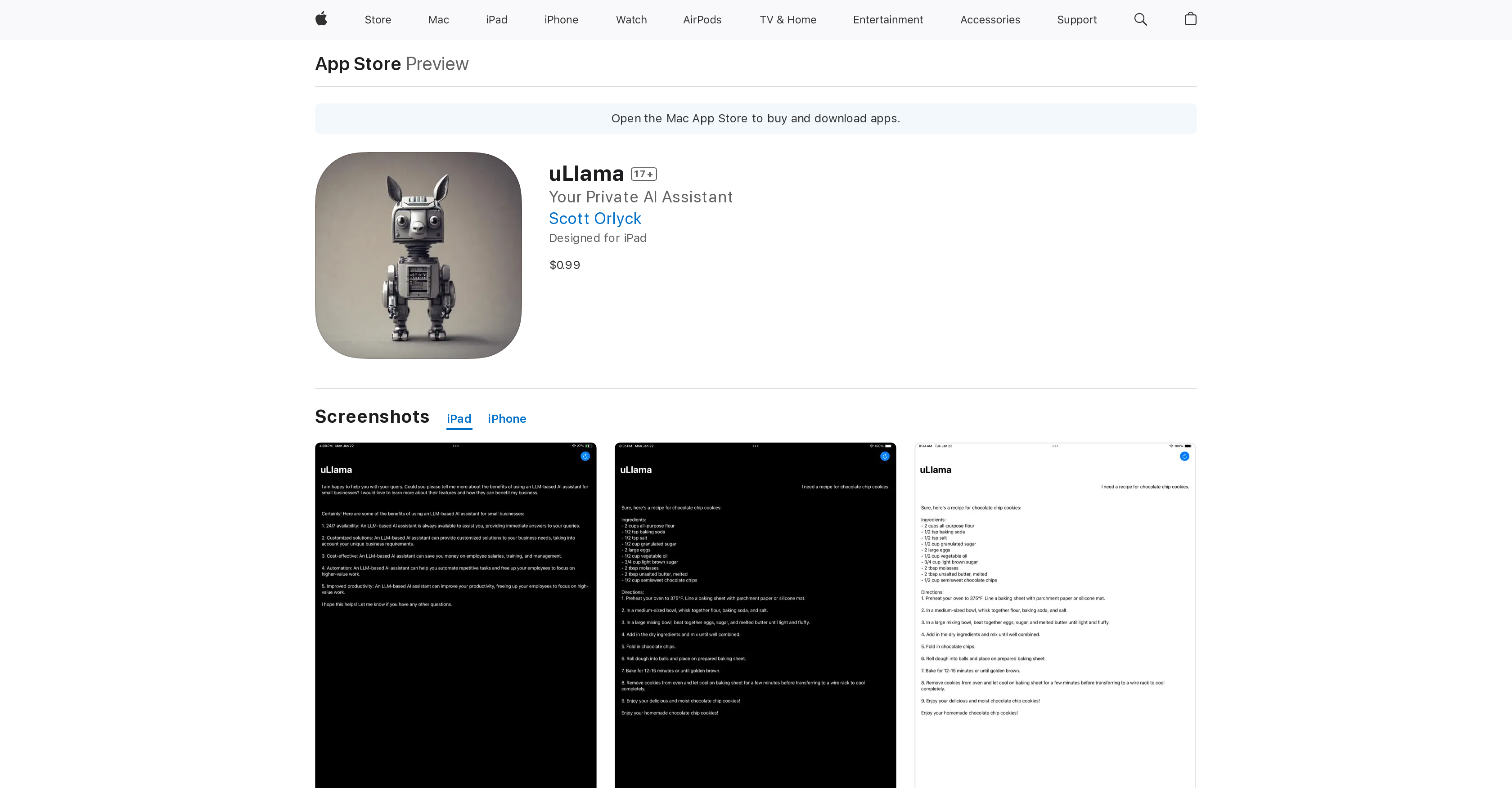
Unfortunately, the details about the specific look or design of the uLlama user interface are not provided. However, the tool's utility can be further explored via its App Store listing, which typically includes screenshots that provide insights into the app's user interface and experience designs.
Yes, uLlama is an application that is downloadable and installable on Apple devices via the Apple App Store.
uLlama app is listed at a price of $0.99 on the Apple App Store, cost-efficient for its functionality as a personal AI assistant.
Yes, uLlama classifies as a productivity application. It is listed under the 'Productivity' category in the Apple App Store.
Yes, uLlama is designed to be installed on various Apple devices. This design feature allows for a smooth, seamless user experience across different Apple platforms, ensuring that users can conveniently utilize the AI assistant regardless of the Apple device they are using.
Yes, uLlama can function in airplane mode. It means that the AI assistant continues to provide its service even without active internet connectivity, ensuring high usability in various situations.
Support for uLlama can be accessed through the developer's website, providing a reputable source for any needed aid or clarifications regarding the AI assistant.
The age rating for the uLlama app is declared as 17+ on its App Store listing, reflecting that the content within the application is deemed suitable for this age range.
Yes, uLlama supports Family Sharing. This feature allows up to six family members to utilize the AI assistant app, contributing to its purpose as a handy tool for individual users and families alike.
User reviews for uLlama would be available on its Apple App Store listing. However, specific details about these reviews are not currently provided.
According to the details provided by the developer, there is no data collected from the uLlama app. This implies a high regard for user data privacy and security.
The privacy policy can be viewed from the App Store listing or directly from the developer's website. This policy outlines how the application handles any data it might have access to during its operation. However, as mentioned, the developer claims that no data is collected by the uLlama app.
Pricing
Pricing model
Free
Paid options from
Free