Overview
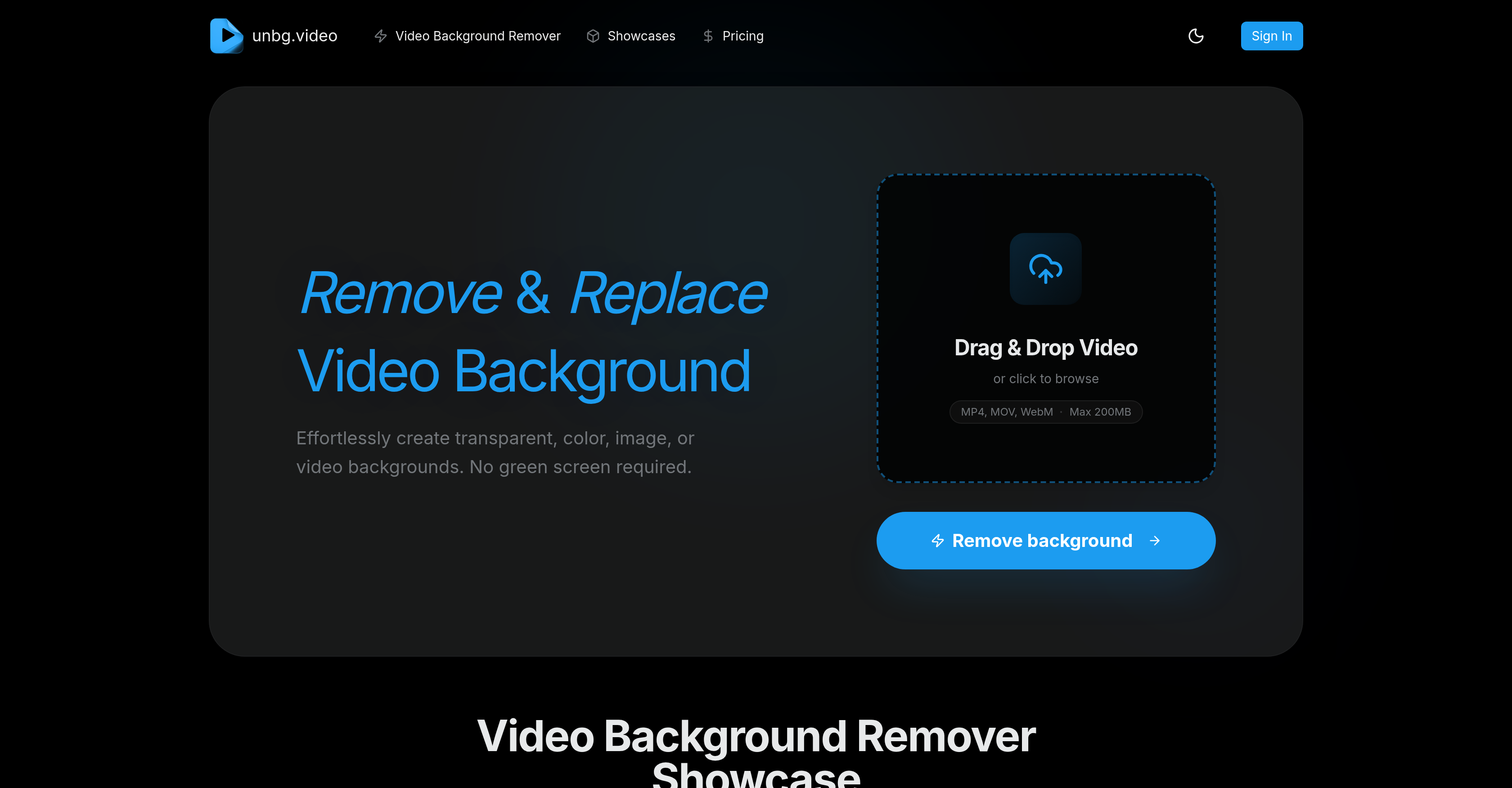
- Create professional videos without a green screen using AI that isolates subjects with studio-level accuracy.
- Instantly see your edits with a real-time preview and feedback system for perfect results on the first try.
- Replace any background with a solid color, transparency, a custom image, or even your own video file.
- Maintain crisp, high-detail video quality after processing with flexible export controls for optimal smoothness.
- Start editing immediately with a simple drag-and-drop interface designed for beginners, requiring no technical skills.
- Work with your existing footage as it supports MP4, MOV, and WebM formats up to 200MB.
- Edit with confidence knowing your data is handled with security and privacy as a top priority.
Pros & Cons
Pros
- Advanced background removal technology
- No need for green screen
- Supports MP4, MOV, WebM
- Max file size 200MB
- Drag and drop functionality
- Studio level accuracy
- Real-time preview
- Instant feedback system
- Beginner-friendly editing process
- Preserves high post-removal detail
- Flexible quality control
- Suitable for social media
- Extensive FAQ section
- Ensures data security
- Background replacement options
- Customizable video content
- Supports transparency in backgrounds
- Identifies subjects with precision
- Offers variety of export quality
- Ensures customer privacy
- Data safety commitment
- Replacing background with image
- Replacing background with video
- Professional-grade tool
- Promotes creative content creation
- Can be used commercially
- Replace with solid colors
- Quality preservation post-editing
- Instant download after edit
Cons
- Limited to 200MB uploads
- No API available
- Lacks batch processing
- No offline version
- No mobile application
- Limited video format support
- No multi-language support
- Limited customization options
- No integration with other platforms
- No free version mentioned
Reviews
Rate this tool
Loading reviews...
❓ Frequently Asked Questions
unbg.video is utilized for the purpose of video background removal. Users can make video backgrounds transparent, replace them with a chosen color, image, or custom videos without needing a green screen.
unbg.video is compatible with a diverse range of video types, including popular formats like MP4, MOV, and WebM.
Users can upload files up to a maximum size of 200MB to unbg.video.
unbg.video's real-time preview and feedback system functions to provide an intuitive editing experience. This feature provides immediate visualisation of edits, giving users the ability to make alterations on the fly.
With unbg.video, users can achieve near studio-level quality. It maintains a high-detail preservation, ensuring smooth results after background removal.
unbg.video ensures high detail retention after background removal by providing flexible quality controls. This allows maximisation of detail preservation, making for optimally smooth results.
Yes, unbg.video can certainly be used for editing social media videos, thus expanding their creative possibilities.
Ensuring data safety is a crucial aspect for unbg.video. However, detailed specifications of data safety measures are not expressly mentioned on their website.
unbg.video not only compares favorably to the traditional green screen but surpasses it in some aspects. It requires no physical set up and is able to achieve nearly the same level of precision and quality.
Yes, unbg.video allows for backgrounds to be replaced with a user's choice of transparency, solid colors, custom images or videos after removal.
Yes, in unbg.video, users have the flexibility to add their own custom videos as a replacement for the removed background.
The core features that make unbg.video a top choice for video background removing are its AI-powered precision for removing and replacing backgrounds, compatibility with various video types, real-time previews, and user-friendly interface.
unbg.video has been specifically designed to be user-friendly and intuitive, even for beginners. Real-time previews and an instant feedback system contribute to a seamless editing process that beginners can easily get accustomed to.
Yes, unbg.video does have a FAQ section that addresses a variety of questions concerning the usage, safety, and other details of the video background remover.
unbg.video's advanced AI technology gives it the ability to identify subjects within a video with near studio-level accuracy, thereby providing precision in removing video backgrounds, all without needing a green screen.
unbg.video offers flexible quality control. Users have the ability to maximize detail preservation to get optimally smooth end results.
Yes, unbg.video is particularly suitable for high-detail preservation videos. Thanks to its advanced AI technology, the tool maintains high detail even post-removal.
While the exact processing time is not mentioned on their website, unbg.video features an instant feedback system, suggesting its video background removal mechanism is designed for speed.
No, users do not require any additional software to utilize unbg.video. All of its functionalities are accessible directly online.
unbg.video supports various video formats, including MP4, MOV, and WebM.
unbg.video is an AI-powered tool designed to for video background removal. It allows users to make backgrounds transparent, or replace them with a color, image, or custom videos. It is compatible with various video types and has a maximum file size limit of 200MB. It offers real-time previews along with an instant feedback system, and ensures high detail preservation post-removal.
unbg.video works by leveraging advanced AI technology to accurately identify subjects in a video. This enables it to precisely isolate the background and remove it without requiring a green screen. Furthermore, its robust detailing feature helps in maintaining the quality of the image post background removal.
unbg.video supports a variety of video formats including MP4, MOV, and WebM.
No, there is no requirement for a green screen to use unbg.video. Its advanced technology allows for the precise removal of backgrounds without the need for a green screen.
Once the background is removed, unbg.video offers the option to replace the background with a solid color, transparency, or a custom image or video. The user can choose the desired replacement to customize their content.
With unbg.video, you can choose to replace the removed background with a solid color, transparency, custom image, or video.
unbg.video applies advanced AI to maintain high detail after background removal. It ensures detailed preservation to get smooth results that are visually appealing after background removal.
Yes, unbg.video provides flexible quality control which allows you to choose the quality level when exporting videos.
With unbg.video, you are able to upload a video with a maximum file size of 200MB.
unbg.video offers simple drag and drop functionality. You can directly drag your video files and drop them into the tool for background removal or replacement.
Yes, unbg.video features a real-time preview that allows you to see changes in the video instantly as you apply various background removal or replacement operations.
unbg.video ensures that all data handled by the tool is safe. While it is not specified how, the website explicitly states that data security and privacy are guaranteed during the use of their service.
Being beginner-friendly means unbg.video is designed to be easy-to-use, intuitive, and does not require any prior editing experience or knowledge. It provides real-time previews and instant feedback for an intuitive editing process.
Yes, unbg.video can be used for editing standard social media videos. It can open up new creative possibilities for social media content creators.
The instant feedback system on unbg.video allows the software to provide instant previews of the changes made during the editing process. This way, a user can immediately see the result of a certain action or change.
The AI in unbg.video provides studio-level accuracy by precisely identifying and isolating subjects in the video. This allows for the accurate removal of the background, enabling the creation of seamless videos without green screens.
Flexible quality control in unbg.video refers to the ability to manually adjust the quality settings when exporting a video. This option allows users to ensure optimal smoothness and detail in the final output according to their specific needs.
Yes, apart from background removal, unbg.video offers the feature of background replacement. Users can replace the original background with a solid color, transparency, or a custom image or video.
unbg.video sets itself apart from other video background removers through its studio-level precision, its high-detail preservation after background removal, its flexibility in terms of video formats supported and quality control, as well as its robust data security measures. Furthermore, it is designed to be beginner-friendly and user-centric, offering real-time preview and instant feedback functions.
No, you do not need any technical skills to use unbg.video. The platform is designed to be user-friendly and beginner-friendly, offering an intuitive and easy-to-navigate interface with a real-time preview and instant feedback system for a smooth and hassle-free editing process.
Pricing
Pricing model
Free Trial
Paid options from
$6/unit
Billing frequency
Pay-as-you-go