

Vezur AI
Turn grainy, blocky footage into clean, watchable video: AI noise reduction and compression artifact removal clear low-light grain and visible compression damage.
Listing not yet reviewed by our editors · How we check
Overview
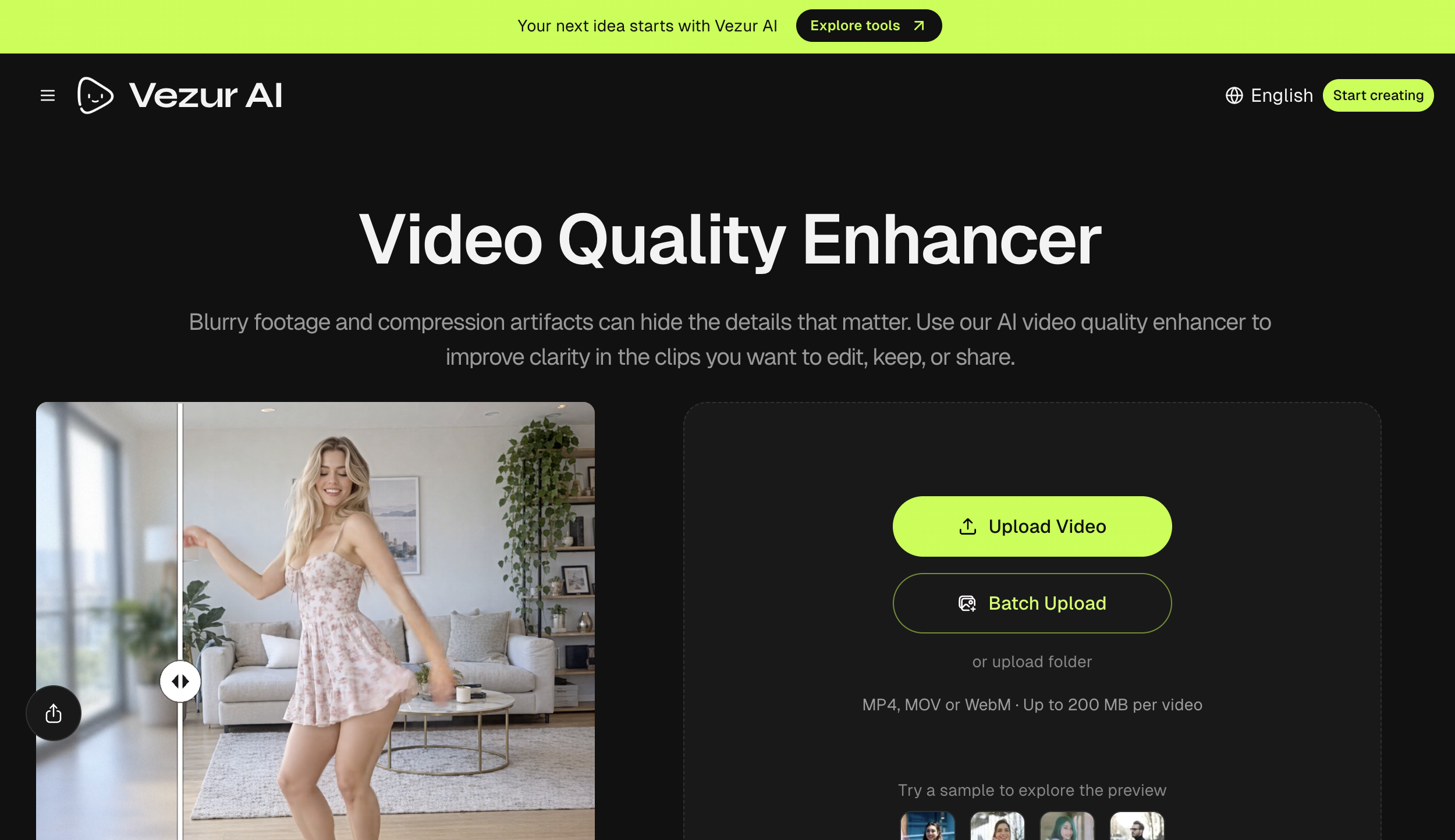
- Turn grainy, blocky footage into clean, watchable video: AI noise reduction and compression artifact removal clear low-light grain and visible compression damage.
- Show every edge and material texture in your product demos: AI video sharpening restores detail lost in soft, slightly out-of-focus footage.
- Publish low-resolution clips at a higher resolution: the video upscaler raises output up to 4x the original resolution for ads, social media, and marketing content.
- Give choppy recordings smoother motion: frame rate adjustment raises output up to 60 FPS.
- Keep faces consistent when cutting between cameras: enhancement that preserves facial detail and skin texture prepares interview clips and b-roll for corporate video editing.
- Restore old recordings and phone videos: video restoration reduces mild blur, grain, and compression damage in archival footage.
- Enhance an entire project in one session: batch upload MP4, MOV, and WebM files up to 200MB each.
- Start improving video quality right away on any computer: cloud-based processing removes the need to install software.
- Approve every result before you commit: a side-by-side preview compares the enhanced video with the original before download.
- Experiment without risk to your source material: original files stay untouched throughout the enhancement process.
- Get the strongest results on fixable footage: the enhancer performs best on mildly blurry or visibly compressed files, not severely motion-blurred clips or footage with missing image detail.
Pros & Cons
From the listing; not yet checked by our editors.
Pros
- Reduces noise
- Reduces compression artifacts
- Sharpens details
- Cloud-based operation
- Supports MP4, MOV, WebM
- Batch uploads capability
- Supports up to 200MB files
- Offers video upscaling
- Allows frame rate adjustment
- Revives social media clips
- Improves archival footage
- Helps with advertising materials
- Useful for product demonstrations
- Enhances corporate marketing videos
- Compare processed preview to original
- Save processed video option
- Supports mildly blurry/compressed files
- Maintains original files untouched
- No installable software needed
- Potential for professional usage
- Useful for social media publication
- In-built video denoising
Cons
- Limited to 200MB files
- Struggles with severely blurred footage
- Challenges with damaged videos
- Less effective on missing details
- Operates only in cloud
- Restricted to certain video formats
- Requires internet for operations
- No local storage operations
- No installable software available
- Check required for natural-looking details
Alternatives to Vezur AI
Tools that share the most tags with Vezur AI.
- AVCLabs
Transform blurry videos into crisp high-resolution footage with AI upscaling and deinterlacing technology
Paid · from $39.95/month
$39.95/month
Not yet checked
- AI Video Enhancer | Picsman AI
Transform grainy, unclear videos into crisp, vibrant content with intelligent blur removal and detail sharpening
Free trial · from $4.99/month
$4.99/month
Not yet checked
- UniFab Studio
Transform ordinary footage into extraordinary content with AI-powered upscaling, motion smoothing, and noise reduction
Paid · from $49.99/month
$49.99/month
Not yet checked
- BeautyPlus AI Video Enhancer
Rescue old or low-quality footage by transforming it into stunning HD or 4K quality with AI-powered upscaling that sharpens every frame.
Free trial · from $6.99/month
$6.99/month
Not yet checked
- Lucy AI
Build interactive AI applications that respond instantly, powered by full-stack optimization for real-time generative AI performance.
Not listed
Not listed
Not yet checked
- Any Video Converter | AI Video Enhancer
Restore old, grainy home videos and wedding footage to sharp, vibrant 4K quality—using AI that analyzes and reconstructs every frame to remove noise and fix faded colors.
Freemium · from $29.95/month
$29.95/month
Not yet checked
Reviews
Rate this tool
Loading reviews...
Frequently asked questions
What video formats are compatible with Vezur AI?
Vezur AI is compatible with MP4, MOV, and WebM video formats.
What is the maximum file size Vezur AI can handle?
Vezur AI can handle video files up to 200MB in size.
Can I batch upload videos on Vezur AI?
Yes, Vezur AI allows batch uploads of video files.
How does Vezur AI enhance video quality?
Vezur AI enhances video quality by leveraging artificial intelligence. It reduces noise, compression artifacts, and blur, while sharpening the details to make old recordings and phone videos clearer.
Does Vezur AI work only for mildly blurry files or can it handle severely blurred ones too?
Vezur AI performs well with mildly blurry or visibly compressed files. However, it may struggle with severely motion-blurred, damaged, or missing image details.
How does Vezur AI adjust the frame rate?
Vezur AI offers an option to adjust the output frame rate up to 60 FPS.
Does Vezur AI work in the cloud or do I need to install software?
Vezur AI operates entirely in the cloud. There is no need to install software.
Can I preview the enhanced video before saving on Vezur AI?
Yes, you can review the processed preview of your videos compared to the original before saving on Vezur AI.