Video Text Remover
Overview
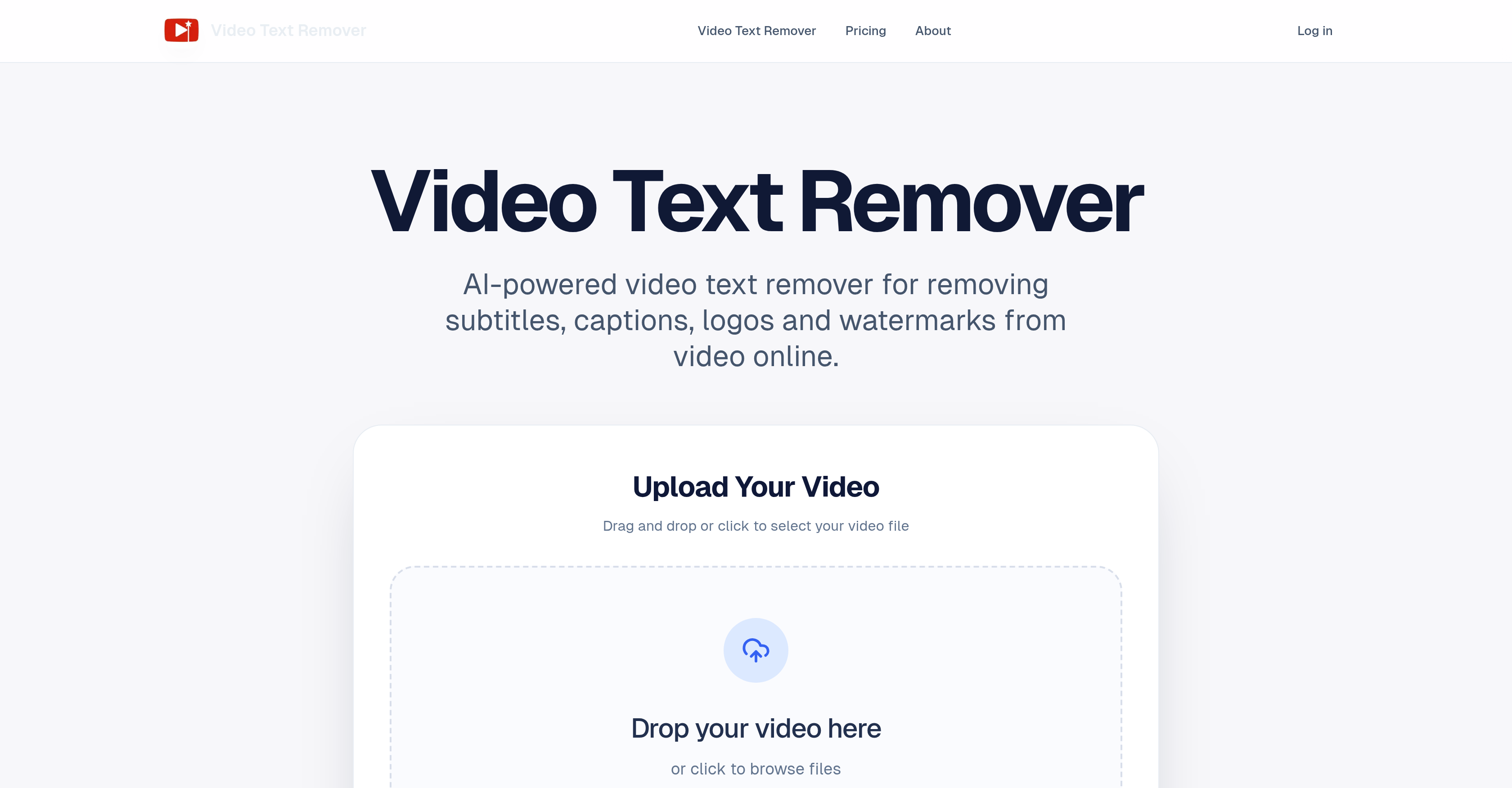
- Republish any video across platforms by removing distracting watermarks, logos, and subtitles with AI that rebuilds the background for a seamless finish.
- Save hours on complex edits using a dedicated object removal mode to erase people or distractions while keeping the background visually consistent.
- Avoid wasting credits on unsatisfactory results by generating a cleaned preview first, ensuring quality before processing the full video.
- Start cleaning videos immediately without downloading software, using a browser-based tool that supports MP4, MOV, and WEBM formats.
- Manage projects from occasional to high-volume with a flexible credit system and subscription plans that store your cleaned videos in a personal history for easy access.
Pros & Cons
Pros
- Removes subtitles, captions, logos
- Preserves video's original background
- User-friendly interface
- Facilitates rapid workflow
- Maintains visual consistency
- Preview before full export
- Saves results in history
- Flexible access and pricing
- Supports MP4, MOV, WEBM
- Optimized for short-form videos
- Two cleanup modes
- Time-saving against complex editing
- Removal of additional objects
- Credit-based usage
- Personal editing history
- Supports TikTok, Reels, Shorts
- Natural-looking cleanup
- Batch-ready credit allowance
- Priority processing queue
- Avoids software installation
- Customer usage support
- Improved results on complex scenes
- Early access to cleanup models
- Supports commercial and production use
- Export video up to 1080p
Cons
- Limited to short-form videos
- Only supports MP4, MOV, and WEBM
- Requires manual selection of elements
- Cleaned results stored on platform
- Requires internet connectivity
- Doesn't support real-time editing
- Cannot process large files (>500MB)
- Credit-based usage model
- No simple blur or cropping tools
- Interface may be overly simplified
Reviews
Rate this tool
Loading reviews...
❓ Frequently Asked Questions
Video Text Remover can handle multiple video formats including MP4, MOV, and WEBM.
The cleanup quality of Video Text Remover is highly efficient. It not only removes unwanted text and distractions but also offers a feature to preview the cleanup quality before proceeding with the full video.
Video Text Remover maintains visual consistency by utilizing its AI engine as a cleanup tool that helps maintain the background visually consistent while removing subtitles, watermarks or objects.
The advantages of using Video Text Remover include a user-friendly interface, no software installation requirement, fast workflow, and high-quality cleanup. This platform caters to the needs of creators and editors aiming to repurpose their content without any unnecessary text or watermarks.
The pricing model of Video Text Remover includes pay-as-you-go credits as well as subscription plans, catering to the needs of both occasional creators and heavier production users.
Yes, Video Text Remover can be used to remove objects or distractions within the frame of the video while maintaining visual consistency in the background.
No, Video Text Remover does not require any software installation. It is an online tool with a user-friendly interface designed to streamline the video cleanup process.
To use Video Text Remover, users need to upload their video, mark the specific area for removal and generate a cleaned preview. Upon satisfaction with the cleanup quality in the preview, users can proceed with cleaning up the full video.
Video Text Remover assists with repurposing content by efficiently removing subtitles, captions, logos and watermarks from videos. The user-friendly platform allows creators and editors to maintain their content originality without unnecessary text or watermarks.
The 'preview before full export' feature in Video Text Remover allows the users to assess the quality of the cleanup in a preview before proceeding with the full video. This feature adds flexibility and ensures users are satisfied with the cleanup before proceeding to the final stage.
Yes, the cleaned videos can be saved in the personal history of users' accounts on Video Text Remover. This feature allows users to compare previous outputs and continue editing without having to start over.
Yes, Video Text Remover offers subscription plans designed to cater to heavier production use. The subscription plans come with features such as priority processing queue, high-quality full video exports, commercial usage support, and more.
Yes, part of Video Text Remover's pricing model includes pay-as-you-go credits. This provides flexibility for users who prefer a pay-as-you-go system.
Yes, Video Text Remover has the capability to remove logos from videos, in addition to removing subtitles, captions and watermarks.
The interface of Video Text Remover is highly user-friendly. It ensures a smooth, straightforward process without complex timeline editing or software installation requirements.
Video Text Remover is optimized for short-form videos such as TikTok, Reels, and Shorts, as well as tutorials and marketing clips.
Users can mark specific areas for removal in Video Text Remover by identifying and selecting the area with the unwanted object or text during the video upload process.
This feature isn't explicitly mentioned on their website. However, its capacity to handle heavier production use suggests it may have the ability for batch video processing.
Yes, Video Text Remover is effective at removing text without hampering the originality of the video's background. Its AI engine works as a cleanup tool to maintain the visual consistency of the background while removing unwanted elements.
Video Text Remover aids creators by providing a tool that removes text, logos, watermarks and other distractions while preserving the original background. This ensures the production of clean videos that are ready for publishing. The 'preview before full export' feature additionally permits users to review the cleanup output before finalizing the video, guaranteeing satisfaction with the final product.
Video Text Remover is an online tool powered by artificial intelligence. It's primarily designed to efficiently remove subtitles, captions, logos, and watermarks from videos while preserving the originality of the video's background. The tool caters to the needs of creators and editors who want to repurpose their content, free from unnecessary text or watermarks.
To operate Video Text Remover, users need to upload their video, mark the specific area containing the unwanted text or objects, and then generate a cleaned preview. The tool's AI engine works to seamlessly and naturally conduct the cleanup, ensuring that the original background of the video is maintained.
With Video Text Remover, users can remove several unwanted elements such as subtitles, captions, logos, watermarks, as well as additional objects, people or distractions within the frame of the video.
Yes, Video Text Remover can handle different video formats such as MP4, MOV, and WEBM.
Video Text Remover offers a flexible pricing model. This model includes pay-as-you-go credits for occasional users and subscription plans for heavier usage. The subscription plans are offered on a one-time, monthly, or yearly basis and cater to different levels of user requirements.
Video Text Remover is extremely user-friendly. It offers a simple, fast workflow that does not require any complicated timeline editing or software installation. It's designed to be immediately intuitive so creators and editors can focus on achieving clean, ready-to-publish videos.
Yes, Video Text Remover does offer a 'preview before full export' feature. It allows users to check the quality of the cleanup before committing to processing the full video.
Yes, Video Text Remover has the capability to remove additional objects, people, or distractions from a video. Users can mark these within the video frame, and the tool will work to generate a clean result while keeping the background visually consistent.
Yes, Video Text Remover does offer two cleanup modes. One is for removing text-based elements like subtitles, captions, logos, and watermarks. The second mode is dedicated to object removal, allowing the erasure of people or distractions from within the video frame.
Video Text Remover maintains visual consistency in the video backgrounds by utilizing an AI engine that seamlessly and naturally conducts the cleanup. Rather than simply blurring or cropping unwanted elements, it works to rebuild the background behind subtitles, stickers, and logo overlays to maintain the original scene.
Yes, one of the many functionalities of Video Text Remover is the ability to remove watermarks from videos.
Video Text Remover helps remove unwanted text from short-form videos by allowing users to upload their clip, select the area containing unwanted elements, and instantly generate a cleaned preview. The users can then decide to process the full video, resulting in a clean, ready-to-publish output.
Yes, Video Text Remover is capable of handling high-volume video editing tasks. This is demonstrated in the Agency plan, one of its subscription packages designed specifically for high-volume processing and client work.
Yes, cleaned results are stored in the personal history of a user's account in Video Text Remover. This allows users to compare outputs and continue editing without having to start over.
Yes, Video Text Remover is capable of removing TikTok watermarks from videos. The tool makes this process easy, enabling an unruined footage after the watermark is removed.
Yes, the AI engine of Video Text Remover works to rebuild the background behind subtitles, stickers, and logo overlays. This feature ensures the cleaned videos don't just blur or crop removed elements but preserve the original scene.
The term 'credit-based' usage in relation to Video Text Remover refers to its pay-as-you-go system. Users purchase credits which are then deducted based on their use of the service, such as generating previews or exporting cleaned videos. This model is designed to accommodate occasional users and heavier users alike, with different subscription plans offering different amounts of monthly credits.
Yes, Video Text Remover can be used effectively for creating clean, distraction-free videos ready for republishing across different platforms. The tool is specifically optimized for short-form videos popular on platforms like TikTok, Instagram Reels, and YouTube Shorts.
No, Video Text Remover is an online tool and does not require any software installation. Users can access all its features directly through the browser.
Pricing
Pricing model
Free Trial
Paid options from
$5
Billing frequency
One-time
Refund policy
No Refunds